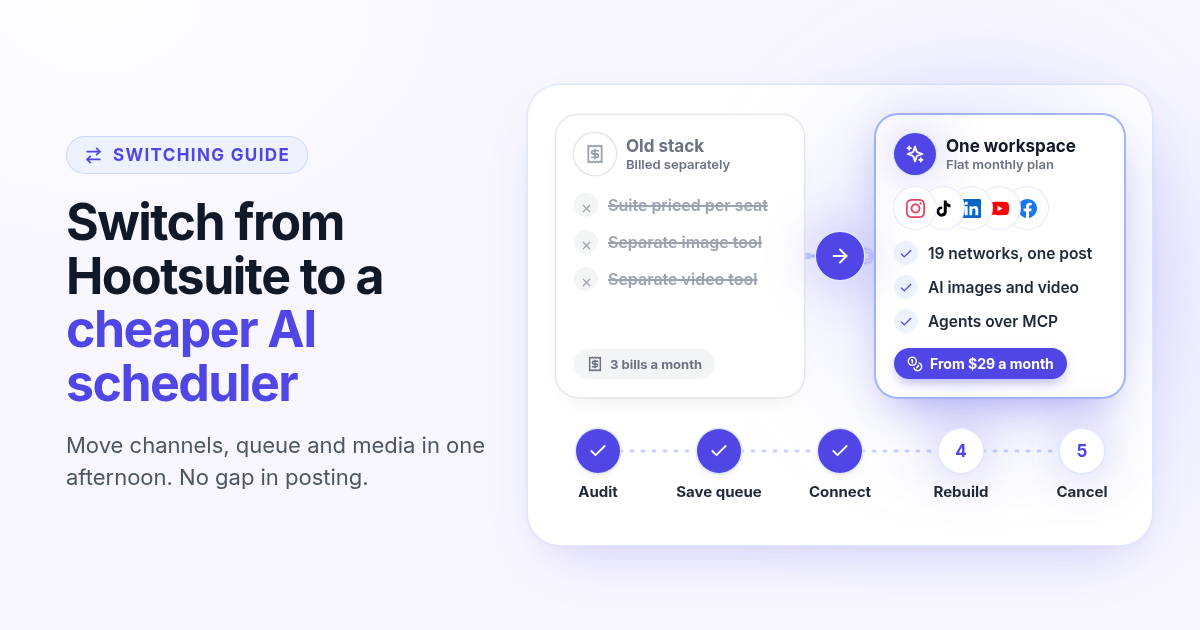
Most founders who search for a cheaper alternative to Hootsuite are not unhappy with Hootsuite. They are unhappy with the invoice. You signed up when the team was bigger, or when you planned to use listening and approvals, and now you mostly use the calendar. Meanwhile the images and videos you post still come from other tools you pay for separately.
This guide is the practical part: how to move your channels, your queue and your media to a cheaper AI scheduler in one afternoon, without a gap in posting. The example uses Postlaty, but the checklist works for any switch. If you want the feature by feature comparison first, read Postlaty vs Hootsuite.
Do the math before you move anything
Hootsuite sells plans per user. On its pricing page (checked October 2026), Standard is listed at $99 per user per month on annual billing for up to 10 social accounts, Professional at $199 and Advanced at $399. Every plan now includes Hootsuite's AI assistant for drafting posts. That is a fair product for a social team. For a founder or a two person brand, it is a lot of money for a calendar.
$99
Hootsuite Standard, per user per month (annual)
$29
Postlaty Starter, per month, 10 channels
19
Networks you can connect in Postlaty
Postlaty plans are a flat monthly price tied to channel count: Starter is $29 for 10 channels, Pro is $39 for 20, and Premium is $49 for 50. Every plan includes the Inbox, all AI models and agent access over API and MCP. AI generation runs on tokens, and each plan includes some (10 on Starter, 50 on Pro, 100 on Premium). Write your own numbers down: current Hootsuite bill, plus whatever you pay for image, video and caption tools. That total is what you are really replacing.
Step 1: audit what you actually use
Open Hootsuite and be honest about the last 90 days. Most small accounts land in the first two boxes and barely touch the last two.
Scheduling
Which networks you post to, how often, and at what times. This is the part every scheduler replaces.
Replies
Do you answer comments and DMs inside Hootsuite, or in the native apps? Note which networks matter.
Listening
Keyword and competitor monitoring. If you check it weekly and act on it, keep that in mind for the decision.
Approvals and routing
Multi step approvals and message assignment matter for teams. Solo founders rarely use them.
If your list is mostly scheduling and replies, you are paying for features you do not use. If listening and approvals are central to how you work, jump to the last section before you switch.
Step 2: save your queue and your media
Do not cancel anything yet. First, make a simple record of what is already planned so nothing gets lost in the move.
- 1
List the next two to four weeks
Open the Hootsuite Planner and write down every scheduled post: network, date and time, caption, and the file it uses. A plain spreadsheet is enough.
- 2
Download the media files
Save every image and video in the queue to one folder. Name each file after its post date so it is easy to match later.
- 3
Note your posting times
Write down the time slots that work for you on each network. You will recreate them, not guess again.
- 4
Check your renewal date
Annual plans renew on a fixed date. Knowing it tells you how long you can run both tools side by side.
Step 3: connect your channels in Postlaty
Start the 7-day free trial, then add each network from your list. Most networks open their own login popup: approve it once for the account that should publish. A few use a handle and an app password instead, such as Bluesky.
Instagram publishing needs a professional account (Business or Creator). Switch it in the Instagram app first if it is personal.
Threads and Instagram are separate connections even though both use a Meta login. Approve each one.
Connect every channel from your audit before you rebuild the queue, so you can select them all on one post.
Setup notes for each network live on the channels page.
Step 4: rebuild the next two weeks
Now recreate the queue from your spreadsheet. Two weeks is enough: after that you are planning new posts in the new tool anyway.
- 1
Open Create and select the networks
Tick every channel the post belongs on. One post can go to Instagram, TikTok, LinkedIn, Facebook, X and more at once.
- 2
Attach the file
Upload the image or video you saved in Step 2.
- 3
Use Different captions where it matters
Switch the toggle from Same caption to Different captions when a network needs its own voice, like a short Threads line next to a long Instagram caption.
- 4
Pick the date and time
Use the time slots you noted. Each post lands on the calendar and publishes on time with no app open on your side.
Posting one video everywhere? The guide on scheduling one video to TikTok, Reels and Shorts covers sizes and audio, and Threads and Instagram from one post shows the two caption setup.
Step 5: add the AI part
This is where the switch pays for itself. Hootsuite's AI helps you write posts. In Postlaty, AI also makes the media and can run the posting for you.
Images and video in the AI tab
Generate stills with models such as Recraft, Flux or Nanobanana, and clips with Veo, Kling or Seedance, then attach them on Create.
Your agent can post
Connect Claude, Grok or another assistant over MCP with an API key. It can list your channels, generate media and schedule posts.
One Inbox for replies
Comments, mentions and DMs from supported networks come back to the Postlaty Inbox, next to the composer.
Tokens, not extra subscriptions
Generation uses tokens from your plan, so the image tool and the video tool stop being separate bills.
Setup for each assistant is on the agents page and the API docs. For a full example of a small team running on agents, read how I run my marketing team with AI agents.
Step 6: run both for a week, then cancel
Avoid double posting during the overlap. Once a post is rebuilt in Postlaty, delete it from the Hootsuite Planner the same day. Then watch one full week.
Check each post went out on every network you selected, at the right time.
Answer at least a few comments from the Postlaty Inbox so you know replies work for your accounts.
Keep your spreadsheet and media folder. They are your backup if a channel needs reconnecting.
When the week runs clean, downgrade or cancel Hootsuite before the renewal date you noted.
When Hootsuite is still the better fit
Stay on Hootsuite if your team depends on social listening, multi step content approvals or message routing between several people. Those are its strengths, and Postlaty is built for founders, creators and small brands who schedule, generate and reply. If that describes you, the switch usually takes an afternoon and the savings start with the next bill.
Compare the details on Postlaty vs Hootsuite, check pricing, or browse every supported network on the channels page before you start your 7-day free trial.
FAQ
Frequently Asked Questions
For founders and small brands, Postlaty starts at $29 per month for 10 channels and includes AI image and video models, an Inbox, and agent access over API and MCP. Hootsuite lists Standard at $99 per user per month on annual billing (October 2026).
Usually one afternoon for the setup: list your scheduled posts, save the media, connect your channels, and rebuild the next two weeks. Then run both tools for a week before you cancel.
Not if you record them first. Write down every post in the Hootsuite Planner for the next few weeks, download the files, recreate them in the new scheduler, and delete each one from Hootsuite once it is rebuilt so nothing posts twice.
Yes, with a different focus. The AI tab generates images with models such as Recraft, Flux and Nanobanana and videos with Veo, Kling and Seedance. You can also connect an assistant such as Claude or Grok over MCP so it schedules posts for you.
If your team relies on social listening, multi step approvals or routing messages between several people. Postlaty is built for founders, creators and small brands who schedule, generate and reply.
Yes. Postlaty has a 7-day free trial, so you can connect your channels and rebuild your queue before your Hootsuite renewal date.
Blog
More articles
How to schedule Threads and Instagram together from one post
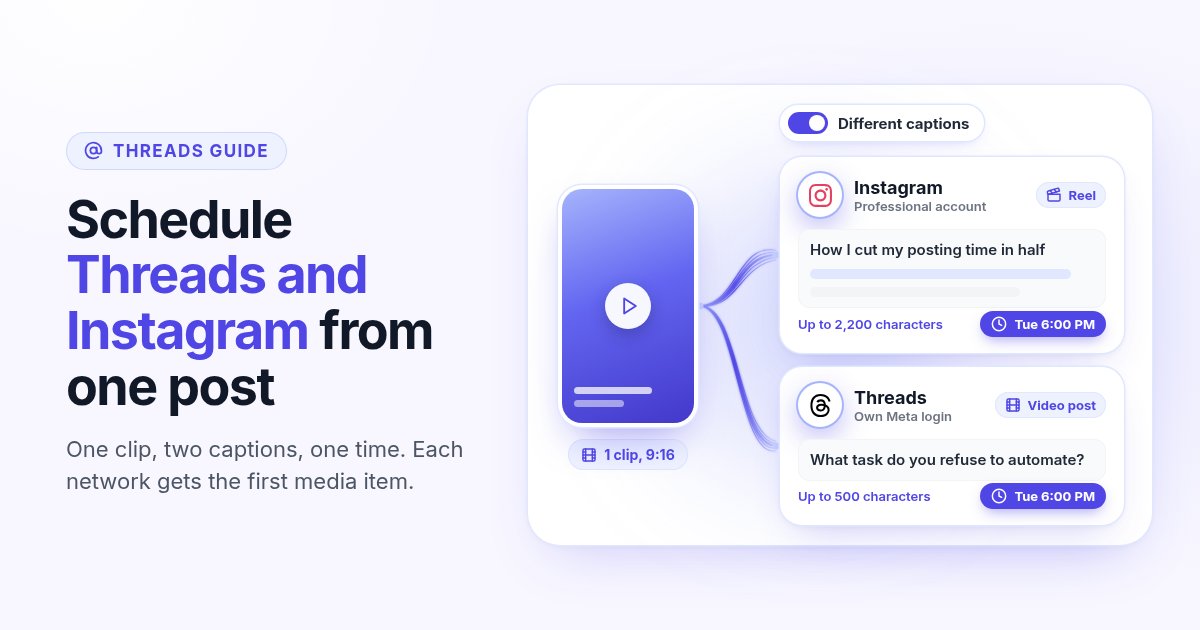
Schedule a Reel or photo to Instagram and Threads at the same time from one post. Connect both Meta accounts, attach one file, write a long Instagram caption and a short Threads caption, and pick one time.
How to make a Pinterest pin with AI and schedule it to a board
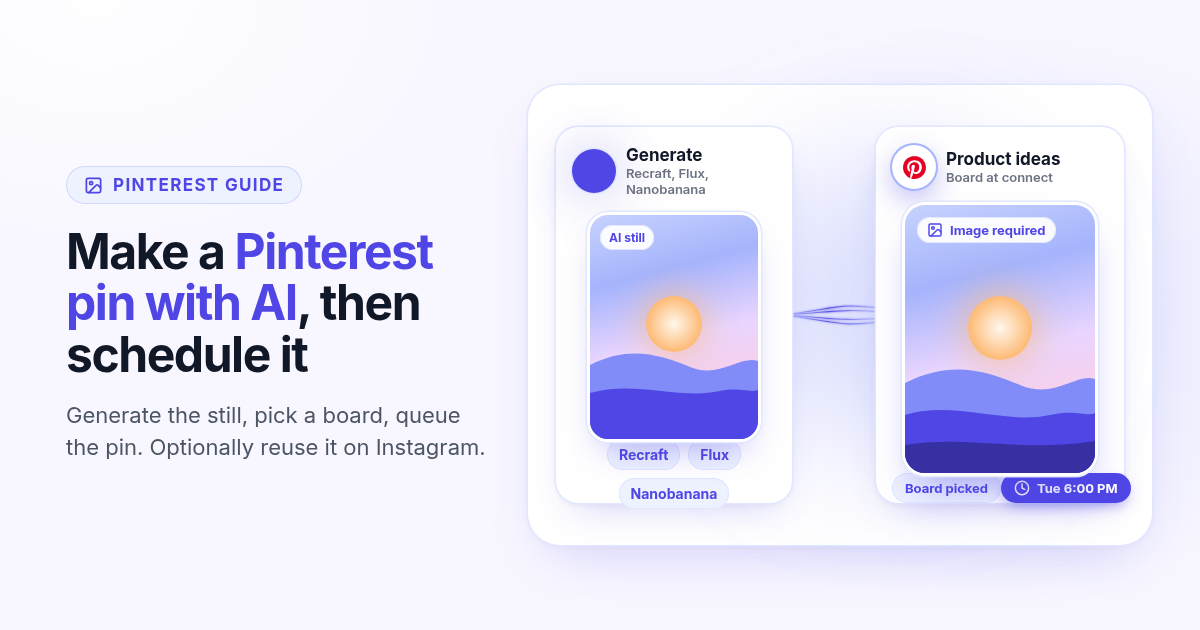
Generate a Pinterest pin image with Recraft, Flux, or Nanobanana, pick a Business board at connect, and schedule the pin from Create. Image required. Optionally reuse the still on Instagram.
How to schedule a Dev.to article and the posts that point to it
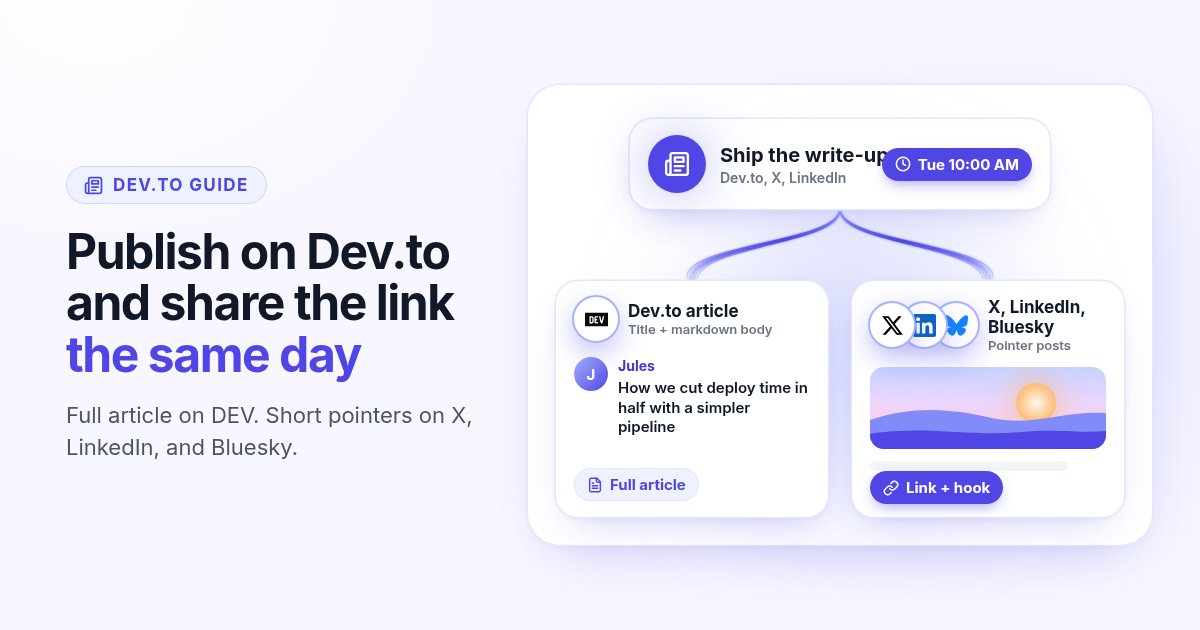
Schedule a Dev.to article and the short X, LinkedIn, or Bluesky posts that point to it from one queue. Connect with an API key, write the title and body, then ship pointers instead of pasting the markdown.
How to schedule a Discord announcement and the public post together
Schedule a Discord announcement and the matching Instagram and X post from one queue. Add the bot to your server, pick the channel, send text to Discord and the visual to the public networks.
How to cross-post to Bluesky and Mastodon (and where video fails)
Cross-post Bluesky and Mastodon from one composer. Connect with an app password and a server token, share one still, and know why a Bluesky video will not publish as Mastodon video.
How to schedule Telegram channel posts as yourself (not as a bot)
Native Telegram schedule works for one message. Most tools post as a BotFather bot. Here is how to connect with your phone, pick a chat, and schedule posts as yourself with Postlaty.
How to schedule Pixelfed posts (a photo is required)
Pixelfed is photo-first and has no real content calendar. Here is how to connect any server with an access token, attach a photo, and schedule posts ahead with Postlaty.
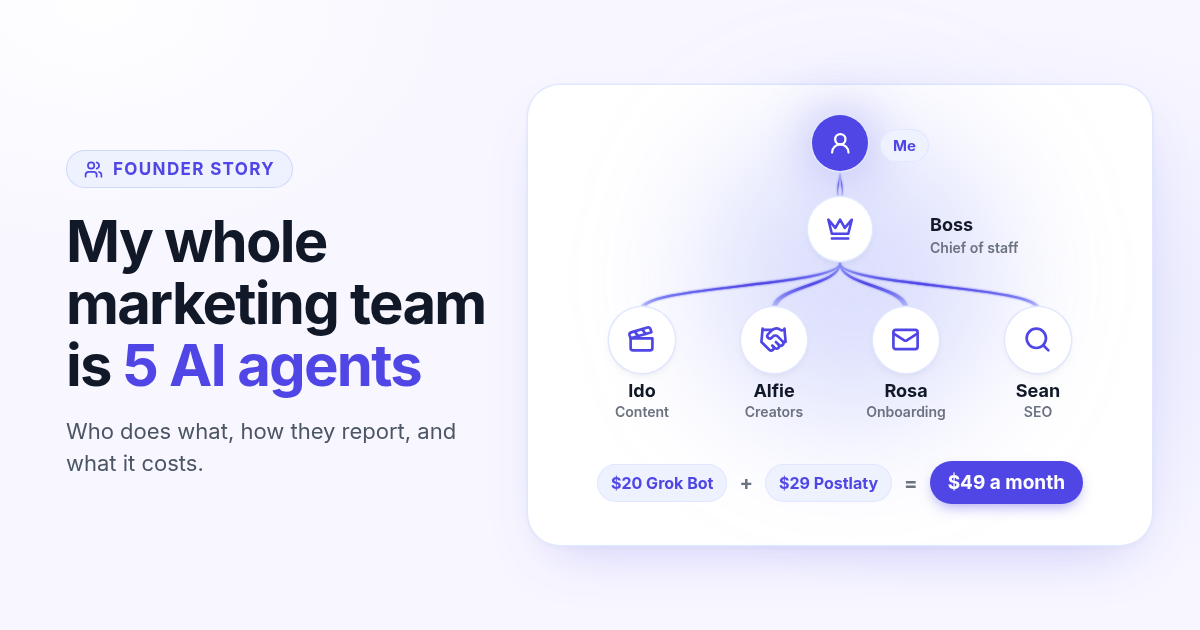
How I run my whole marketing team with AI agents for $49 a month
I am a solo founder. My marketing team is five AI agents that post, reach out, email, and write, then report to me daily. Here is who does what and what it costs.
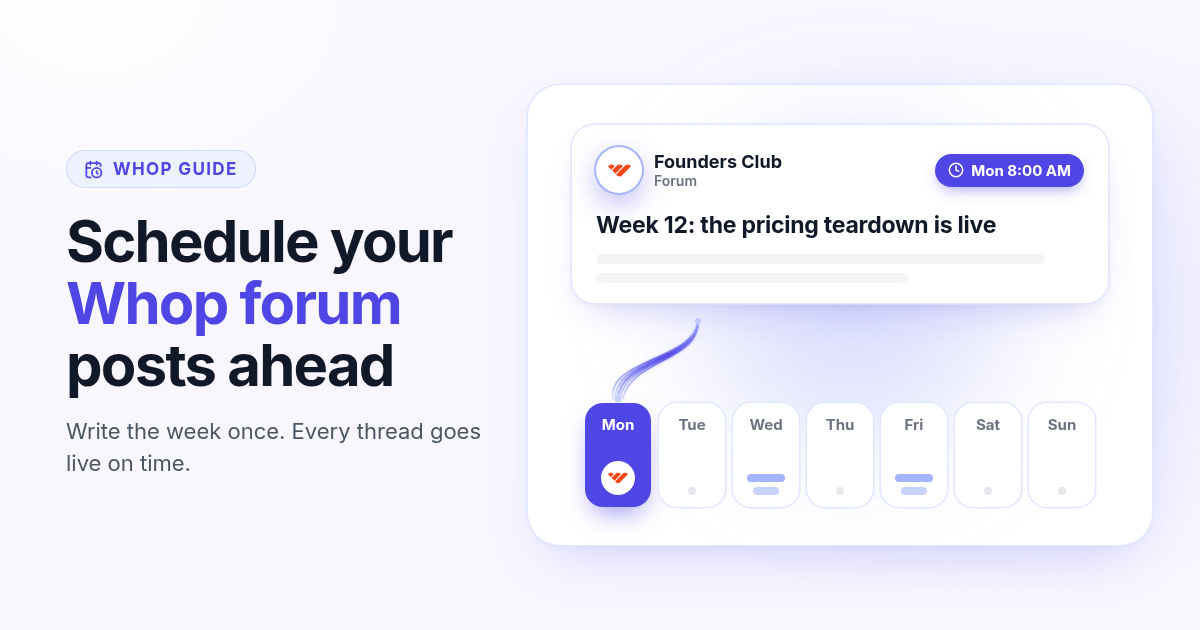
How to schedule Whop posts to your community forum
Whop forums publish when you press Post. Here is how to schedule Whop posts ahead with a company API key, what to write, and how replies reach your inbox.
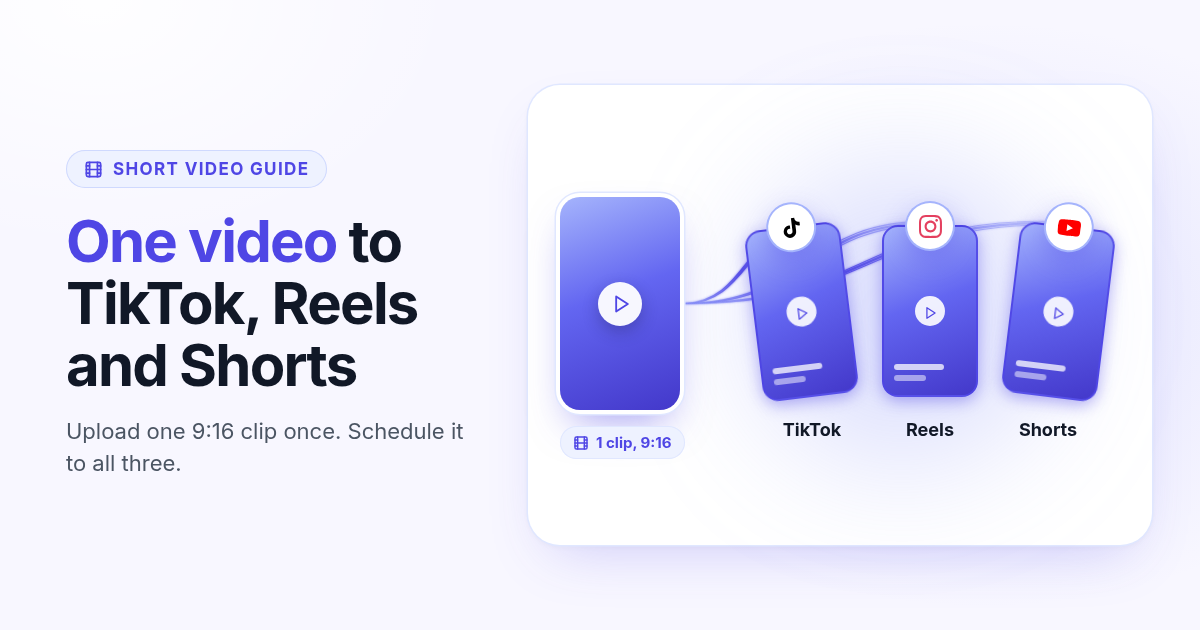
How to post the same short video to TikTok, Instagram Reels, and YouTube Shorts
One 9:16 file can feed TikTok, Reels, and Shorts. This guide covers aspect ratio, captions, covers, and a publish path that does not recrop three times.