Search for a content creation platform and you get two kinds of tools. Design and video apps that make great assets but stop at the download button, and schedulers that publish beautifully but expect you to bring the files. Most founders end up paying for both, plus a spreadsheet to plan the week, and the work of moving files between them never shows up on an invoice.
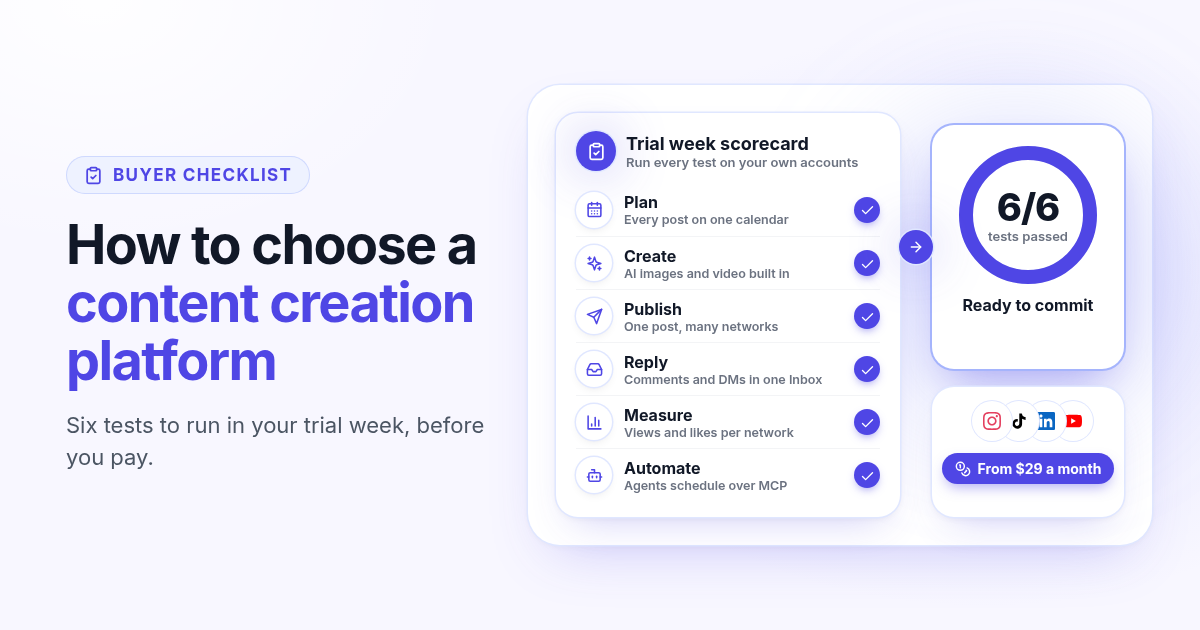
This guide is a buyer checklist: six tests you can run during a free trial, on your own accounts, to see if one platform can plan, make, publish, answer and measure your content. It uses Postlaty as the worked example, but every test applies to any tool on your shortlist.
Start with the stack you pay for today
Before you compare features, write down what you use now. A typical founder stack looks like this: a scheduler, an image tool, a video tool, a place for drafts, and the native apps for replies. Put a monthly price next to each one and add a line for the time you spend exporting, renaming and uploading files.
5
Tools in a common founder stack
1
Workspace if the platform passes all six tests
7
Days in the trial to run the tests
That total is your budget, and it is also your scorecard. A platform that replaces three of the five tools is worth more than a cheaper one that replaces one. If you are leaving a big suite, the Hootsuite switching guide walks through the same audit step by step.
Test 1: plan the week on one calendar
Planning is where most tools are weakest. The test is simple: take next week's content, put every post into the platform, and see if you can read the whole week at a glance without opening each network.
Rough ideas should have a home that is not the schedule. In Postlaty, Posts has an Ideas tab for drafts.
Upcoming posts should show as a week or month calendar, or a list, so gaps are obvious.
If you run more than one brand, check that each one keeps its own channels. In Postlaty, each brand is a separate company.
A content strategy is only as good as the calendar that carries it. If you have to keep a separate spreadsheet to see what goes out on Thursday, the platform failed this test.
Test 2: make the media inside the tool
This is the test that separates a content creation platform from a scheduler. Generate one image and one short video for a real post, then attach them to that post without downloading anything.
Images
Postlaty includes image models such as Nano Banana Pro, Seedream, Recraft, Flux 2 Pro and Grok Imagine.
Video
Clips come from models such as Veo 3.1, Kling 3 Pro and Seedance 2.5, in 9:16, 16:9 or 1:1.
Templates and AI influencers
Every plan includes the template library and AI influencers, so you can start from a ready look instead of a blank prompt.
Tokens, not extra bills
Generation uses tokens from your plan (10 on Starter, 50 on Pro, 100 on Premium each month).
Judge the output on your brand, not on the demo gallery. For a worked example, see making a Pinterest pin with AI and scheduling it.
Test 3: publish one post to every network
Now take the image or clip from Test 2 and send it to every channel you use, from one post. Three things to check: the networks you need are supported, each network can get its own caption, and the tool tells you before posting when a network cannot take the file.
- 1
Connect your real channels
Postlaty connects 19 networks, including Instagram, TikTok, YouTube, LinkedIn, Facebook, X, Threads, Bluesky and Pinterest. The full list is on the channels page.
- 2
Write once, then adjust
Switch from Same caption to Different captions when LinkedIn needs a longer version and Threads a short line.
- 3
Read the media notes
If a selected channel cannot take your video, the composer says so before you schedule (for example, caption only, or first image instead of the video).
- 4
Pick one time and leave
The post publishes on schedule with no app open on your side, and shows up in Upcoming until it goes out.
Short video is the hardest case, so test it. The guide to posting one video to TikTok, Reels and Shorts covers sizes and audio, and Threads and Instagram from one post shows the two caption setup.
Test 4: answer replies in one place
Content that gets comments needs answers, and answering in five native apps is where a week of good posts loses its momentum. Comment on your own test post from a second account and see where it shows up.
Postlaty brings comments, mentions and DMs from supported networks into one Inbox, included on every plan.
Support varies by network (YouTube has comments but no DMs, for example), so check the channels you rely on most.
Test 5: check the numbers per network
You do not need a reporting suite to make better content. You need to see, per post and per network, what got views and what got ignored. After your test posts have been live for a day or two, open the published view and check that the numbers are there without logging into each app.
What to expect
In Postlaty, Published shows insights where the network shares them: views, likes and comments on TikTok, Instagram or YouTube, saves and pin clicks on Pinterest.
What to decide
Pick the two formats that won this week and make more of them next week. That loop is your content strategy.
Test 6: let an agent do the routine work
The newest test, and the one that will matter most by next year: can your AI assistant use the platform directly? If it can, the weekly routine (draft, generate, schedule) becomes a request instead of an afternoon.
Agents over MCP
Connect Claude, Grok or another assistant with an API key. It can list your accounts, generate media and create scheduled posts.
Your keys, your rules
Keys are created in your profile and can be revoked, so you decide which assistant can post.
Same queue as you
Posts created by an agent land in the same Upcoming calendar as yours, so you can review the week in one place.
Setup is on the agents page and in the API docs. For a full example, read how I run my marketing team with AI agents.
How to run all six tests in a 7-day trial
A week is enough if you plan it. Use real content, not test captions, so the decision at the end is based on your own results.
- 1
Day 1: connect and plan
Connect every channel you post to and load next week into the calendar (Test 1).
- 2
Days 2 and 3: create and publish
Generate the images and clips for three posts and schedule them to all channels (Tests 2 and 3).
- 3
Days 4 and 5: reply and measure
Answer comments from the Inbox and read the first numbers on the published posts (Tests 4 and 5).
- 4
Days 6 and 7: automate and decide
Ask an assistant to schedule one post, then count how many tools from your list you could cancel (Test 6).
Postlaty plans are a flat monthly price tied to channel count: Starter is $29 for 10 channels, Pro is $39 for 20 and Premium is $49 for 50, all with every AI model, the Inbox and agent access. Details are on the pricing page.
When a bigger suite is the better fit
If a team of several people needs multi step approvals, social listening or message routing, an enterprise suite is built for that and will score better on those tests. Postlaty is built for founders, creators and small brands who plan, generate, publish and reply themselves.
Comparing specific tools? See Postlaty vs Publer, Postlaty vs Predis.ai and Postlaty vs Buffer, or browse every supported network on the channels page before you start your 7-day free trial.
FAQ
Frequently Asked Questions
A tool that helps you make the posts themselves (images, video and captions) and, in the better ones, plan, publish and measure them too. Many tools only do one half: design apps stop at the download, and schedulers expect you to bring the files.
Run six tests on your own accounts: plan a week on one calendar, generate media inside the tool, publish one post to every network, answer replies in one Inbox, read per network numbers, and let an AI assistant schedule a post.
Not quite. A strategy platform helps you decide what to publish. A creation platform helps you make and ship it. For a founder, the practical strategy is a weekly loop: plan, publish, check what worked, and make more of it, which works best when it all happens in one tool.
Starter is $29 per month for 10 channels, Pro is $39 for 20 and Premium is $49 for 50. Every plan includes all AI models, the Inbox, templates, AI influencers and agent access, with monthly tokens for generation (10, 50 or 100).
Postlaty connects 19 networks, including Instagram, TikTok, YouTube, LinkedIn, Facebook, X, Threads, Bluesky, Pinterest, Reddit, Telegram, Discord and Mastodon. The channels page lists each one with its media rules.
Yes. Postlaty has a 7-day free trial, which is enough time to run all six tests on your own channels before you decide.
Blog
More articles
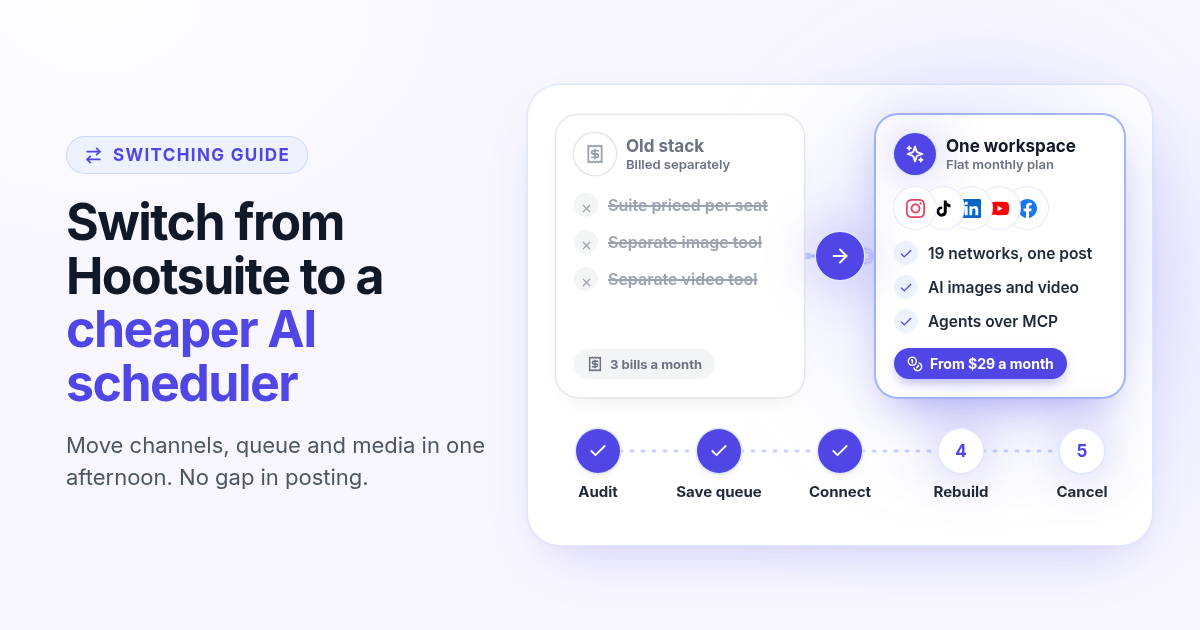
How to switch from Hootsuite to a cheaper AI scheduler in one afternoon
A step by step plan to leave Hootsuite without a gap in posting: audit what you use, save your queue and media, connect your channels, rebuild two weeks of posts, add AI images, video and agents, then cancel before renewal.
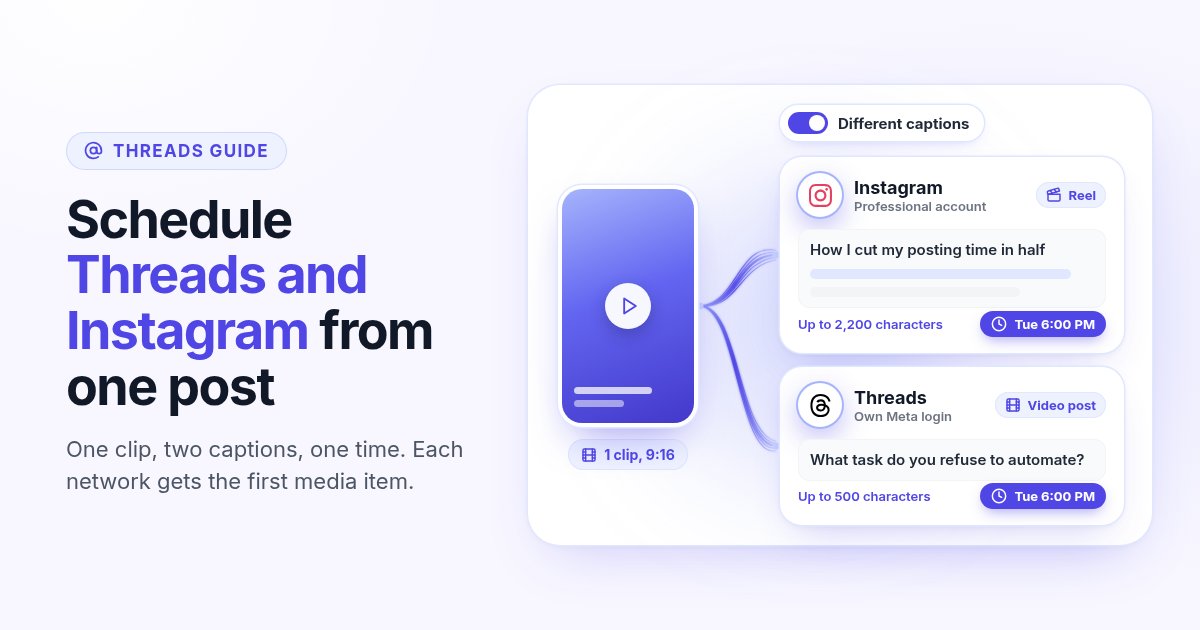
How to schedule Threads and Instagram together from one post
Schedule a Reel or photo to Instagram and Threads at the same time from one post. Connect both Meta accounts, attach one file, write a long Instagram caption and a short Threads caption, and pick one time.
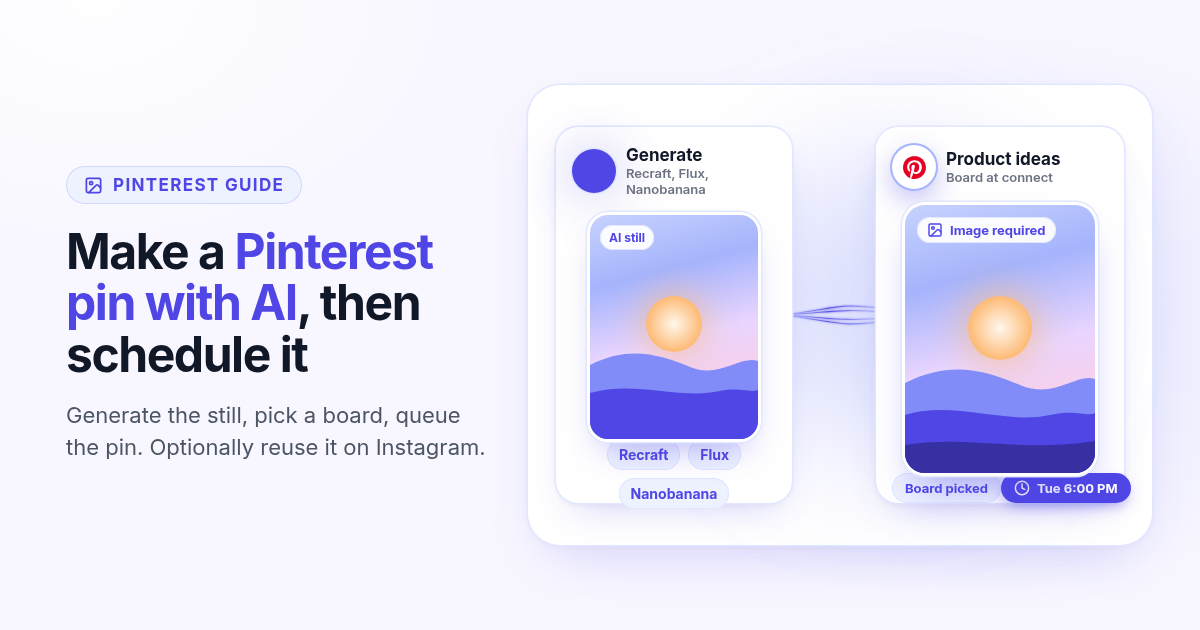
How to make a Pinterest pin with AI and schedule it to a board
Generate a Pinterest pin image with Recraft, Flux, or Nanobanana, pick a Business board at connect, and schedule the pin from Create. Image required. Optionally reuse the still on Instagram.
How to schedule a Dev.to article and the posts that point to it
Schedule a Dev.to article and the short X, LinkedIn, or Bluesky posts that point to it from one queue. Connect with an API key, write the title and body, then ship pointers instead of pasting the markdown.
How to schedule a Discord announcement and the public post together
Schedule a Discord announcement and the matching Instagram and X post from one queue. Add the bot to your server, pick the channel, send text to Discord and the visual to the public networks.
How to cross-post to Bluesky and Mastodon (and where video fails)
Cross-post Bluesky and Mastodon from one composer. Connect with an app password and a server token, share one still, and know why a Bluesky video will not publish as Mastodon video.
How to schedule Telegram channel posts as yourself (not as a bot)
Native Telegram schedule works for one message. Most tools post as a BotFather bot. Here is how to connect with your phone, pick a chat, and schedule posts as yourself with Postlaty.
How to schedule Pixelfed posts (a photo is required)
Pixelfed is photo-first and has no real content calendar. Here is how to connect any server with an access token, attach a photo, and schedule posts ahead with Postlaty.
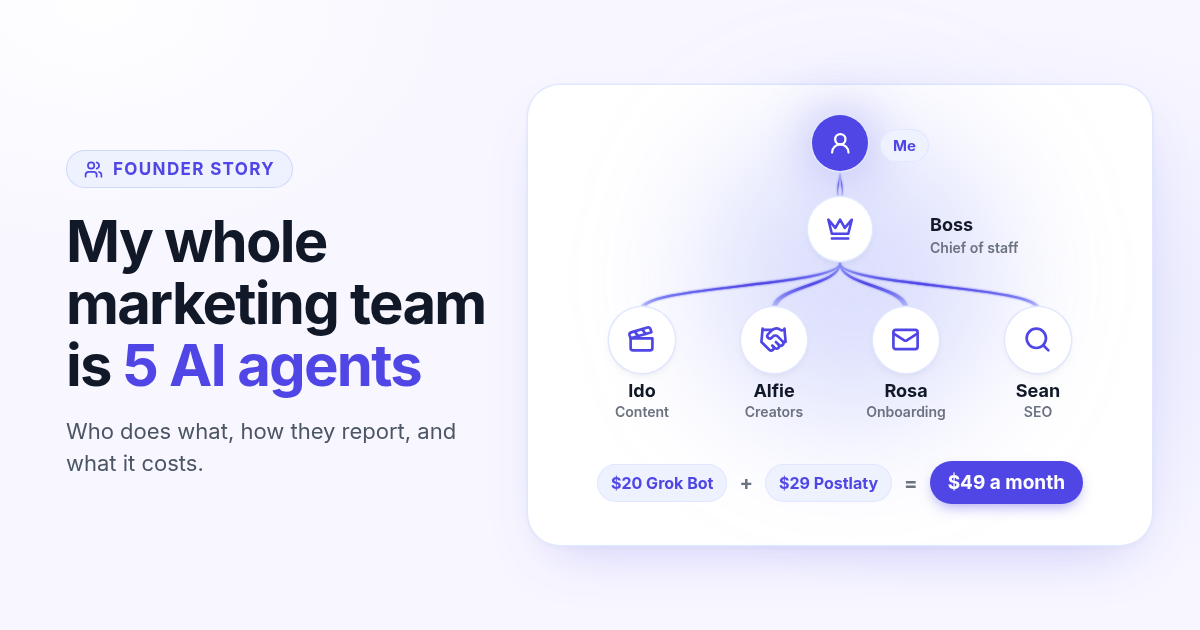
How I run my whole marketing team with AI agents for $49 a month
I am a solo founder. My marketing team is five AI agents that post, reach out, email, and write, then report to me daily. Here is who does what and what it costs.
How to schedule Whop posts to your community forum
Whop forums publish when you press Post. Here is how to schedule Whop posts ahead with a company API key, what to write, and how replies reach your inbox.
How to post the same short video to TikTok, Instagram Reels, and YouTube Shorts
One 9:16 file can feed TikTok, Reels, and Shorts. This guide covers aspect ratio, captions, covers, and a publish path that does not recrop three times.