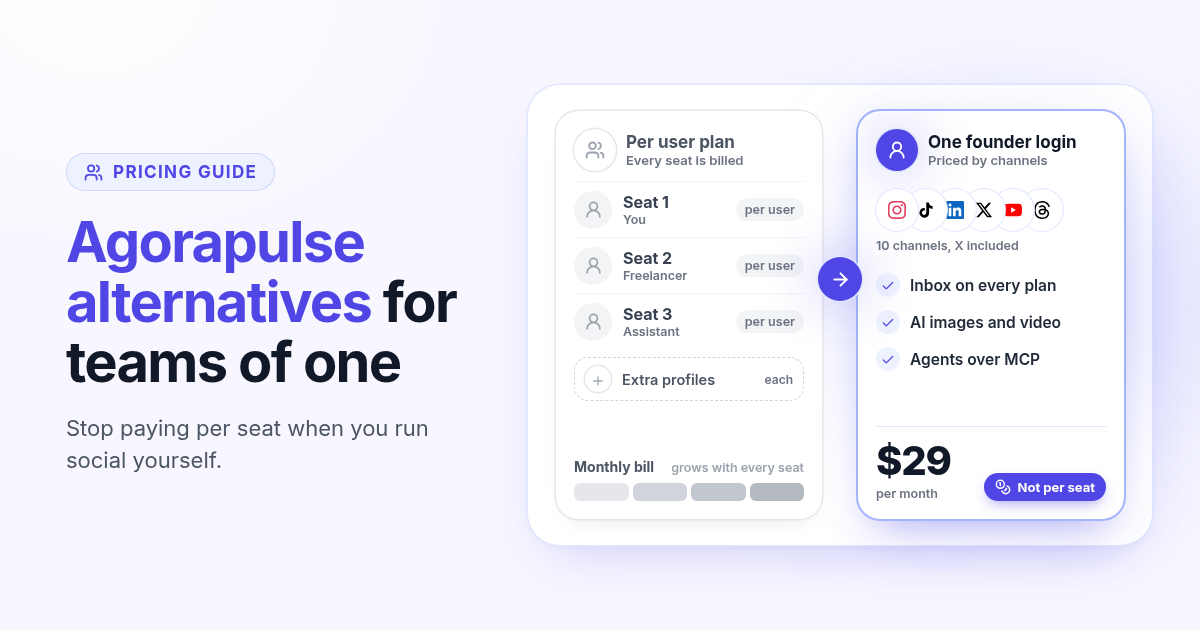
Agorapulse is one of the best tools out there for social teams. The inbox is mature, the reports are built for managers, and the support is fast. So when founders search for Agorapulse alternatives, the reason is rarely quality. It is the way the bill is built: every plan is priced per user, and most of the features that justify the price exist to help several people work in the same account.
If you run social yourself, maybe with a freelancer a few hours a week, you can end up paying for team software without a team. This guide shows how Agorapulse prices today, how to check what you actually use, and what to test in any alternative before you switch. For the side by side, read Postlaty vs Agorapulse.
How Agorapulse pricing works in 2026
According to the Agorapulse pricing page (checked October 2026), there are four plans, all priced per user per month. Standard is $79 billed annually or $99 billed monthly. Professional is $119 annually or $149 monthly. Advanced is $149 annually or $199 monthly. Custom is quoted on request.
Standard, Professional and Advanced each include 10 social profiles, and extra profiles cost $10 per month each on annual billing or $15 on monthly billing. Facebook, Instagram, LinkedIn, TikTok, X, YouTube, Threads, Pinterest, Bluesky and Google Business all count toward that limit. X publishing is sold as an add-on (X Lite or X Plus), on top of the plan. Agorapulse also offers a 30-day trial and a free plan after it.
$79
Agorapulse Standard, per user per month, billed annually
$99
Agorapulse Standard, per user per month, billed monthly
$29
Postlaty Starter, per month, 10 channels
Why per user pricing hits founders differently
Per user pricing is fair for a social team of five. Each manager gets a seat, the inbox gets assigned, and reports go to a boss. For a founder, the same model works in reverse: the first seat is the most expensive one, and every helper you bring in doubles it.
Take a simple setup. You run the accounts, and a freelancer drafts posts twice a week. On Standard that is two seats, so $158 per month on annual billing or $198 per month on monthly billing, before any extra profiles or the X add-on. Moving up to Professional for ad comments or assignments puts two seats at $238 per month billed annually.
Every person who logs in is a seat, even if they only draft a few posts a week.
Profiles beyond the 10 included in your plan are billed one by one, and X publishing is an add-on.
Upgrading for one feature, such as ad comment monitoring or inbox assignments, raises the price of every seat.
Step 1: list what you really use
Before you look at any alternative, open Agorapulse and be honest about the last 30 days. The goal is to separate the features you pay for from the ones you use.
- 1
Count the people who logged in
If it was only you, or you plus one occasional helper, the team features are mostly idle.
- 2
Check the inbox workload
Look at how many comments and DMs you answered. Assignments, saved replies and moderation rules matter at hundreds a day, not at a dozen.
- 3
Review the reports you opened
If nobody reads ROI or team performance reports, you are paying for a manager view you do not need.
- 4
Write down where the media comes from
Agorapulse schedules and manages posts. Note the separate tools you pay for to make the images, Reels, Shorts and TikToks you publish.
Your real monthly cost is the Agorapulse total for your seats, profiles and add-ons, plus those media tools. That number, not the starting price, is what an alternative has to beat.
What to look for in an Agorapulse alternative
A good alternative for a founder keeps what you actually use from Agorapulse (publishing and replies) and drops the parts built for managing people. Here is how Postlaty answers each point, so you have a reference when you look at other tools.
Priced by channels, not seats
Starter is $29 per month for 10 channels, Pro is $39 for 20 and Premium is $49 for 50. Yearly billing gives you 2 months free.
One Inbox on every plan
Comments, mentions and DMs from connected channels come back to one Inbox next to the composer, so replies do not need another app.
Media made in the same tool
The AI tab generates images with models such as Recraft, Flux and Nanobanana, and video with Veo, Kling and Seedance. Monthly tokens are included (10, 50 or 100 by plan).
Agents on every plan
Connect Claude, ChatGPT, Gemini, Grok or Cursor over MCP and API, so your assistant can generate media and schedule posts.
Agorapulse also lists a ChatGPT and Claude connection through a self-hosted MCP, and an AI writing assistant for captions. The difference to test is what happens before the caption: whether the tool can make the image or clip itself, or whether you still export it from somewhere else.
Networks matter too. Postlaty publishes to 19 networks, including Instagram, TikTok, YouTube, LinkedIn, Facebook, X, Threads, Bluesky, Pinterest, Reddit, Telegram, Discord, Slack, Mastodon, Tumblr and Dev.to, and X is part of every plan. The channels page lists each network with its media rules, and pricing shows what each plan includes. If you are also weighing per account tools, the Publer alternatives guide covers that pricing model, and how to choose a content creation platform gives you a checklist that works with any tool.
Test it in a 7-day free trial before you switch
A week is enough to know whether a tool fits, as long as you test it on your real accounts. Keep Agorapulse running during the test so nothing slips.
- 1
Connect the channels that matter most
Start with the three or four networks that bring most of your results, so the test reflects real work.
- 2
Make one post from scratch
Generate the image or clip in the AI tab, write the caption, then pick every network on Create. Use Different captions where a network needs its own voice.
- 3
Schedule a full week
Put the week on the calendar and remove those posts from Agorapulse the same day, so nothing goes out twice.
- 4
Answer replies from the Inbox
Reply to a few comments and DMs from Postlaty to check it covers the accounts you care about.
- 5
Hand one task to an agent
Connect your assistant over MCP and ask it to schedule one post. If your freelancer only drafted posts, this may cover that seat.
If you decide to move everything, follow the one afternoon migration plan. It works the same way for Agorapulse: save your queue and media, rebuild two weeks, run both tools for a week, then cancel before your renewal date.
When Agorapulse is still the right call
Stay on Agorapulse if several people share the inbox every day, if you need inbox assignments, saved replies, ad comment monitoring or automated moderation, if your managers rely on its ROI and team performance reports, or if you publish to Google Business, which Postlaty does not support. Those are real strengths built for teams. Postlaty fits founders and small brands who run social themselves and want to make the media, publish it everywhere and answer replies in one place, at a price set by channels instead of people.
Read the full Postlaty vs Agorapulse comparison, check pricing, or see how assistants fit in on the agents page before you start your 7-day free trial.
FAQ
Frequently Asked Questions
Agorapulse prices per user per month. Standard is $79 billed annually or $99 monthly, Professional is $119 or $149, and Advanced is $149 or $199. Custom is quoted on request. Each of the first three plans includes 10 social profiles.
Yes. Profiles beyond the 10 included cost $10 per month each on annual billing or $15 on monthly billing, and X publishing is sold as an add-on (X Lite or X Plus).
Founders and small brands who run social themselves, pay for one or two seats, and rarely use inbox assignments, team reports or moderation rules. If several people share the inbox every day, Agorapulse is probably still the better fit.
Postlaty is priced by channels, not users: Starter is $29 per month for 10 channels, Pro is $39 for 20 and Premium is $49 for 50. Every plan includes the Inbox, AI image and video generation with monthly tokens, and agent access over MCP and API.
Agorapulse has inbox assignments, saved replies, ad comment monitoring, automated moderation, ROI and team performance reports, and Google Business publishing. Postlaty does not offer those, because it is built for founders who run social themselves.
Yes. Postlaty has a 7-day free trial, enough to connect your main channels, schedule a real week of posts and answer replies from the Inbox before you decide.
Blog
More articles
How I grow US TikTok accounts from abroad in 3 steps
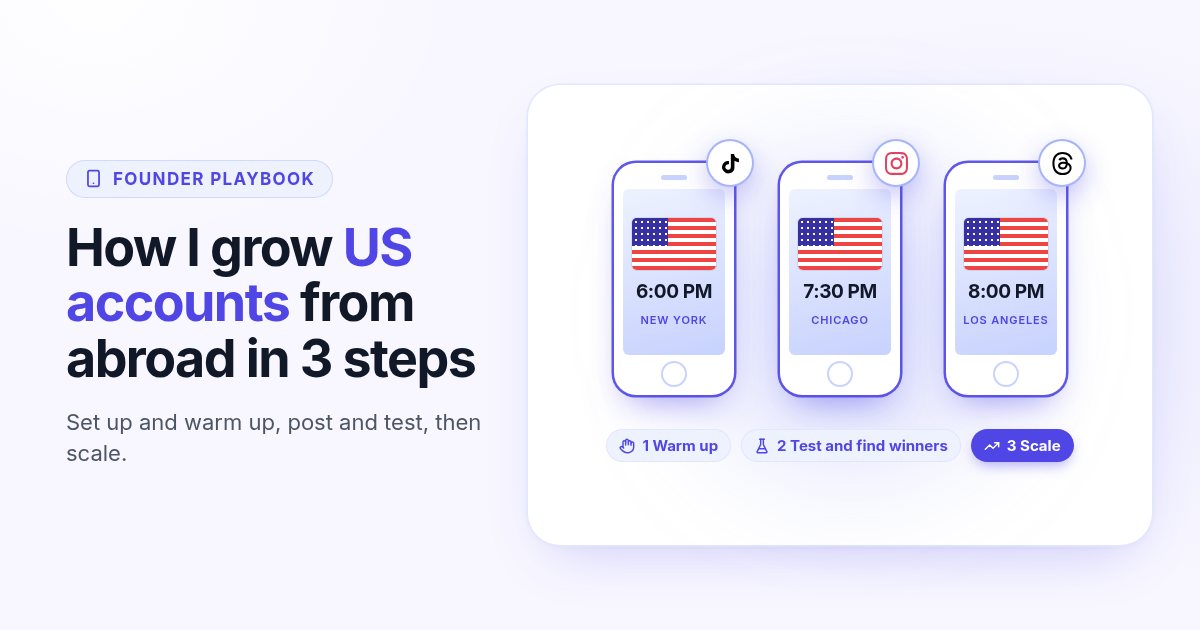
I do not live in the US, but I grow accounts for a US audience. My 3 step playbook: set up and warm up a cheap dedicated phone, post and test for 30 days, then scale only the winners.
Publer alternatives in 2026: when per account pricing stops paying off
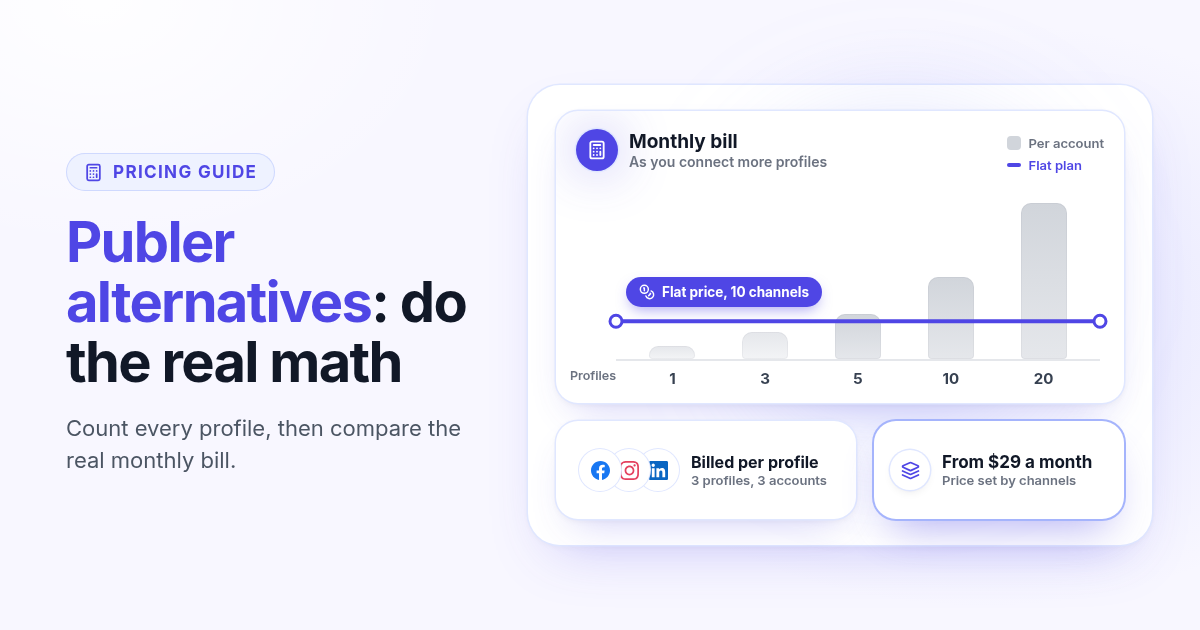
Publer bills per social account, so the price climbs with every Page and profile. Count what you really pay, spot the five signs you have outgrown it, and know what to test in any Publer alternative before you switch.
How to choose a content creation platform: 6 tests to run before you pay
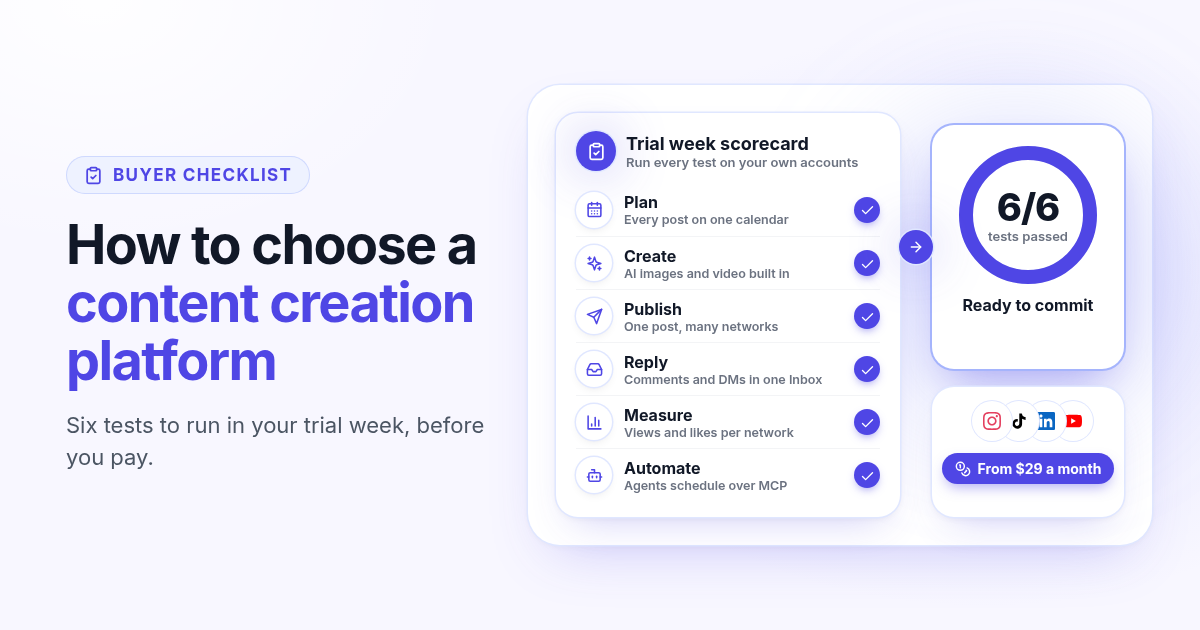
A founder checklist for picking a content creation platform: add up the stack you pay for, then use a 7-day trial to test planning, AI images and video, publishing to every network, one Inbox for replies, per network numbers and AI agents.
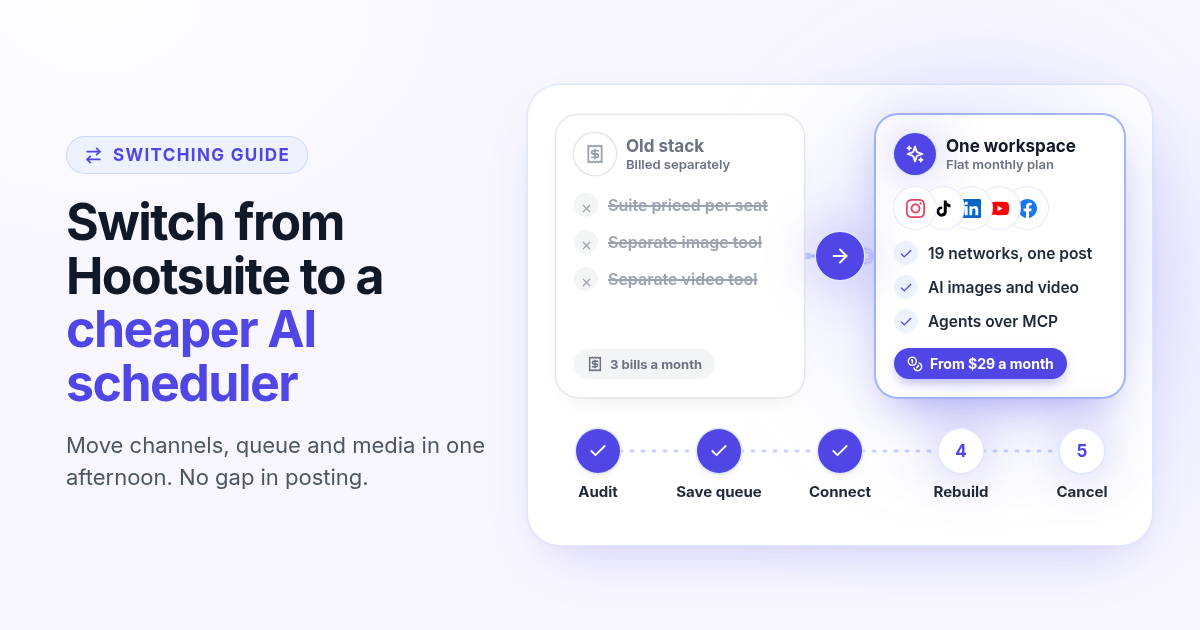
How to switch from Hootsuite to a cheaper AI scheduler in one afternoon
A step by step plan to leave Hootsuite without a gap in posting: audit what you use, save your queue and media, connect your channels, rebuild two weeks of posts, add AI images, video and agents, then cancel before renewal.
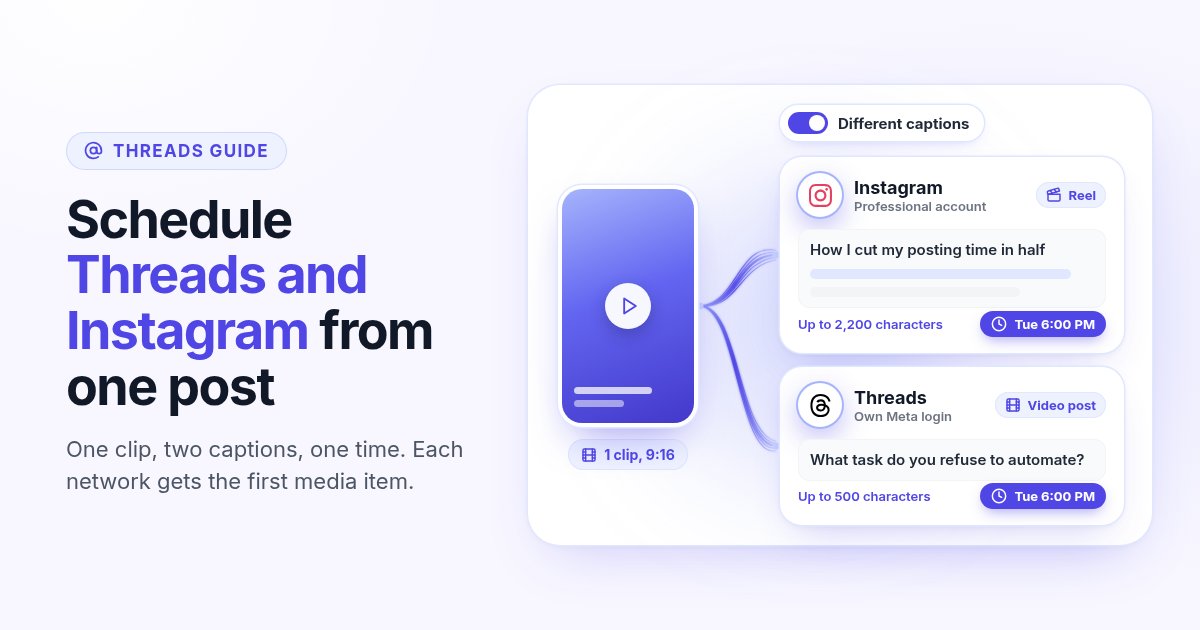
How to schedule Threads and Instagram together from one post
Schedule a Reel or photo to Instagram and Threads at the same time from one post. Connect both Meta accounts, attach one file, write a long Instagram caption and a short Threads caption, and pick one time.
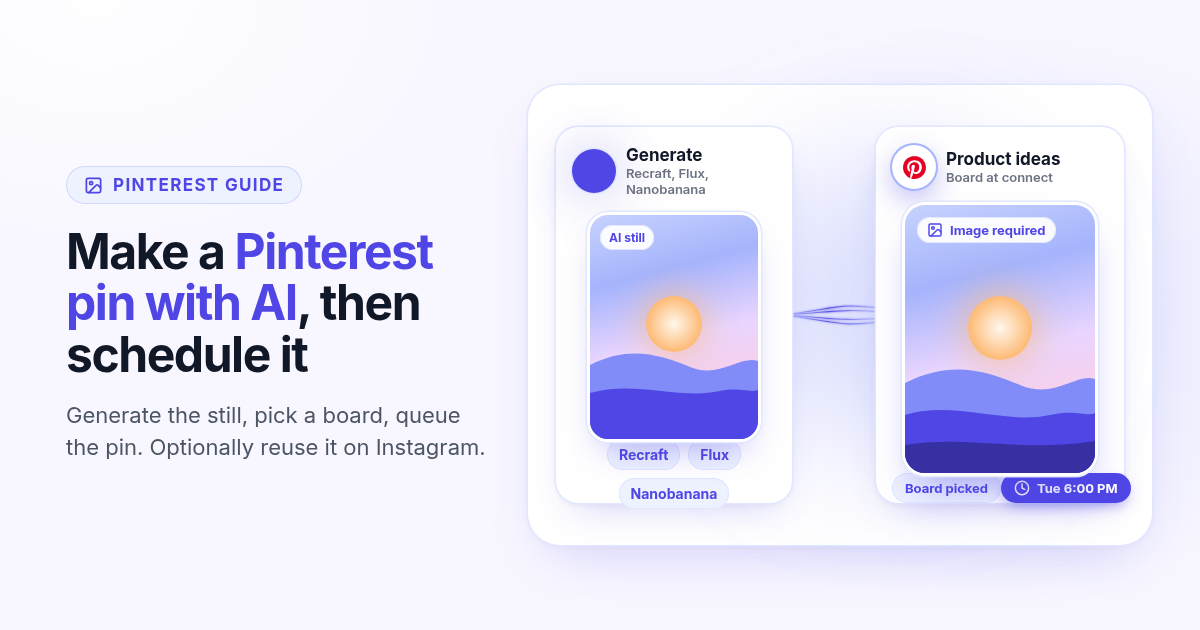
How to make a Pinterest pin with AI and schedule it to a board
Generate a Pinterest pin image with Recraft, Flux, or Nanobanana, pick a Business board at connect, and schedule the pin from Create. Image required. Optionally reuse the still on Instagram.
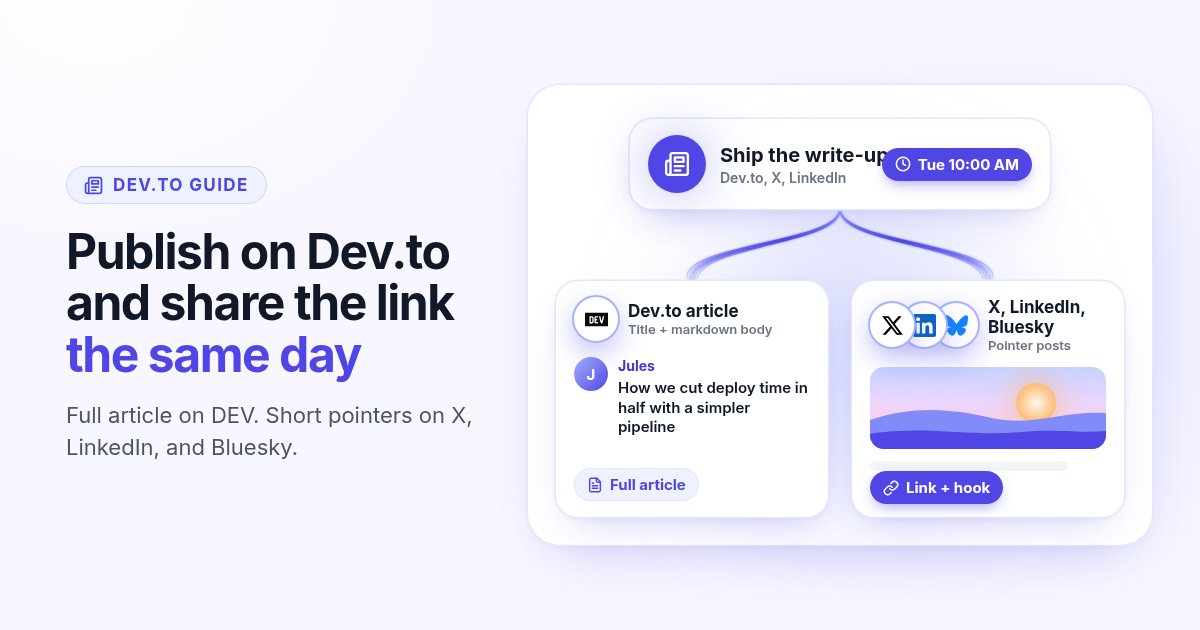
How to schedule a Dev.to article and the posts that point to it
Schedule a Dev.to article and the short X, LinkedIn, or Bluesky posts that point to it from one queue. Connect with an API key, write the title and body, then ship pointers instead of pasting the markdown.
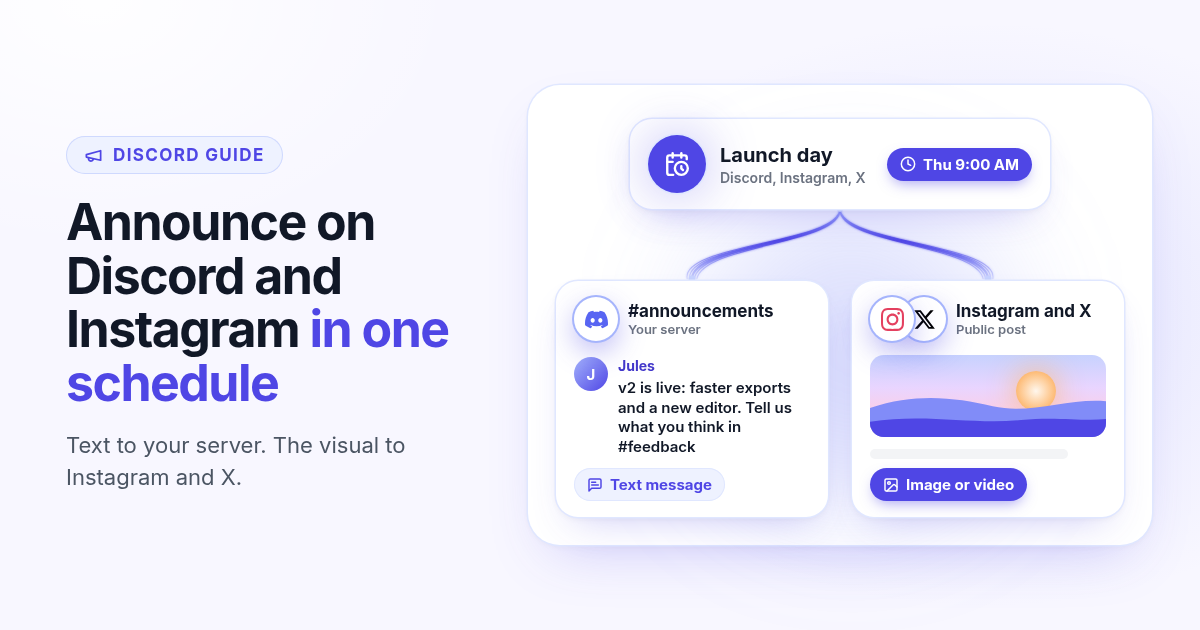
How to schedule a Discord announcement and the public post together
Schedule a Discord announcement and the matching Instagram and X post from one queue. Add the bot to your server, pick the channel, send text to Discord and the visual to the public networks.
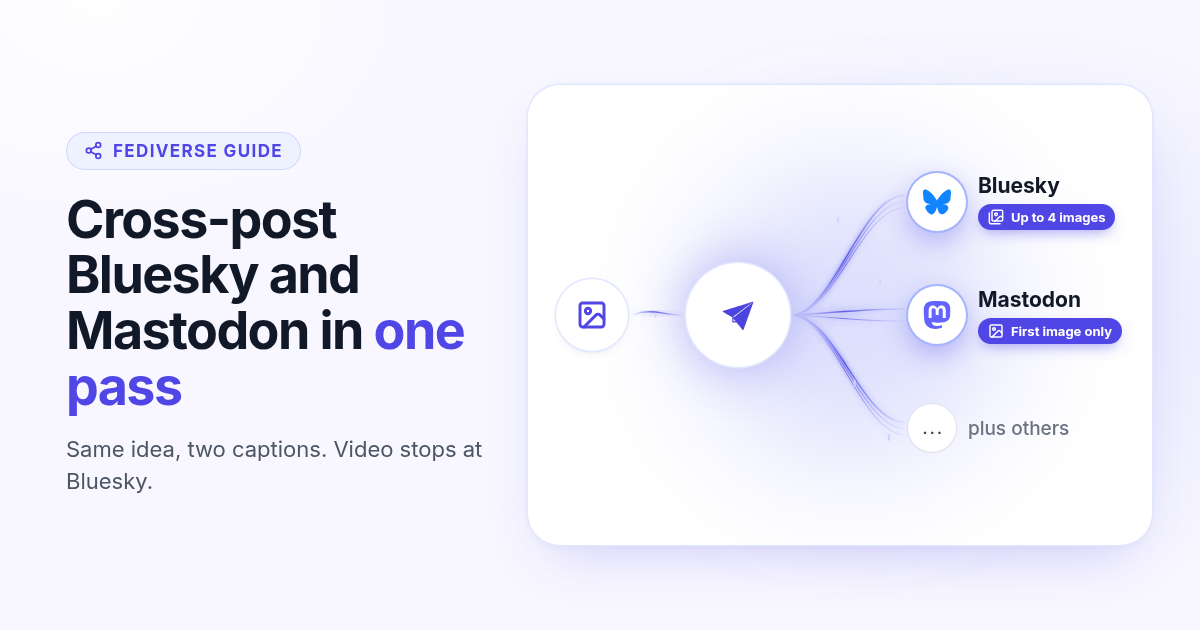
How to cross-post to Bluesky and Mastodon (and where video fails)
Cross-post Bluesky and Mastodon from one composer. Connect with an app password and a server token, share one still, and know why a Bluesky video will not publish as Mastodon video.
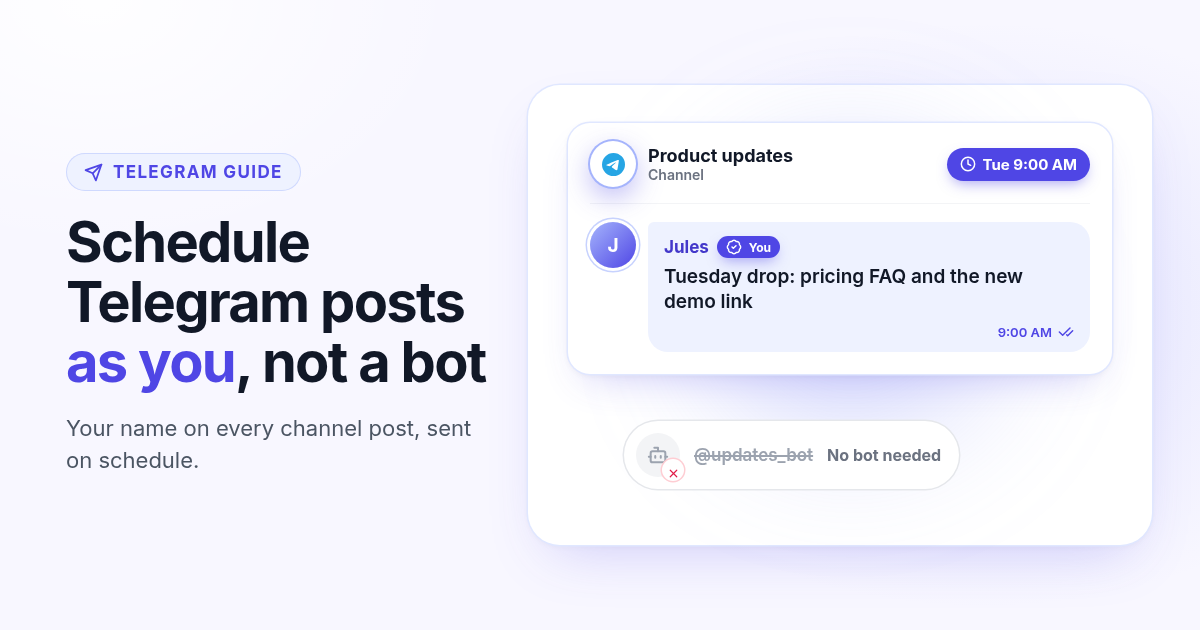
How to schedule Telegram channel posts as yourself (not as a bot)
Native Telegram schedule works for one message. Most tools post as a BotFather bot. Here is how to connect with your phone, pick a chat, and schedule posts as yourself with Postlaty.
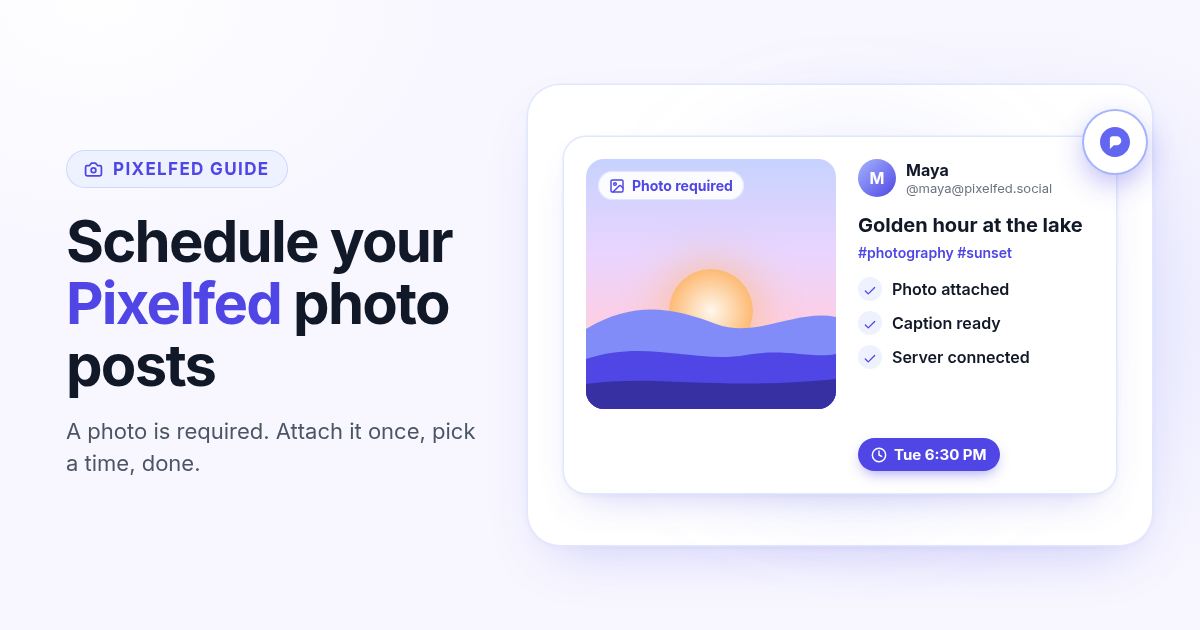
How to schedule Pixelfed posts (a photo is required)
Pixelfed is photo-first and has no real content calendar. Here is how to connect any server with an access token, attach a photo, and schedule posts ahead with Postlaty.
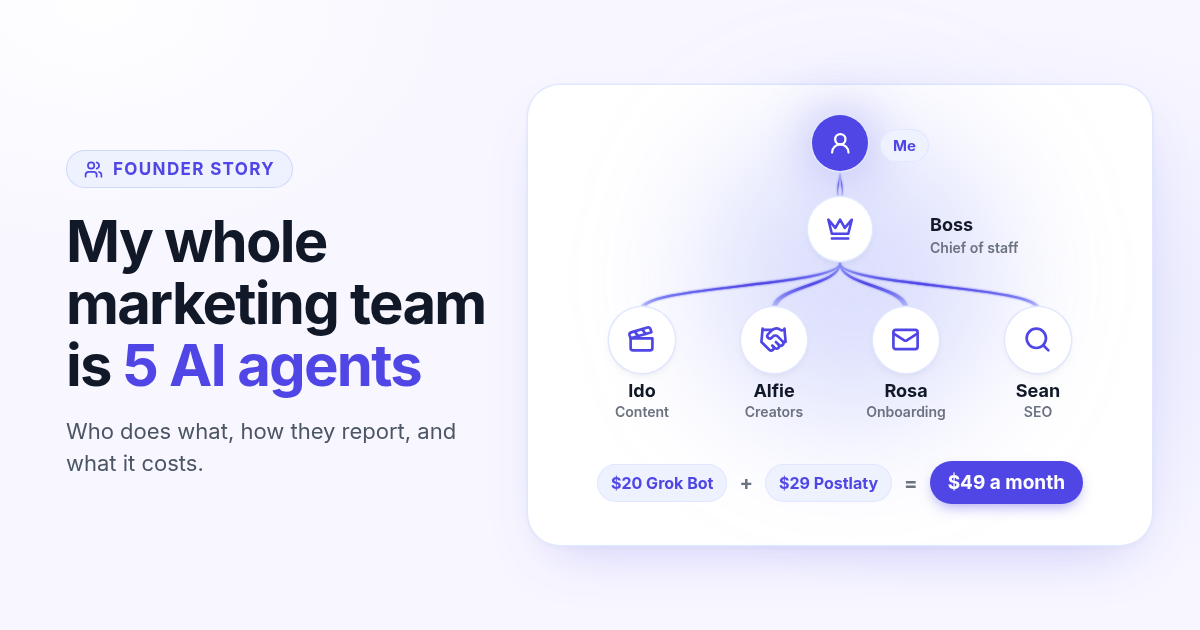
How I run my whole marketing team with AI agents for $49 a month
I am a solo founder. My marketing team is five AI agents that post, reach out, email, and write, then report to me daily. Here is who does what and what it costs.
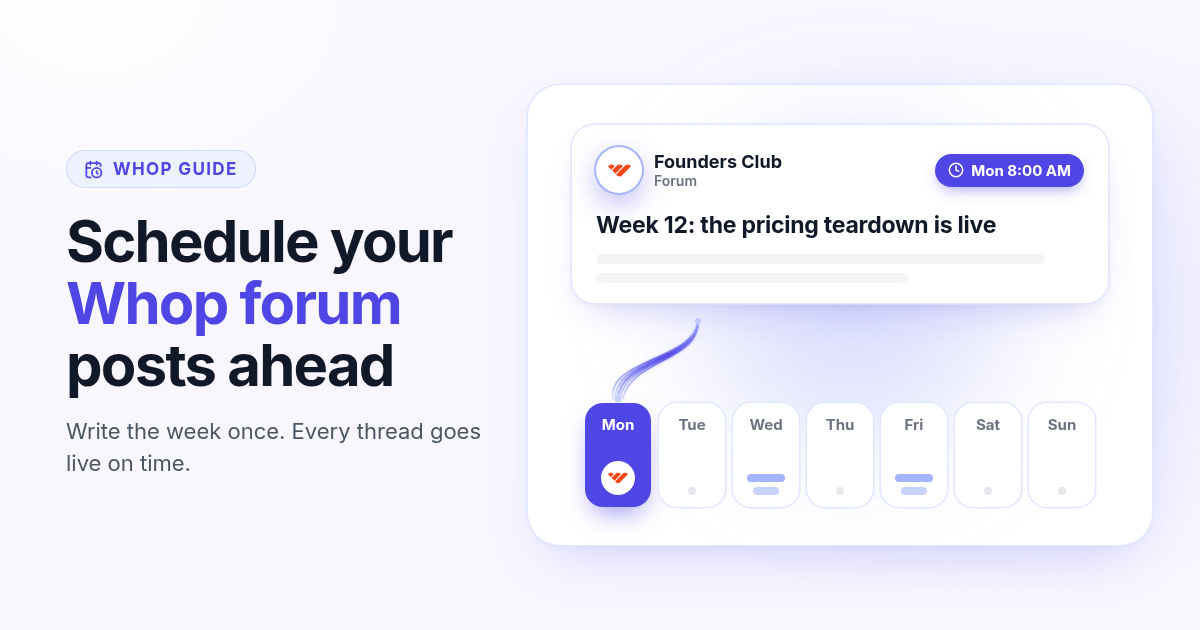
How to schedule Whop posts to your community forum
Whop forums publish when you press Post. Here is how to schedule Whop posts ahead with a company API key, what to write, and how replies reach your inbox.
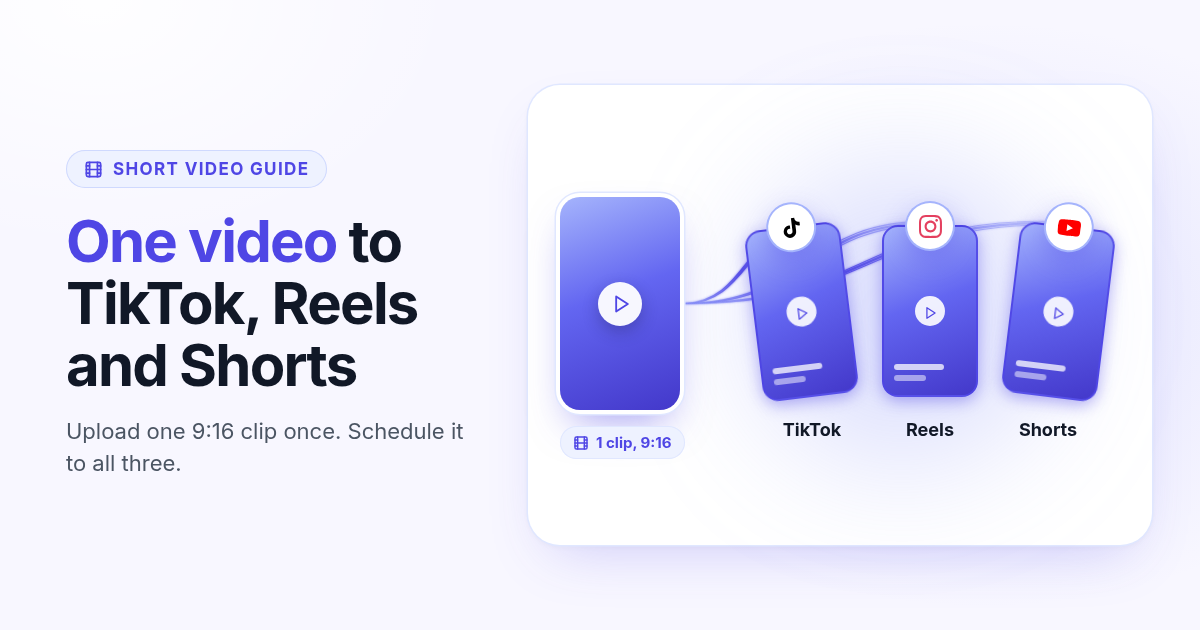
How to post the same short video to TikTok, Instagram Reels, and YouTube Shorts
One 9:16 file can feed TikTok, Reels, and Shorts. This guide covers aspect ratio, captions, covers, and a publish path that does not recrop three times.