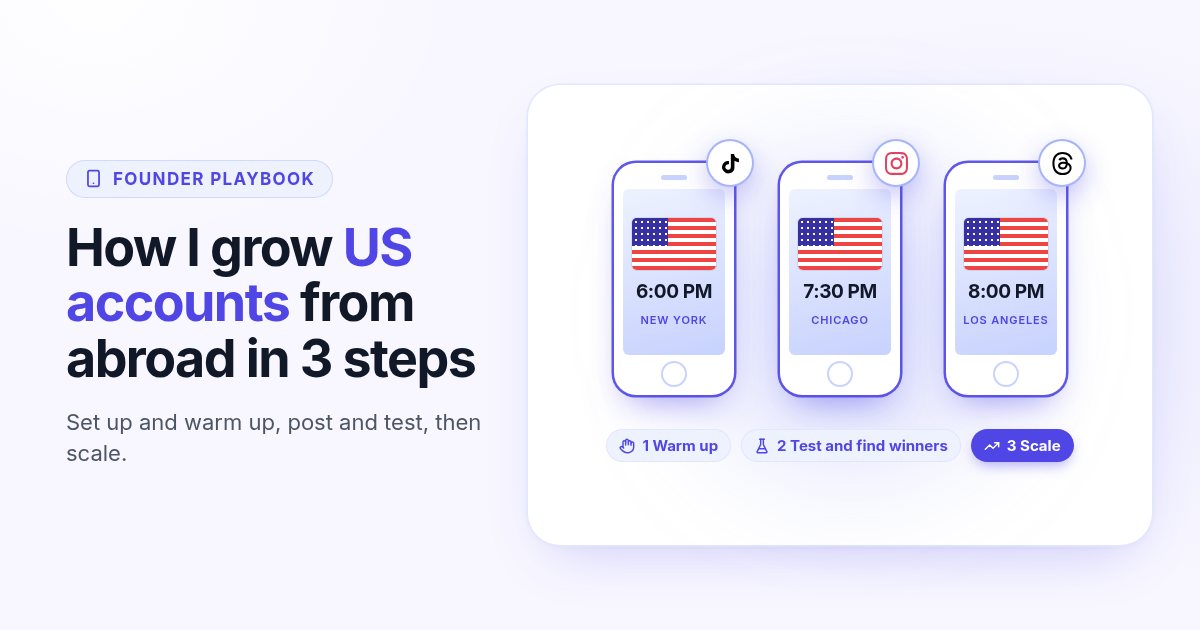
I do not live in the United States, but most of the people I want to reach do. The US audience is the biggest one on TikTok and Instagram, and it is the one that buys. The problem is simple: an account opened from my own phone gets shown to people in my own country first, and posting in my evening means posting at the wrong time for New York.
So I built a small setup that lets me grow accounts for a US audience from abroad. It costs less than a dinner out, it takes 15 minutes a day at the start, and I use the exact same playbook on TikTok, Instagram, Facebook, Threads and Bluesky. Here it is in 3 steps, including the rule that stops me from scaling too early.
Step 1: create and warm up the account
Every account gets its own phone. I do not use my personal phone and I do not switch accounts on one device. A cheap old iPhone is perfect for this: I bought three iPhone 8 for about $100 in total on a secondhand app.
- 1
Buy a cheap dedicated phone
An old iPhone 8 or similar is enough to film, scroll and post. One phone, one account, nothing else installed on it.
- 2
Use a clean VPN
Pick a VPN whose US servers are not shared by hundreds of phones. Crowded addresses are easy to spot. I use dansvpn. Turn it on before you open the app for the first time and keep it on every time you use that phone.
- 3
Factory reset with United States settings
Erase the phone, then set it up as if you bought it in the US: region United States, language English (US), a US time zone, and a fresh Apple account and email that you use for this phone only.
- 4
Check that the setup worked
You can verify it at signup. If the app asks you for a US phone number, it sees you as a US user. That is the sign I wait for before I go any further.
- 5
Act like a human for 7 days
For the first 7 days, do not post. Spend 15 minutes a day scrolling your niche, liking, commenting and following accounts like a real US viewer would.
- 6
Bookmark viral content
Every time you see a video in your niche that clearly took off, save it. That folder becomes your idea bank for step 2.
One phone per account keeps every account clean and easy to reason about.
Same US connection every day. Hopping between countries is what looks strange.
The warm up teaches the app which niche and which country you belong to before your first post.
Step 2: post, test and find your winners
After the warm up, I post one video a day for 30 days. Not five, not one a week: one a day, every day. Each post tests a different format: a talking head, a screen recording, a list, a before and after, a story with text on screen. After 30 days I have 30 real data points instead of a guess.
The timing matters. US prime time is the evening, which is the middle of the night where I live. I am not going to wake up at 1 AM to press Post, so I schedule everything in Postlaty. You pick the time in your own time zone and Postlaty publishes it then, so 6 PM in New York is simply a late night slot on my calendar.
7 days
Warm up, 15 minutes a day, no posts
30 days
One post a day, one format test each
6 to 9 PM
US evening, scheduled ahead with Postlaty
To find winners, you do not need to invent anything. Go back to your bookmarks and search the best performing videos in your niche. Then copy what works: the hook in the first second, the format, the length, the structure and the pace. Film it again with your own footage and your own words.
Copy the format, not the file. Reuploading someone else's video gets flagged as unoriginal, and the account stops being pushed. A remake of a proven structure gets judged on its own.
Start from your bookmarks
The videos you saved during the warm up already went viral with the audience you want.
Copy the structure
Same hook, same format, same length. Your footage, your voice, your product.
Keep what works
Look at views, watch time and shares after 48 hours. Double down on the formats that win and drop the rest.
Make variations
When a format wins, film five versions of it with different hooks before you move on.
Step 3: scale only once you have a winner
This is the rule I am strictest about. Do not scale if you have no video above 100k views, or dozens of videos above 10k. Until then you have not found your winning format yet, and more accounts would only multiply a format that does not work. Keep testing on one account.
Once you hit that bar, scale: more phones, more accounts, more reach. Every new phone goes through the same setup and the same 7 day warm up. Then the winning formats go out on every account. In Postlaty you can connect several accounts of the same platform and select them all in one post, so one video is scheduled to every account at once.
Scale trigger: one video above 100k views, or dozens above 10k.
More phones, more accounts, more reach. Same setup and warm up for each one.
Schedule the winners to every account in one go instead of posting phone by phone.
I do the same on Instagram, Facebook, Threads and Bluesky
This is not only a TikTok trick. I run the exact same playbook on Instagram, Facebook, Threads and Bluesky: a dedicated phone, a US setup, a 7 day warm up, 30 days of tests, then scale the winners. A vertical video that wins on TikTok usually becomes a Reel and a Facebook video too, and the hook works as a text post on Threads and Bluesky.
I connect all of them to Postlaty and cross-post from one composer. If you want the details on sending one clip everywhere, read how to schedule one video to TikTok, Instagram and YouTube.
Good to know before you start
Each platform has its own terms about the details you give at signup. Read them for the networks you use, and keep your content original.
A US audience does not make you eligible for US creator payouts. Those programs depend on where you actually live. The value here is reach and customers.
Some accounts flop even with a perfect setup. That is fine: the value is in the formats you learn, and a new account can be warmed up anytime.
Ready to schedule your US prime time posts from anywhere? Connect your accounts and start your 7-day free trial below.
FAQ
Frequently Asked Questions
Use a dedicated phone, a VPN with clean US servers that are not shared by hundreds of phones, and factory reset the phone with United States settings: region, language, time zone and a fresh account. Then warm it up for 7 days before you post.
I warm up for 7 days, 15 minutes a day: scroll the niche, like, comment, follow and bookmark viral videos. No posts during that week.
Schedule the posts. In Postlaty you pick the time in your own time zone, so an evening slot in New York is just a night slot on your calendar and goes out while you sleep.
Only once you have a video above 100k views or dozens above 10k. Before that, keep testing formats on one account until you find the one that wins.
Yes. Postlaty has a 7-day free trial. Connect your TikTok, Instagram, Facebook, Threads and Bluesky accounts and schedule your first week of posts during the trial.
Blog
More articles
Agorapulse alternatives in 2026: when you pay per seat but post alone
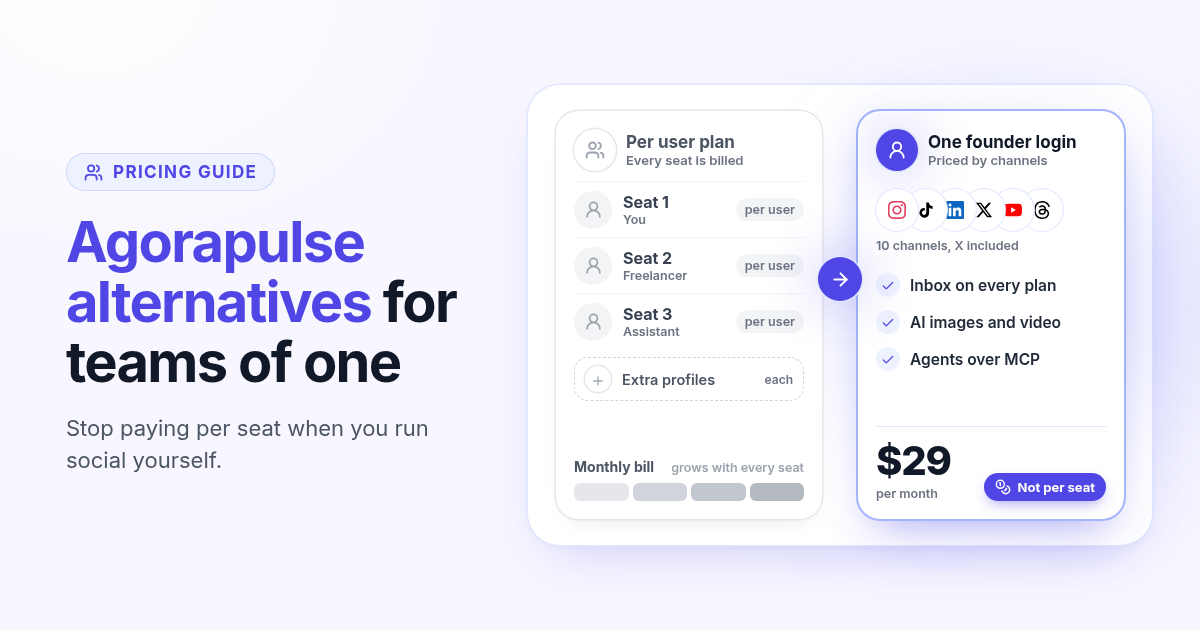
Agorapulse prices every plan per user, which suits social teams more than founders. See how its pricing works in 2026, check which features you really use, and know what to test in any Agorapulse alternative before you switch.
Publer alternatives in 2026: when per account pricing stops paying off
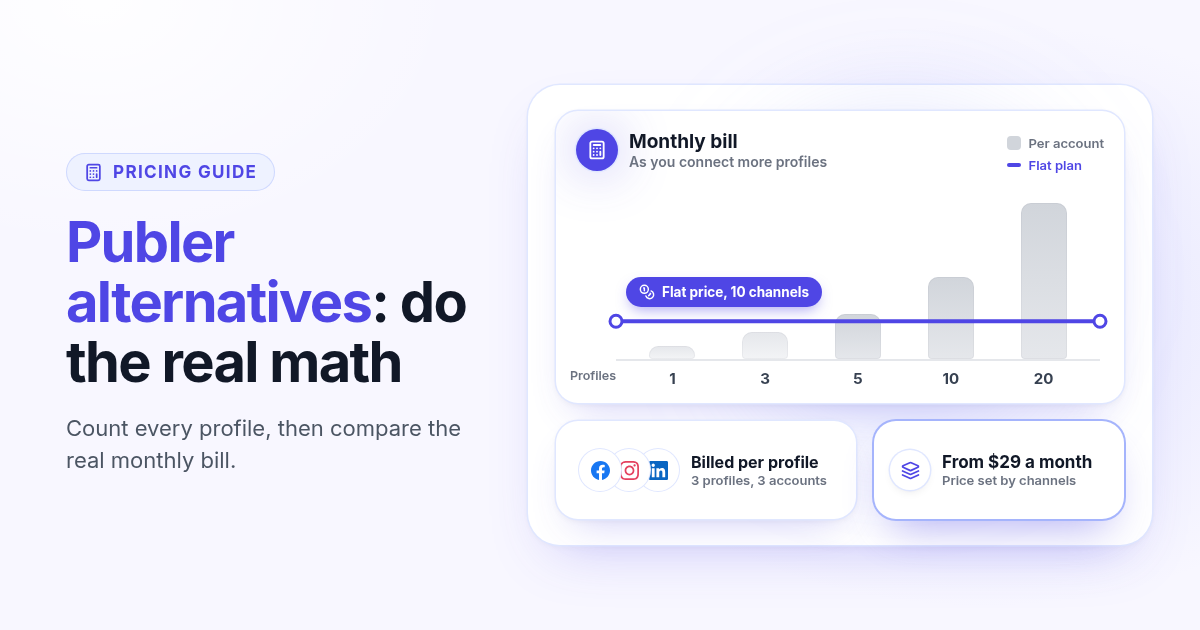
Publer bills per social account, so the price climbs with every Page and profile. Count what you really pay, spot the five signs you have outgrown it, and know what to test in any Publer alternative before you switch.
How to choose a content creation platform: 6 tests to run before you pay
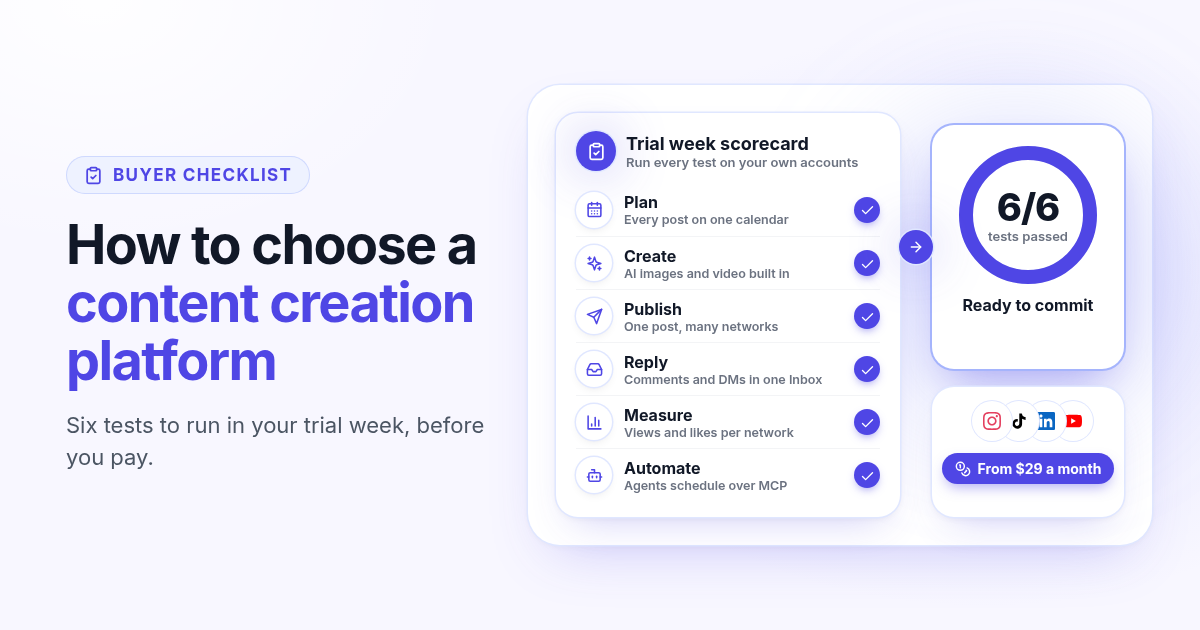
A founder checklist for picking a content creation platform: add up the stack you pay for, then use a 7-day trial to test planning, AI images and video, publishing to every network, one Inbox for replies, per network numbers and AI agents.
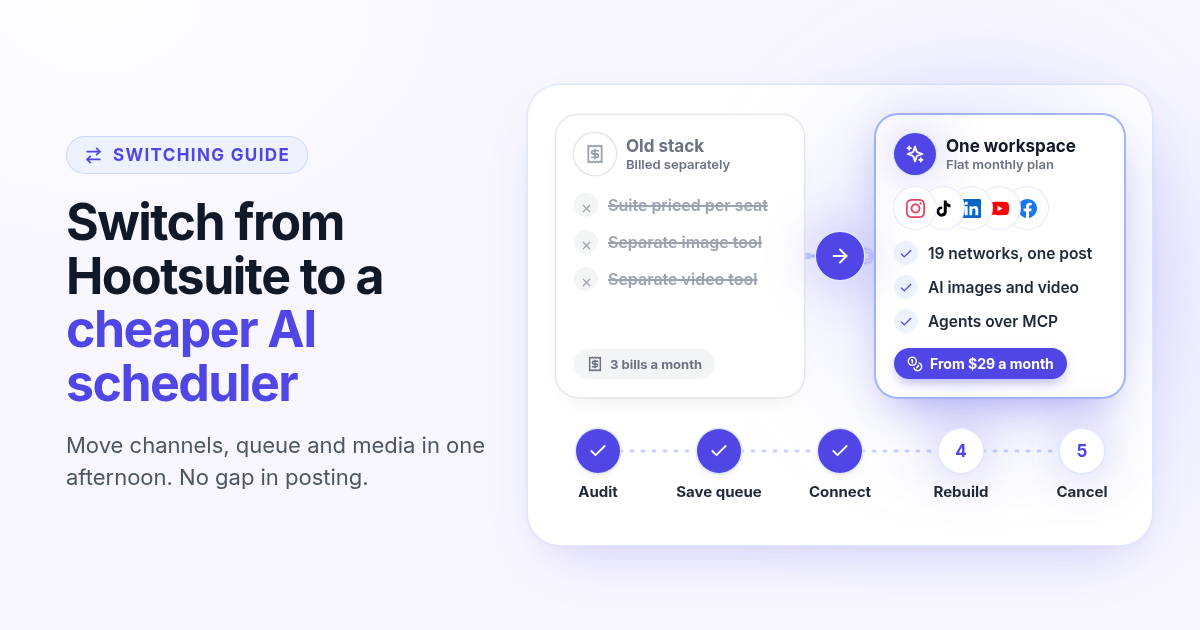
How to switch from Hootsuite to a cheaper AI scheduler in one afternoon
A step by step plan to leave Hootsuite without a gap in posting: audit what you use, save your queue and media, connect your channels, rebuild two weeks of posts, add AI images, video and agents, then cancel before renewal.
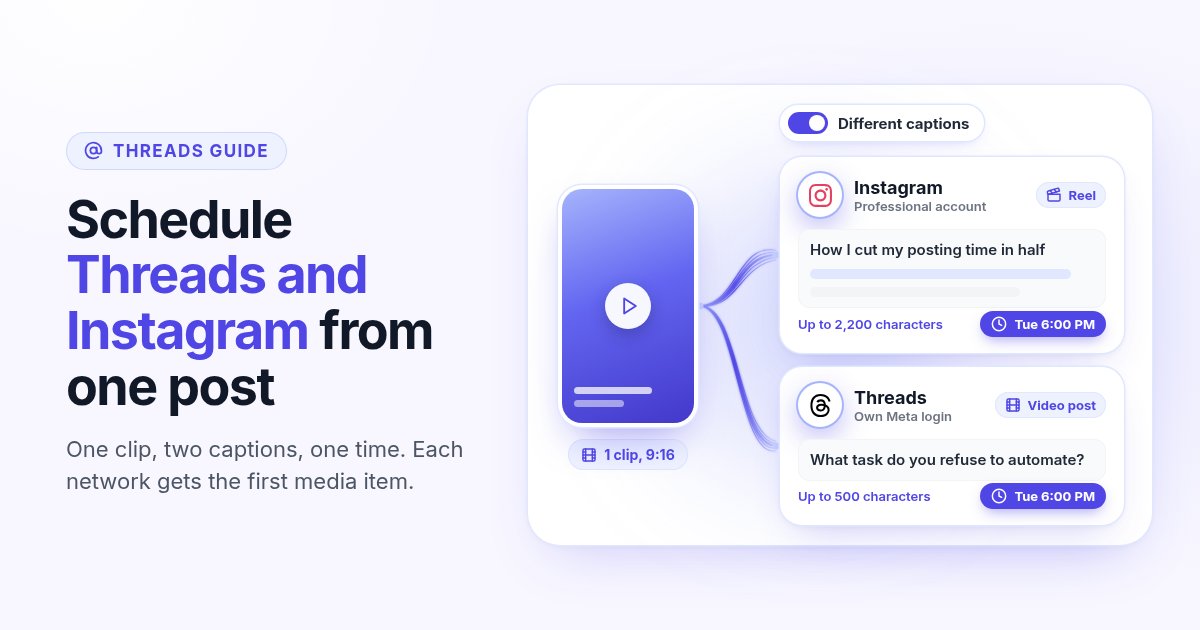
How to schedule Threads and Instagram together from one post
Schedule a Reel or photo to Instagram and Threads at the same time from one post. Connect both Meta accounts, attach one file, write a long Instagram caption and a short Threads caption, and pick one time.
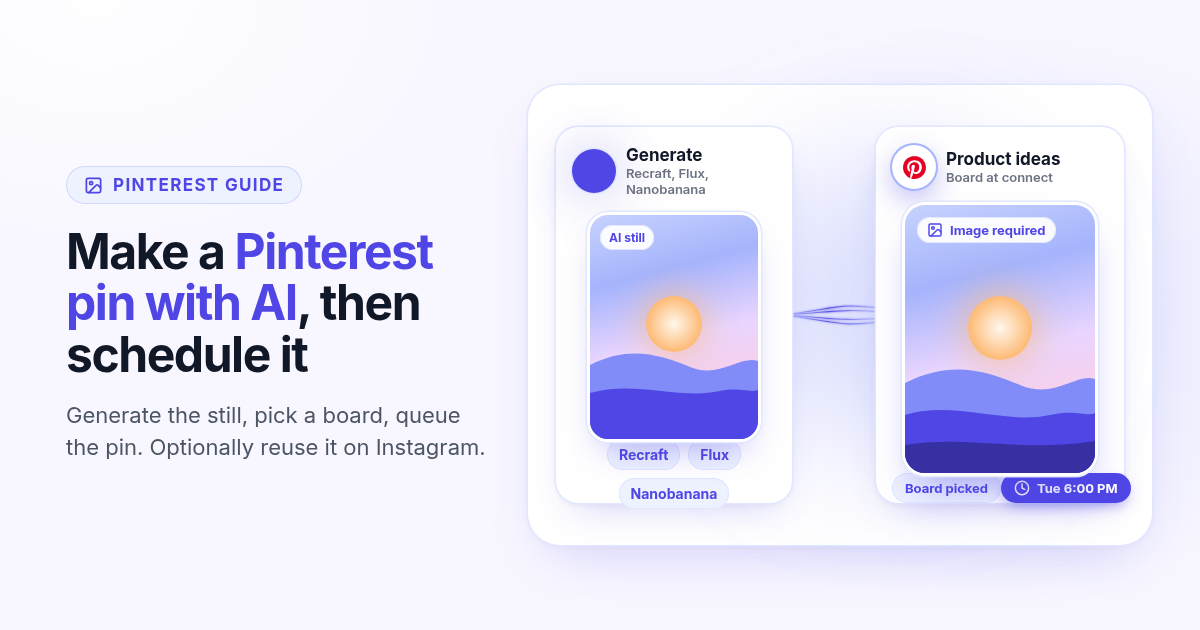
How to make a Pinterest pin with AI and schedule it to a board
Generate a Pinterest pin image with Recraft, Flux, or Nanobanana, pick a Business board at connect, and schedule the pin from Create. Image required. Optionally reuse the still on Instagram.
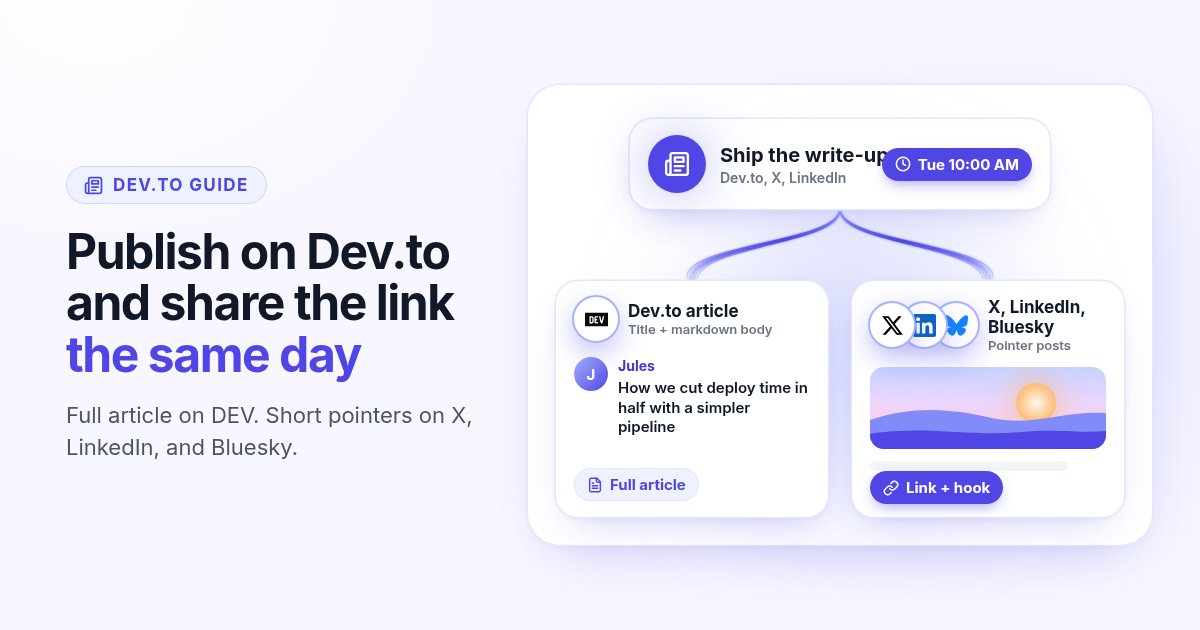
How to schedule a Dev.to article and the posts that point to it
Schedule a Dev.to article and the short X, LinkedIn, or Bluesky posts that point to it from one queue. Connect with an API key, write the title and body, then ship pointers instead of pasting the markdown.
How to schedule a Discord announcement and the public post together
Schedule a Discord announcement and the matching Instagram and X post from one queue. Add the bot to your server, pick the channel, send text to Discord and the visual to the public networks.
How to cross-post to Bluesky and Mastodon (and where video fails)
Cross-post Bluesky and Mastodon from one composer. Connect with an app password and a server token, share one still, and know why a Bluesky video will not publish as Mastodon video.
How to schedule Telegram channel posts as yourself (not as a bot)
Native Telegram schedule works for one message. Most tools post as a BotFather bot. Here is how to connect with your phone, pick a chat, and schedule posts as yourself with Postlaty.
How to schedule Pixelfed posts (a photo is required)
Pixelfed is photo-first and has no real content calendar. Here is how to connect any server with an access token, attach a photo, and schedule posts ahead with Postlaty.
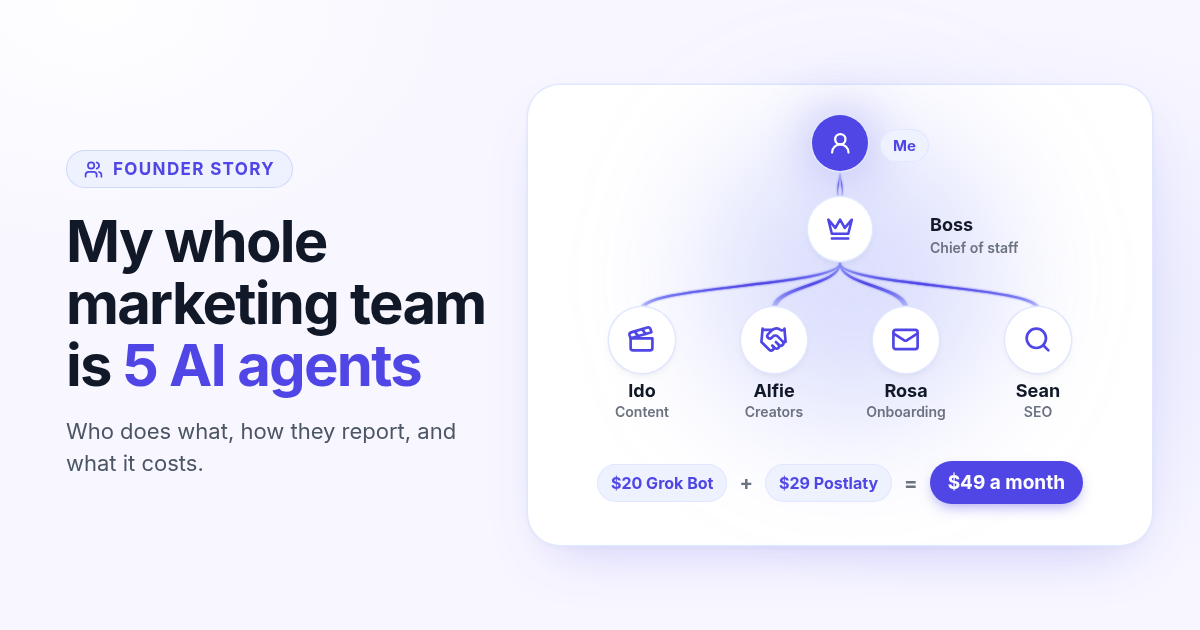
How I run my whole marketing team with AI agents for $49 a month
I am a solo founder. My marketing team is five AI agents that post, reach out, email, and write, then report to me daily. Here is who does what and what it costs.
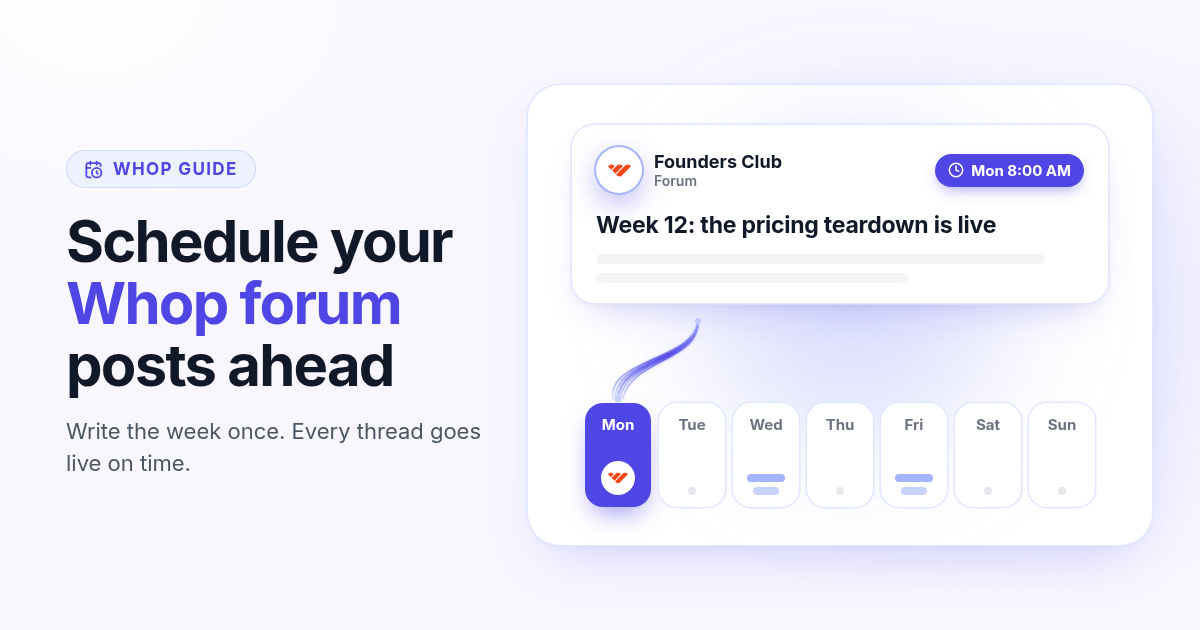
How to schedule Whop posts to your community forum
Whop forums publish when you press Post. Here is how to schedule Whop posts ahead with a company API key, what to write, and how replies reach your inbox.
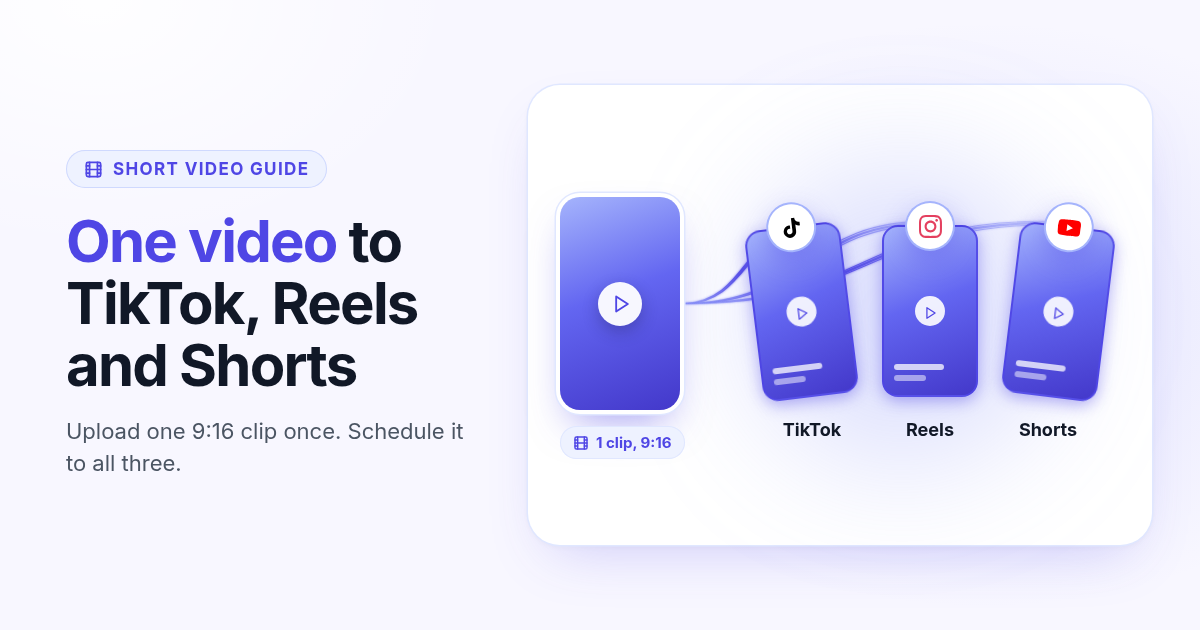
How to post the same short video to TikTok, Instagram Reels, and YouTube Shorts
One 9:16 file can feed TikTok, Reels, and Shorts. This guide covers aspect ratio, captions, covers, and a publish path that does not recrop three times.