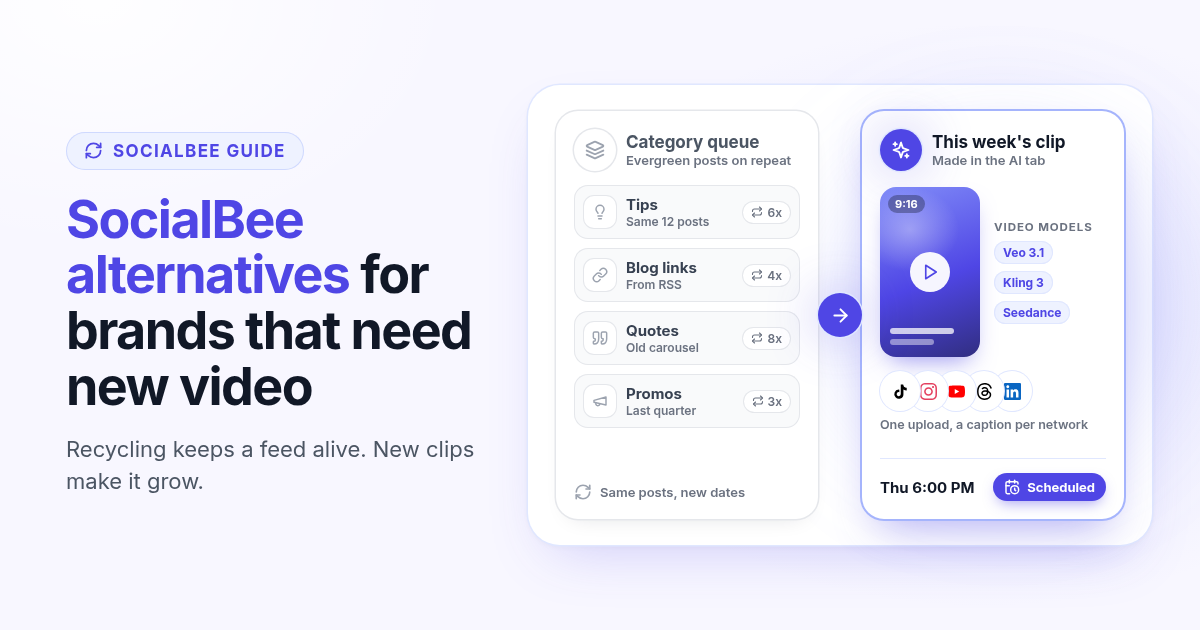
SocialBee is built around one smart idea: sort your posts into content categories, give each category a schedule, and let the tool recycle your evergreen posts so your feed never goes quiet. For a lot of small businesses that is exactly the job. So when founders search for SocialBee alternatives, the reason is usually not that the queue broke. It is that the queue keeps posting, and the accounts stopped growing.
On TikTok, Reels and Shorts, reach goes to new video. A library of tips, quotes and blog links on rotation keeps a profile active, but it rarely brings new followers. This guide helps you decide whether you need a different tool or just a different habit, and what to test before you move. If you want the side by side right away, read Postlaty vs SocialBee.
What SocialBee gives you in 2026
According to SocialBee's pricing page (checked October 2026), Bootstrap costs $29 per month for 5 social profiles, 1 user and 1 workspace, with 10 content categories. Accelerate costs $49 per month for 10 profiles and 50 categories, and adds advanced analytics, CSV uploads, a bulk editor and post approval. Pro costs $99 per month for 25 profiles, 5 workspaces and 3 users per workspace. Yearly billing brings those to $290, $490 and $990 a year, and there is a 14-day free trial.
Every plan includes unlimited AI content generation for captions and images, an AI Copilot that drafts a strategy with ready posts, Canva, Unsplash and GIPHY integrations, and the category engine: recycle content, expire it after a number of shares, import blog posts from RSS feeds and post at suggested best times. Extra users and workspaces cost $10 per month each, and extra profiles come in sets of 5 for $15 per month.
$29
SocialBee Bootstrap, per month, 5 profiles
$49
SocialBee Accelerate, per month, 10 profiles
$29
Postlaty Starter, per month, 10 channels
Why a recycled queue stops growing an account
Recycling solves a real problem: you write a good post once and it keeps working for you. The catch is what kind of post it is. Category queues shine with text, links and still images. Short video works differently, and that is where most new reach comes from right now.
Followers who already saw a post scroll past it the second and third time, so engagement on repeats tends to fade.
TikTok, Reels and Shorts push new clips to people who do not follow you yet. A queue of old links does not feed that.
RSS imports turn every blog post into a link share. Useful for traffic, but a link card is not a native video.
When the queue runs itself, it is easy to stop making anything new. The feed looks busy while growth goes flat.
None of this means recycling is wrong. It means a recycled queue is maintenance, and growth needs a steady supply of new short video next to it.
Step 1: check what your queue really does
Before you look at any alternative, spend twenty minutes in your SocialBee analytics and answer three questions honestly.
- 1
How much of last month was new?
Count the posts that went out for the first time versus repeats from your categories. If repeats are most of it, your feed runs on autopilot.
- 2
Which posts brought followers?
Sort your top posts by reach or follows. Note whether the winners were new videos, repeats or link shares.
- 3
Where do your visuals come from?
Write down every tool you open to make images and clips: an AI video generator, a design tool, an editor. Note what each one costs per month.
If your best posts were new videos and you make them in a separate tool, the scheduler is only half your workflow. That is the moment an alternative is worth testing.
Then do the cost math with the full stack, not the scheduler alone. Take your SocialBee plan, add any profile, user or workspace add-ons you pay for, then add the video and design subscriptions from the list above. A $29 scheduler next to a separate AI video tool is not a $29 workflow. That total, plus the time you spend downloading clips from one app and uploading them to another, is the number any alternative has to beat.
What to look for in a SocialBee alternative
A good alternative for this problem should make new posts easier, not just move old ones around. Here is how Postlaty answers each point, so you have a reference when you compare other tools.
Video made where you schedule
The AI tab generates video with Veo 3.1, Kling and Seedance, and images with Recraft, Flux and Nanobanana. Monthly tokens are included in every plan.
One upload, a caption per network
Pick TikTok, Instagram, YouTube, Threads and the rest on Create, then switch to Different captions when a network needs its own voice.
More channels for the same start
Starter is $29 per month for 10 channels, Pro is $39 for 20 and Premium is $49 for 50, counted across all your workspaces.
Workspaces are not a paid extra
Workspaces sort your brands and are not limited by plan, so a second brand does not mean a workspace add-on.
Replies in one Inbox
Comments, mentions and DMs from connected channels come back to one Inbox next to the composer, on every plan.
Agents that can post for you
Connect Claude, ChatGPT, Gemini, Grok or Cursor over MCP and API, and your assistant can generate media and schedule posts.
Postlaty publishes to 19 networks, including Instagram, TikTok, YouTube, LinkedIn, Facebook, X, Threads, Bluesky, Pinterest, Reddit, Telegram, Discord, Mastodon and Tumblr. The channels page lists each one with its media rules. If one clip to three short video apps is your main job, the guide to scheduling one video to TikTok, Instagram and YouTube shows the exact steps.
Step 2: build one week of new posts
The fastest way to know if a new workflow beats your queue is to replace one week of repeats with new posts. Keep SocialBee running for your evergreen categories while you do it.
- 1
Pick three ideas you would normally recycle
Take your three best evergreen posts. They already proved the message works, so turn each into a short video instead of a fourth repeat.
- 2
Generate the clips in the AI tab
Describe each scene, pick a video model and a 9:16 format, and save the results to your media.
- 3
Schedule them everywhere at once
Open Create, attach the clip, select every network you want and set a time. Add a network specific caption where it helps.
- 4
Pause the matching repeats
Pause those three posts in their SocialBee categories for the week, so the old and new versions do not go out on the same days.
At the end of the week, compare reach and new followers for the new clips against the repeats they replaced. That one number tells you more than any feature list.
A note on effort: the point is not to post more. Three good new clips a week usually beat ten repeats. If writing the prompts is the bottleneck, connect an assistant over MCP and let it draft the ideas, generate the clips and put them on your calendar for review. You still decide what goes out, and the routine part stops eating your evenings.
Test it in a 7-day free trial before you switch
Postlaty has a 7-day free trial, which is exactly one test week. Use it on your real accounts.
Connect your three or four busiest channels first and run the week from Step 2 on them.
Answer a few comments and DMs from the Inbox to confirm it covers the accounts you care about.
Ask your assistant to schedule one post over MCP. If that saves time once, it keeps saving it.
If you run a second brand, create a second workspace and see how switching between them feels.
If you decide to move everything, the one afternoon migration plan works the same way from SocialBee: save your best category posts and media, rebuild two weeks, run both tools side by side for a week, then cancel before renewal.
When SocialBee is still the right call
Stay on SocialBee if evergreen recycling is the core of your strategy and you already have the visuals, if you rely on content categories, expiring posts or RSS imports, or if you publish to Google Business Profile, which Postlaty does not support. Postlaty's calendar schedules posts for a set time; it is not a recycling engine. It fits founders and small brands who want to make new video, publish it everywhere and answer replies in one place.
Read the full Postlaty vs SocialBee comparison, check pricing, or see how agents fit in on the agents page before you start your 7-day free trial.
FAQ
Frequently Asked Questions
SocialBee Bootstrap is $29 per month for 5 profiles, Accelerate is $49 for 10 profiles and Pro is $99 for 25 profiles with 5 workspaces. Yearly billing is $290, $490 or $990 a year. Extra users and workspaces are $10 per month each, and 5 extra profiles are $15 per month.
Usually because the category queue keeps posting but the accounts stopped growing. Recycled tips, quotes and links keep a feed active, while TikTok, Reels and Shorts reward new short video. If you make those clips in a separate tool, a scheduler with video generation built in is worth testing.
No. Postlaty schedules each post for a set time and has no category recycling engine. If evergreen recycling is your main workflow, SocialBee is built for it.
Postlaty Starter is $29 per month for 10 channels, Pro is $39 for 20 and Premium is $49 for 50. Workspaces are not limited by plan, and every plan includes AI image and video generation with monthly tokens, the Inbox and agent access over MCP and API.
Postlaty publishes to 19 networks, including Instagram, TikTok, YouTube, LinkedIn, Facebook, X, Threads, Bluesky, Pinterest, Reddit, Telegram, Discord, Mastodon and Tumblr. It does not publish to Google Business Profile.
Yes. Postlaty has a 7-day free trial, enough to replace one week of recycled posts with new clips on your real accounts and compare the results.
Blog
More articles
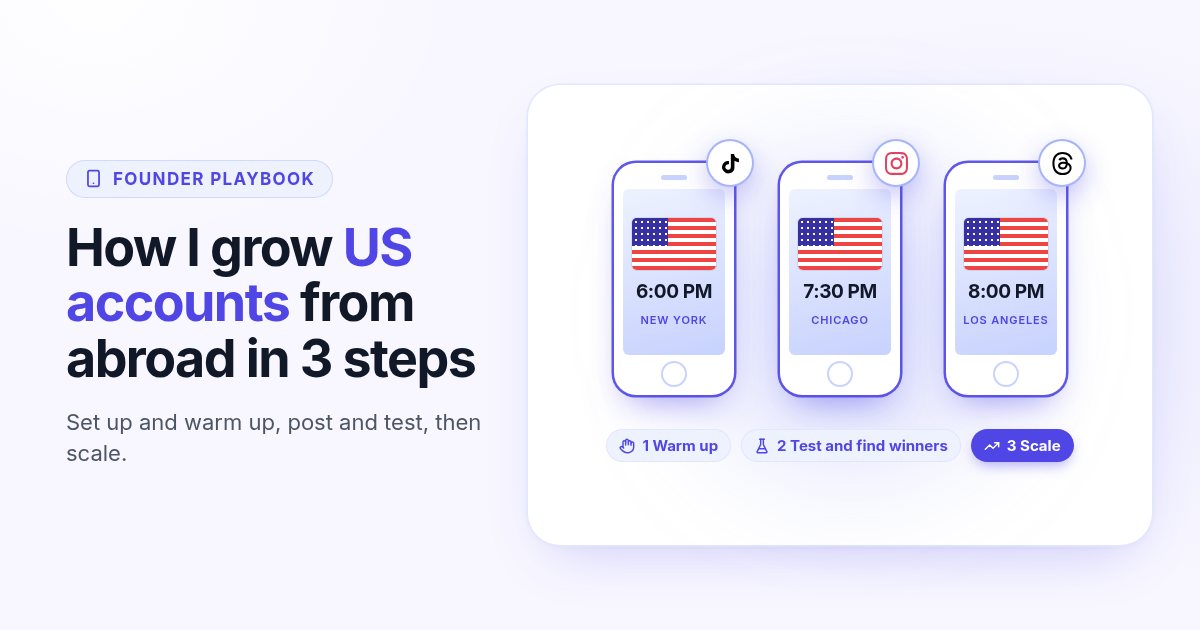
How I grow US TikTok accounts from abroad in 3 steps
I do not live in the US, but I grow accounts for a US audience. My 3 step playbook: set up and warm up a cheap dedicated phone, post and test for 30 days, then scale only the winners.
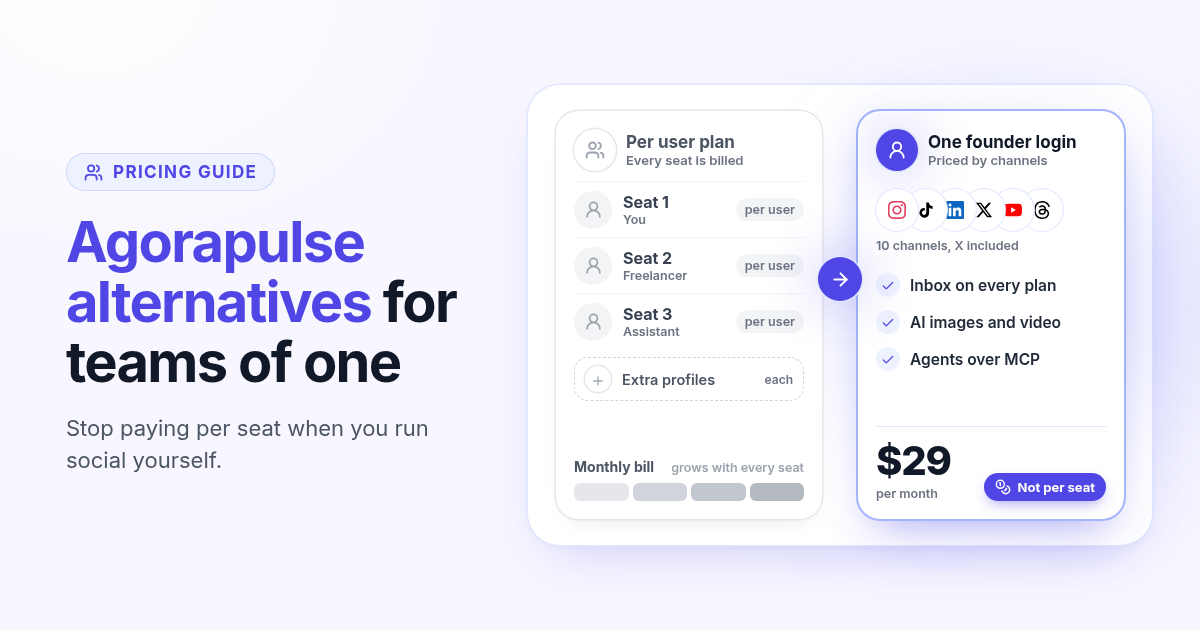
Agorapulse alternatives in 2026: when you pay per seat but post alone
Agorapulse prices every plan per user, which suits social teams more than founders. See how its pricing works in 2026, check which features you really use, and know what to test in any Agorapulse alternative before you switch.
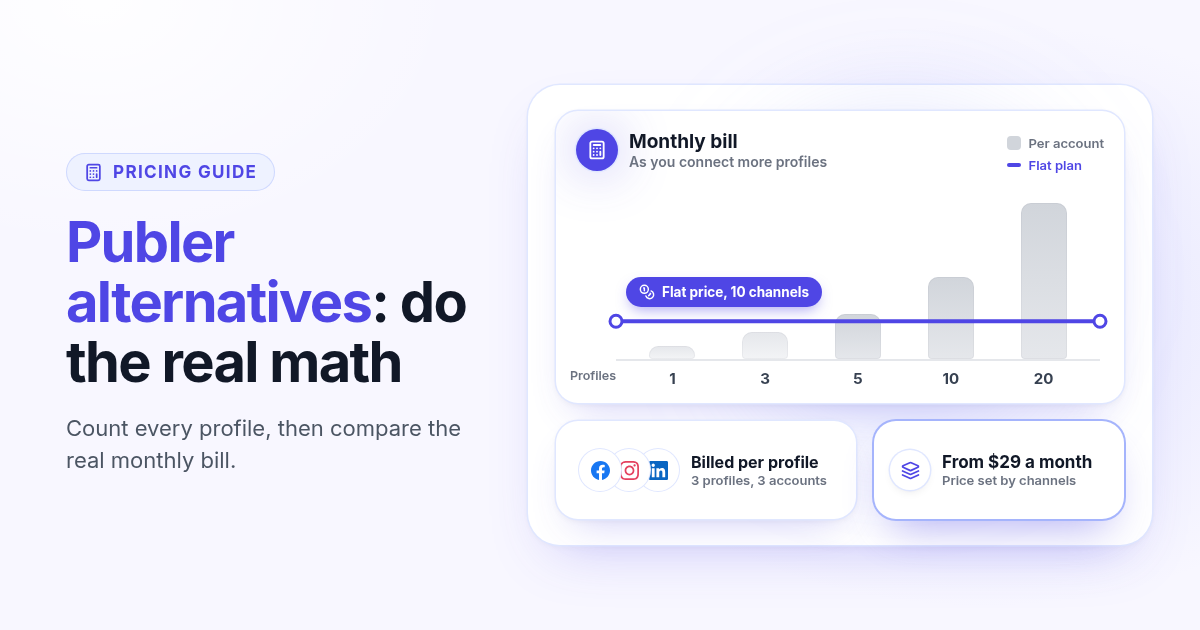
Publer alternatives in 2026: when per account pricing stops paying off
Publer bills per social account, so the price climbs with every Page and profile. Count what you really pay, spot the five signs you have outgrown it, and know what to test in any Publer alternative before you switch.
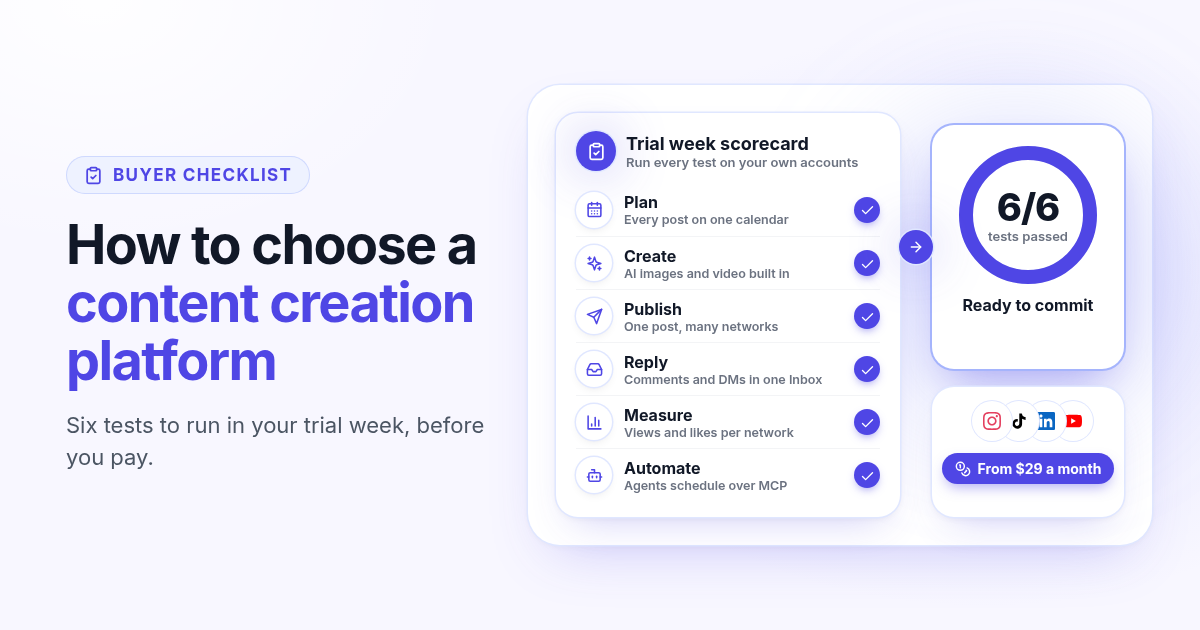
How to choose a content creation platform: 6 tests to run before you pay
A founder checklist for picking a content creation platform: add up the stack you pay for, then use a 7-day trial to test planning, AI images and video, publishing to every network, one Inbox for replies, per network numbers and AI agents.
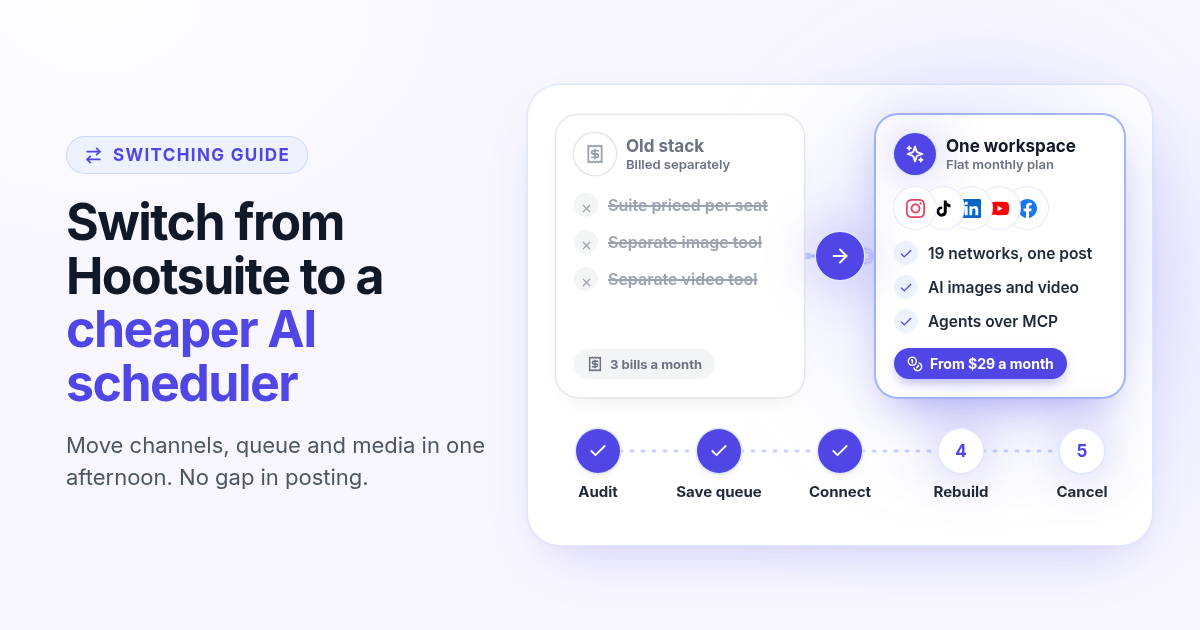
How to switch from Hootsuite to a cheaper AI scheduler in one afternoon
A step by step plan to leave Hootsuite without a gap in posting: audit what you use, save your queue and media, connect your channels, rebuild two weeks of posts, add AI images, video and agents, then cancel before renewal.
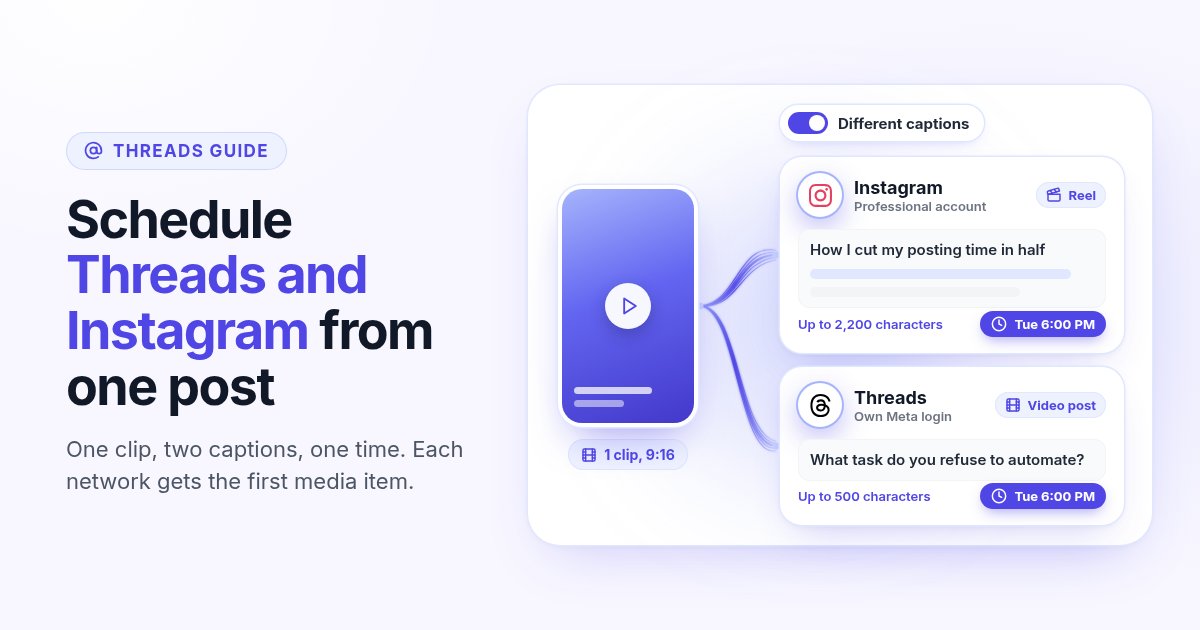
How to schedule Threads and Instagram together from one post
Schedule a Reel or photo to Instagram and Threads at the same time from one post. Connect both Meta accounts, attach one file, write a long Instagram caption and a short Threads caption, and pick one time.
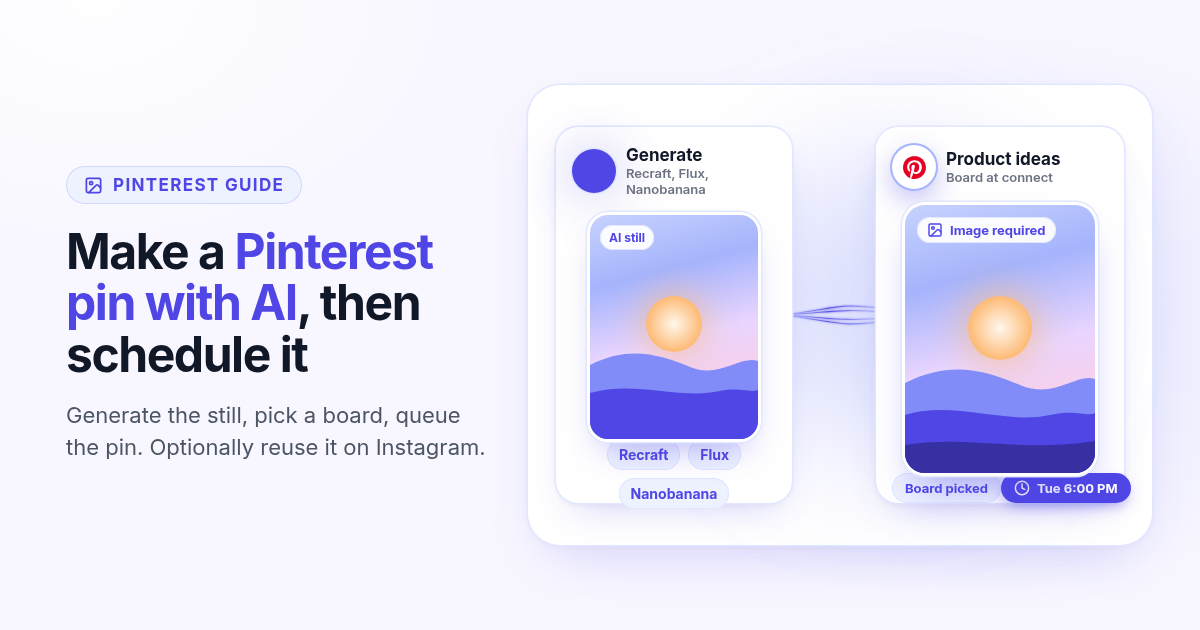
How to make a Pinterest pin with AI and schedule it to a board
Generate a Pinterest pin image with Recraft, Flux, or Nanobanana, pick a Business board at connect, and schedule the pin from Create. Image required. Optionally reuse the still on Instagram.
How to schedule a Dev.to article and the posts that point to it
Schedule a Dev.to article and the short X, LinkedIn, or Bluesky posts that point to it from one queue. Connect with an API key, write the title and body, then ship pointers instead of pasting the markdown.
How to schedule a Discord announcement and the public post together
Schedule a Discord announcement and the matching Instagram and X post from one queue. Add the bot to your server, pick the channel, send text to Discord and the visual to the public networks.
How to cross-post to Bluesky and Mastodon (and where video fails)
Cross-post Bluesky and Mastodon from one composer. Connect with an app password and a server token, share one still, and know why a Bluesky video will not publish as Mastodon video.
How to schedule Telegram channel posts as yourself (not as a bot)
Native Telegram schedule works for one message. Most tools post as a BotFather bot. Here is how to connect with your phone, pick a chat, and schedule posts as yourself with Postlaty.
How to schedule Pixelfed posts (a photo is required)
Pixelfed is photo-first and has no real content calendar. Here is how to connect any server with an access token, attach a photo, and schedule posts ahead with Postlaty.
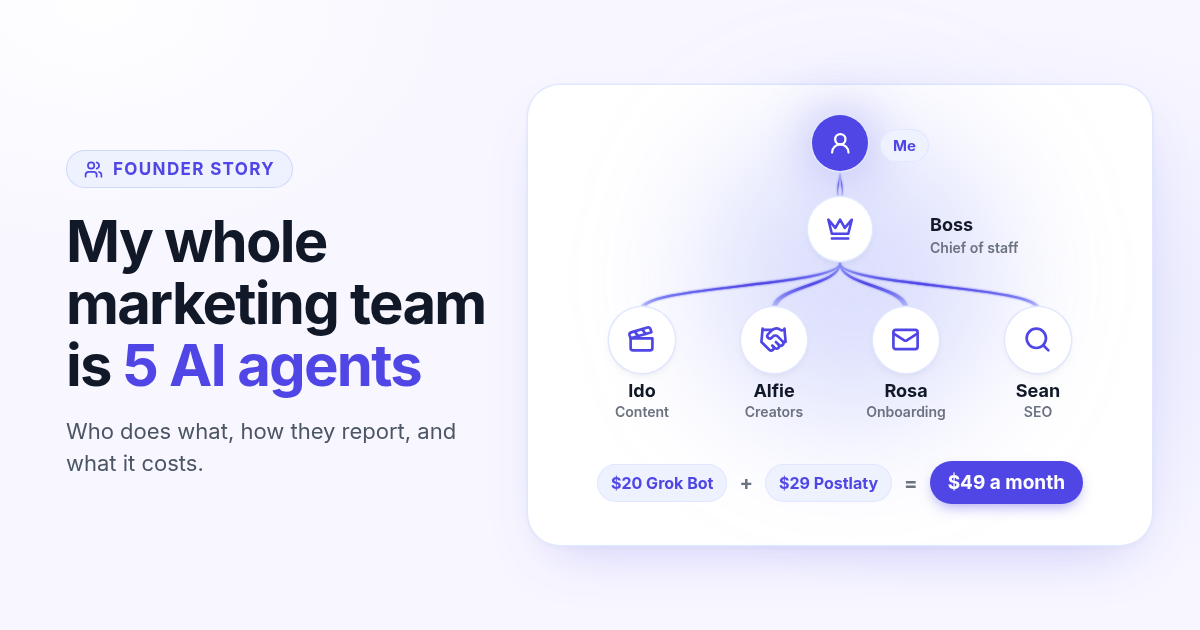
How I run my whole marketing team with AI agents for $49 a month
I am a solo founder. My marketing team is five AI agents that post, reach out, email, and write, then report to me daily. Here is who does what and what it costs.
How to schedule Whop posts to your community forum
Whop forums publish when you press Post. Here is how to schedule Whop posts ahead with a company API key, what to write, and how replies reach your inbox.
How to post the same short video to TikTok, Instagram Reels, and YouTube Shorts
One 9:16 file can feed TikTok, Reels, and Shorts. This guide covers aspect ratio, captions, covers, and a publish path that does not recrop three times.