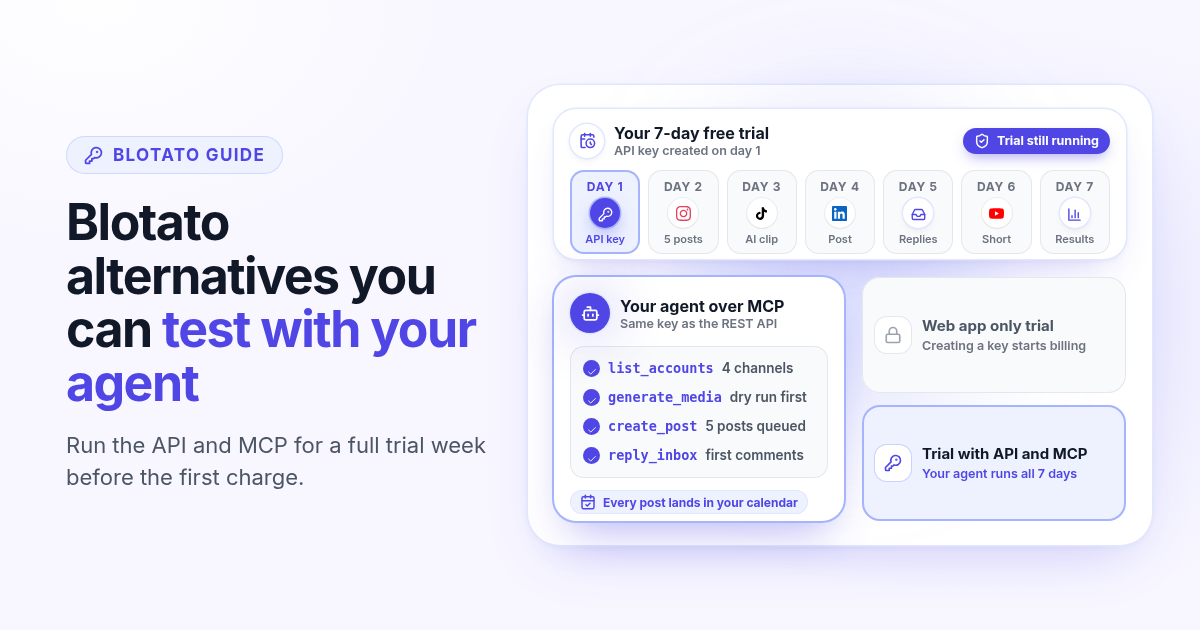
Blotato is one of the closest tools to Postlaty. It schedules to the big social networks, generates AI images and videos, and ships a REST API and an MCP server so Claude, Cursor or n8n can post for you. Most people who look for a Blotato alternative are not unhappy with the idea. They hit one specific wall: they want their agent to run a real test week, and the free trial does not include the API.
This guide explains how Blotato pricing works in 2026, why the API sits outside its trial, and what to check in an alternative if your plan is to let an agent post for you. If you want the feature table right away, read Postlaty vs Blotato.
How Blotato pricing works in 2026
According to Blotato's pricing page (checked 27 October 2026), there are three monthly plans. Starter costs $29 a month for 20 social media accounts, 1,250 AI credits a month for images and videos, and 1,000 active contacts a month for DMs and comment replies. Creator costs $97 a month for 40 accounts, 5,000 credits and 6,000 contacts. Agency costs $499 a month with 28,000 credits and 15,000 contacts. Yearly billing saves about 17%: you pay for ten months and get twelve.
AI writing is unlimited on every plan, and scheduling, publishing and API calls do not use credits. Credits only cover image and video generation. Blotato publishes to nine networks: X, LinkedIn, Facebook, Instagram, TikTok, YouTube, Threads, Bluesky and Pinterest.
$29
Blotato Starter, per month, 20 accounts
60
AI credits in the Blotato trial, web app only
$29
Postlaty Starter, per month, 10 channels, API and MCP in the trial
Why the Blotato trial stops at the API
Every Blotato plan has a 7-day free trial with a card on file. The trial covers the web app and 60 AI credits, but not the API or the MCP server. Blotato's own FAQ says that generating an API key in Settings ends the trial right away and starts the paid plan, even with trial days left. n8n and Make need an API key too.
It is a reasonable rule for a tool whose heaviest usage runs through the API. It still changes how you evaluate the tool. If your whole reason for buying is "my agent posts for me," you cannot see that loop work until you are already paying. Twenty-nine dollars is not a lot of money, but a test that starts with a charge is not really a test.
So the useful question is not only "which tool has MCP?" Blotato has one, and so does Postlaty. The question is whether you can run your real agent workflow for a full week before the first bill.
Step 1: decide what you actually need to test
Before you compare any Blotato alternative, write down what a successful trial looks like. Three questions cover most cases.
- 1
Does an agent or automation post for you, or do you post by hand?
If you schedule everything yourself in the web app, the API gap does not matter and Blotato’s trial shows you what you need. If Claude, Cursor or a script does the posting, the API is the product and it belongs in the test.
- 2
How many accounts and networks do you post to?
Count every account across your brands, then list the networks. Blotato gives more accounts at $29 (20 versus 10). Postlaty covers more networks (19 versus 9), including Reddit, Telegram, Discord, Slack, Mastodon and Tumblr.
- 3
How much AI video will you generate each week?
Credits and tokens are priced differently. Write down a realistic number of clips per week so you can compare the bill, not the plan name.
If the honest answer is "an agent posts most of my week," the trial has to include the API. Everything else is secondary.
What to look for in a Blotato alternative
A good alternative for agent posting gives your assistant the same reach an API would, lets you test that from day one, and keeps a human view of what the agent did. Here is how Postlaty answers each point, so you have a reference when you compare other tools.
API and MCP during the trial
Create an API key on day one of the 7-day free trial. The key works for the REST API and the MCP server, and creating it does not end the trial.
Any MCP client
Connect Claude, ChatGPT, Gemini, Grok or Cursor. The agent can list your accounts, create and schedule posts, upload media and start generations.
A price check before each clip
Each model lists its token cost, and a dry run on a generation returns the token cost and whether your balance covers it, so the agent can check before it spends.
A calendar you can open
Posts scheduled by the agent show up in Posts next to the ones you made by hand, so you can review the week and edit anything before it goes out.
An inbox without a contact cap
Comments, mentions and DMs from connected channels land in one Inbox on every plan, and the API can list and reply to them.
Webhooks for the agent loop
Get a webhook when a generation completes or fails and when a post publishes or fails, so your automation knows what happened without polling.
The API docs list every endpoint, and the agents page shows how to connect each assistant. Video models include Veo 3.1, Kling 3 Pro, Seedance 2.5 and Grok Imagine, and image models include Recraft, Flux and Nanobanana. The channels page lists all 19 networks with their media rules.
Step 2: run a real trial week through your agent
The point of the trial is to watch your agent do the job you are buying the tool for. Here is a simple week that fits inside seven days.
- 1
Day 1: connect accounts and create the key
Attach the three or four accounts that matter most, create an API key, and add the Postlaty MCP server to your assistant. Ask it to list your accounts so you know it sees the right ones.
- 2
Day 2: let the agent plan and schedule five posts
Give it your topic and ask for five posts with a caption per network. Have it schedule them across the week, then open Posts and check every one.
- 3
Day 3: generate one clip and price it first
Ask the agent for a dry run on a short video so you see the token cost, then generate it with the model you picked and schedule it to TikTok, Reels and Shorts.
- 4
Days 4 to 7: answer comments and read the results
Reply to the first comments from the Inbox or let the agent draft replies through the API, then ask it for an analytics summary of the week.
If this loop works, the AI marketing team for $49 a month article shows how far it goes when agents handle research, writing and posting for several brands. If you are comparing social APIs for your own brands, the Ayrshare alternatives guide covers profile versus channel pricing, and the Predis alternatives guide breaks down what one AI video really costs.
Both trials ask for a card. On Postlaty you can cancel during the 7-day trial with no charge.
Spend tokens on real clips for your accounts, not demos, so the cost you note is the one you will pay.
Plans are $29, $39 and $49 a month for 10, 20 and 50 channels, or $290, $390 and $490 a year.
Keep your current tool running during the test week. Switch only once your own week runs cleanly.
When Blotato is still the right call
Stay with Blotato if you post to the nine networks it covers and want the most accounts for $29: 20 accounts against Postlaty's 10. Its included credits are also generous. 1,250 credits a month on Starter covers far more AI images and video than the 10 tokens included in Postlaty Starter, where a real video habit means buying tokens ($9 per 100, or 1,000 a month for $80). Blotato also offers official n8n and Make nodes, ElevenLabs voiceovers and a library of viral templates. If you mostly post by hand from the web app, its trial already shows you everything that matters.
Postlaty fits founders who want their agent tested before they pay, more networks, an uncapped inbox and named AI models priced per clip.
Read the full Postlaty vs Blotato comparison, check pricing, or browse the API docs before you start your 7-day free trial.
FAQ
Frequently Asked Questions
Starter is $29 a month for 20 accounts and 1,250 AI credits. Creator is $97 a month for 40 accounts and 5,000 credits. Agency is $499 a month with 28,000 credits. Yearly billing saves about 17%.
No. The 7-day trial covers the web app and 60 AI credits. Blotato says that generating an API key ends the trial and starts the paid plan, and n8n and Make need a key too.
Not one with the same scope. Postlaty is not free either, but its 7-day free trial includes the REST API and MCP server, so you can test your agent workflow before the first charge.
Yes. Every Postlaty plan includes a REST API and an MCP server that use the same API key. They list accounts, create and schedule posts, upload media, start AI generations, read analytics and reply in the inbox for the accounts you connected.
Postlaty publishes to 19 networks and Blotato to 9. Blotato gives more accounts on its $29 plan (20 versus 10 channels).
Yes. The 7-day free trial asks for a card, and you can cancel during the trial with no charge.
Blog
More articles
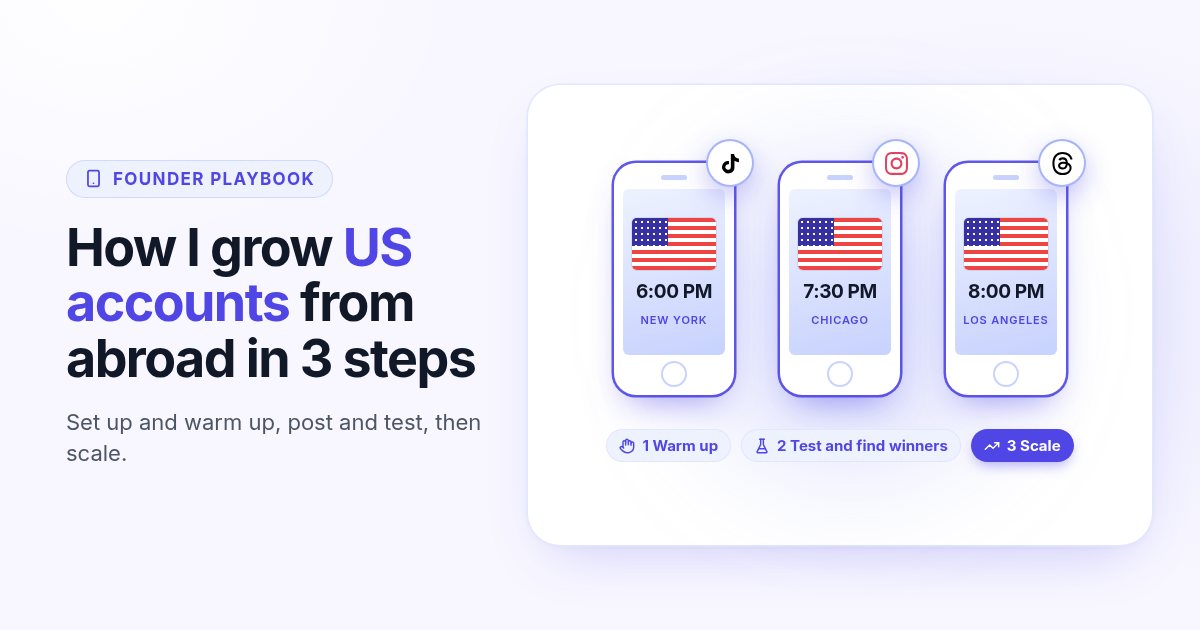
How I grow US TikTok accounts from abroad in 3 steps
I do not live in the US, but I grow accounts for a US audience. My 3 step playbook: set up and warm up a cheap dedicated phone, post and test for 30 days, then scale only the winners.
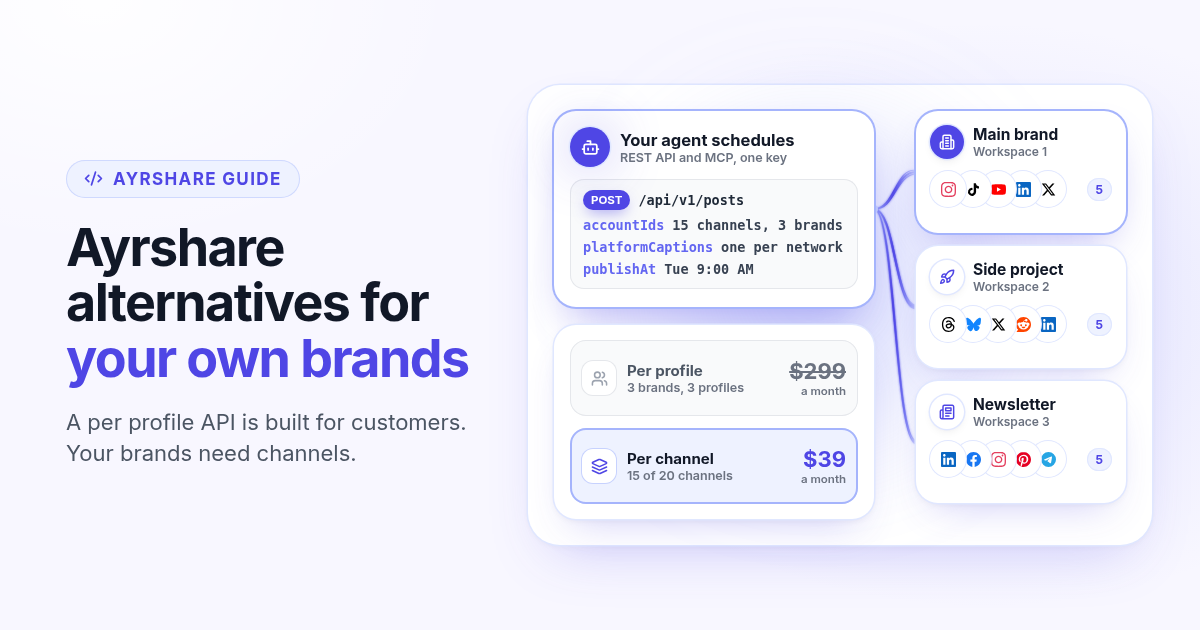
Ayrshare alternatives in 2026: when you post for your own brands, not customers
Ayrshare is a social media API billed per profile, from $149 a month for one. How Ayrshare pricing works in 2026, why profiles and channels lead to very different bills when the brands are yours, and what to test in an alternative with API and MCP on every plan.
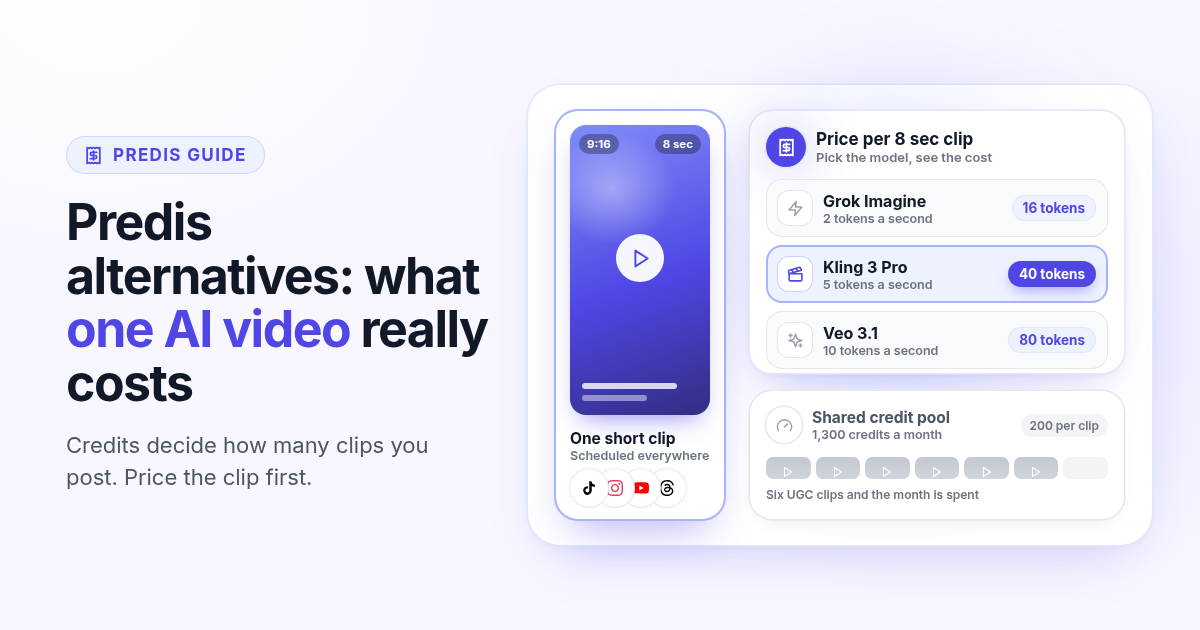
Predis alternatives in 2026: what one AI video really costs you
Predis.ai starts at $19 a month billed yearly, but credits decide how many AI videos you get. How Predis pricing works in 2026, what one clip costs on each plan, and how to price a real week of video in an alternative before you switch.
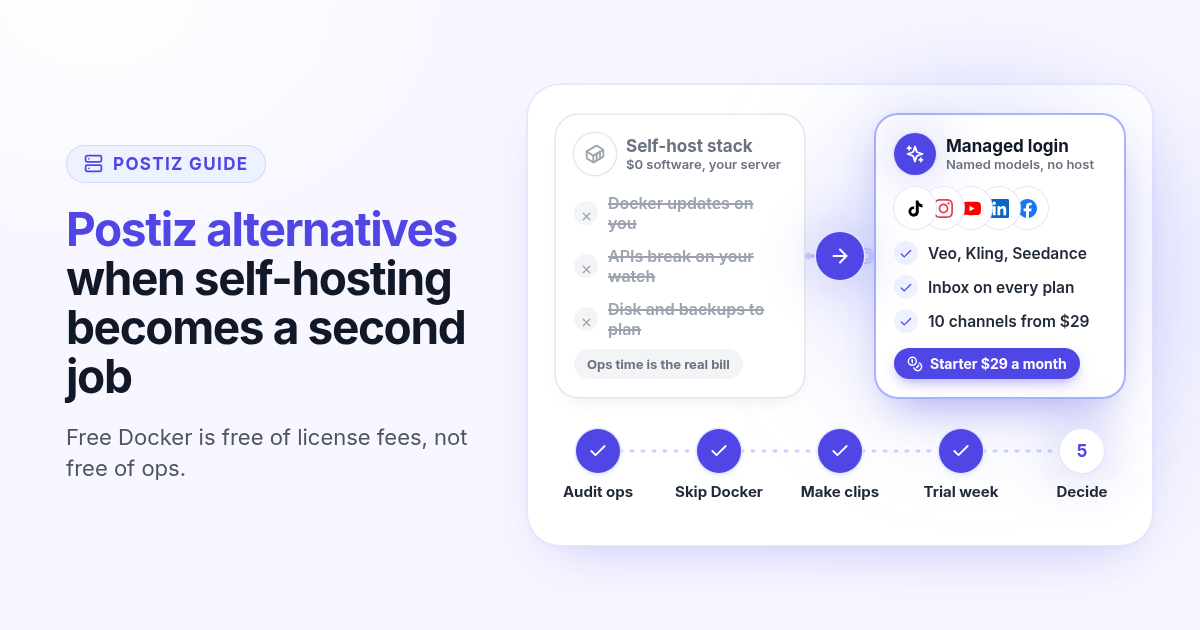
Postiz alternatives in 2026: when self-hosting becomes a second job
Postiz is a strong open-source scheduler with a free Docker install and hosted plans from $29. How Postiz pricing works in 2026, when self-hosting costs more than the bill, and what to test in a managed alternative with named AI video and inbox on the first plan.
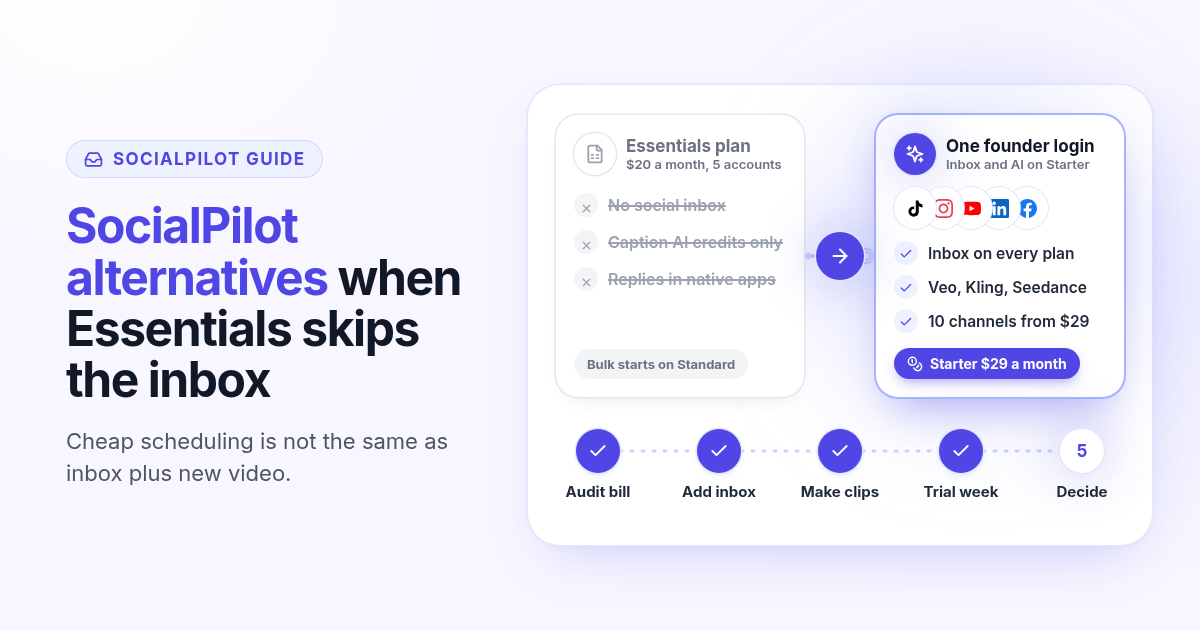
SocialPilot alternatives in 2026: when the cheap plan skips the inbox
SocialPilot Essentials is $20 a month for 5 accounts, but the inbox starts on Standard at $40. How SocialPilot pricing works in 2026, when bulk scheduling is enough, and what to test in an alternative that includes inbox and AI video on the first plan.
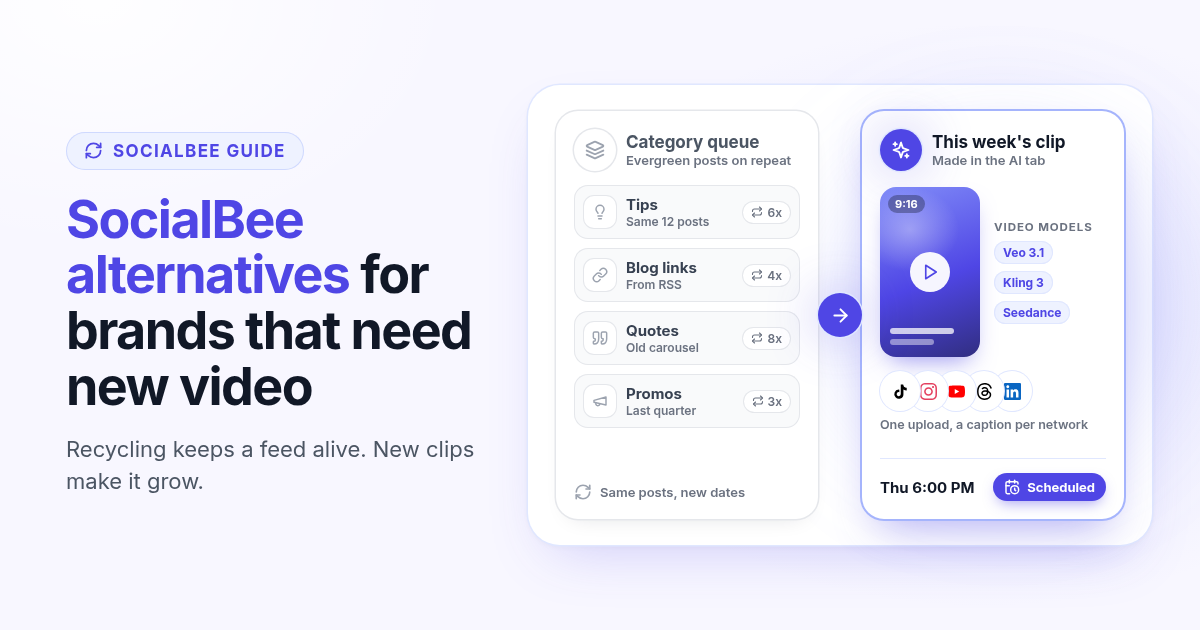
SocialBee alternatives in 2026: when recycled posts stop growing your accounts
SocialBee recycles evergreen posts by category, which keeps a feed active but rarely grows it on TikTok, Reels and Shorts. How SocialBee pricing works in 2026, how to audit your queue, and what to test in an alternative that makes new video.
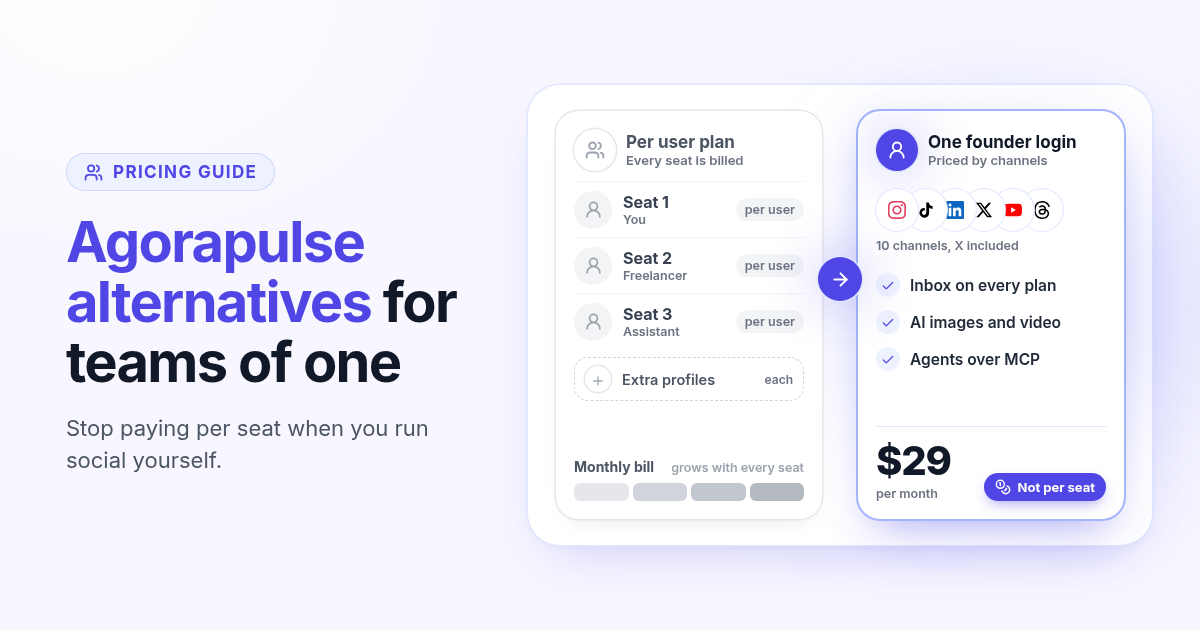
Agorapulse alternatives in 2026: when you pay per seat but post alone
Agorapulse prices every plan per user, which suits social teams more than founders. See how its pricing works in 2026, check which features you really use, and know what to test in any Agorapulse alternative before you switch.
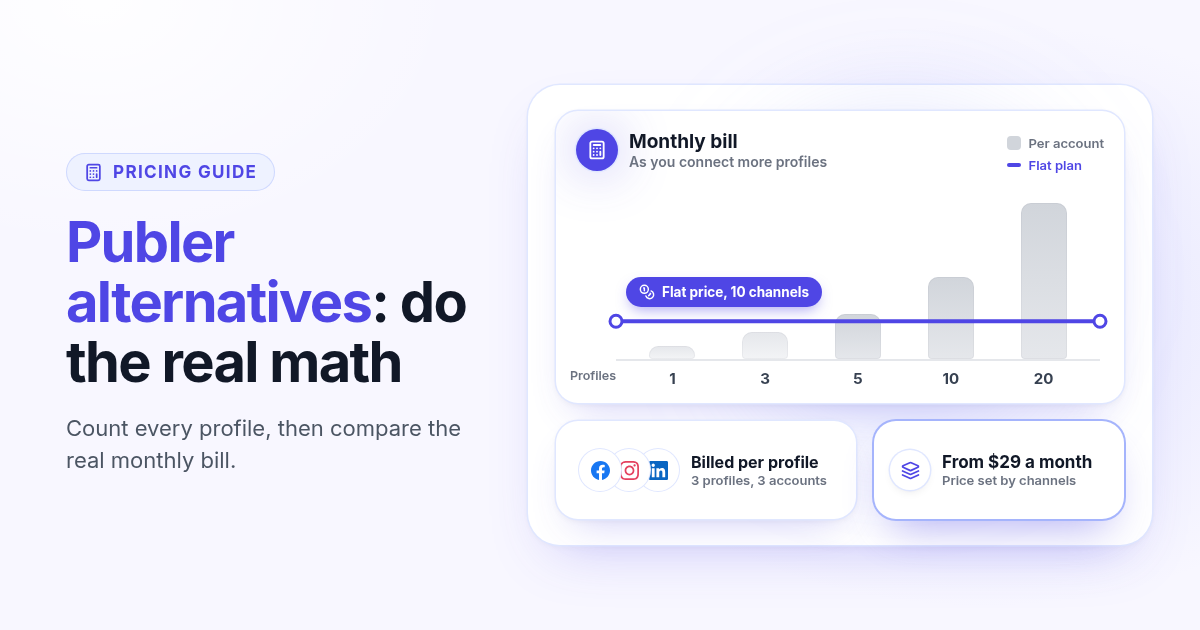
Publer alternatives in 2026: when per account pricing stops paying off
Publer bills per social account, so the price climbs with every Page and profile. Count what you really pay, spot the five signs you have outgrown it, and know what to test in any Publer alternative before you switch.
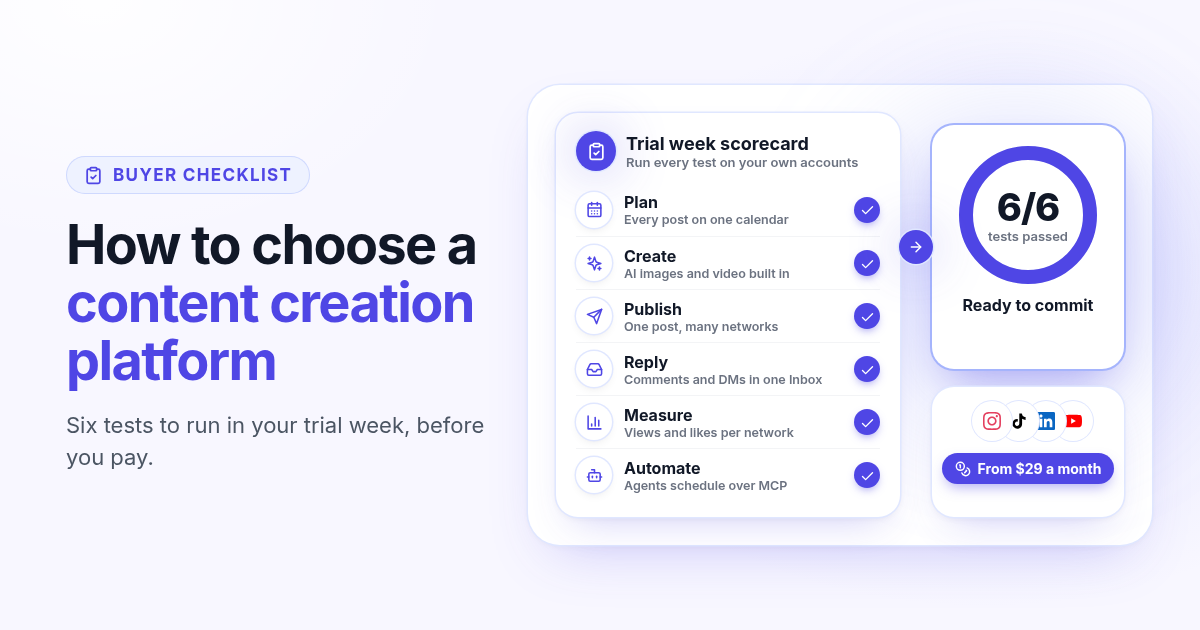
How to choose a content creation platform: 6 tests to run before you pay
A founder checklist for picking a content creation platform: add up the stack you pay for, then use a 7-day trial to test planning, AI images and video, publishing to every network, one Inbox for replies, per network numbers and AI agents.
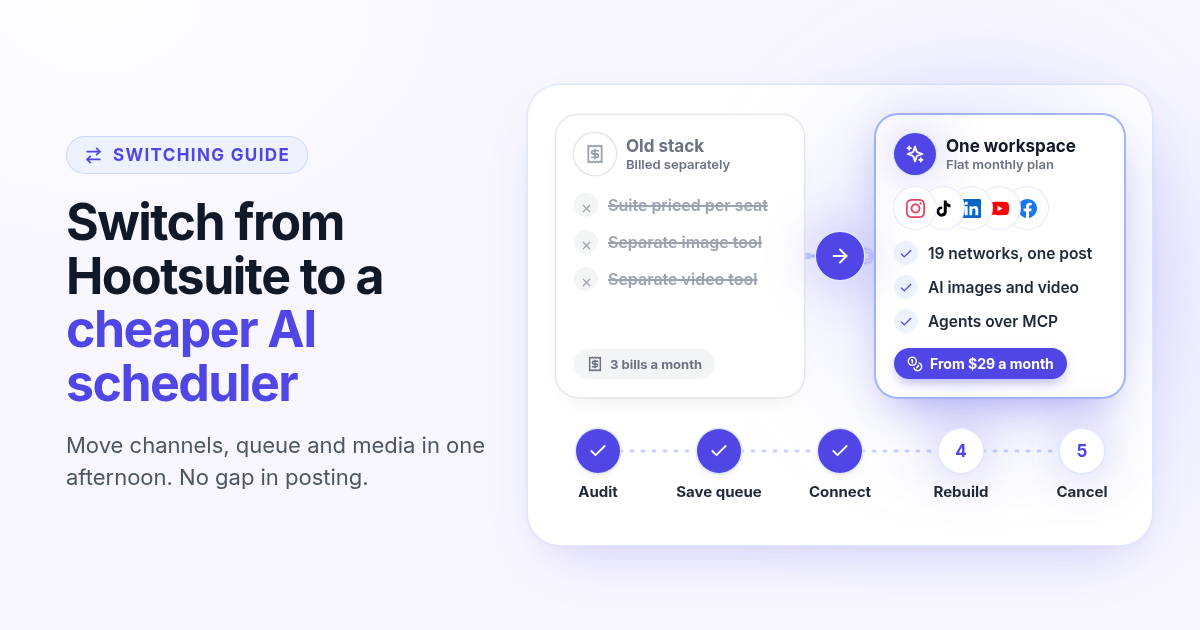
How to switch from Hootsuite to a cheaper AI scheduler in one afternoon
A step by step plan to leave Hootsuite without a gap in posting: audit what you use, save your queue and media, connect your channels, rebuild two weeks of posts, add AI images, video and agents, then cancel before renewal.
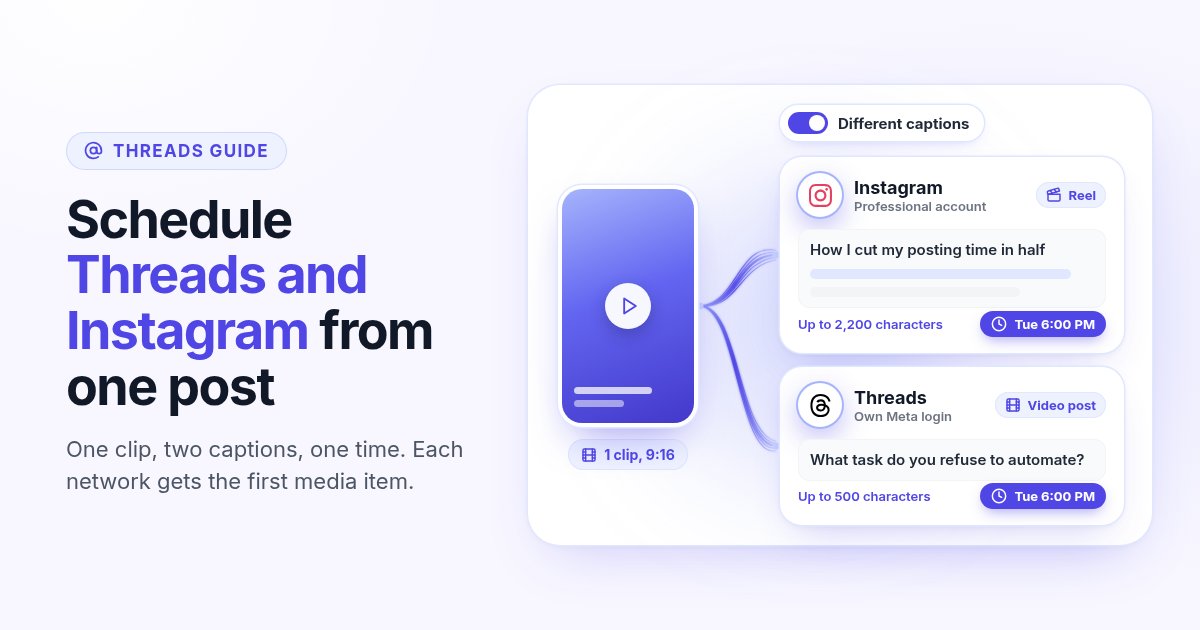
How to schedule Threads and Instagram together from one post
Schedule a Reel or photo to Instagram and Threads at the same time from one post. Connect both Meta accounts, attach one file, write a long Instagram caption and a short Threads caption, and pick one time.
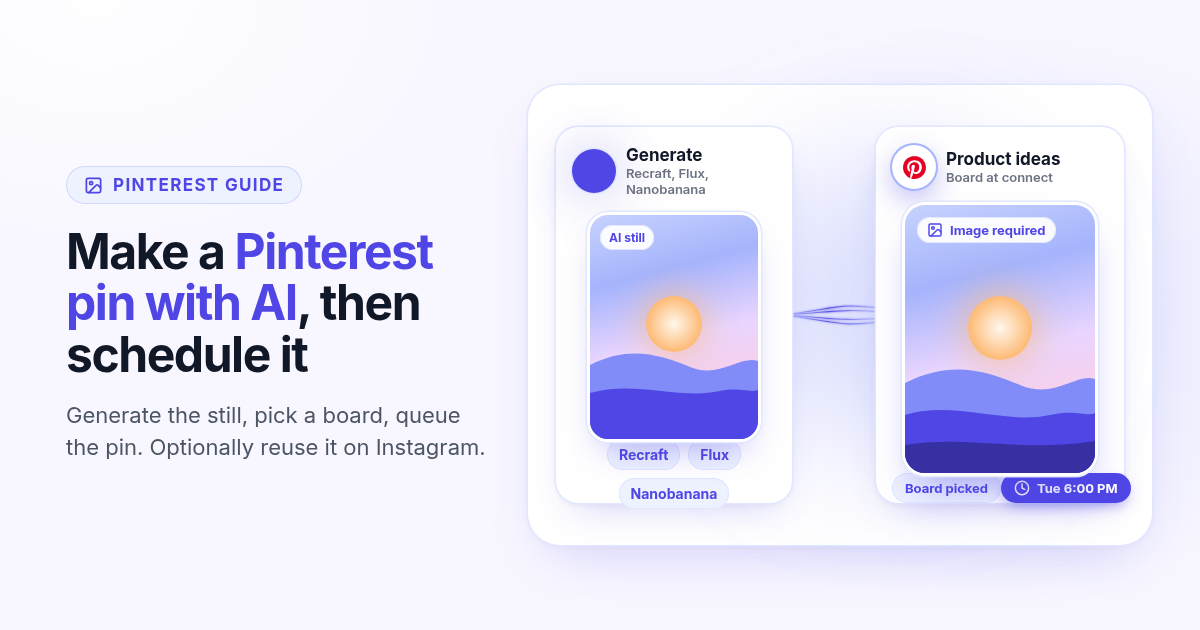
How to make a Pinterest pin with AI and schedule it to a board
Generate a Pinterest pin image with Recraft, Flux, or Nanobanana, pick a Business board at connect, and schedule the pin from Create. Image required. Optionally reuse the still on Instagram.
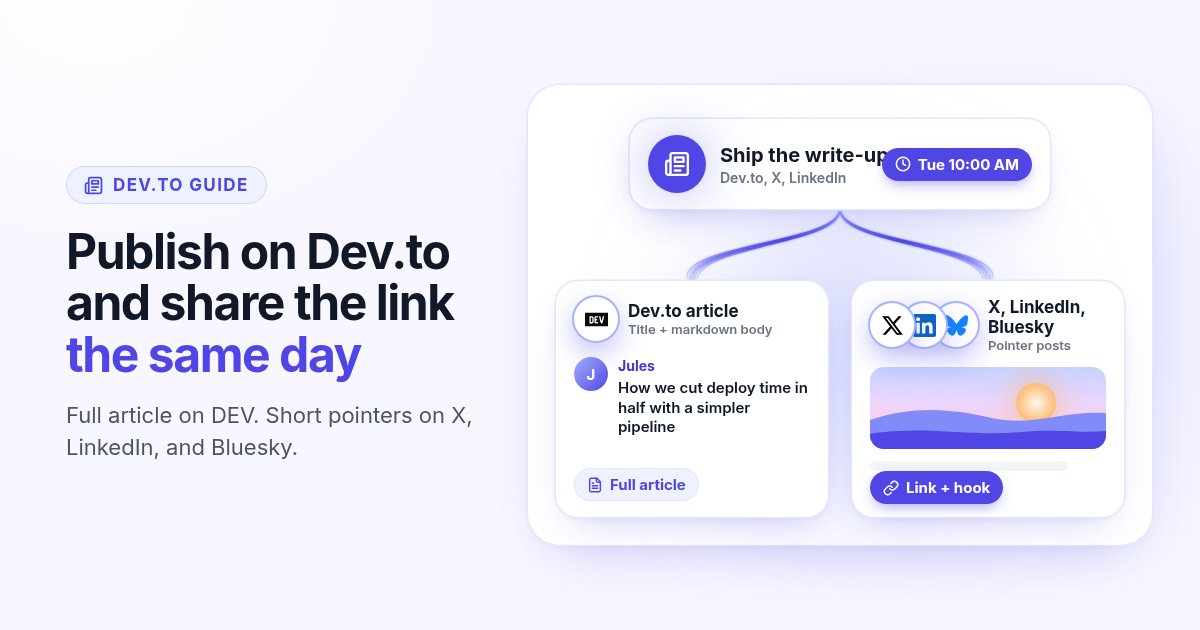
How to schedule a Dev.to article and the posts that point to it
Schedule a Dev.to article and the short X, LinkedIn, or Bluesky posts that point to it from one queue. Connect with an API key, write the title and body, then ship pointers instead of pasting the markdown.
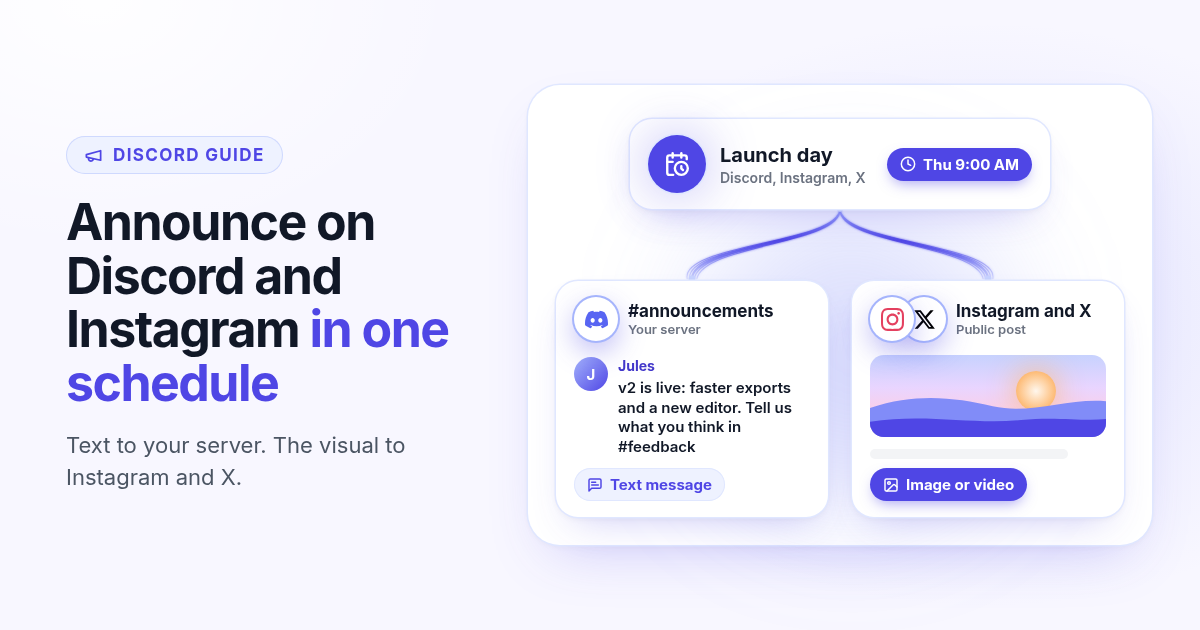
How to schedule a Discord announcement and the public post together
Schedule a Discord announcement and the matching Instagram and X post from one queue. Add the bot to your server, pick the channel, send text to Discord and the visual to the public networks.
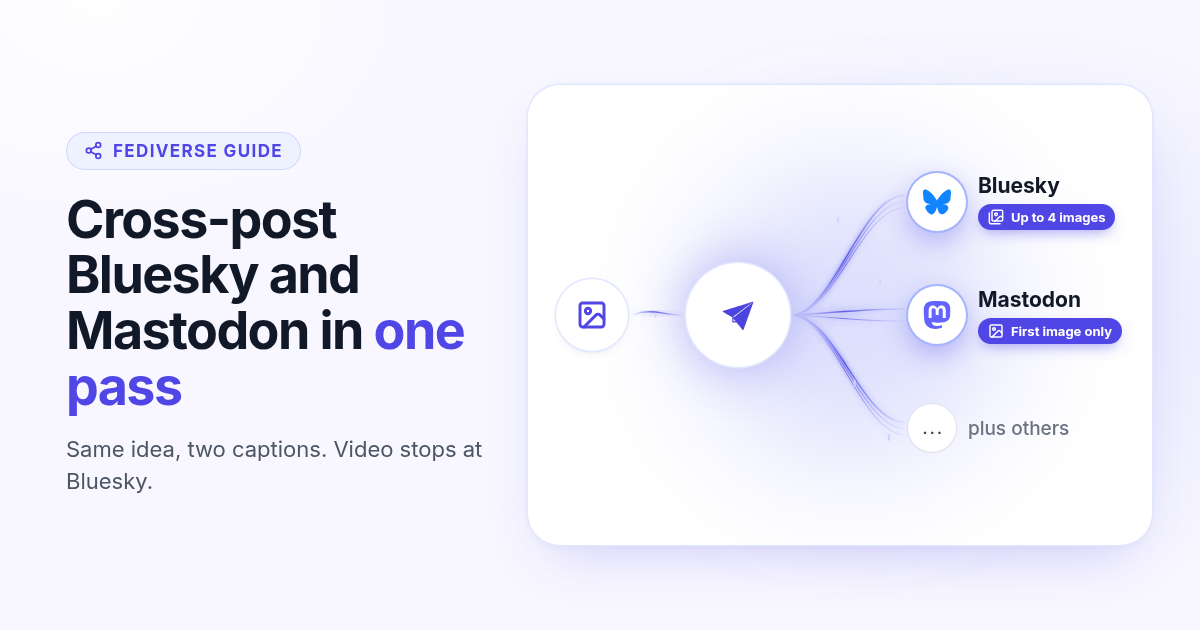
How to cross-post to Bluesky and Mastodon (and where video fails)
Cross-post Bluesky and Mastodon from one composer. Connect with an app password and a server token, share one still, and know why a Bluesky video will not publish as Mastodon video.
How to schedule Telegram channel posts as yourself (not as a bot)
Native Telegram schedule works for one message. Most tools post as a BotFather bot. Here is how to connect with your phone, pick a chat, and schedule posts as yourself with Postlaty.
How to schedule Pixelfed posts (a photo is required)
Pixelfed is photo-first and has no real content calendar. Here is how to connect any server with an access token, attach a photo, and schedule posts ahead with Postlaty.
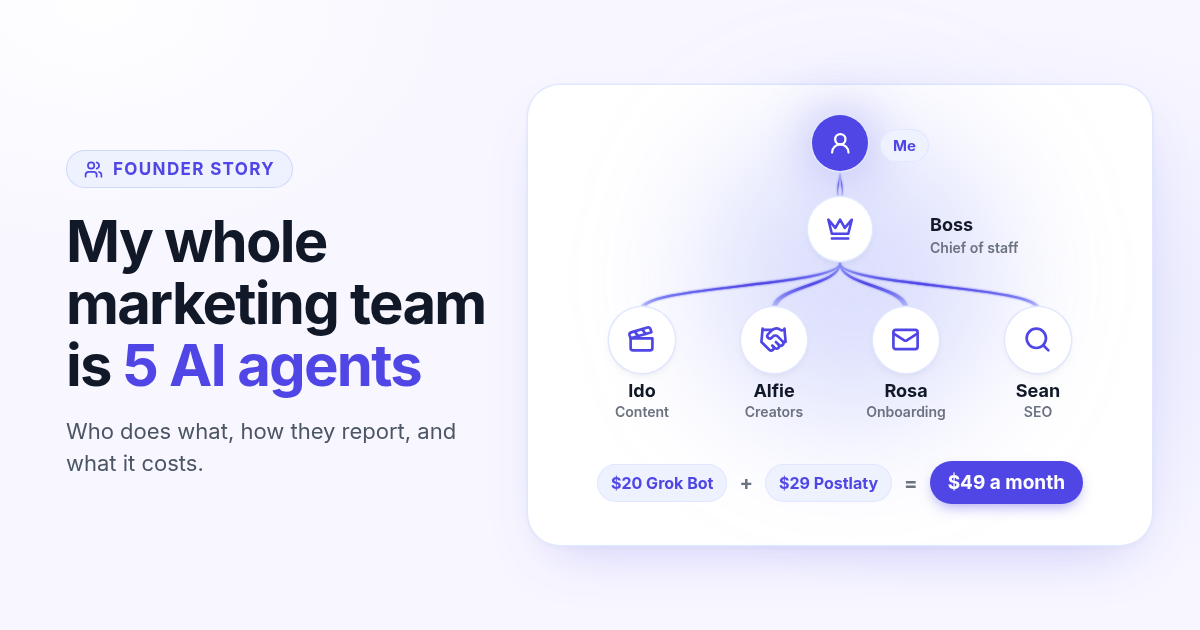
How I run my whole marketing team with AI agents for $49 a month
I am a solo founder. My marketing team is five AI agents that post, reach out, email, and write, then report to me daily. Here is who does what and what it costs.
How to schedule Whop posts to your community forum
Whop forums publish when you press Post. Here is how to schedule Whop posts ahead with a company API key, what to write, and how replies reach your inbox.
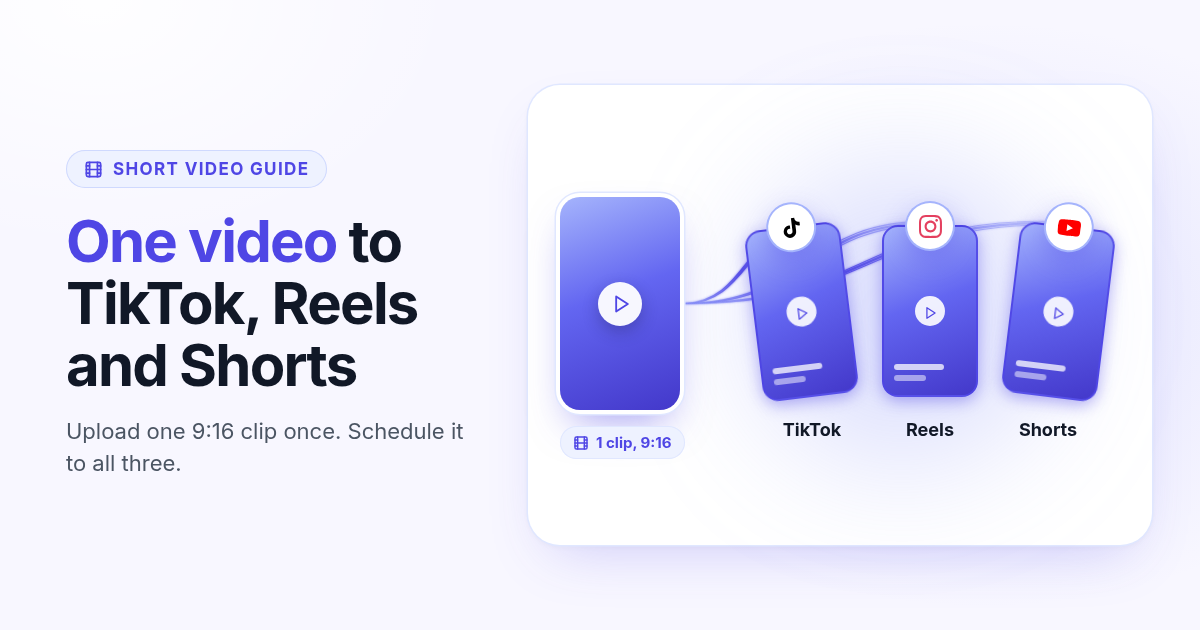
How to post the same short video to TikTok, Instagram Reels, and YouTube Shorts
One 9:16 file can feed TikTok, Reels, and Shorts. This guide covers aspect ratio, captions, covers, and a publish path that does not recrop three times.