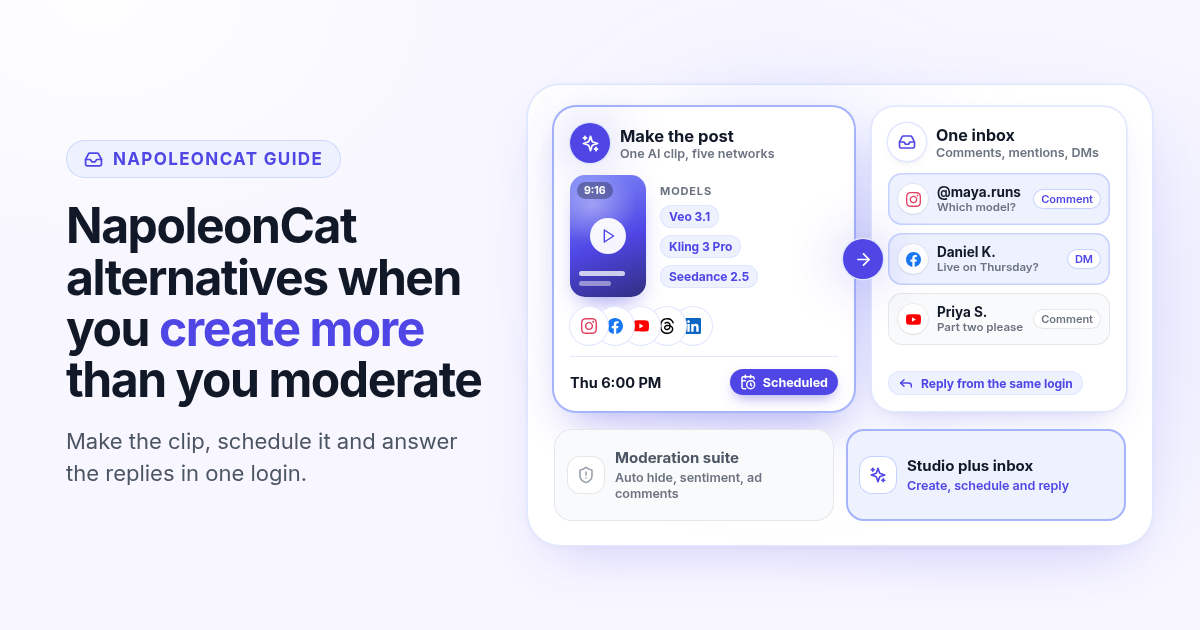
NapoleonCat is built for teams that answer a lot of comments. Its strongest features sit around the inbox: automatic moderation, hiding spam under ads, sentiment tags and reviews from Google and the app stores. If that is your day, it earns its price. If your day is mostly making posts and replying to a few dozen comments, you pay for a moderation desk you rarely open, and you still need another tool to make the content.
This guide breaks down NapoleonCat pricing in 2026, shows how to tell whether you are a moderation team or a content team, and lists what to check in an alternative before you switch. For a side by side table, see the NapoleonCat vs Postlaty comparison.
How NapoleonCat pricing works in 2026
NapoleonCat sells four plans. Every paid plan starts with 2 users and 5 social profile slots, and you add users and profiles with a slider. Prices below are per month before VAT, as listed on napoleoncat.com in October 2026. Yearly billing saves up to 18%.
- Standard: $79 a month on yearly billing, $89 monthly. Publishing, analytics, competitor benchmarking and reports. No social inbox.
- Pro: $89 a month on yearly billing, $109 monthly. Adds the all in one social inbox with 10K inbox capacity, saved replies, AI reply suggestions in beta and the mobile app.
- Expert: from $119 a month on yearly billing, $139 monthly. Adds automatic moderation, auto hiding and deleting of comments, sentiment analysis and advanced search. With 5 users and 10 profiles it is $209 a month on yearly billing.
- Enterprise: from $465 a month, with API access and custom terms.
The free trial runs for 14 days on the Expert plan. NapoleonCat publishes to Facebook, Instagram, TikTok, LinkedIn, X and Google Business Profile, and its inbox also covers YouTube, ad comments and app store reviews. Its AI writes text: post copy, reply suggestions and spam or sentiment detection. It does not generate images or videos.
$89
NapoleonCat Pro per month on yearly billing, 2 users and 5 profiles
$209
NapoleonCat Expert per month on yearly billing, 5 users and 10 profiles
$29
Postlaty Starter per month, 10 channels, inbox and AI creation included
Are you moderating or creating?
The real question is not which tool is cheaper. It is where your hours go. A brand with ads running on Facebook and Instagram can get hundreds of comments a day, a share of them spam or angry. Rules that hide those comments automatically save hours, and sentiment tags show a problem before it spreads. That is the job NapoleonCat was designed for.
A founder, a creator or a small brand usually has the opposite problem. Comments are manageable, maybe a few dozen a day. What eats the week is making the posts: a short video for Reels, TikTok and Shorts, a carousel, a caption for each network. On NapoleonCat that work happens somewhere else, in a video editor or an AI tool you pay for separately, and you upload the result.
So before you compare tools, answer three questions honestly:
How many comments a day?
Count a normal week, not a viral one. Under a hundred a day across all accounts, a clean shared inbox is enough. Several hundred, with spam under ads, is where automatic moderation pays for itself.
Where does the content come from?
If you make videos and images from scratch every week, the creation tool is the bigger cost and the bigger time sink. If an agency or a designer hands you finished files, a pure scheduler is fine.
How many people log in?
NapoleonCat prices by users and profiles. If one or two people do everything, you do not need team assignment and approval flows, and paying for seats you never fill adds up.
If you answered "few comments, I make the content, one or two people," you are a content team. The rest of this guide is for you. If you answered "hundreds of comments, ads, several people," skip to the limitations section: NapoleonCat may well be the right call.
What to look for in a NapoleonCat alternative
A good alternative for a content team does three things in one place: it makes the post, it publishes the post everywhere you need, and it shows you the replies. Here is how Postlaty covers each part.
Creation built in
Generate videos with Veo 3.1, Kling 3 Pro, Seedance 2.5 and Grok Imagine, and images with Recraft, Flux and Nanobanana. Use 100+ UGC influencers and 200+ templates, then edit and caption in the same app.
Inbox on every plan
Comments, mentions and DMs from the networks that support them land in one inbox, with a filter per channel and unread counts. It is included on Starter, not locked behind a higher tier.
Priced by channels, not seats
Starter is $29 a month for 10 channels, Pro is $39 for 20 and Premium is $49 for 50. There are no per user fees, and workspaces keep each brand separate.
19 networks from one composer
Schedule to TikTok, Instagram, Facebook, YouTube, LinkedIn, X, Threads, Bluesky, Pinterest, Reddit, Mastodon, Telegram, Discord and more, each with its own caption if you want.
API and MCP on every plan
A REST API and an MCP server let Claude, Cursor or n8n list your accounts, generate media, create posts and reply to inbox messages. No Enterprise contract needed.
Tokens only for generation
AI generation uses tokens: 10 a month on Starter, 50 on Pro and 100 on Premium, with extra packs at $9 per 100. Scheduling, the inbox and the API do not use tokens.
The difference in approach is simple. NapoleonCat assumes the content already exists and focuses on what happens after you post. Postlaty assumes you still have to make it, so creation, scheduling and replies share one login. If you are coming from a per seat tool, our guide to Agorapulse alternatives covers the same seat math in more detail.
Run a one week test before you switch
Postlaty has a 7-day free trial on every plan. Use it like a real week, not a tour of the menus. Here is the plan I would follow:
- 1
Connect the accounts you post to most
Start with the three to five channels that bring results. Check that each one shows up in the composer and in the inbox filter.
- 2
Make two posts from scratch
Generate one short video and one image post inside Postlaty. Write the caption once, then adjust it per network. Time how long it takes compared with your current editor plus upload.
- 3
Schedule the week
Put five to seven posts on the calendar across your networks, at the times your audience is online.
- 4
Answer every reply from the inbox
For the whole week, reply to comments and DMs only from the Postlaty inbox. Note anything you had to open the native app for.
- 5
Decide with numbers
Compare the hours you spent and the monthly bill: your current scheduler plus your creation tools against one Postlaty plan. If the inbox missed something you need daily, that is your answer too.
Keep NapoleonCat running during the test week if your contract allows it. Two weeks of overlap costs less than switching back after a month.
When NapoleonCat is still the right call
Postlaty is not a moderation suite, and a fair comparison says so:
Postlaty has no automatic moderation rules, no auto hiding or deleting of comments and no sentiment analysis. If spam under ads is a daily fight, NapoleonCat Expert does that job.
Postlaty does not pull ad comments, Google reviews or app store reviews, and it does not publish to Google Business Profile. Its inbox does not show TikTok comments, and on X it shows DMs only.
Postlaty has no team features like assigning a conversation to a teammate, approval flows or competitor benchmarking. Agencies and support teams with several people in the inbox may need them.
If two or more of these points describe your week, keep NapoleonCat for the inbox and look at Postlaty only as the place where you make and schedule content.
The bottom line
NapoleonCat is worth its price when moderation is the job. When creating is the job, you want the video, the schedule and the replies in one place, priced by channels instead of seats. Compare both tools on the NapoleonCat alternative page, check the plans on pricing, see every supported network on channels and read the API docs if an agent will do the posting.
FAQ
Frequently Asked Questions
NapoleonCat Standard is $79 a month on yearly billing ($89 monthly), Pro is $89 ($109 monthly) and Expert starts at $119 ($139 monthly), each with 2 users and 5 profiles before VAT. Enterprise starts at $465 a month.
The social inbox starts on Pro. Standard covers publishing, analytics and reports only. Automatic moderation, auto hiding of comments and sentiment analysis need Expert.
No. NapoleonCat AI helps with text: post copy, reply suggestions and spam or sentiment detection. Postlaty generates videos with Veo 3.1, Kling 3 Pro, Seedance 2.5 and Grok Imagine, and images with Recraft, Flux and Nanobanana.
Yes, on every plan. Comments, mentions and DMs from the networks that support them land in one inbox. Postlaty does not have automatic moderation rules or sentiment analysis.
Yes. Postlaty has a 7-day free trial. Connect your main accounts, make and schedule a week of posts and answer your replies from the inbox before you decide.
Blog
More articles
How I grow US TikTok accounts from abroad in 3 steps
I do not live in the US, but I grow accounts for a US audience. My 3 step playbook: set up and warm up a cheap dedicated phone, post and test for 30 days, then scale only the winners.
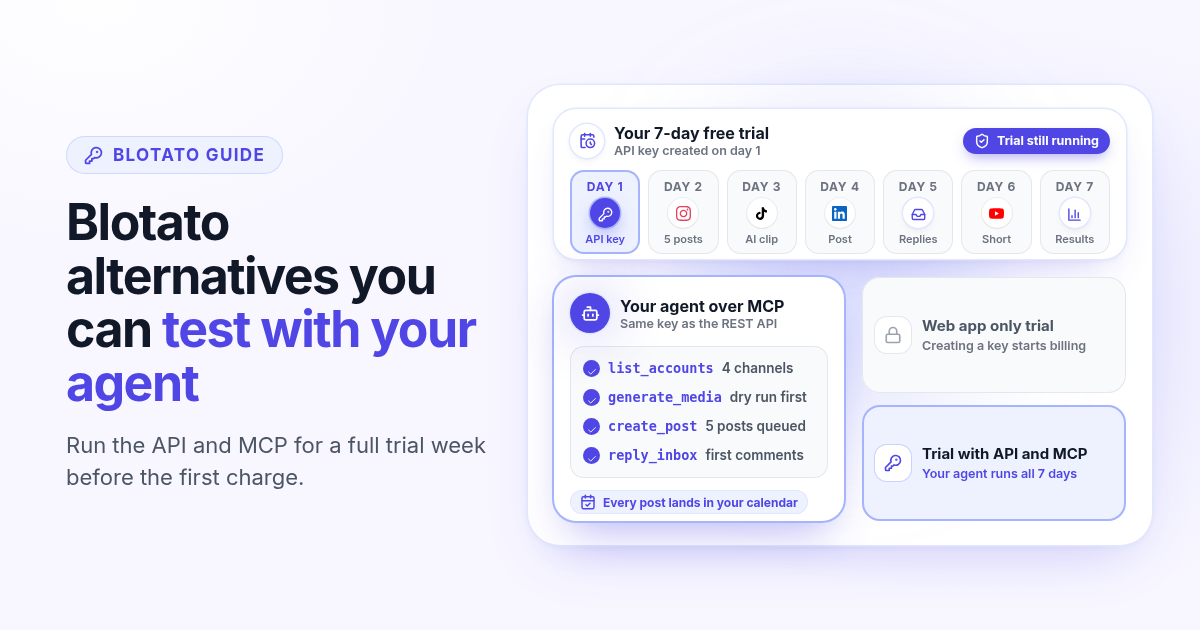
Blotato alternatives in 2026: when you want to test the API before you pay
Blotato starts at $29 a month for 20 accounts, but its free trial leaves out the API and MCP. How Blotato pricing works in 2026, why creating an API key ends the trial, and what to test in an alternative when an agent posts for you.
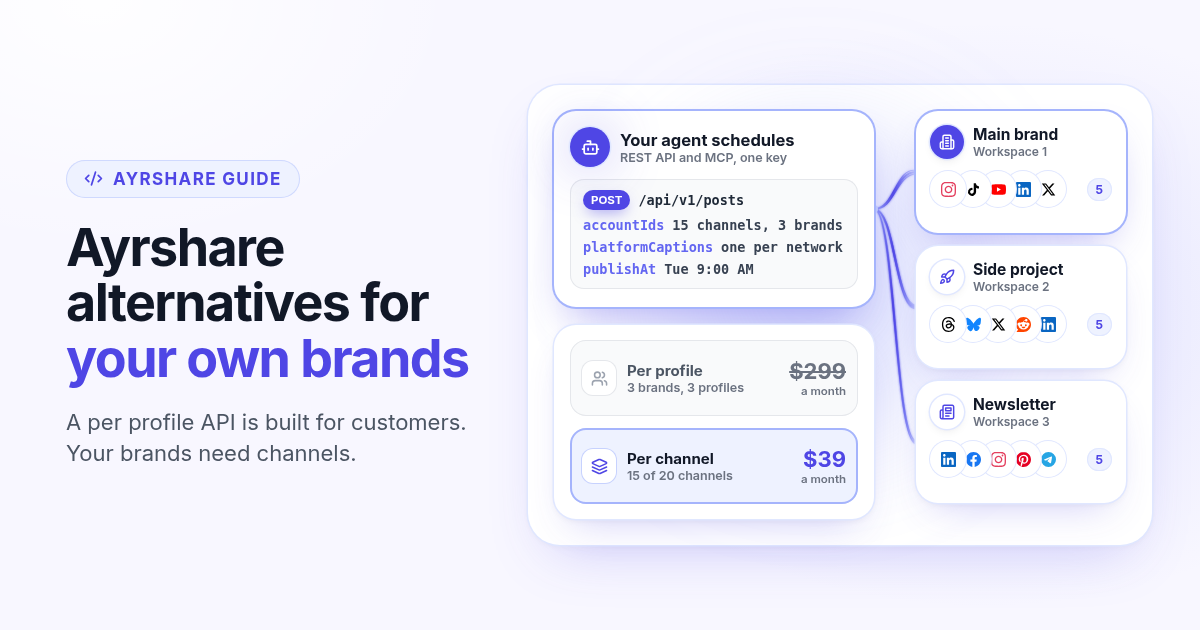
Ayrshare alternatives in 2026: when you post for your own brands, not customers
Ayrshare is a social media API billed per profile, from $149 a month for one. How Ayrshare pricing works in 2026, why profiles and channels lead to very different bills when the brands are yours, and what to test in an alternative with API and MCP on every plan.
Predis alternatives in 2026: what one AI video really costs you
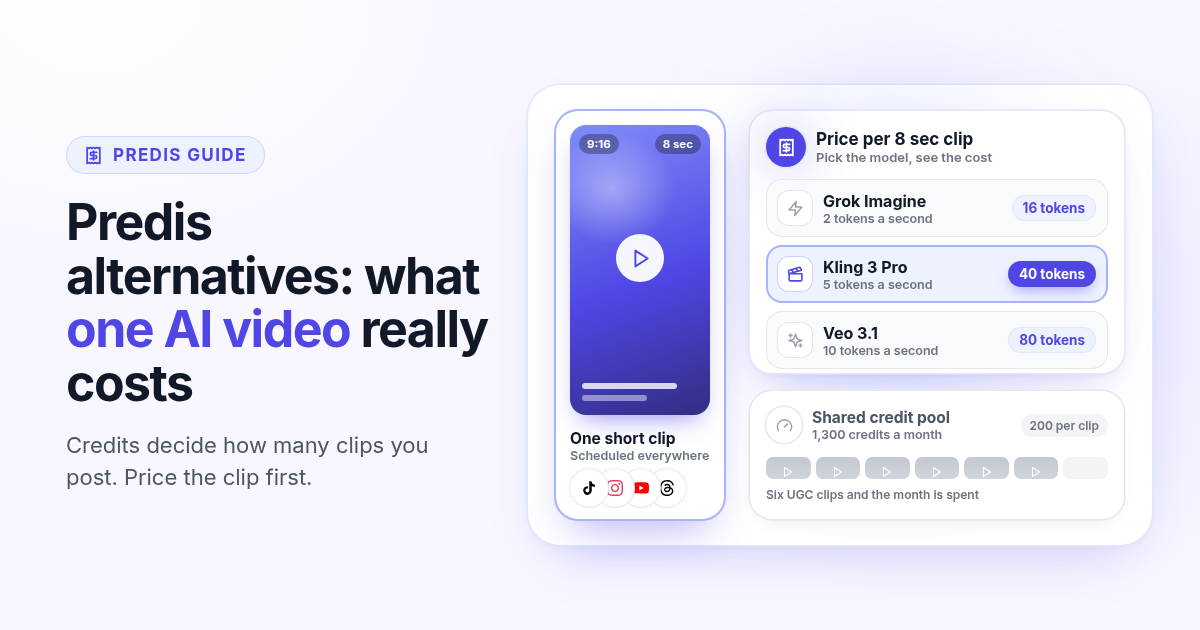
Predis.ai starts at $19 a month billed yearly, but credits decide how many AI videos you get. How Predis pricing works in 2026, what one clip costs on each plan, and how to price a real week of video in an alternative before you switch.
Postiz alternatives in 2026: when self-hosting becomes a second job
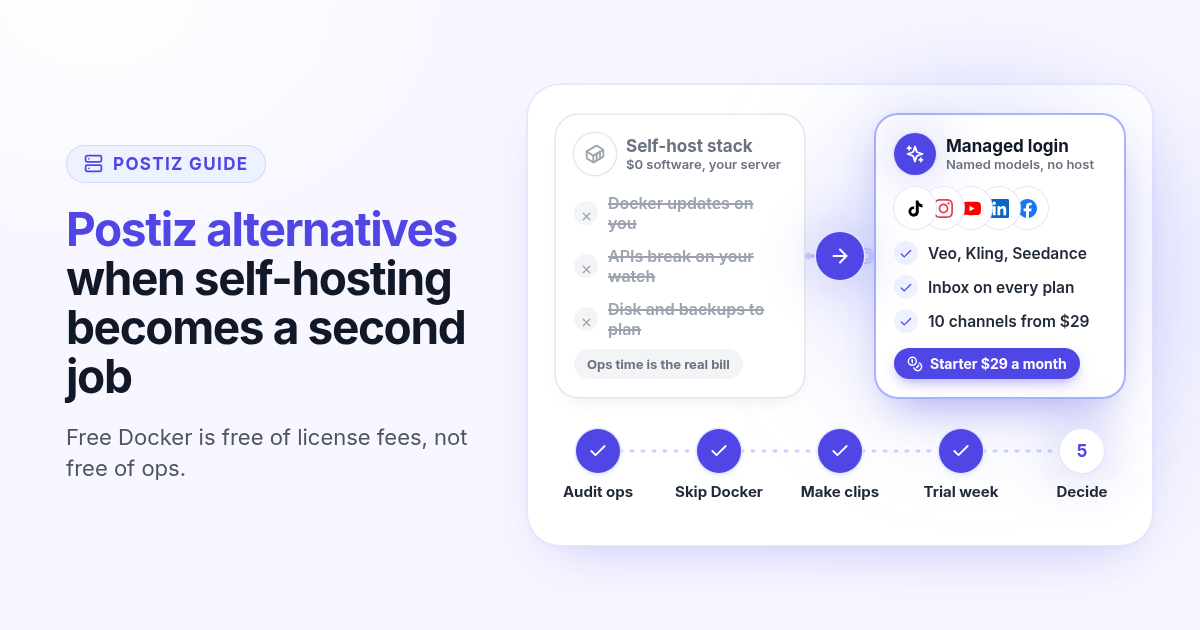
Postiz is a strong open-source scheduler with a free Docker install and hosted plans from $29. How Postiz pricing works in 2026, when self-hosting costs more than the bill, and what to test in a managed alternative with named AI video and inbox on the first plan.

SocialPilot alternatives in 2026: when the cheap plan skips the inbox
SocialPilot Essentials is $20 a month for 5 accounts, but the inbox starts on Standard at $40. How SocialPilot pricing works in 2026, when bulk scheduling is enough, and what to test in an alternative that includes inbox and AI video on the first plan.
SocialBee alternatives in 2026: when recycled posts stop growing your accounts
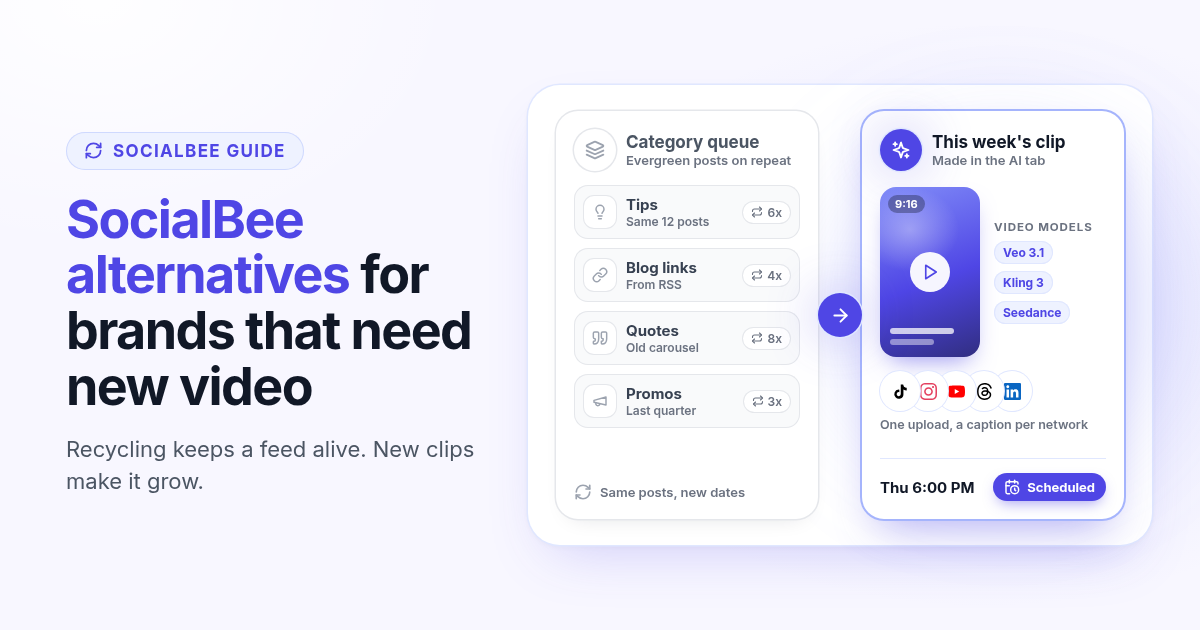
SocialBee recycles evergreen posts by category, which keeps a feed active but rarely grows it on TikTok, Reels and Shorts. How SocialBee pricing works in 2026, how to audit your queue, and what to test in an alternative that makes new video.

Agorapulse alternatives in 2026: when you pay per seat but post alone
Agorapulse prices every plan per user, which suits social teams more than founders. See how its pricing works in 2026, check which features you really use, and know what to test in any Agorapulse alternative before you switch.
Publer alternatives in 2026: when per account pricing stops paying off
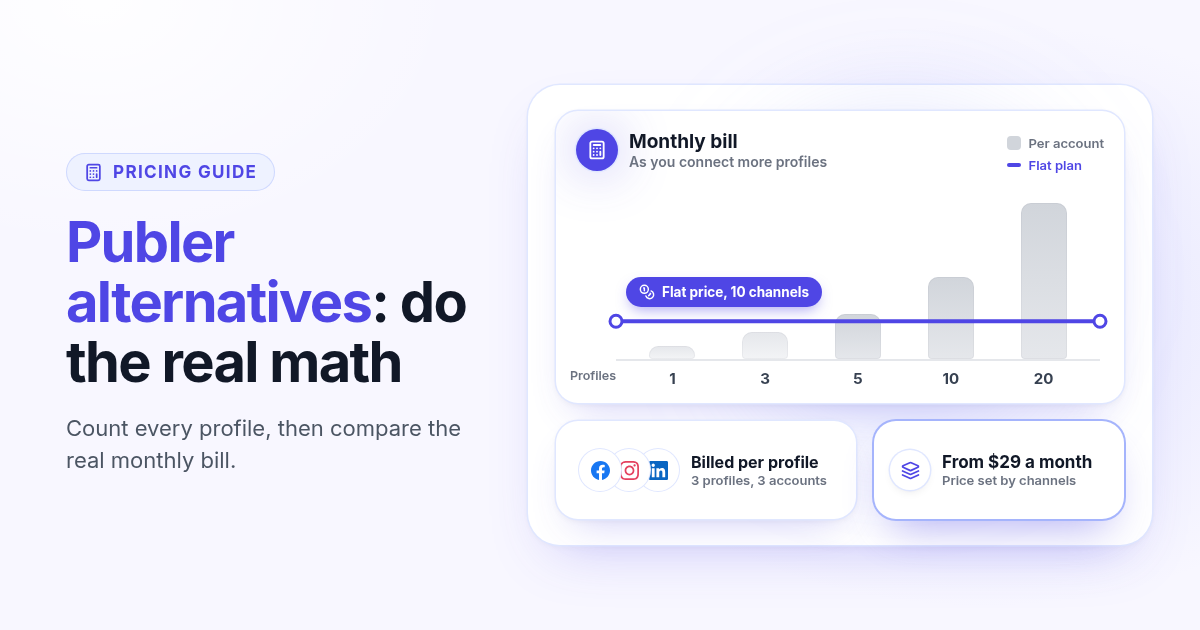
Publer bills per social account, so the price climbs with every Page and profile. Count what you really pay, spot the five signs you have outgrown it, and know what to test in any Publer alternative before you switch.
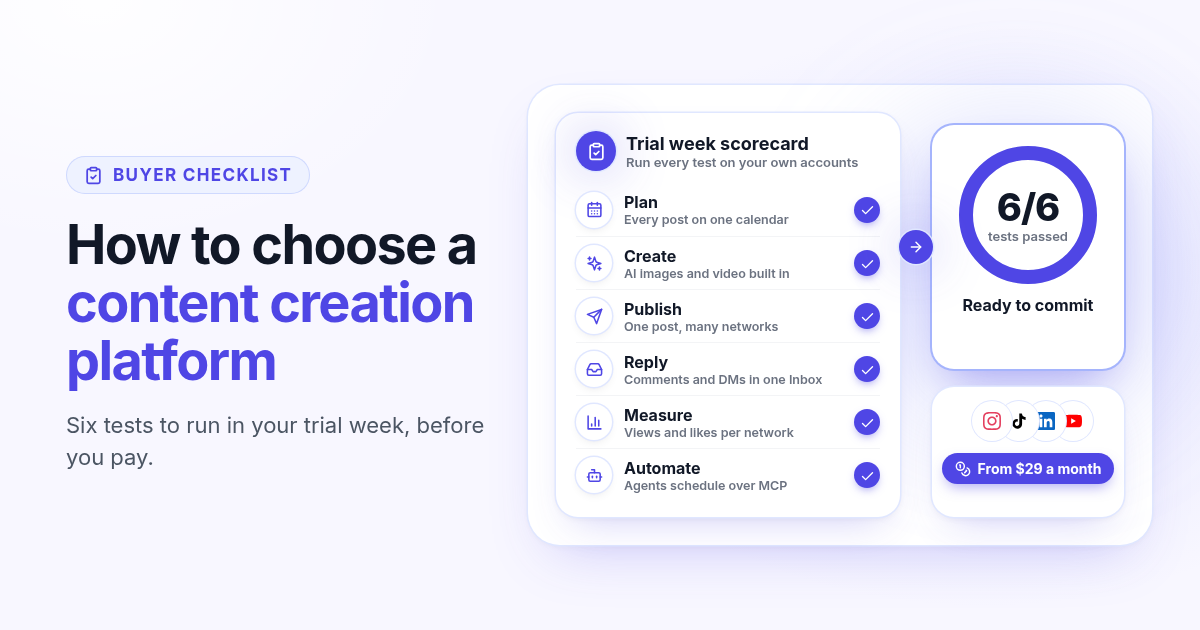
How to choose a content creation platform: 6 tests to run before you pay
A founder checklist for picking a content creation platform: add up the stack you pay for, then use a 7-day trial to test planning, AI images and video, publishing to every network, one Inbox for replies, per network numbers and AI agents.
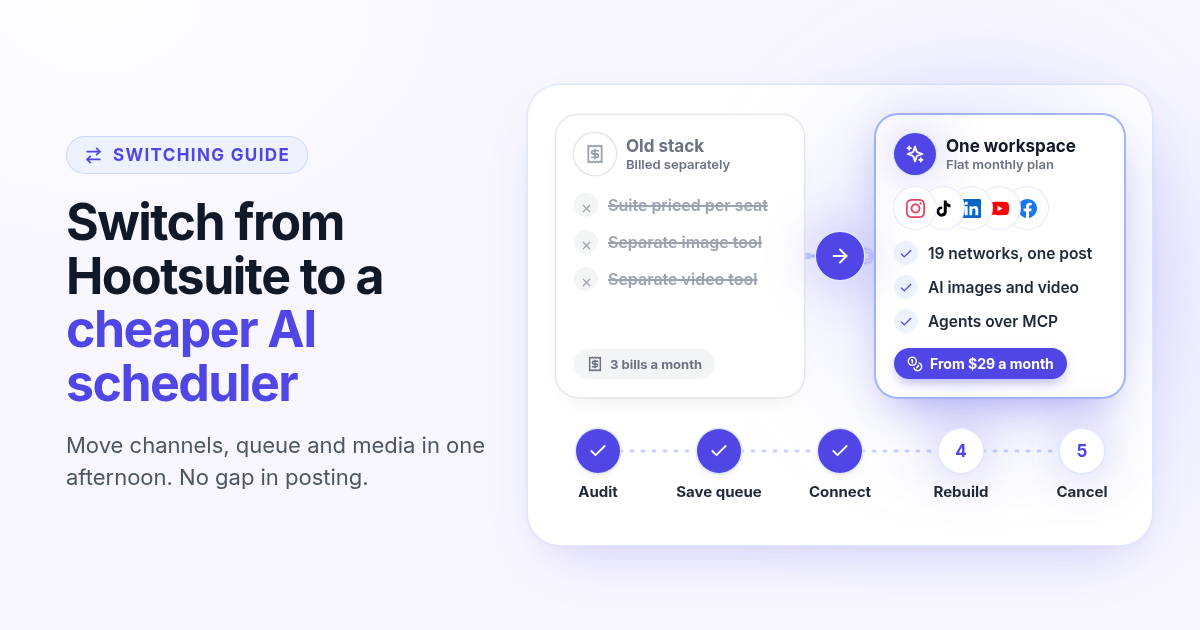
How to switch from Hootsuite to a cheaper AI scheduler in one afternoon
A step by step plan to leave Hootsuite without a gap in posting: audit what you use, save your queue and media, connect your channels, rebuild two weeks of posts, add AI images, video and agents, then cancel before renewal.
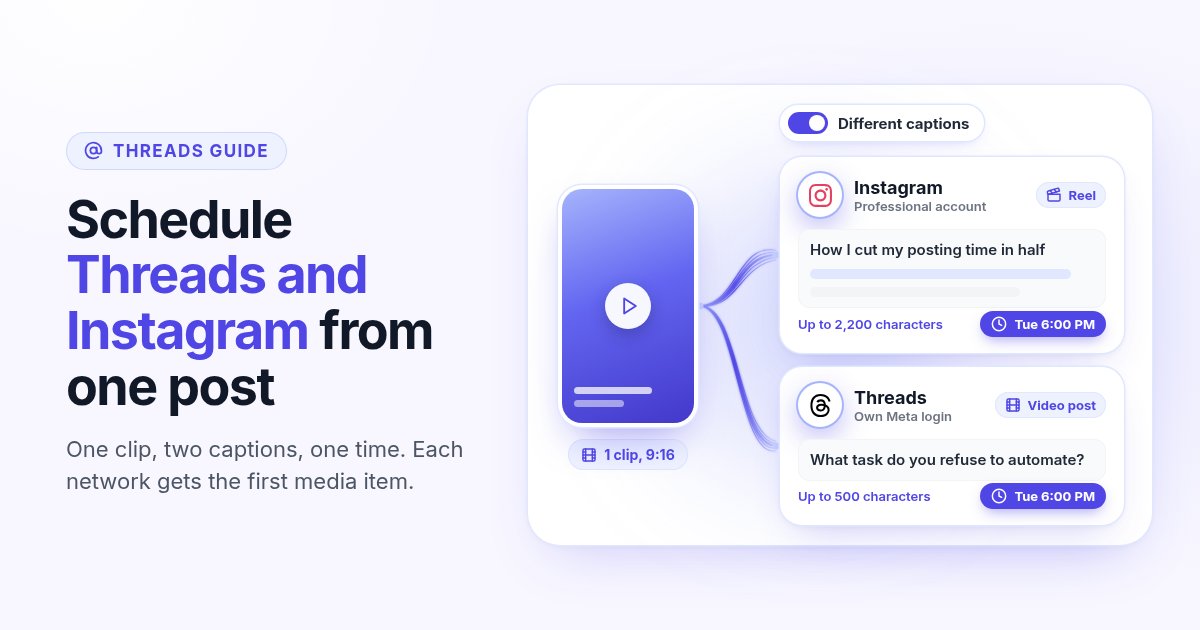
How to schedule Threads and Instagram together from one post
Schedule a Reel or photo to Instagram and Threads at the same time from one post. Connect both Meta accounts, attach one file, write a long Instagram caption and a short Threads caption, and pick one time.
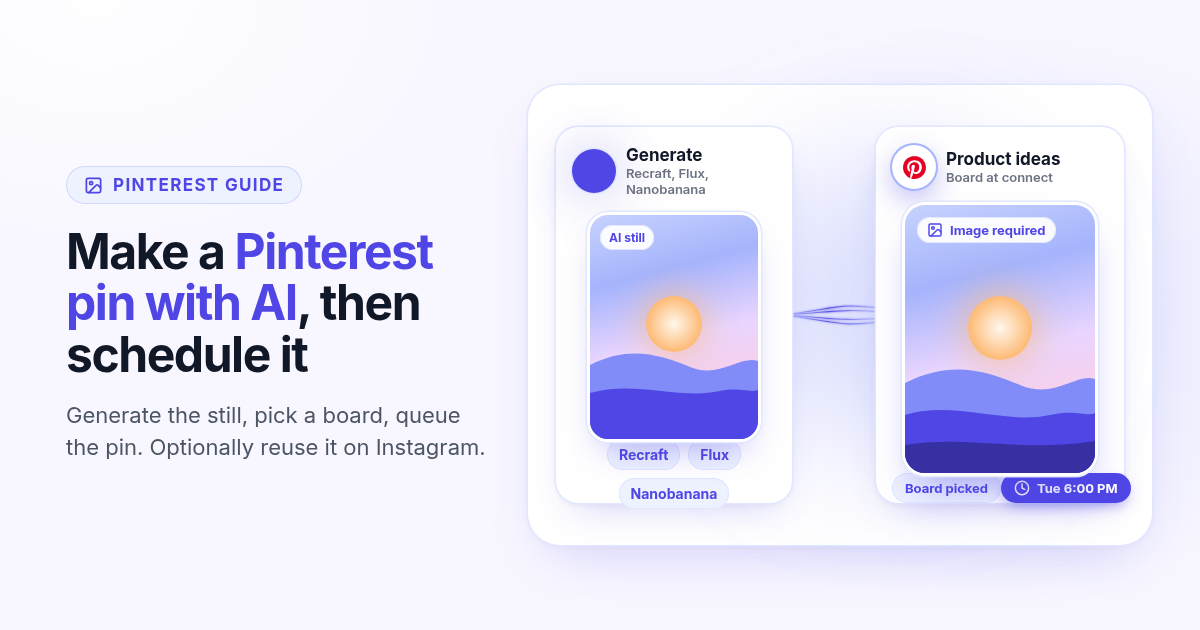
How to make a Pinterest pin with AI and schedule it to a board
Generate a Pinterest pin image with Recraft, Flux, or Nanobanana, pick a Business board at connect, and schedule the pin from Create. Image required. Optionally reuse the still on Instagram.
How to schedule a Dev.to article and the posts that point to it
Schedule a Dev.to article and the short X, LinkedIn, or Bluesky posts that point to it from one queue. Connect with an API key, write the title and body, then ship pointers instead of pasting the markdown.

How to schedule a Discord announcement and the public post together
Schedule a Discord announcement and the matching Instagram and X post from one queue. Add the bot to your server, pick the channel, send text to Discord and the visual to the public networks.
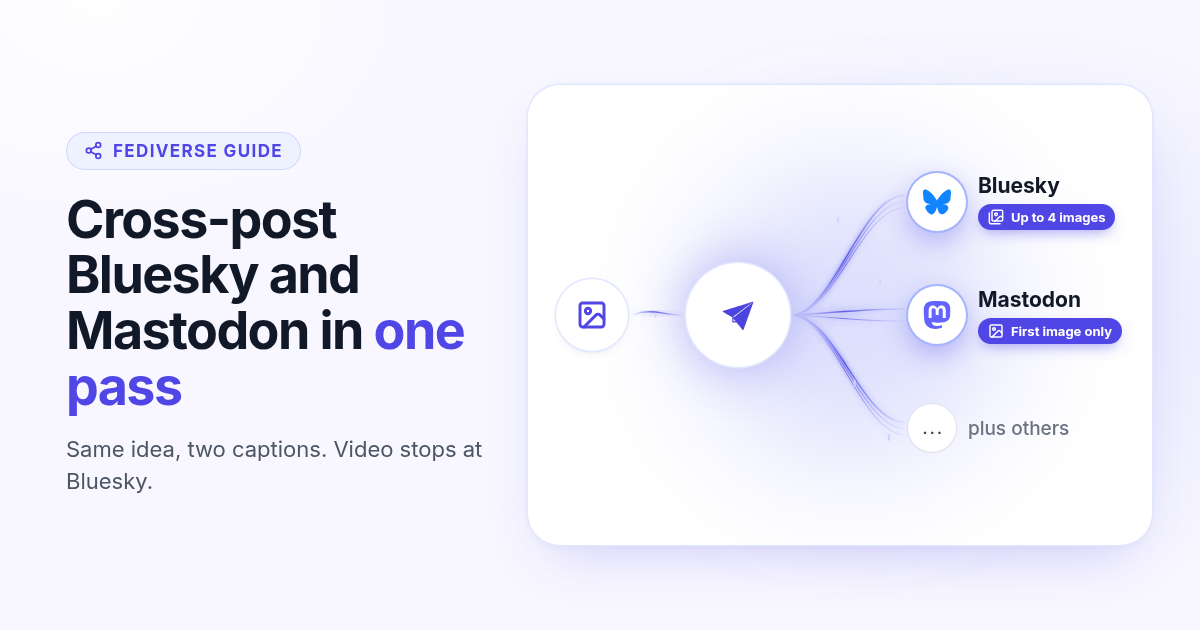
How to cross-post to Bluesky and Mastodon (and where video fails)
Cross-post Bluesky and Mastodon from one composer. Connect with an app password and a server token, share one still, and know why a Bluesky video will not publish as Mastodon video.
How to schedule Telegram channel posts as yourself (not as a bot)
Native Telegram schedule works for one message. Most tools post as a BotFather bot. Here is how to connect with your phone, pick a chat, and schedule posts as yourself with Postlaty.
How to schedule Pixelfed posts (a photo is required)
Pixelfed is photo-first and has no real content calendar. Here is how to connect any server with an access token, attach a photo, and schedule posts ahead with Postlaty.

How I run my whole marketing team with AI agents for $49 a month
I am a solo founder. My marketing team is five AI agents that post, reach out, email, and write, then report to me daily. Here is who does what and what it costs.
How to schedule Whop posts to your community forum
Whop forums publish when you press Post. Here is how to schedule Whop posts ahead with a company API key, what to write, and how replies reach your inbox.
How to post the same short video to TikTok, Instagram Reels, and YouTube Shorts
One 9:16 file can feed TikTok, Reels, and Shorts. This guide covers aspect ratio, captions, covers, and a publish path that does not recrop three times.