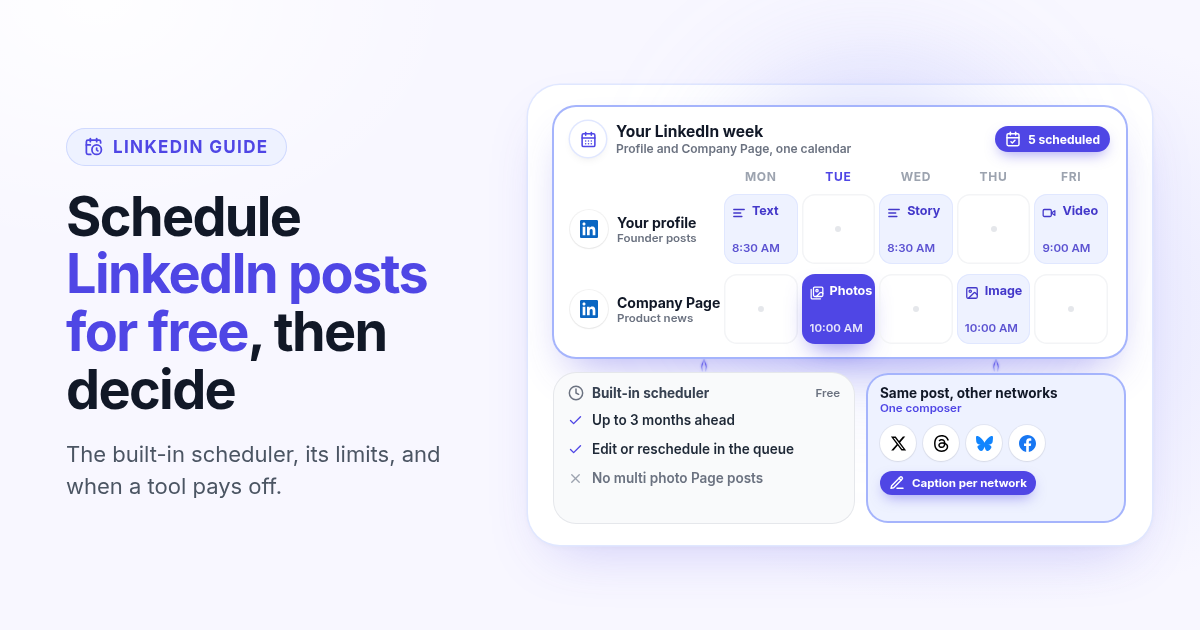
You do not need to pay anyone to schedule a LinkedIn post. LinkedIn has its own scheduler, it is free, and it works on your personal profile and on a Company Page. Most guides that rank for this search skip that part because they are selling a tool.
This guide shows exactly how the free option works, where it stops, and the few situations where a paid scheduler actually saves you time. If you already know you want one tool for LinkedIn and your other networks, the LinkedIn scheduler page has the short version of how Postlaty does it.
LinkedIn's free scheduler, in short
The clock icon in the post box is the free scheduler. According to LinkedIn's own help pages, it works like this:
On your profile you can schedule a post from 10 minutes to 3 months ahead, on desktop or in the mobile app. Times are converted from your device time zone.
Scheduled posts sit in a queue you open from the same clock icon. From there you can edit the post, change its time or delete it.
Company Page posts can be scheduled from 1 hour to 3 months ahead, by super admins and content admins of that Page.
Some formats cannot be scheduled. On a Page that means events, posts with multiple photos, reshares, polls, jobs and service posts.
How to schedule a LinkedIn post for free
On desktop, the whole thing takes under a minute:
- 1
Click Start a post
At the top of your LinkedIn home feed. For a Company Page, open the Page admin view first and start the post from there.
- 2
Write the post and add your media
Text, one image or a video. Put the hook in the first two lines, because that is all people see before they click to read more.
- 3
Click the clock icon
It sits next to the Post button. Pick a date and one of the 30 minute slots, or type an exact time.
- 4
Click Next, then Schedule
The post moves into your scheduled queue. Open the clock icon again and choose View all scheduled posts to check it.
The mobile app works the same way: tap Post, write, tap the clock icon, pick the time, then Next and Schedule.
When the free scheduler is enough
If LinkedIn is your main network, you post two or three times a week from your own profile, and your posts are text or a single image, stop here. The free scheduler does the job. Write the week on Sunday, schedule it, and spend the time you saved answering comments, which matters more on LinkedIn than the exact minute a post goes out.
10 min
Earliest you can schedule a profile post
3 months
Furthest ahead, for profiles and Pages
$0
What LinkedIn charges for it
5 signs a paid LinkedIn scheduler is worth it
A tool earns its monthly price when one of these is true for you:
- 1
You post to your profile and a Company Page
Natively these are two separate post boxes and two queues. In one tool, they are two accounts in the same calendar, and you see your founder posts and your Page posts side by side.
- 2
Your Page needs multi image posts
LinkedIn does not let a Page schedule a post with multiple photos. If your Page shares product screenshots or event photos in sets, that means posting by hand at the right time.
- 3
LinkedIn is one network out of several
If the same announcement also goes to X, Threads, Bluesky or Facebook, writing it once with a caption per network beats opening five apps.
- 4
You plan a month at a time
A calendar that shows every network on one screen makes gaps and repeats obvious. The native queue is a list, one account at a time.
- 5
You want the numbers in one place
Views, likes, comments and shares for LinkedIn next to the same numbers for your other networks, so you can see which topic travels.
How Postlaty schedules LinkedIn posts
I built Postlaty for founders who run their own social accounts, so LinkedIn works the way it does for the other networks: connect the account once, then schedule from the same composer and calendar.
Profile and Company Page
When you connect LinkedIn you choose your personal profile or a Page you admin. Connect both and each one is its own channel in the composer.
Text, images or video
Up to 3,000 characters of text, several images in one post, or a video. Generate the image or clip in the AI tab first if you need one.
Comments in the Inbox
Comments on your LinkedIn posts come into the Postlaty Inbox next to the replies from your other networks.
Post analytics
Views, likes, comments and shares for each published LinkedIn post, in the same place as the rest of your channels.
Pricing counts channels in any mix of networks: 10 on Starter at $29 a month, 20 on Pro at $39 and 50 on Premium at $49. Your LinkedIn profile, your Company Page, X, Threads and Bluesky are five channels on Starter. Postlaty has a 7-day free trial. Full details are on pricing.
A 30 minute weekly LinkedIn routine
Free scheduler or paid tool, this is the routine that keeps a LinkedIn profile active without daily effort:
- 1
Pick three topics
One lesson from your week, one result with a number, one opinion about your market. That is three posts.
- 2
Write the first two lines first
The hook decides whether anyone clicks to read more. Write three versions and keep the most specific one.
- 3
Schedule for weekday mornings
Spread the three posts over the week, in the time zone of the people you want to reach, not yours.
- 4
Reuse the best one elsewhere
A post that works on LinkedIn often works on X or Threads with a shorter caption. Adapt it, do not paste it.
- 5
Block 15 minutes after each post
Reply to every comment in the first hour. A scheduler handles the posting; it cannot handle the conversation for you.
If you also publish long posts or articles on your own blog, the guide on scheduling an article and its social posts together shows how to line up the launch posts with the publish date.
What stays in LinkedIn
Some things you still do in LinkedIn itself, whichever way you schedule:
Polls, events, document (PDF) posts and newsletters are created in LinkedIn. Postlaty schedules text, image and video posts.
Direct messages between members are a LinkedIn partner feature, so they are not in the Postlaty Inbox.
The bottom line
To schedule LinkedIn posts for free, use the clock icon next to the Post button. It covers one profile or one Page, up to three months ahead, and it costs nothing. Pay for a scheduler only when you run a profile and a Page together, need multi image Page posts on a schedule, or post the same ideas to other networks every week. See how Postlaty handles it on the LinkedIn page and check every other network on channels.
FAQ
Frequently Asked Questions
Yes. Click Start a post, write it, click the clock icon next to Post, pick a date and time, then Next and Schedule. It works on desktop and in the mobile app, at no cost.
Up to 3 months. Profile posts can be scheduled from 10 minutes ahead and Company Page posts from 1 hour ahead, according to LinkedIn help.
Yes. Open the clock icon, choose View all scheduled posts, then use the More menu on the post to edit it or change its time. You can also delete it there.
Not natively. LinkedIn help lists posts with multiple photos, polls, events, reshares, jobs and service posts as formats a Page cannot schedule. In Postlaty, a scheduled LinkedIn post can carry several images.
Yes. When you connect LinkedIn you pick your profile or a Page you admin. Connect both and each is its own channel, so you can schedule to one or both from the same composer.
Yes. Postlaty has a 7-day free trial. Plans start at $29 a month for 10 channels in any mix of networks.
Blog
More articles
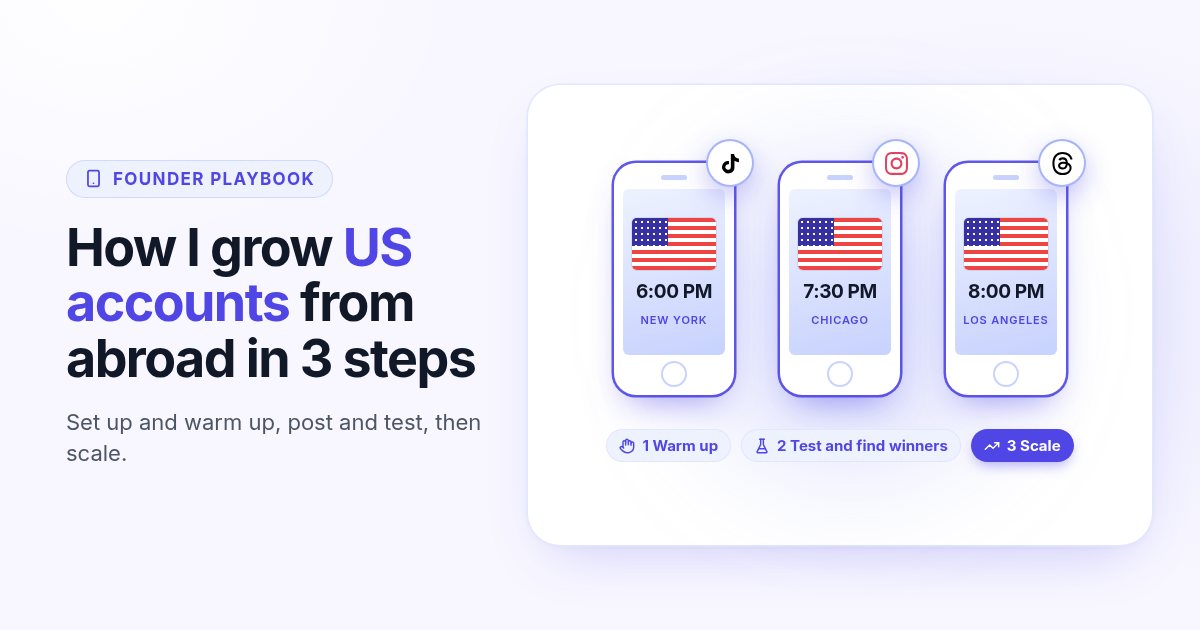
How I grow US TikTok accounts from abroad in 3 steps
I do not live in the US, but I grow accounts for a US audience. My 3 step playbook: set up and warm up a cheap dedicated phone, post and test for 30 days, then scale only the winners.
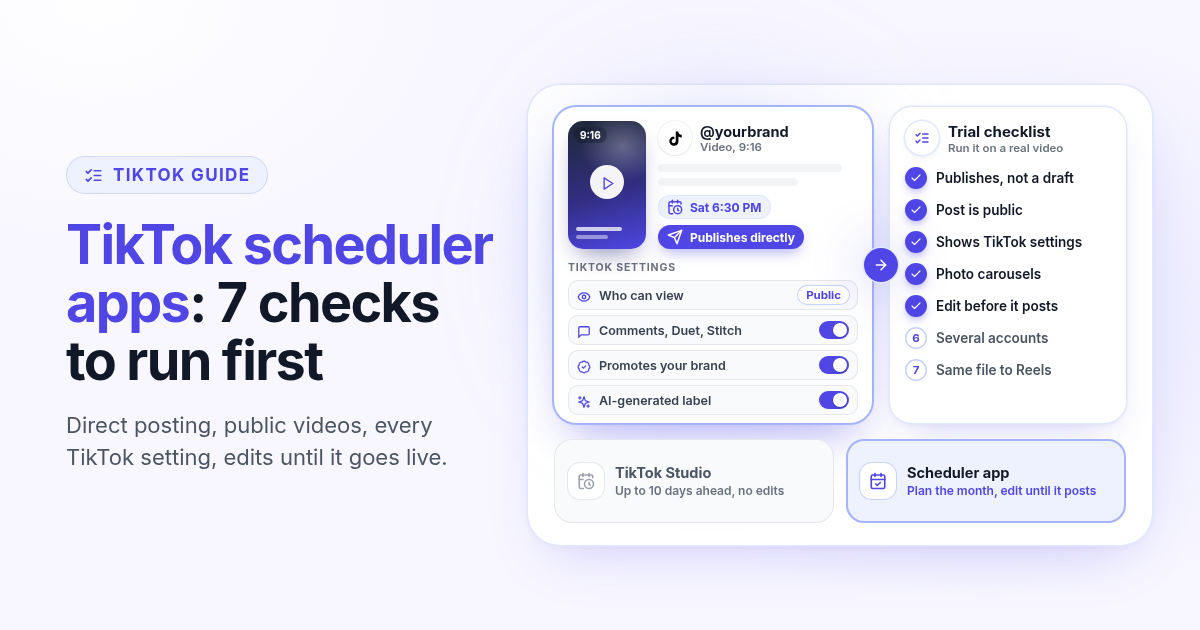
TikTok scheduler apps in 2026: 7 checks before you trust one with your videos
What TikTok Studio already schedules for free, and seven checks to run on any TikTok scheduler app during the trial: direct posting, public visibility, TikTok settings, photo posts, editing, multiple accounts and cross posting.
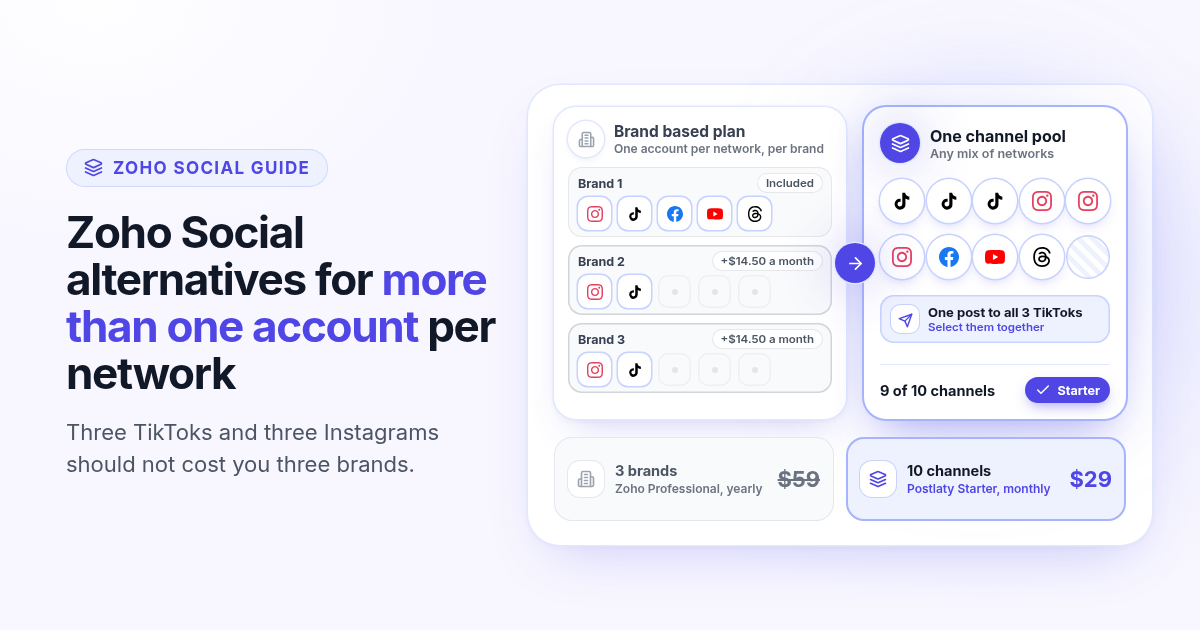
Zoho Social alternatives in 2026: when you run more than one account per network
Zoho Social prices by brand, and a brand holds one account per network. How Zoho Social pricing works in 2026, what three TikToks and three Instagrams really cost, and what to look for in an alternative priced by channels.
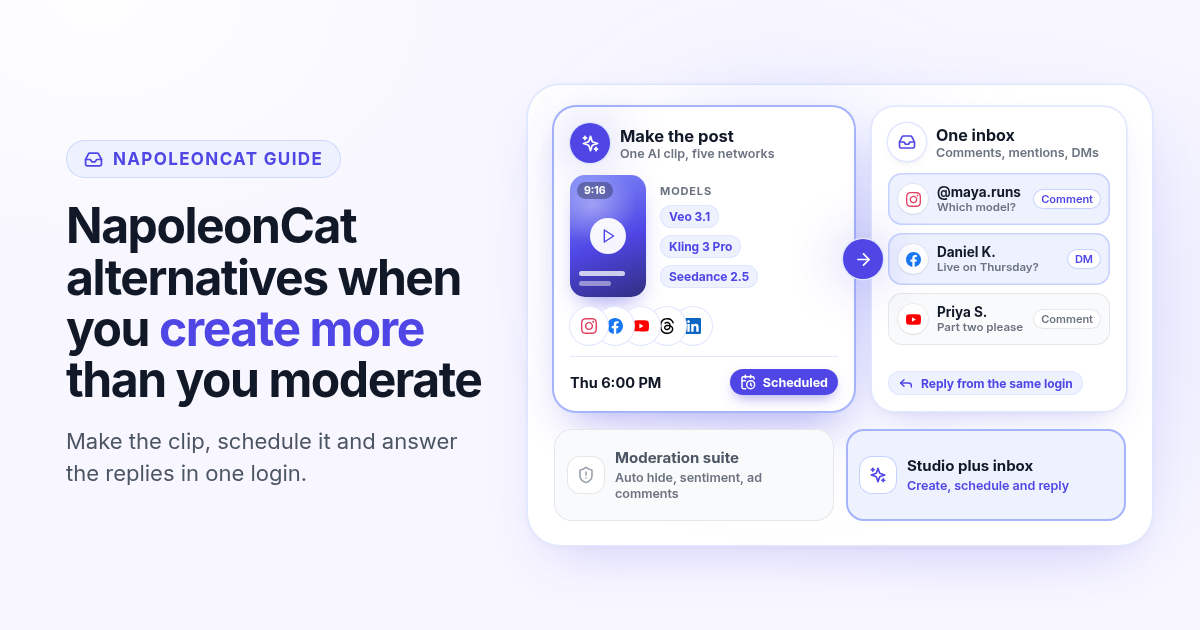
NapoleonCat alternatives in 2026: when you create more than you moderate
NapoleonCat is a strong moderation and inbox suite priced by users and profiles. If you spend more time making posts than moderating comments, here is what its 2026 pricing covers and what to look for in an alternative.
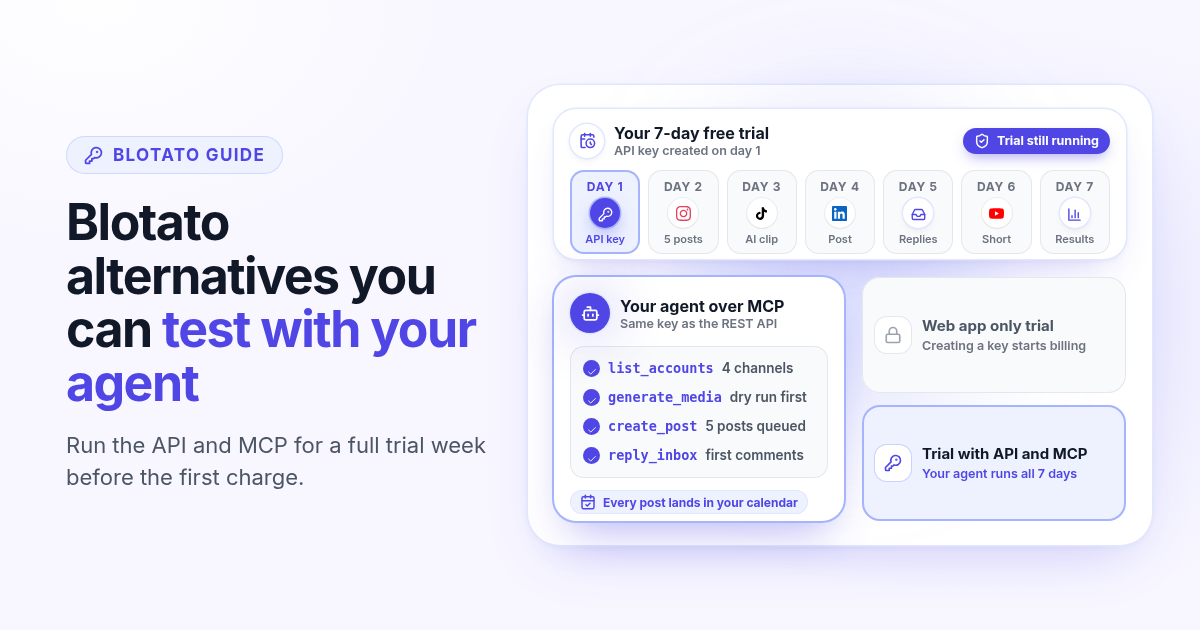
Blotato alternatives in 2026: when you want to test the API before you pay
Blotato starts at $29 a month for 20 accounts, but its free trial leaves out the API and MCP. How Blotato pricing works in 2026, why creating an API key ends the trial, and what to test in an alternative when an agent posts for you.
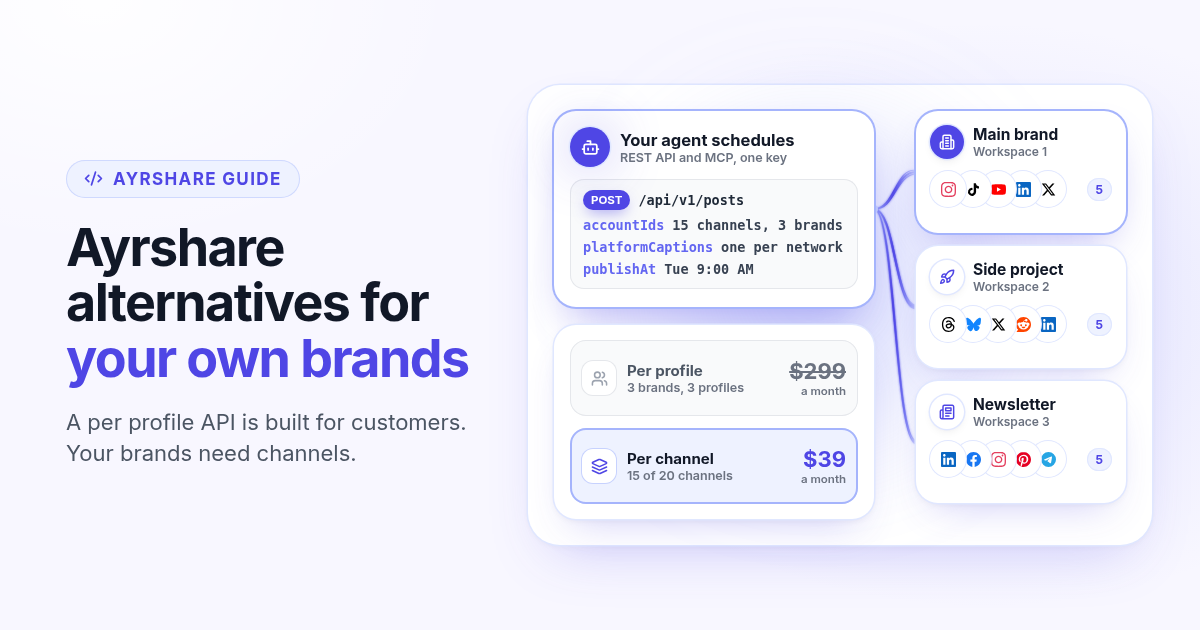
Ayrshare alternatives in 2026: when you post for your own brands, not customers
Ayrshare is a social media API billed per profile, from $149 a month for one. How Ayrshare pricing works in 2026, why profiles and channels lead to very different bills when the brands are yours, and what to test in an alternative with API and MCP on every plan.
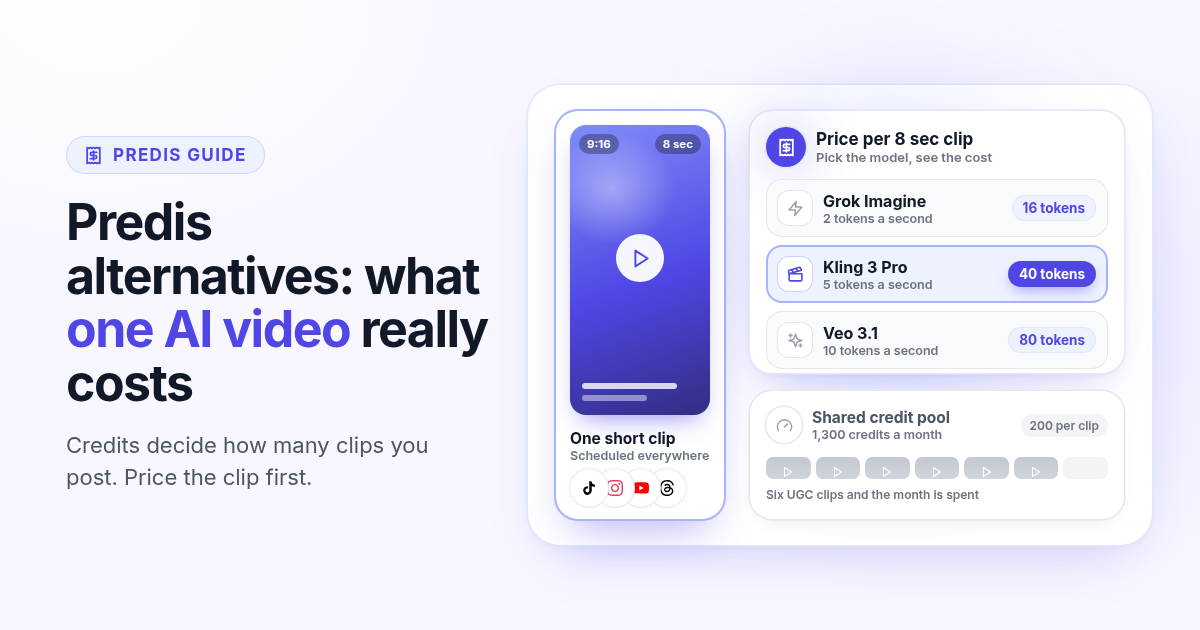
Predis alternatives in 2026: what one AI video really costs you
Predis.ai starts at $19 a month billed yearly, but credits decide how many AI videos you get. How Predis pricing works in 2026, what one clip costs on each plan, and how to price a real week of video in an alternative before you switch.
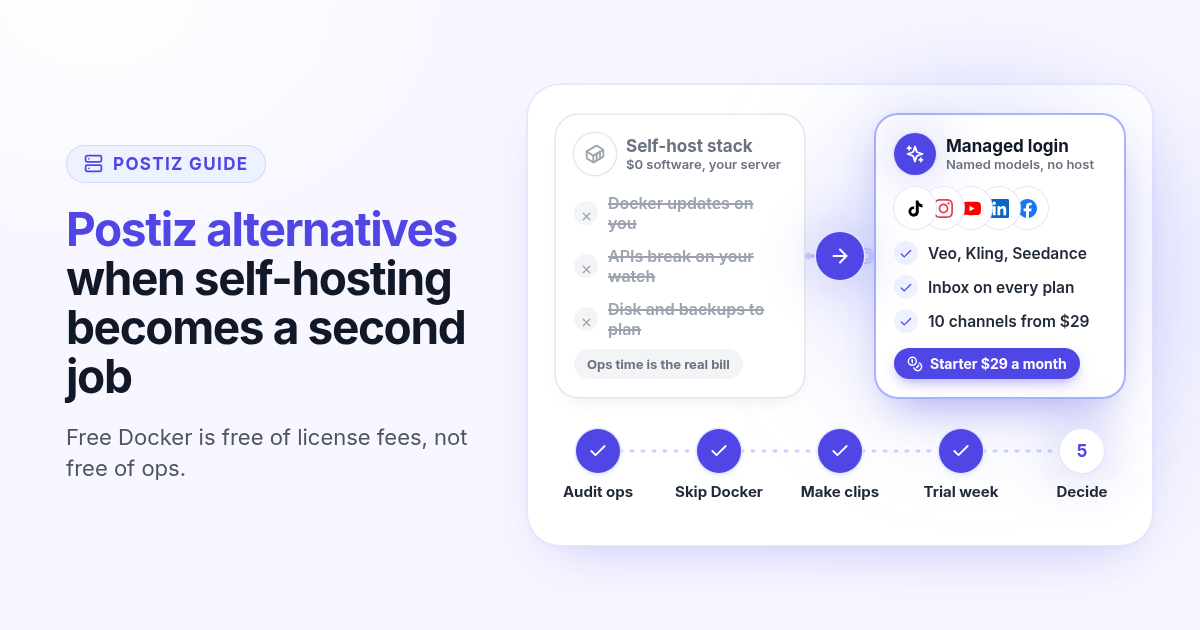
Postiz alternatives in 2026: when self-hosting becomes a second job
Postiz is a strong open-source scheduler with a free Docker install and hosted plans from $29. How Postiz pricing works in 2026, when self-hosting costs more than the bill, and what to test in a managed alternative with named AI video and inbox on the first plan.
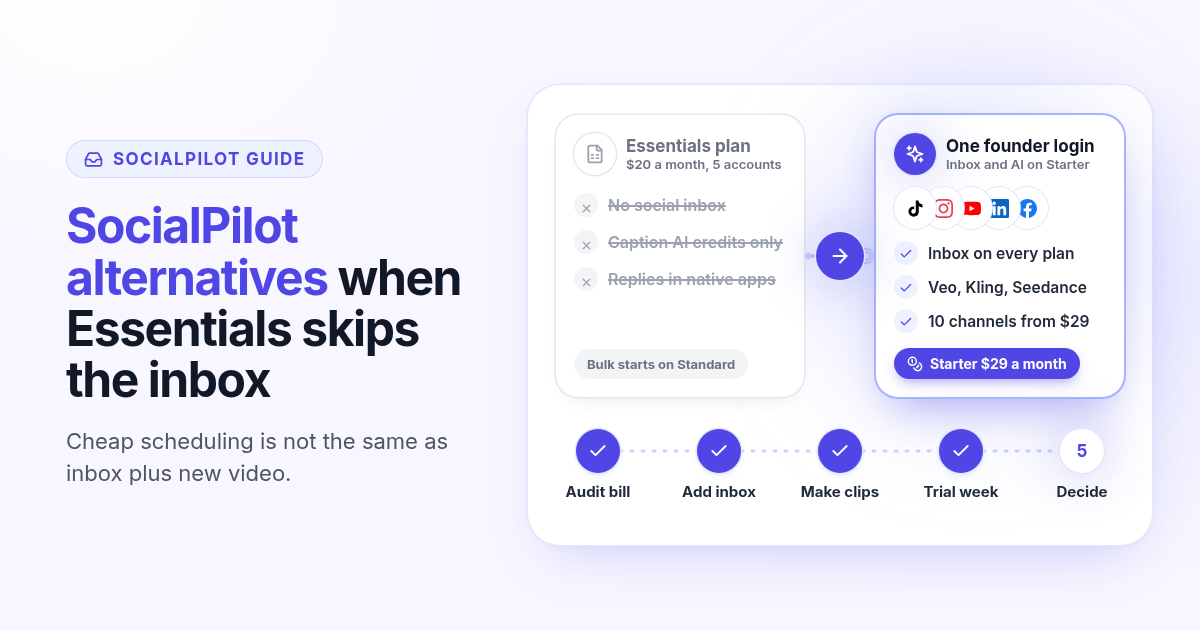
SocialPilot alternatives in 2026: when the cheap plan skips the inbox
SocialPilot Essentials is $20 a month for 5 accounts, but the inbox starts on Standard at $40. How SocialPilot pricing works in 2026, when bulk scheduling is enough, and what to test in an alternative that includes inbox and AI video on the first plan.
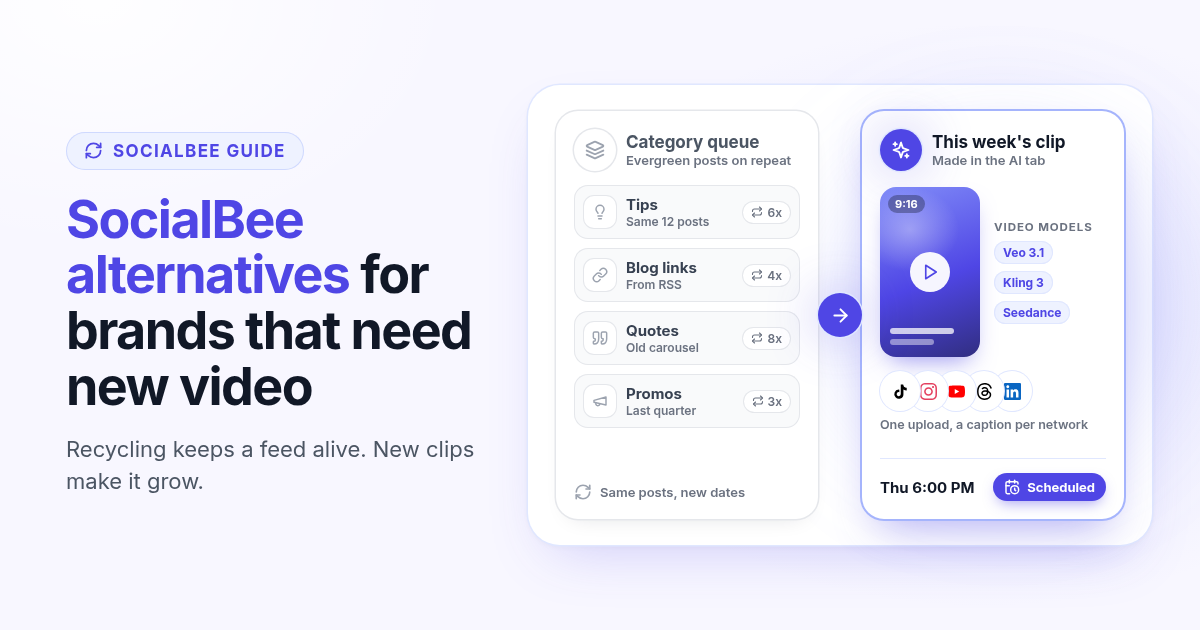
SocialBee alternatives in 2026: when recycled posts stop growing your accounts
SocialBee recycles evergreen posts by category, which keeps a feed active but rarely grows it on TikTok, Reels and Shorts. How SocialBee pricing works in 2026, how to audit your queue, and what to test in an alternative that makes new video.
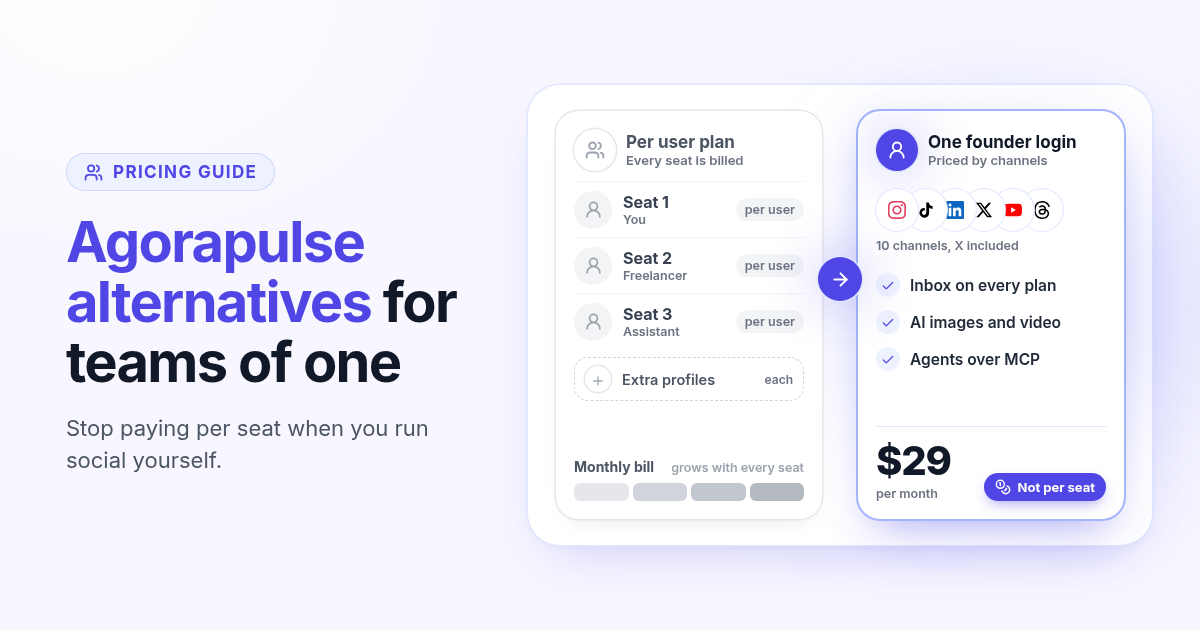
Agorapulse alternatives in 2026: when you pay per seat but post alone
Agorapulse prices every plan per user, which suits social teams more than founders. See how its pricing works in 2026, check which features you really use, and know what to test in any Agorapulse alternative before you switch.
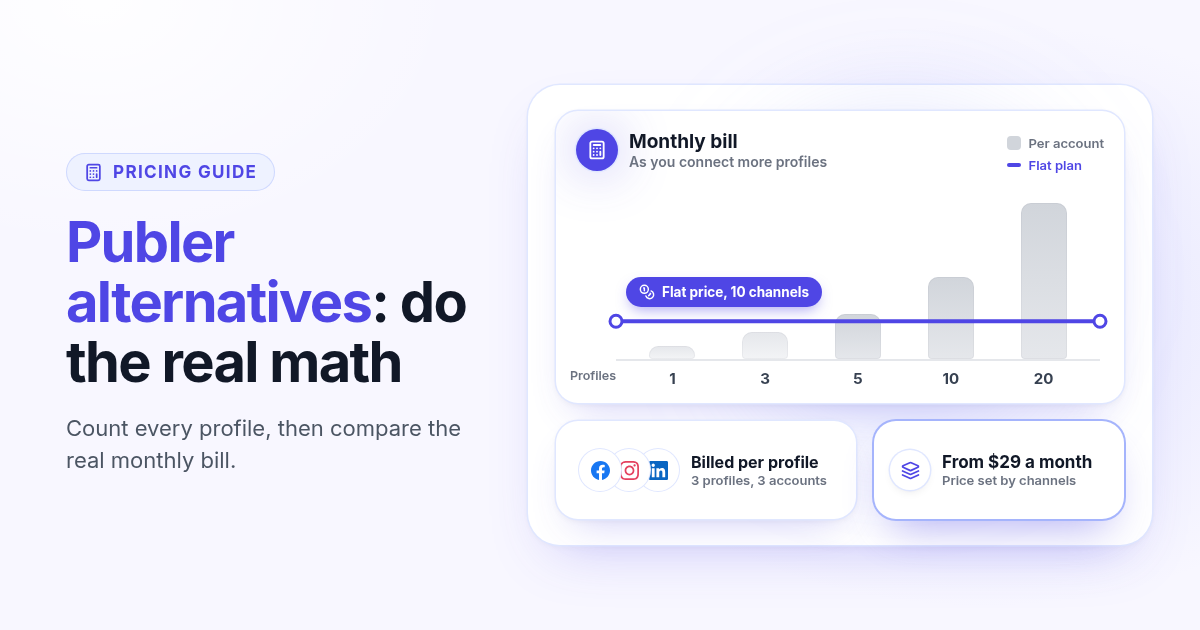
Publer alternatives in 2026: when per account pricing stops paying off
Publer bills per social account, so the price climbs with every Page and profile. Count what you really pay, spot the five signs you have outgrown it, and know what to test in any Publer alternative before you switch.
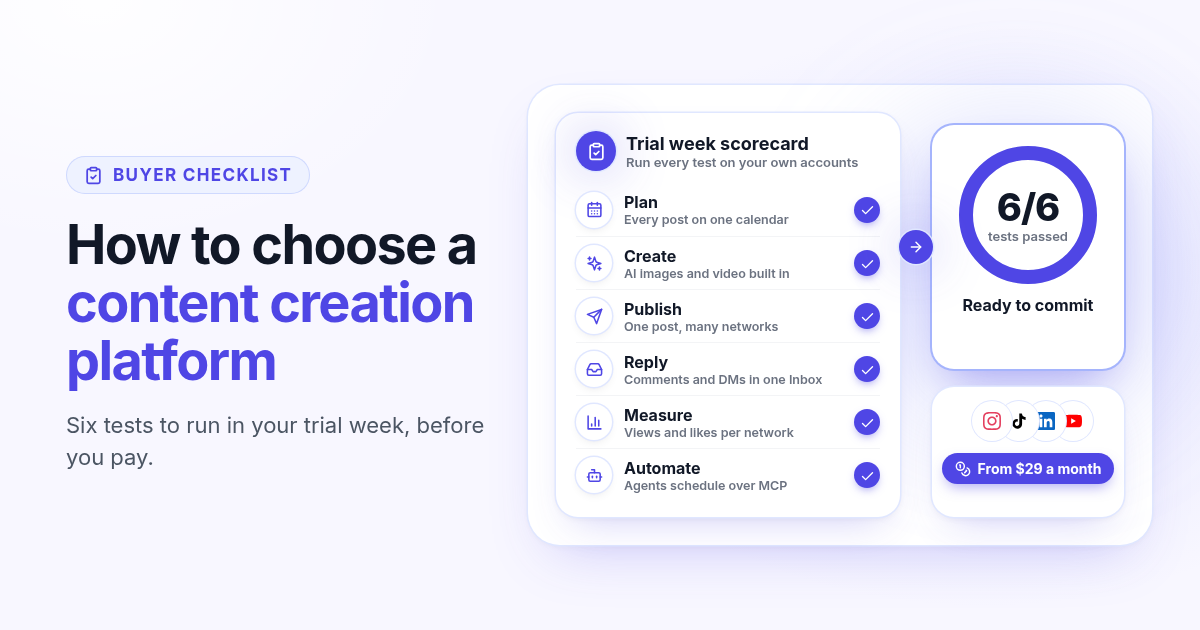
How to choose a content creation platform: 6 tests to run before you pay
A founder checklist for picking a content creation platform: add up the stack you pay for, then use a 7-day trial to test planning, AI images and video, publishing to every network, one Inbox for replies, per network numbers and AI agents.
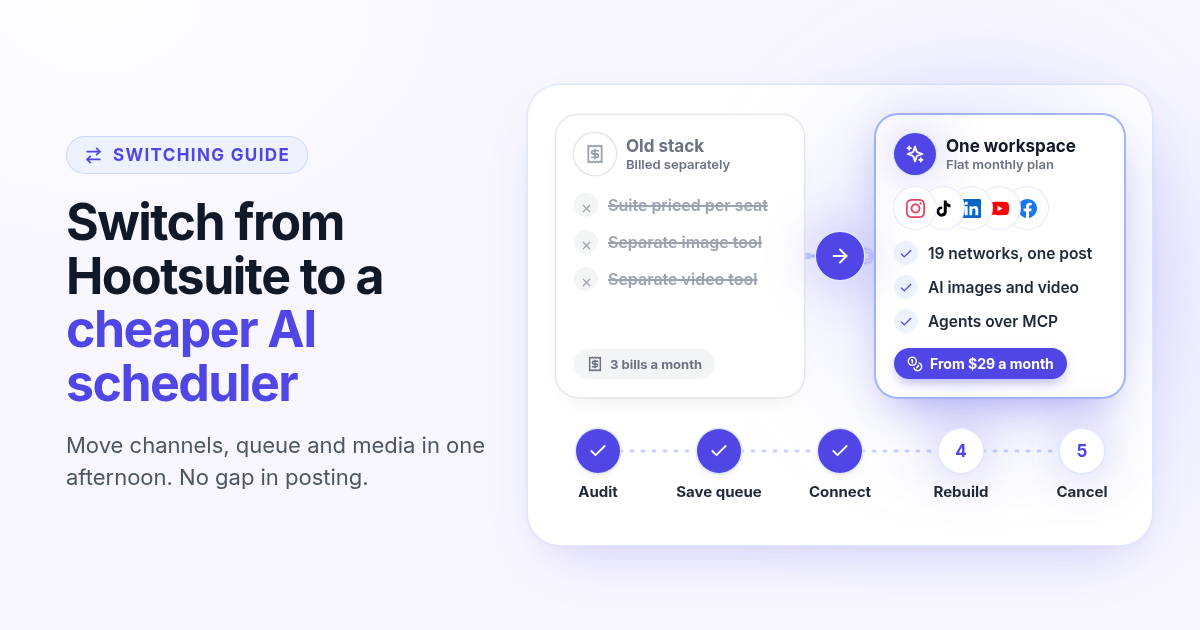
How to switch from Hootsuite to a cheaper AI scheduler in one afternoon
A step by step plan to leave Hootsuite without a gap in posting: audit what you use, save your queue and media, connect your channels, rebuild two weeks of posts, add AI images, video and agents, then cancel before renewal.
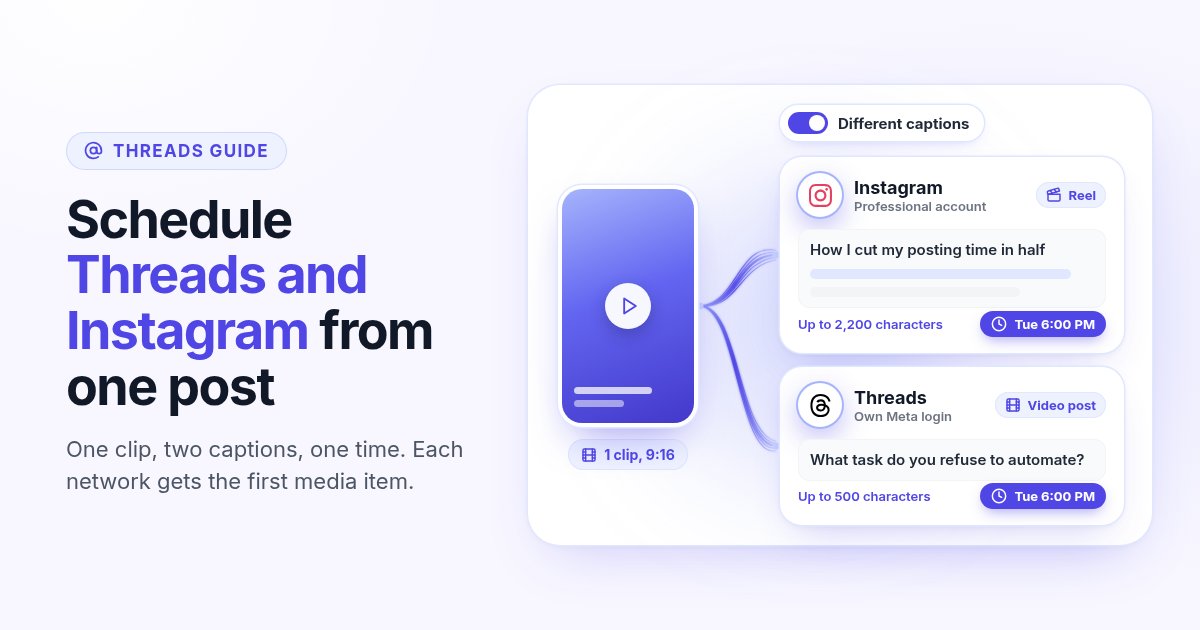
How to schedule Threads and Instagram together from one post
Schedule a Reel or photo to Instagram and Threads at the same time from one post. Connect both Meta accounts, attach one file, write a long Instagram caption and a short Threads caption, and pick one time.
How to make a Pinterest pin with AI and schedule it to a board
Generate a Pinterest pin image with Recraft, Flux, or Nanobanana, pick a Business board at connect, and schedule the pin from Create. Image required. Optionally reuse the still on Instagram.
How to schedule a Dev.to article and the posts that point to it
Schedule a Dev.to article and the short X, LinkedIn, or Bluesky posts that point to it from one queue. Connect with an API key, write the title and body, then ship pointers instead of pasting the markdown.
How to schedule a Discord announcement and the public post together
Schedule a Discord announcement and the matching Instagram and X post from one queue. Add the bot to your server, pick the channel, send text to Discord and the visual to the public networks.
How to cross-post to Bluesky and Mastodon (and where video fails)
Cross-post Bluesky and Mastodon from one composer. Connect with an app password and a server token, share one still, and know why a Bluesky video will not publish as Mastodon video.
How to schedule Telegram channel posts as yourself (not as a bot)
Native Telegram schedule works for one message. Most tools post as a BotFather bot. Here is how to connect with your phone, pick a chat, and schedule posts as yourself with Postlaty.
How to schedule Pixelfed posts (a photo is required)
Pixelfed is photo-first and has no real content calendar. Here is how to connect any server with an access token, attach a photo, and schedule posts ahead with Postlaty.
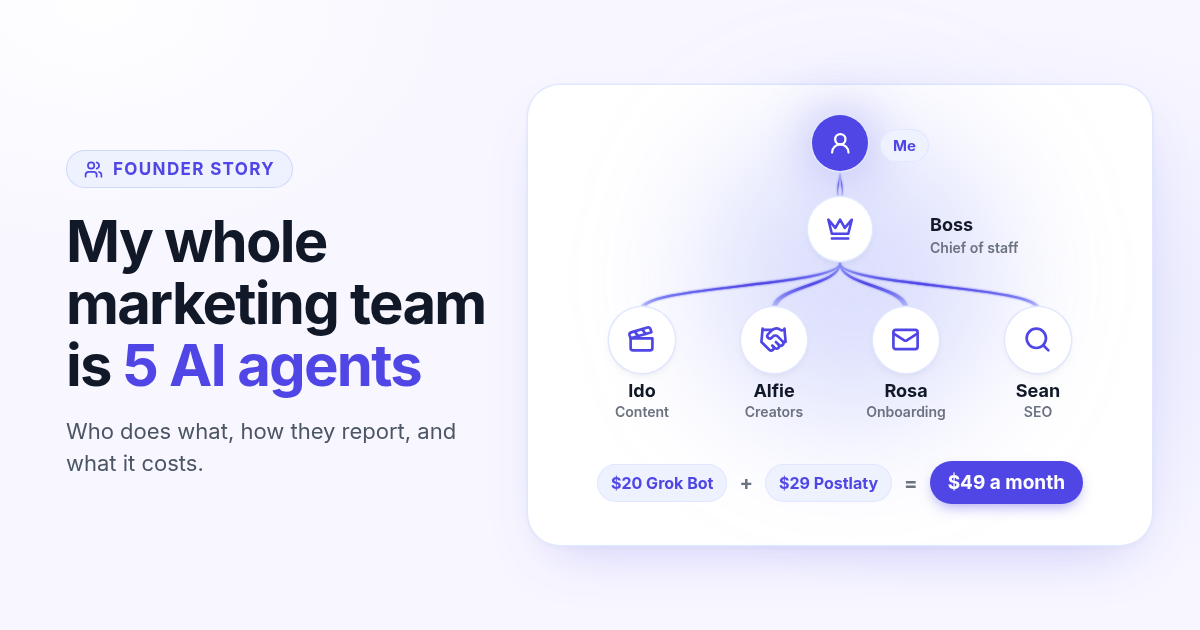
How I run my whole marketing team with AI agents for $49 a month
I am a solo founder. My marketing team is five AI agents that post, reach out, email, and write, then report to me daily. Here is who does what and what it costs.
How to schedule Whop posts to your community forum
Whop forums publish when you press Post. Here is how to schedule Whop posts ahead with a company API key, what to write, and how replies reach your inbox.
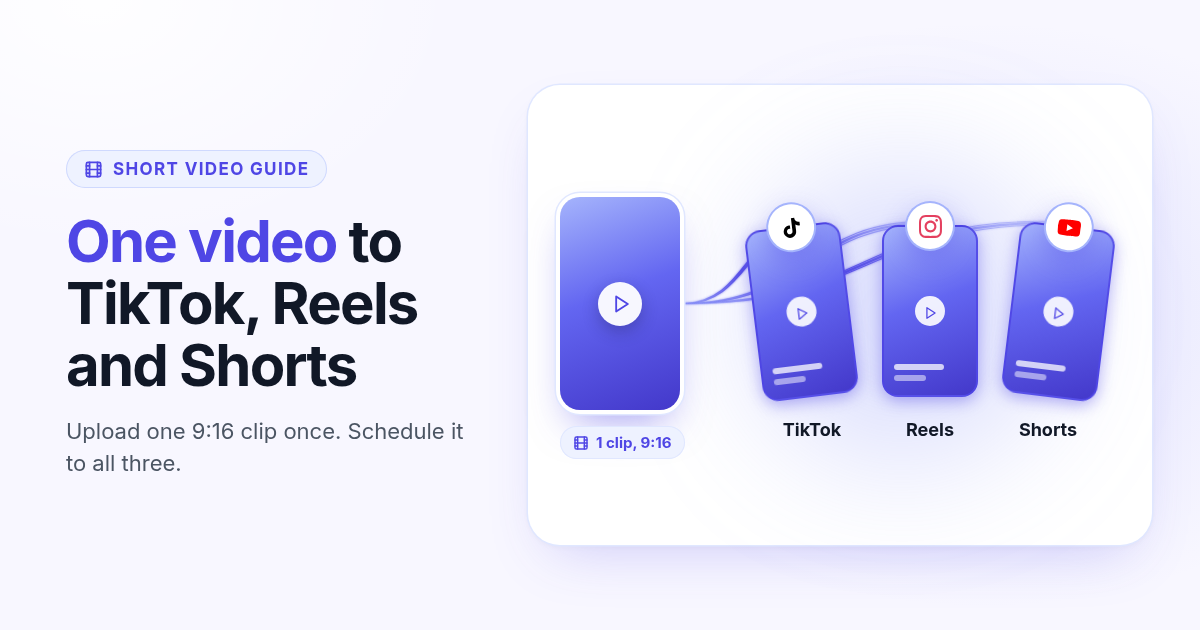
How to post the same short video to TikTok, Instagram Reels, and YouTube Shorts
One 9:16 file can feed TikTok, Reels, and Shorts. This guide covers aspect ratio, captions, covers, and a publish path that does not recrop three times.