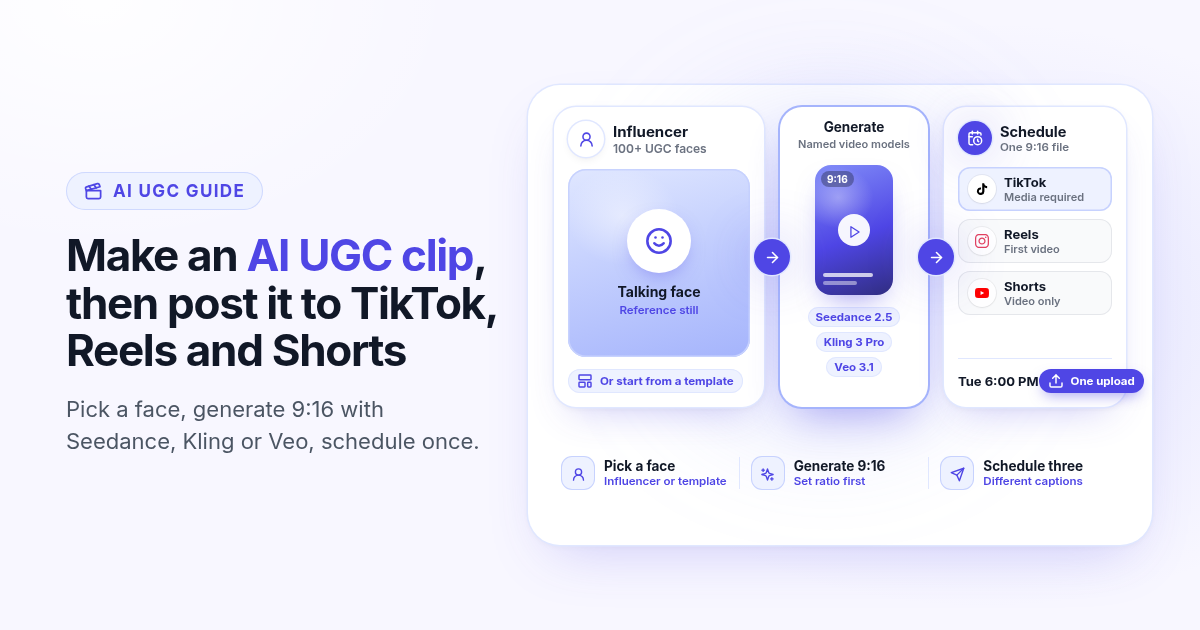
Most "AI UGC" pages stop at the clip. They show a talking face, a credit meter, and a download button. You still open CapCut, re-export 9:16, and paste the file into three apps by hand. The useful job is shorter: generate the clip where you already schedule, set the ratio once, and put the same file on TikTok, Instagram Reels, and YouTube Shorts from one post.
This guide covers that path inside Postlaty. You pick a UGC influencer or a template, generate with a named video model (Seedance, Kling, Veo, or Grok Imagine), attach the 9:16 file, write a caption per network, and schedule. It is not a Meta ads launcher, and it does not invent a product-URL ad. For ratio, safe zones, and the three-network publish checklist, keep the one-file short video guide open next to this article.
Why generation and scheduling belong together
Short-form apps reward volume and consistency more than a perfect one-off. If every clip costs a separate export hop, you ship fewer posts. A studio that only renders video leaves the calendar empty. A scheduler that only uploads leaves the blank canvas empty. The buyer who wants AI UGC for organic TikTok, Reels, and Shorts needs both steps in one place.
That is also why "download then re-upload" workflows feel fine in a demo and collapse in week two. Watermarks appear. Ratios drift. Captions get pasted identically into three apps that do not share a culture. When Create and the calendar share a login, the clip you just rendered is already a media attachment, not a file sitting in Downloads.
Teams that already post three shorts a week feel this first. The bottleneck is rarely "we need another AI model." It is the handoff: render finishes at 10:40, someone downloads at 10:42, CapCut re-exports at 10:55, then three mobile uploads lose the evening. When generation lands in the same media tray as the calendar, that handoff disappears. You still choose the hook and the face. You do not rebuild the file three times.
A face before a prompt
Postlaty ships 100+ UGC influencers and 200+ templates in Create. You attach a reference still, then generate, instead of hoping a text prompt invents a consistent person.
Named video models
Seedance 2.5, Veo 3.1, Kling 3 Pro, Kling O3 Pro, and Grok Imagine sit in the same Generate panel as the image models. You see the model name and the token cost before you run.
9:16 first
Set the vertical ratio before you spend tokens. Cropping a 16:9 render for TikTok, Reels, and Shorts throws away the sides you already paid to create.
One upload, three queues
Attach the finished file once, toggle Different captions, pick TikTok, Instagram, and YouTube, and schedule. The publisher sends video to each network on its own rules.
Organic UGC clips, not ad launchers
Search results for AI UGC are packed with tools that promise ads from a product URL. That is a different product. Postlaty generates organic creatives and schedules them to the channels you connected. It does not open an ads manager, pull a catalog URL into a Meta campaign, or claim Spark Ads placement from the composer.
That boundary matters for search intent too. Someone typing "AI UGC video for TikTok" often wants a talking creator clip they can post organically this week, not a full ads stack. Someone typing "UGC ads from product URL" wants a different vendor. Mixing those promises in one page wastes both buyers. Postlaty stays on the organic side: Create for the asset, calendar for the publish, Inbox for the replies the networks support.
If you are comparing Predis-style credit packs for talking heads, price the clip, then ask whether the same tool also posts. The Predis cost-per-video article and the Predis AI alternative page cover credit math. This article is the generation-to-calendar path for organic short video.
Organic still matters for testing. A format that fails as a scheduled Reel will not suddenly win as an ad. Use the calendar to learn which hook, face, and length your audience finishes. Move winners into paid only after the organic signal is clear, in whatever ads tool you already trust.
How to make the AI UGC clip in Create
Open Create, choose video generation, and keep the destination networks in mind before you prompt. TikTok, Instagram Reels, and YouTube Shorts all want a vertical file. Instagram Reels and TikTok also refuse a text-only post: media is required. YouTube Shorts in Postlaty is video only.
Start with the outcome, not the model name. Decide the offer, the face, and the length you will actually schedule. Then open Generate. Switching models mid-prompt without a clear length target is how token budgets disappear on takes you never attach.
- 1
Pick a face or a template
In Generate, choose an influencer from the library (100+ faces) or start from a template (200+). That still becomes the reference for the talking clip so the person stays consistent across takes. All influencers and templates ship on every plan, including Starter.
- 2
Choose the video model and set 9:16
Pick Seedance 2.5, Seedance 2.0, Veo 3.1, Kling 3 Pro, Kling O3 Pro, or Grok Imagine. Set the aspect to 9:16 before you run. Length options depend on the model (for example Veo 3.1 at 4, 6, or 8 seconds; Seedance 2.5 from 4 to 30 seconds; Kling 3 Pro from 3 to 15 seconds).
- 3
Write a prompt that fits a phone screen
Describe a single action, a clear product hold, and a short spoken line if the model supports speech. Keep titles out of the bottom fifth of the frame so TikTok and Reels UI do not cover them. One idea per clip beats a script that tries to sell three offers.
- 4
Review, then attach the finished file
Watch the take once at phone size. If the face drifts or the product is cut off, regenerate before you schedule. When the render is good, attach it as the media for the post. One clean 9:16 clip is enough for this TikTok, Reels, and Shorts workflow.
Token cost is per second on most video models (Grok Imagine 2 tokens/sec, Kling 3 Pro 5, Seedance 2.5 and Veo 3.1 10). Starter includes 10 tokens a month, Pro 50, Premium 100, and you can buy more.
Every plan includes all AI models, all influencers, and all templates. You are not gated into a "UGC add-on" just to pick a face.
Editing models (for example Kling 3 Motion Control or Veo 3.1 edit) exist for reference-driven takes. Generation models are the usual path for a fresh talking clip from a still and a prompt.
Schedule the same clip to TikTok, Reels, and Shorts
With the file attached, add TikTok, Instagram, and YouTube. Use Different captions so each network gets a line that matches its tone. Then pick a time on the shared calendar. Channels count toward your plan limit (10 on Starter, 20 on Pro, 50 on Premium), so three short-video accounts still leave room for Threads, LinkedIn, or a blog network on the same week.
TikTok
Media is required. Postlaty publishes the video through the connected TikTok account. Keep one vertical file; do not redistribute a watermarked download from another app.
Instagram Reels
The first media item becomes the Reel (share_to_feed). Images need an aspect between about 4:5 and 1.91:1; for this workflow stay on 9:16 video. Optional Story can follow the feed post when you enable it.
YouTube Shorts
Postlaty publishes the video as a Short. A video file is required. Vertical 9:16 is what Shorts expects; a landscape export will look cropped or letterboxed.
Captions per network
TikTok and Reels lean on hooks and on-screen text. Shorts often wants a clearer title line. Different captions keeps those three voices from sounding pasted.
For safe zones, length targets, and why one clean export beats three re-encodes, use the schedule one video to TikTok, Reels, and Shorts checklist after the clip is ready. If you are still choosing a TikTok-only scheduler, the TikTok scheduler apps checklist lists the checks that matter once the file already exists.
A small composer habit helps: attach the vertical file first, then write captions. If you draft captions before media exists, you tend to overwrite them when the hook in the video changes. Order the work as generate, attach, caption, schedule. That order also makes Different captions feel intentional instead of three near-copies of the same paragraph.
You can still add other connected channels to the same post when the creative fits. A Bluesky or Mastodon still from a frame of the clip is a separate decision. For this article, keep TikTok, Instagram, and YouTube as the core trio so the 9:16 file stays the hero asset.
A simple weekly UGC routine
Treat the week like a small batch, not a daily emergency. Two focused Generate sessions beat seven rushed ones. Keep the faces and offers narrow so the calendar looks intentional.
- 1
Monday: pick two faces and one offer
Choose two influencers (or one influencer and one template) that match the brand. Write one offer line you will reuse. Do not invent a new product story mid-week.
- 2
Tuesday: generate three to five takes
Run short 9:16 clips on the cheaper model first (Grok Imagine or Kling) to test hooks. Promote only the clear winners to Seedance or Veo if you want a higher-fidelity final.
- 3
Wednesday: schedule the week
Attach each keeper once, write Different captions for TikTok, Instagram, and YouTube, and place them on the calendar. Leave breathing room between posts so replies are not ignored.
- 4
Thursday and Friday: reply, then note what finished
Use Inbox where the network supports comments. Mark which hook held watch time. That note becomes next Monday's brief so you are not guessing from a blank prompt again.
Instagram comments and DMs can land in Inbox on a connected professional account. YouTube brings video comments. TikTok Login Kit posting does not pull comments or DMs into Inbox the same way, so plan replies in the TikTok app when needed.
What a short clip actually costs in tokens
Price the second, then multiply. An 8 second Kling 3 Pro take is about 40 tokens. The same length on Veo 3.1 or Seedance 2.5 is about 80 tokens. Grok Imagine video is lighter at 2 tokens per second (about 16 tokens for 8 seconds). Starter's 10 monthly tokens will not cover a heavy Veo week; Pro (50) and Premium (100) give more headroom, and one-off token packs sit next to the plan.
That math is why generation and scheduling in one product matters. If you pay Predis-style credits for the face, then pay again for a separate scheduler seat, the clip cost is only half the bill. Postlaty keeps influencers, models, and the 19-channel calendar on the same login, from $29 a month for 10 channels, with a 7-day free trial when you want to test the path on real accounts.
Also watch duration. Doubling from 8 to 16 seconds doubles the token bill on per-second models. Many hooks land in under ten seconds. If the model allows a short take, prefer that for drafts. Save longer Seedance runs for the keepers you already validated on a cheap model.
A practical budget: draft on Grok Imagine or Kling, keep one hero take on Seedance or Veo, and schedule the hero plus one backup. Burning the whole token pool on first takes is how weeks go quiet by Thursday.
Limits to know
This workflow is organic publishing. Postlaty does not launch ads, Spark Ads, or product-URL campaigns from Create.
Instagram stills outside the 0.8 to 1.91 aspect window are rejected. For UGC talking clips, stick to 9:16 video on all three networks.
Each network takes the media rules of its publisher: TikTok and Instagram need media, YouTube Shorts needs a video file, and first-file rules still apply when you attach extras.
The bottom line
AI UGC only helps growth when the clip actually ships. Pick a face, generate 9:16 with a named model, attach the file once, write three captions, and schedule TikTok, Reels, and Shorts together. Keep the one-file guide for the ratio checklist, and start a 7-day free trial when you want to run the full path on your own accounts.
Consistency beats novelty. Reuse the same two faces for a month, change only the offer line and the first three seconds, and let the calendar carry the volume. That is how AI UGC stops being a demo and becomes a publishing habit.
Growing a US-facing TikTok from outside the US is a separate ops problem (phones, VPN, posting cadence). If that is your bottleneck after the creative is ready, read how to grow a US TikTok account from abroad. If you want the wider "agents plus calendar" picture at the $49 plan, the AI marketing team for $49 a month lead magnet sits next to this workflow.
FAQ
Frequently Asked Questions
Yes. In Create you pick a UGC influencer or template, generate with a named video model, attach the 9:16 file, and schedule it to TikTok, Instagram Reels, and YouTube Shorts (and other connected channels) from one post.
Video generation includes Seedance 2.5, Seedance 2.0, Veo 3.1, Kling 3 Pro, Kling O3 Pro, and Grok Imagine, plus edit options such as Kling 3 Motion Control and Veo 3.1 edit. All models are on every plan.
No. Every plan includes all influencers (100+) and all templates (200+), along with all AI models.
No. This workflow is organic publishing to the channels you connected. Postlaty does not launch ads or product-URL campaigns from Create.
Use 9:16 before you generate. Cropping a landscape render wastes tokens and usually looks wrong on all three apps.
Yes. Postlaty has a 7-day free trial. Connect TikTok, Instagram, and YouTube, generate a short clip, and schedule it during the trial.
Blog
More articles
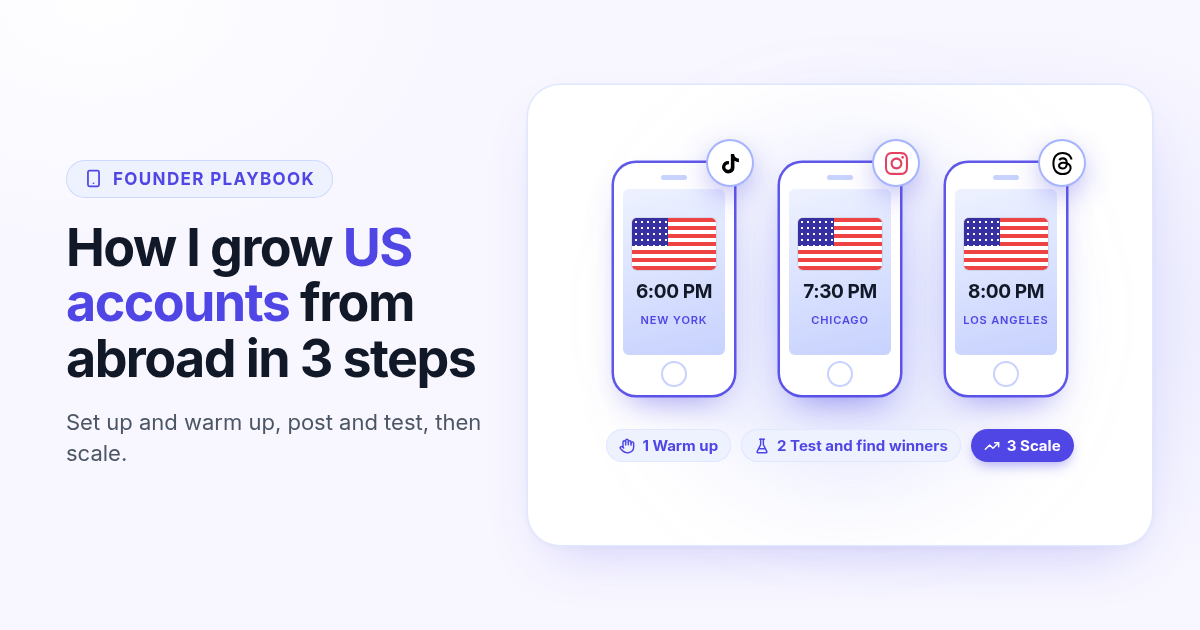
How I grow US TikTok accounts from abroad in 3 steps
I do not live in the US, but I grow accounts for a US audience. My 3 step playbook: set up and warm up a cheap dedicated phone, post and test for 30 days, then scale only the winners.
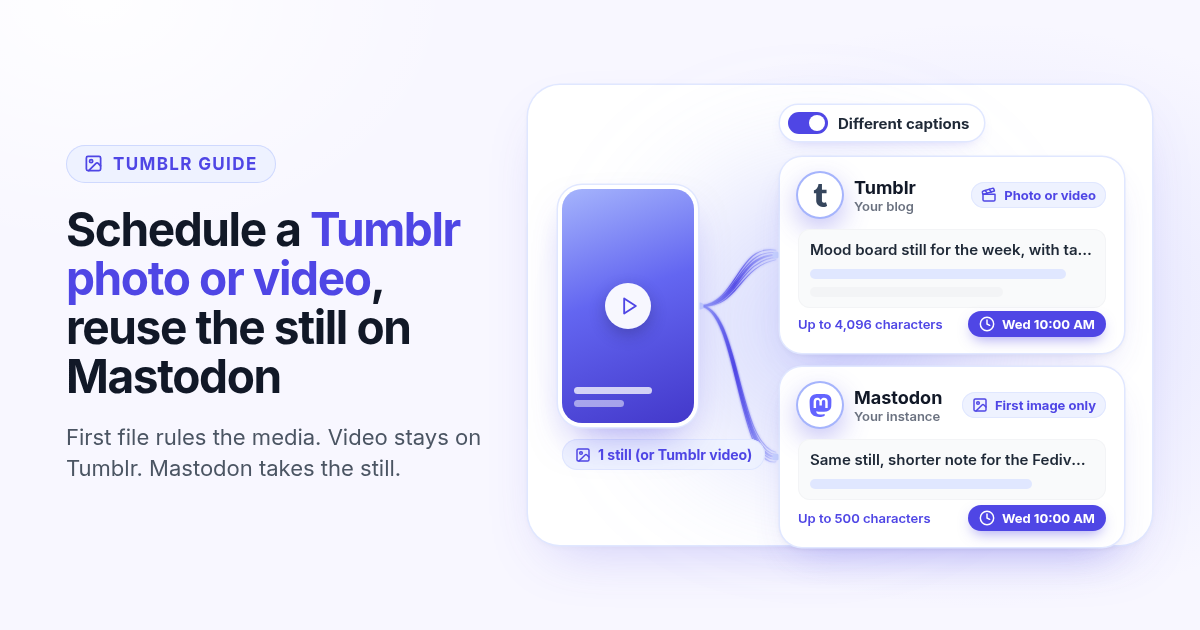
How to schedule a Tumblr photo or video (and reuse it on Mastodon)
Tumblr takes text plus the first image or video. Mastodon in Postlaty takes the first image and skips video. Connect both, attach one file, write two captions, and schedule the pair so the video stays on Tumblr only.
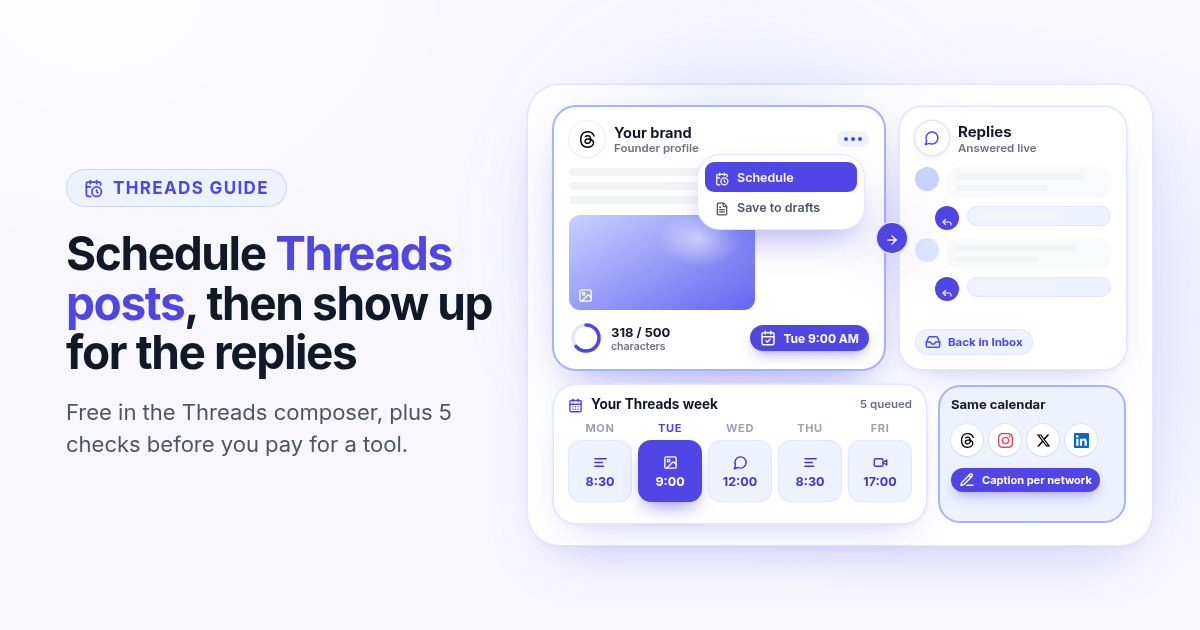
Threads scheduler in 2026: how to schedule Threads posts for free, and when a tool is worth it
Threads has a free scheduler in the composer three dot menu. How to use it step by step, where it stops (one profile, no week view, Threads only), five checks to run on any Threads scheduling tool, and a weekly routine built around replies.
Twitter scheduler in 2026: how to schedule X posts for free, and 5 checks before you pay
X still has a free scheduler: the calendar icon in the x.com composer. How to use it step by step, where it stops (one account, no week view, no long posts on the web), and five checks to run on any paid Twitter scheduler during the trial.
How to schedule LinkedIn posts for free in 2026 (and when a paid tool is worth it)
LinkedIn's own scheduler is free: profile posts from 10 minutes to 3 months ahead, Company Page posts from 1 hour. How to use it step by step, what it cannot schedule, and five signs a paid LinkedIn scheduler is worth it.
TikTok scheduler apps in 2026: 7 checks before you trust one with your videos
What TikTok Studio already schedules for free, and seven checks to run on any TikTok scheduler app during the trial: direct posting, public visibility, TikTok settings, photo posts, editing, multiple accounts and cross posting.
Zoho Social alternatives in 2026: when you run more than one account per network
Zoho Social prices by brand, and a brand holds one account per network. How Zoho Social pricing works in 2026, what three TikToks and three Instagrams really cost, and what to look for in an alternative priced by channels.
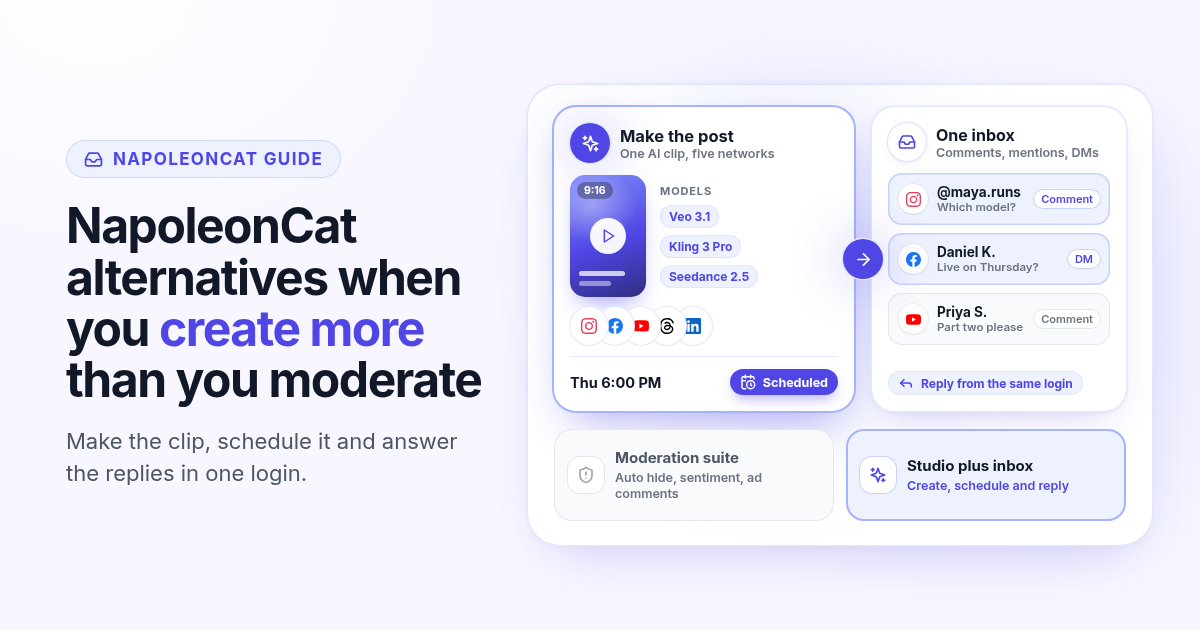
NapoleonCat alternatives in 2026: when you create more than you moderate
NapoleonCat is a strong moderation and inbox suite priced by users and profiles. If you spend more time making posts than moderating comments, here is what its 2026 pricing covers and what to look for in an alternative.
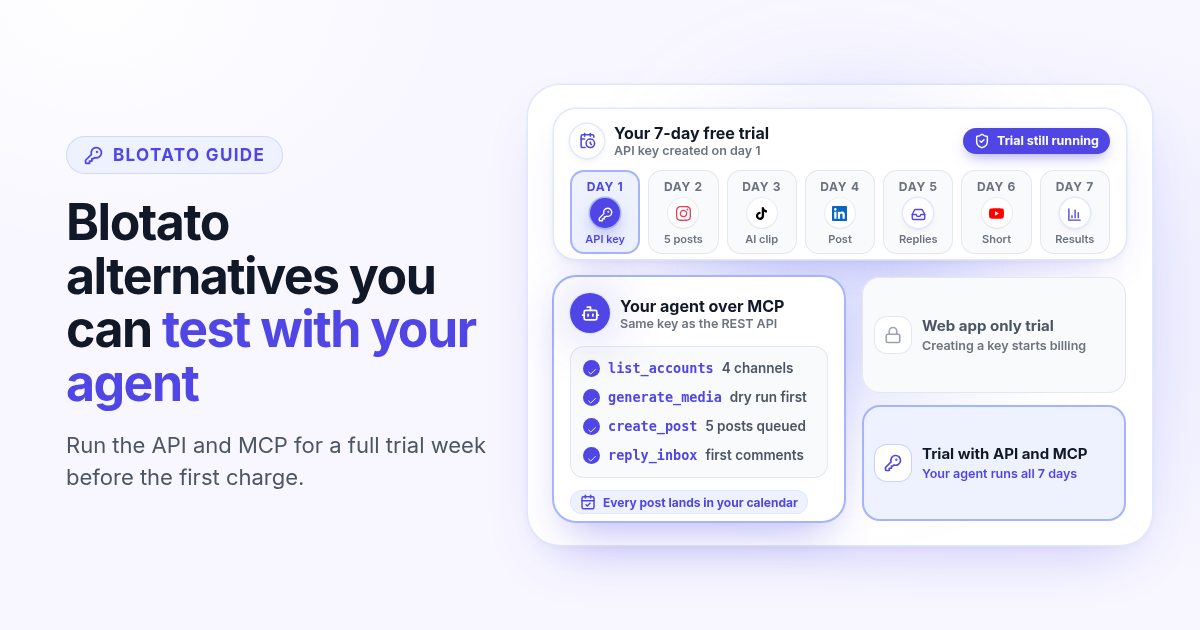
Blotato alternatives in 2026: when you want to test the API before you pay
Blotato starts at $29 a month for 20 accounts, but its free trial leaves out the API and MCP. How Blotato pricing works in 2026, why creating an API key ends the trial, and what to test in an alternative when an agent posts for you.
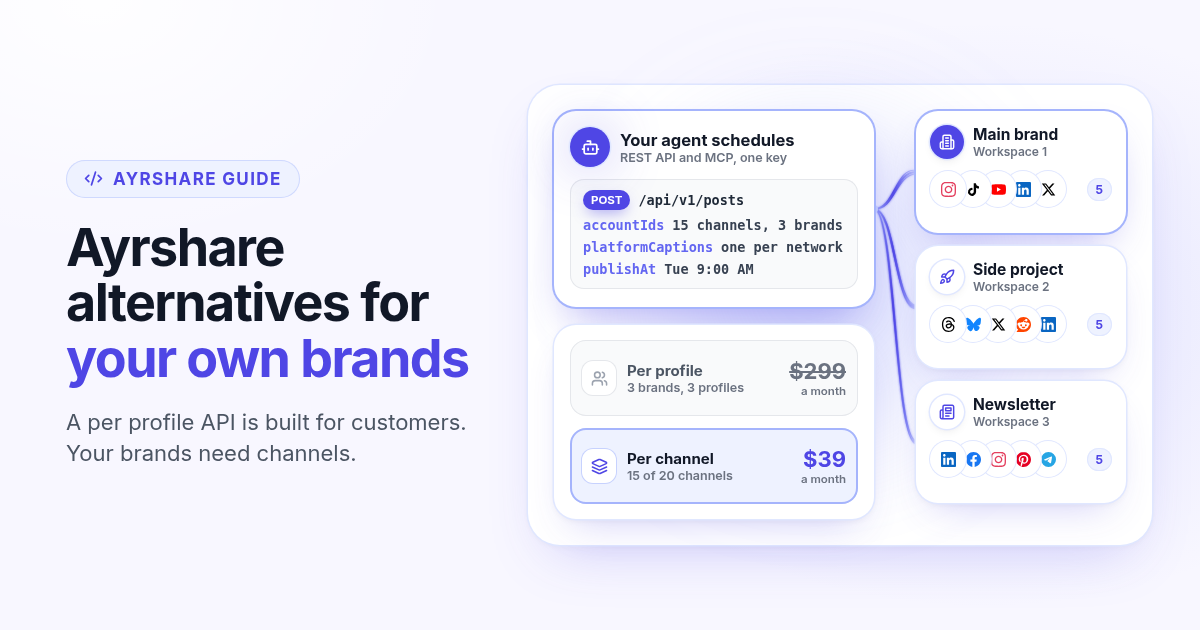
Ayrshare alternatives in 2026: when you post for your own brands, not customers
Ayrshare is a social media API billed per profile, from $149 a month for one. How Ayrshare pricing works in 2026, why profiles and channels lead to very different bills when the brands are yours, and what to test in an alternative with API and MCP on every plan.
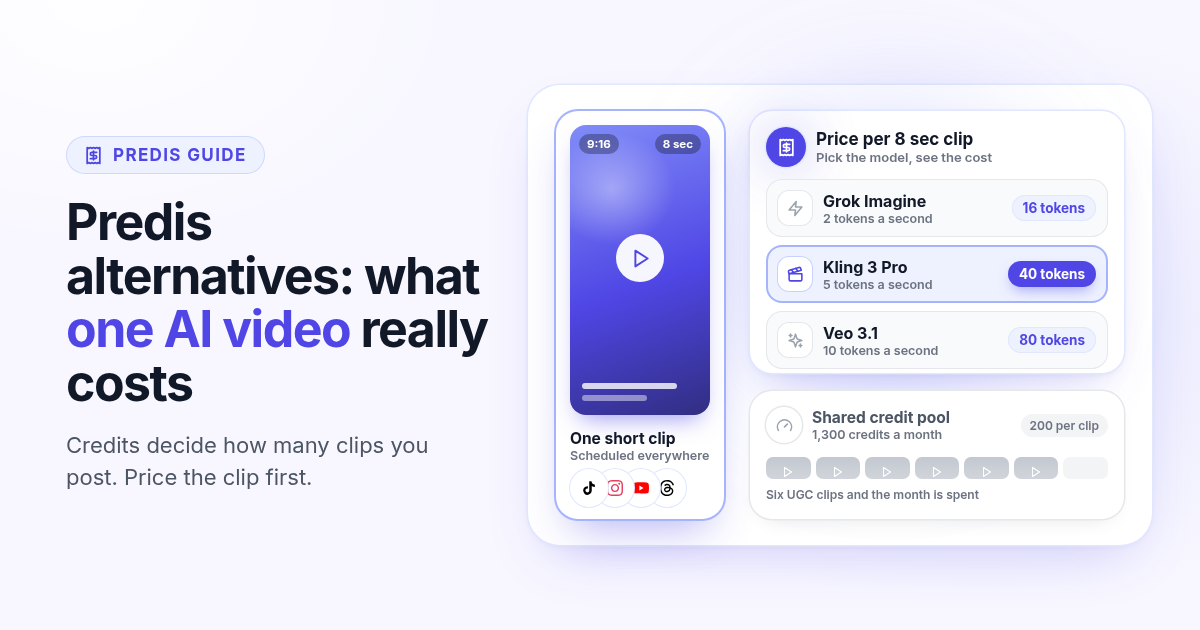
Predis alternatives in 2026: what one AI video really costs you
Predis.ai starts at $19 a month billed yearly, but credits decide how many AI videos you get. How Predis pricing works in 2026, what one clip costs on each plan, and how to price a real week of video in an alternative before you switch.
Postiz alternatives in 2026: when self-hosting becomes a second job
Postiz is a strong open-source scheduler with a free Docker install and hosted plans from $29. How Postiz pricing works in 2026, when self-hosting costs more than the bill, and what to test in a managed alternative with named AI video and inbox on the first plan.
SocialPilot alternatives in 2026: when the cheap plan skips the inbox
SocialPilot Essentials is $20 a month for 5 accounts, but the inbox starts on Standard at $40. How SocialPilot pricing works in 2026, when bulk scheduling is enough, and what to test in an alternative that includes inbox and AI video on the first plan.
SocialBee alternatives in 2026: when recycled posts stop growing your accounts
SocialBee recycles evergreen posts by category, which keeps a feed active but rarely grows it on TikTok, Reels and Shorts. How SocialBee pricing works in 2026, how to audit your queue, and what to test in an alternative that makes new video.
Agorapulse alternatives in 2026: when you pay per seat but post alone
Agorapulse prices every plan per user, which suits social teams more than founders. See how its pricing works in 2026, check which features you really use, and know what to test in any Agorapulse alternative before you switch.
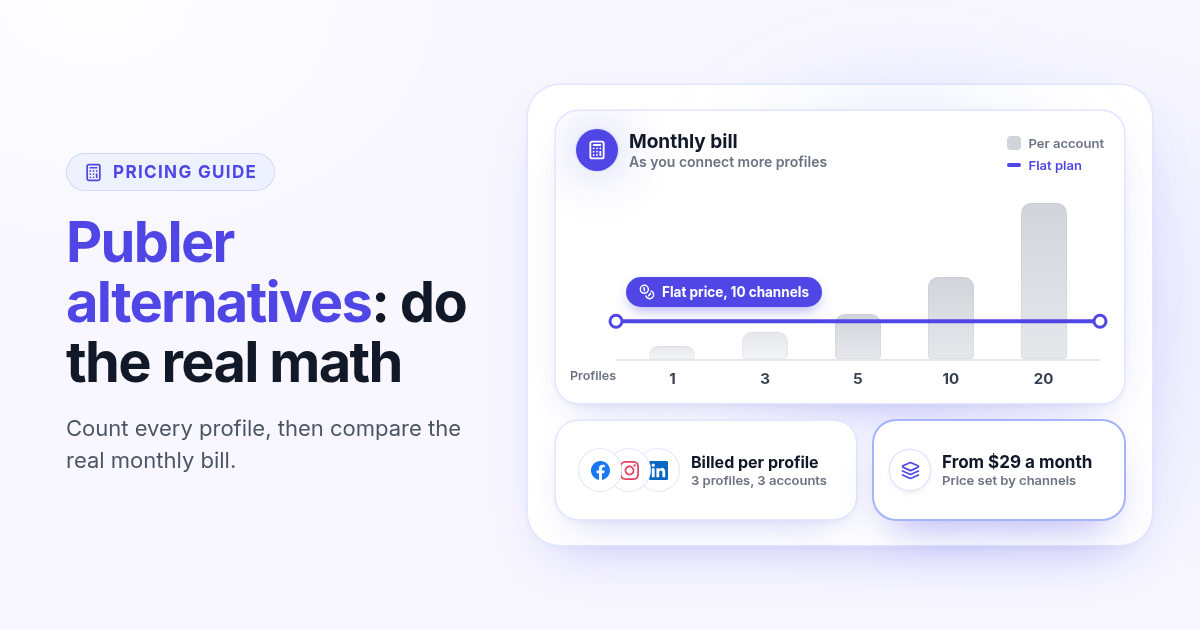
Publer alternatives in 2026: when per account pricing stops paying off
Publer bills per social account, so the price climbs with every Page and profile. Count what you really pay, spot the five signs you have outgrown it, and know what to test in any Publer alternative before you switch.
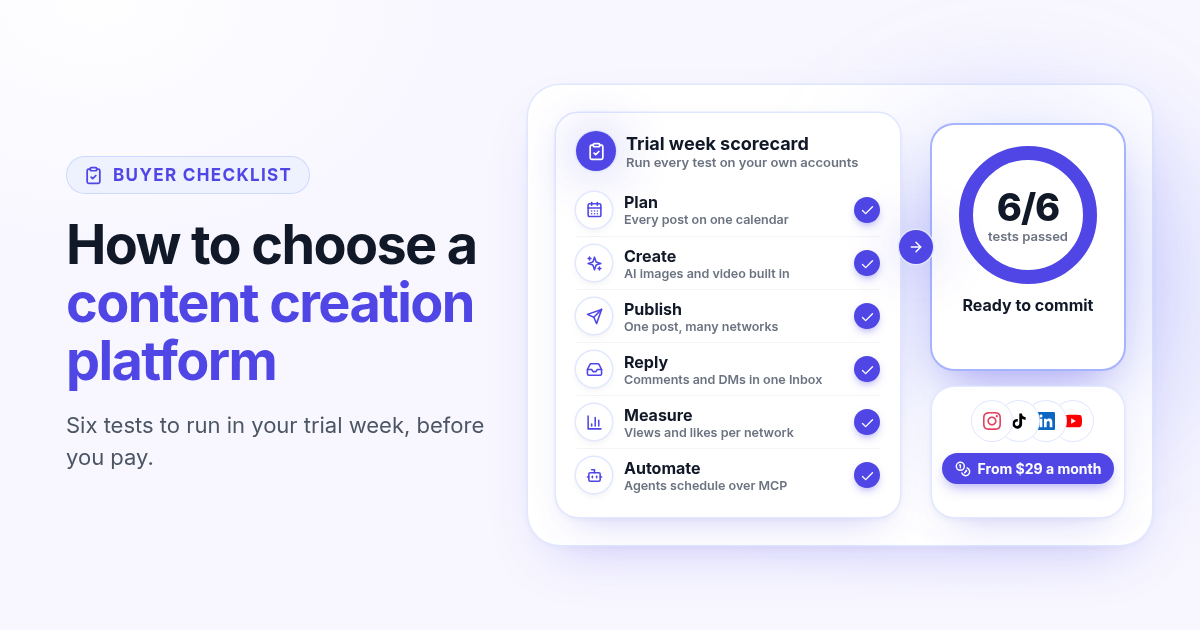
How to choose a content creation platform: 6 tests to run before you pay
A founder checklist for picking a content creation platform: add up the stack you pay for, then use a 7-day trial to test planning, AI images and video, publishing to every network, one Inbox for replies, per network numbers and AI agents.
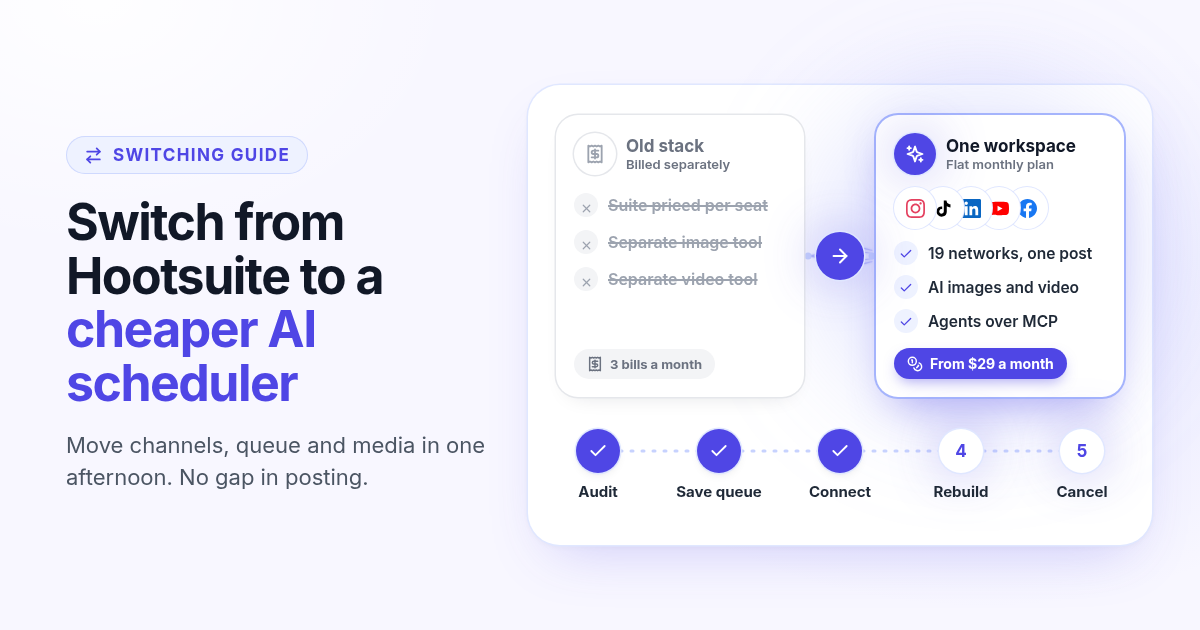
How to switch from Hootsuite to a cheaper AI scheduler in one afternoon
A step by step plan to leave Hootsuite without a gap in posting: audit what you use, save your queue and media, connect your channels, rebuild two weeks of posts, add AI images, video and agents, then cancel before renewal.
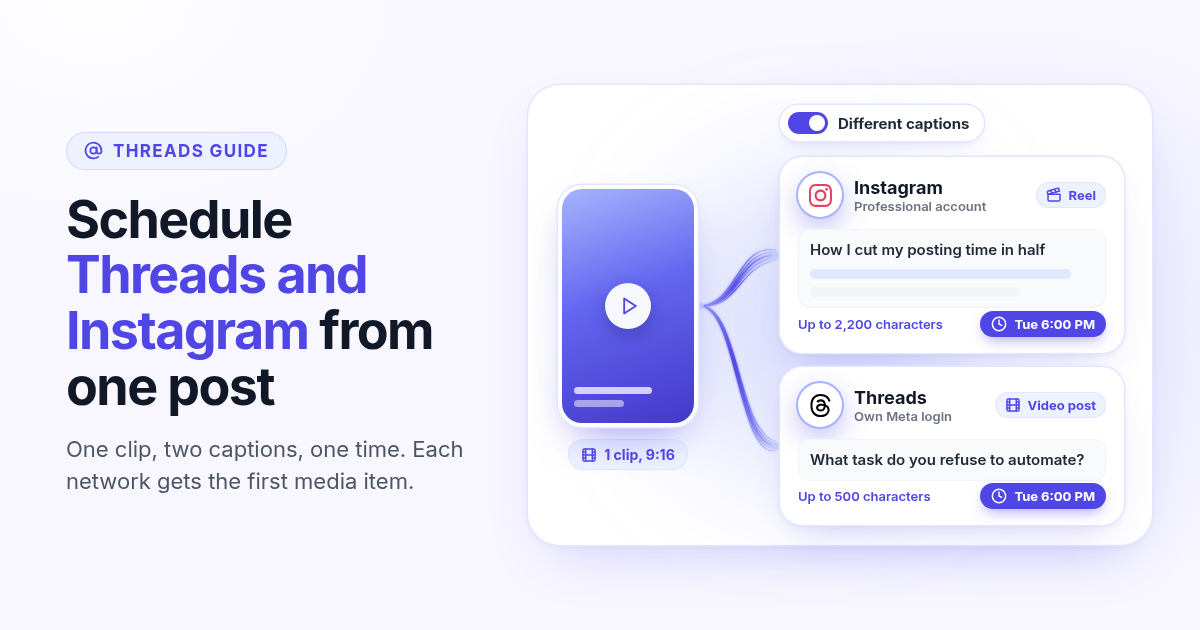
How to schedule Threads and Instagram together from one post
Schedule a Reel or photo to Instagram and Threads at the same time from one post. Connect both Meta accounts, attach one file, write a long Instagram caption and a short Threads caption, and pick one time.
How to make a Pinterest pin with AI and schedule it to a board
Generate a Pinterest pin image with Recraft, Flux, or Nanobanana, pick a Business board at connect, and schedule the pin from Create. Image required. Optionally reuse the still on Instagram.
How to schedule a Dev.to article and the posts that point to it
Schedule a Dev.to article and the short X, LinkedIn, or Bluesky posts that point to it from one queue. Connect with an API key, write the title and body, then ship pointers instead of pasting the markdown.
How to schedule a Discord announcement and the public post together
Schedule a Discord announcement and the matching Instagram and X post from one queue. Add the bot to your server, pick the channel, send text to Discord and the visual to the public networks.
How to cross-post to Bluesky and Mastodon (and where video fails)
Cross-post Bluesky and Mastodon from one composer. Connect with an app password and a server token, share one still, and know why a Bluesky video will not publish as Mastodon video.
How to schedule Telegram channel posts as yourself (not as a bot)
Native Telegram schedule works for one message. Most tools post as a BotFather bot. Here is how to connect with your phone, pick a chat, and schedule posts as yourself with Postlaty.
How to schedule Pixelfed posts (a photo is required)
Pixelfed is photo-first and has no real content calendar. Here is how to connect any server with an access token, attach a photo, and schedule posts ahead with Postlaty.
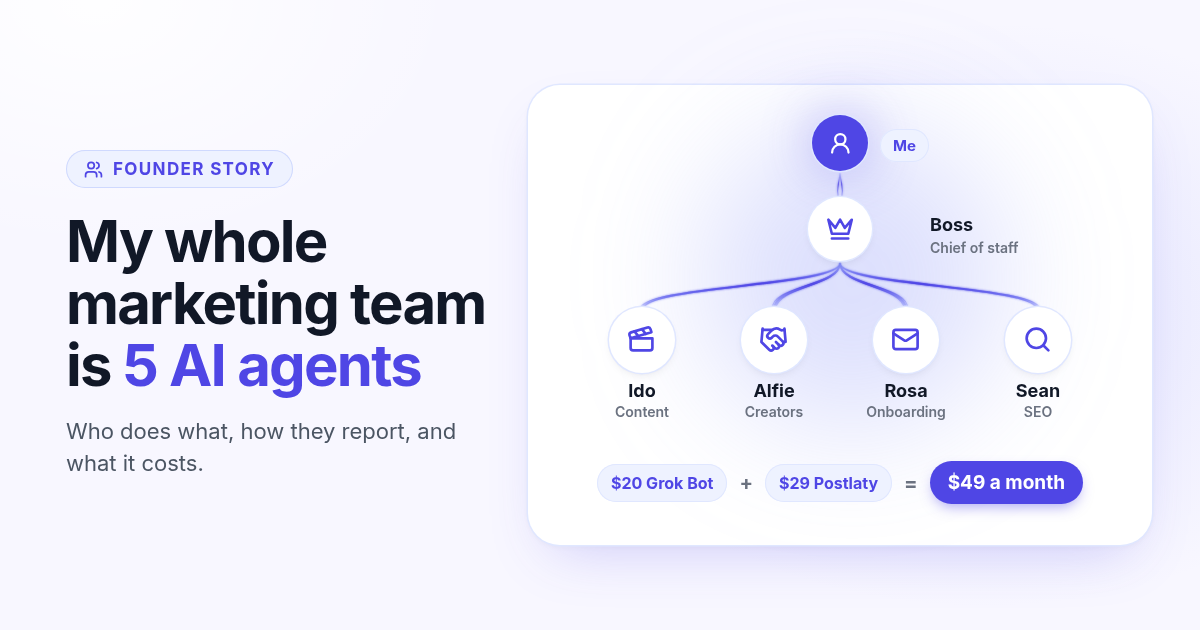
How I run my whole marketing team with AI agents for $49 a month
I am a solo founder. My marketing team is five AI agents that post, reach out, email, and write, then report to me daily. Here is who does what and what it costs.
How to schedule Whop posts to your community forum
Whop forums publish when you press Post. Here is how to schedule Whop posts ahead with a company API key, what to write, and how replies reach your inbox.
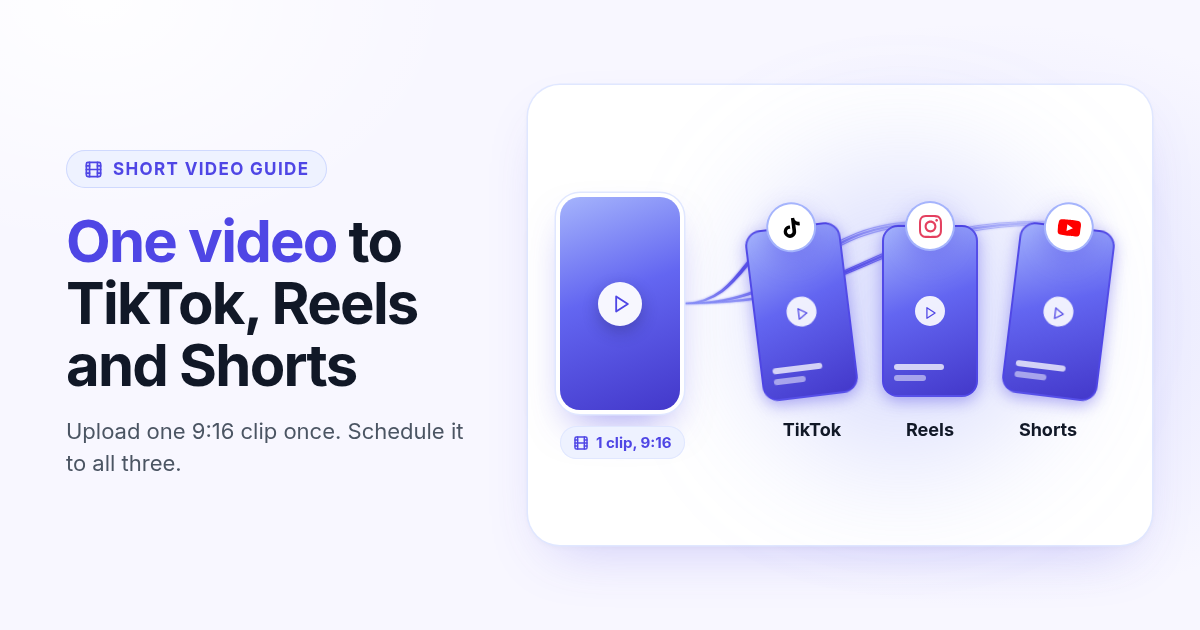
How to post the same short video to TikTok, Instagram Reels, and YouTube Shorts
One 9:16 file can feed TikTok, Reels, and Shorts. This guide covers aspect ratio, captions, covers, and a publish path that does not recrop three times.