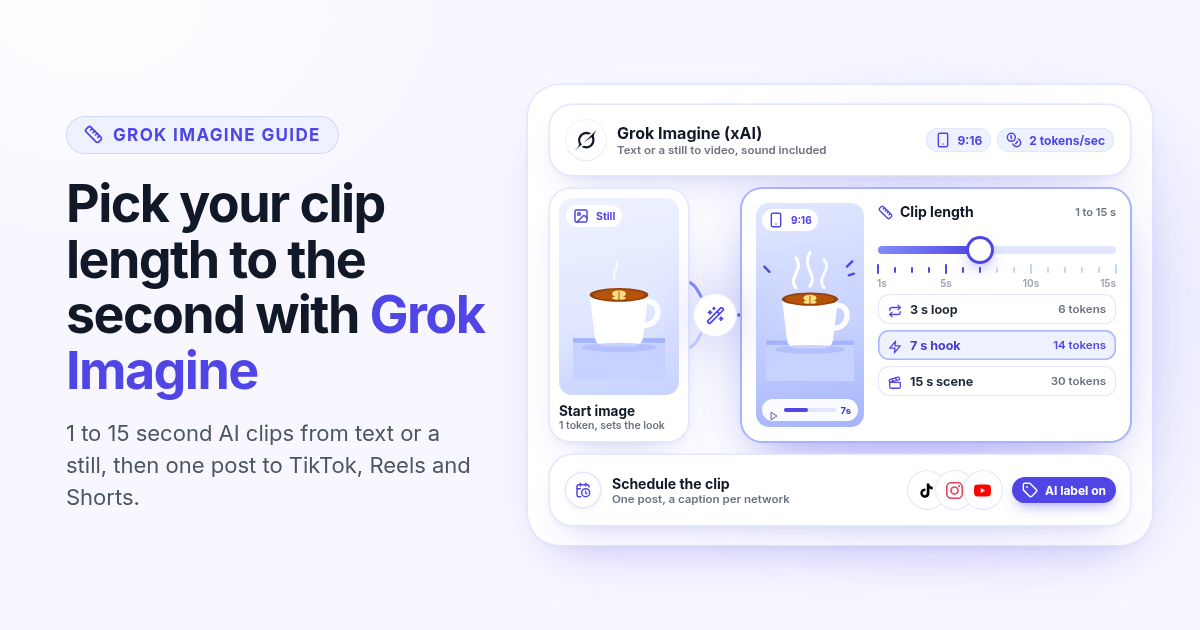
Most AI video models make you pick from a few fixed lengths. Grok Imagine, the video model from xAI, lets you choose any length from 1 to 15 seconds, one second at a time. In Postlaty it is also one of the cheapest video models per second, which makes it the one I reach for when I want to test an idea before I spend real tokens on it.
This guide covers what Grok Imagine video is good at, what it costs in Postlaty, how to prompt it from text or from a still image, and how to schedule the finished clip to TikTok, Instagram Reels and YouTube Shorts in one post.
What Grok Imagine video is good at
Grok Imagine turns a text prompt or a still image into a short clip with generated sound. xAI documents durations from 1 to 15 seconds and a long list of aspect ratios. For short-form social content, four things stand out:
Length to the second
Pick 3 seconds for a loop, 7 for a hook, 15 for a short scene. You pay for the seconds you choose, not for a fixed 5 or 8 second block.
Cheap enough to test
At 2 tokens per second in Postlaty, a 5 second test costs 10 tokens. That is a quarter of the per second price of Veo 3.1.
Text or a still
Start from a prompt, or upload one image and let Grok Imagine animate it. The still sets the look and the first frame.
Sound comes with it
Clips come back with generated audio, so a loop or a reaction beat already has ambience before you add a trending sound.
If the clip has to say a specific line with lip sync, Veo 3.1 is the better tool; see the Veo 3.1 talking video guide. Grok Imagine is the one for quick visual ideas, loops and B-roll.
Grok Imagine cost and settings in Postlaty
Grok Imagine video is charged at 2 tokens per second, whatever the ratio. The total shows on the Generate button before you run anything.
10 tokens
5 second clip
20 tokens
10 second clip
30 tokens
15 second clip
Generation: text to video
Under Generation, pick Grok Imagine (xAI), any length from 1 to 15 seconds, and 9:16, 16:9 or 1:1.
Editing: image to video
Under Editing, Grok Imagine takes one still as the starting point. Same 1 to 15 seconds, same 2 tokens per second.
Failed runs are refunded
If a generation fails, the reserved tokens go back to your balance.
Tokens per plan
Starter includes 10 tokens a month, Pro 50 and Premium 100, and you can buy packs. On Starter, a 5 second Grok clip fits in the monthly tokens.
For context, here is how the per second price compares with the other video models in the same AI tab: Wan 3 is 1 to 4 tokens per second depending on resolution, Kling 4 is 3 or 5, Kling 3 Pro is 4 and Veo 3.1 is 8. The side by side is in Kling 4 vs Seedance 2.5 vs Wan 3.
How to prompt Grok Imagine video
Grok Imagine reads plain, vivid sentences better than tag lists. The tips inside the Postlaty generator boil it down to two rules: describe the subject, setting, camera, lighting and mood, and for video, keep to one action plus one camera idea in the same sentence.
One action
A barista pours latte art. A dog shakes off water. Two or three actions in one short clip is where motion gets messy.
One camera idea
Slow push in, over the shoulder, handheld follow. Name it once, in the same sentence as the action.
Frame for vertical
Pick 9:16 and say close-up or medium shot. A wide landscape scene squeezed into a phone frame loses the subject.
Match the length to the action
A pour or a turn takes 3 to 5 seconds. Ask for 15 seconds of one small action and the model has to invent filler.
A prompt I would run for a vertical hook: Vertical close-up of a barista pouring latte art into a white cup on a wooden counter, slow push in, warm morning light through the window, steam rising, calm cafe sound. Five seconds is enough, so it costs 10 tokens. If the motion is right but the light is wrong, change one thing and run it again. At this price, rerunning is cheaper than writing a perfect prompt.
From a still to a clip
The most reliable way to control the look is to make the image first, then animate it. Grok Imagine also makes images in Postlaty, at 1 token per image and up to 4 images per run, so the whole chain stays with one model.
Make four stills, keep one
Generate the scene as an image at 9:16. Four options cost 4 tokens, far less than four video takes.
The still sets the shape
In image to video, xAI matches the output to the shape of your image. Start from a vertical still if the clip is for TikTok.
Prompt only the motion
The look is already in the image. Describe what moves and how the camera moves. You can tag the still as @Image1: a @Image1 running through a sunlit meadow, cinematic slow motion.
The same still to clip habit works with other image models too. For picking the image model, see Nano Banana Pro vs GPT Image 2.6.
Step by step in Postlaty
- 1
Open the AI tab and choose video
Stay on Generation for text to video, or switch to Editing and upload your still for image to video. Select Grok Imagine (xAI).
- 2
Set the ratio and the length
Pick 9:16 for TikTok, Reels and Shorts, then the number of seconds the action really needs.
- 3
Write one sentence of motion
Subject, action, camera move, light and mood. Keep it to one action and one camera idea.
- 4
Test short, then go long
Run a 3 to 5 second version first. When the motion is right, rerun the same prompt at the final length.
- 5
Watch it with sound on
Check the motion, the faces and the audio before you keep the take.
Schedule it to TikTok, Reels and Shorts
Open the finished clip in the AI tab gallery and click Select, and Postlaty opens a new post with it attached. From there:
One post, three networks
Tick your TikTok, Instagram and YouTube channels. The video goes out as a TikTok video, an Instagram Reel and a YouTube video.
A caption per network
Switch to Different captions so each network gets its own line and hashtags.
Turn on the AI label
The AI-generated content setting adds the native AI label on TikTok, YouTube, Instagram, Facebook and X.
Pick one time
Schedule it once. Channels count toward your plan: 10 on Starter, 20 on Pro and 50 on Premium.
A square 1:1 clip is a good fit for feed posts on Instagram, Facebook or LinkedIn. For the rules on one vertical file across the three short video apps, see posting one video to TikTok, Reels and Shorts.
Limitations to know
Each take is 1 to 15 seconds. There is no Extend for Grok Imagine in Postlaty; Seedance 2.5 is the model with Extend.
In the generator, text to video offers 9:16, 16:9 and 1:1. In image to video, the clip follows the shape of the still.
For a precise spoken line with lip sync, use Veo 3.1. Grok Imagine is better for motion and atmosphere.
Only animate faces and images you have the right to use: your own, your team, or a character you created.
The bottom line
Use Grok Imagine when you want to try a visual idea fast and cheaply. Make the still first if the look matters, write one action and one camera move, test at 3 to 5 seconds for 6 to 10 tokens, then rerun at the length you need and schedule it once for every network. Check plans and token packs on pricing, and see how each network handles video on the TikTok, Instagram and YouTube pages. For longer scenes, read the Seedance 2.5 extend guide.
FAQ
Frequently Asked Questions
Any length from 1 to 15 seconds, chosen one second at a time. In Postlaty the same range applies to text to video and to image to video.
It is 2 tokens per second: 10 tokens for 5 seconds, 20 for 10 and 30 for 15. Grok Imagine images are 1 token each. Failed runs are refunded.
Yes. Pick 9:16 in the generator. Text to video also offers 16:9 and 1:1. In image to video, the clip follows the shape of your still, so start from a vertical image.
Switch to Editing in the AI tab video section, pick Grok Imagine (xAI), upload the still and describe only the motion and the camera move. You can refer to the still as @Image1.
Yes. Grok Imagine clips come with generated audio. For a precise spoken line with lip sync, Veo 3.1 is the better choice.
Postlaty has a 7-day free trial for scheduling. The AI models run on tokens, and your plan tokens arrive with the first paid invoice.
Blog
More articles
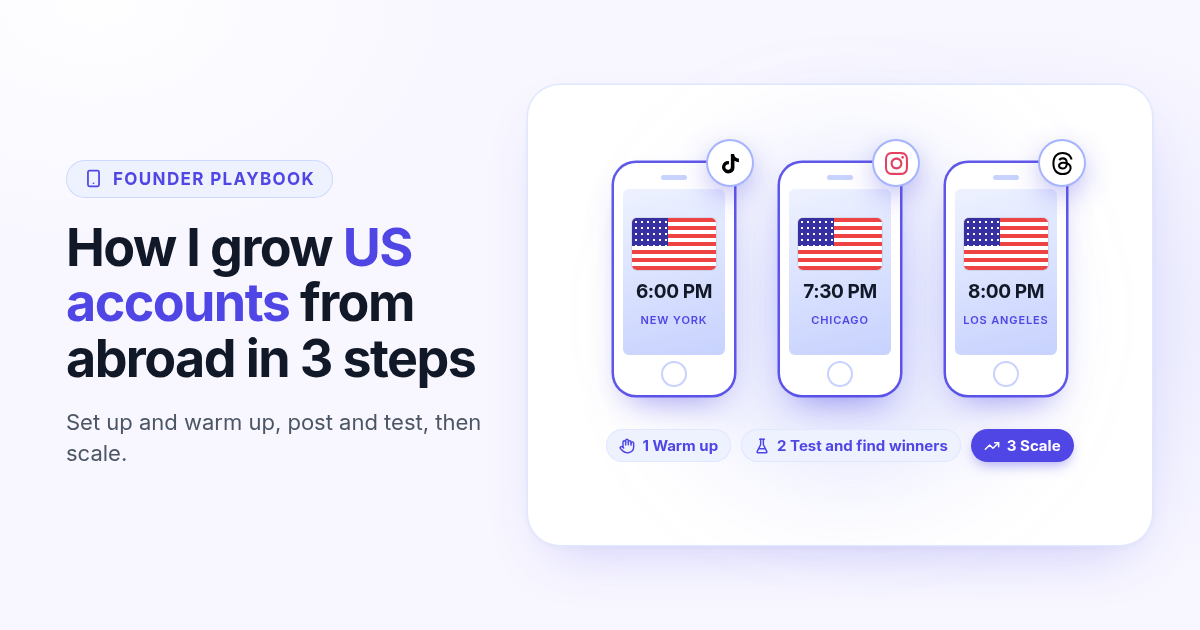
How I grow US TikTok accounts from abroad in 3 steps
I do not live in the US, but I grow accounts for a US audience. My 3 step playbook: set up and warm up a cheap dedicated phone, post and test for 30 days, then scale only the winners.
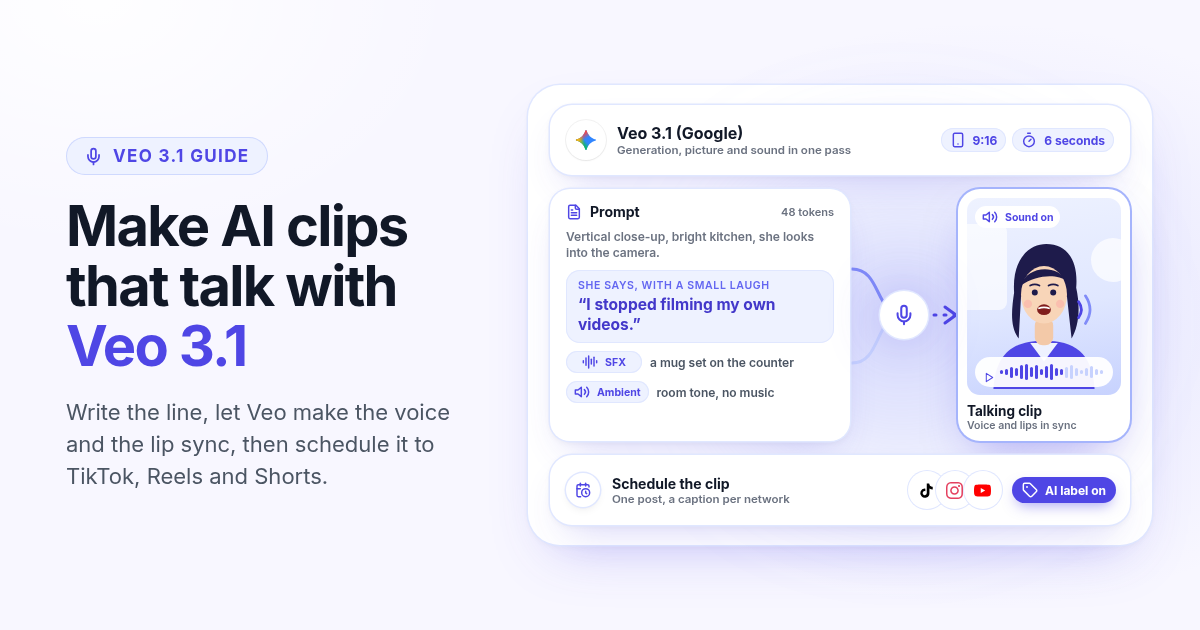
Veo 3.1 talking video guide: write dialogue that lip syncs, then post it to TikTok, Reels, and Shorts
Veo 3.1 from Google makes the picture and the voice in one pass. How to write a line it actually says, how long that line can be in 4, 6 or 8 seconds, what it costs per second in Postlaty, and how to schedule the talking clip in one post.
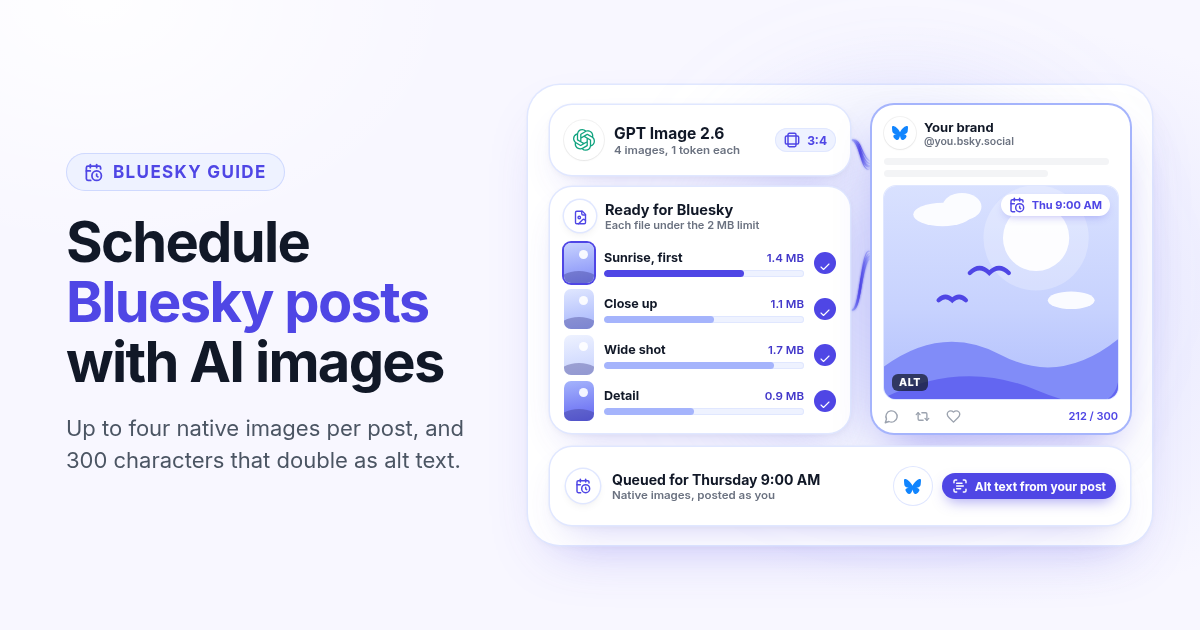
How to schedule Bluesky posts with images in 2026, including AI images made for the feed
Bluesky still has no schedule button. How to queue Bluesky posts with up to four native images, make those images with AI at the right ratio, keep each file under 2 MB, and write 300 characters that double as alt text.
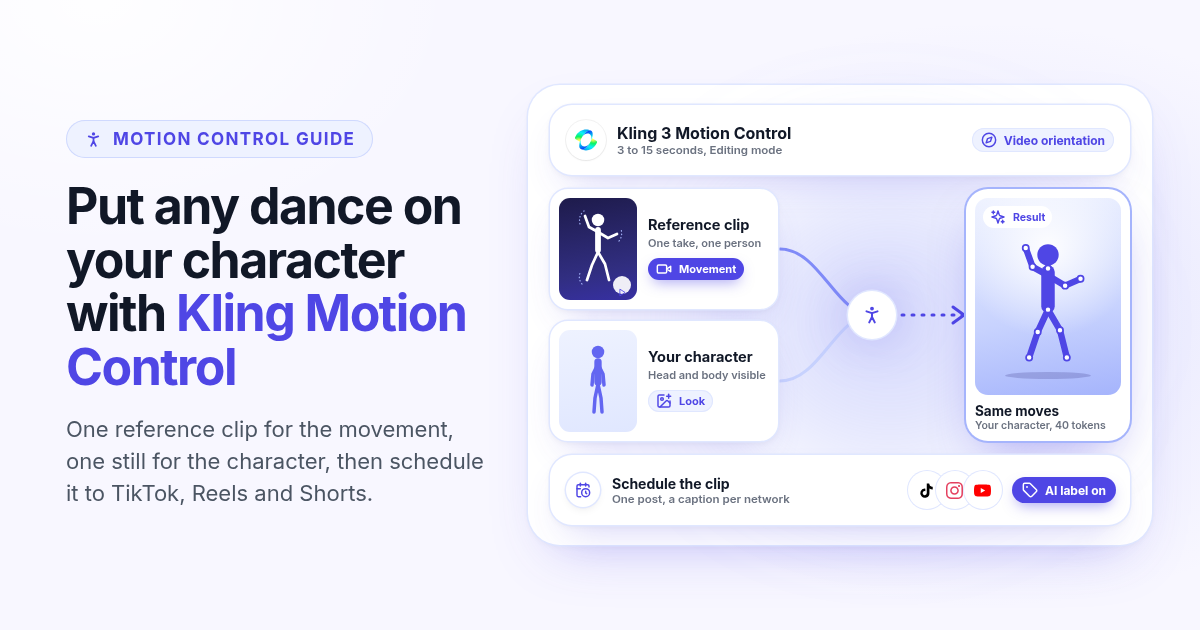
Kling Motion Control guide: copy a dance or gesture onto your own character for TikTok, Reels, and Shorts
Kling Motion Control takes the movement from a real video and puts it on your character. How to pick a reference clip that transfers cleanly, what to write in the prompt, what it costs per second in Postlaty, and how to schedule the clip in one post.
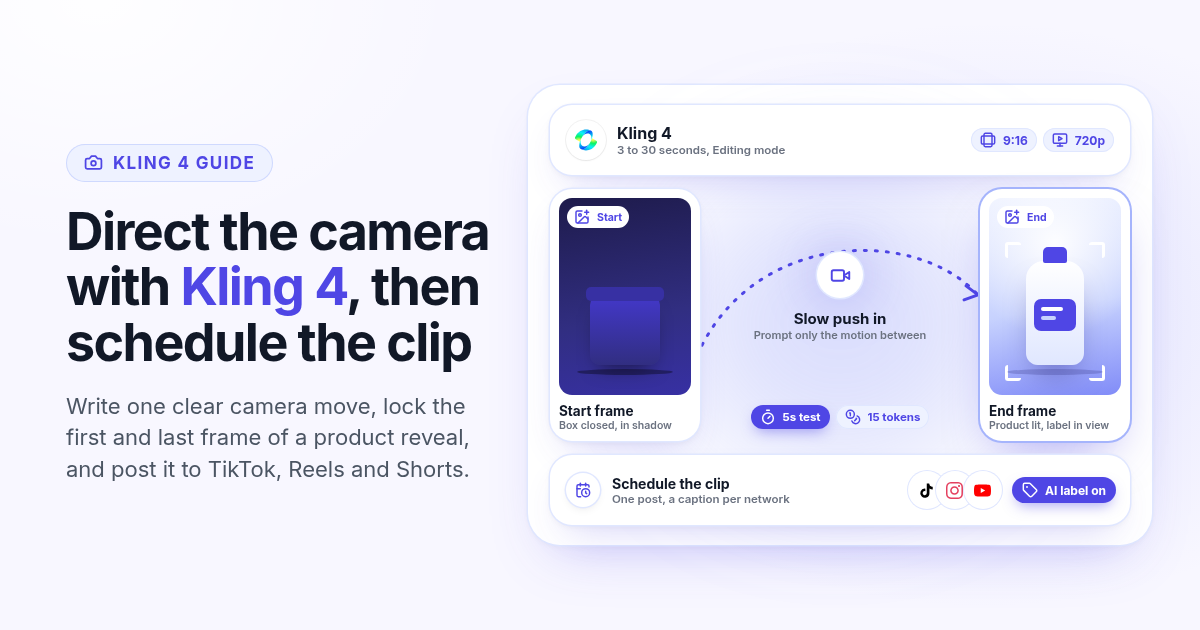
Kling 4 AI video guide: camera moves, start and end frames, and 30 second clips for TikTok, Reels, and Shorts
Kling 4 from Kuaishou is built around camera control and makes up to 30 seconds in one take. How to write camera moves it follows, how to lock a product reveal with a start and end frame, what it costs per second in Postlaty, and how to schedule the clip in one post.
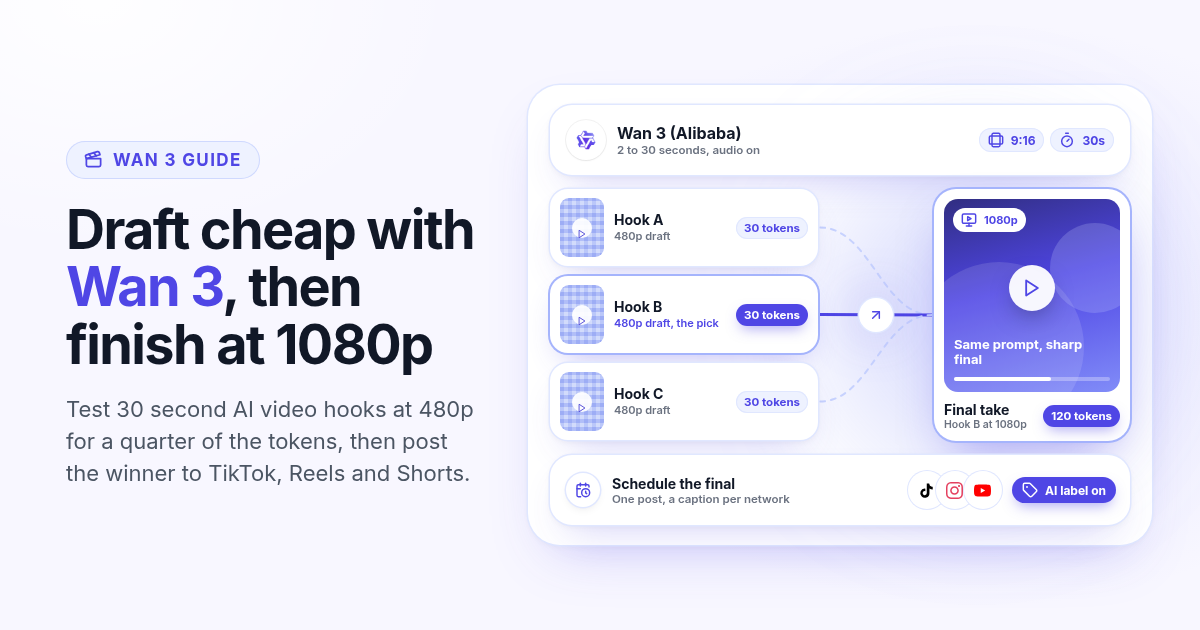
Wan 3 AI video guide: draft 30 second clips at 480p, finish at 1080p, and post them to TikTok, Reels, and Shorts
Wan 3 from Alibaba makes up to 30 seconds of video in one take, and in Postlaty a 480p draft costs a quarter of the same clip at 1080p. What the model is, what it costs per second, how to prompt it, and the draft then finish routine that ends in one scheduled post.
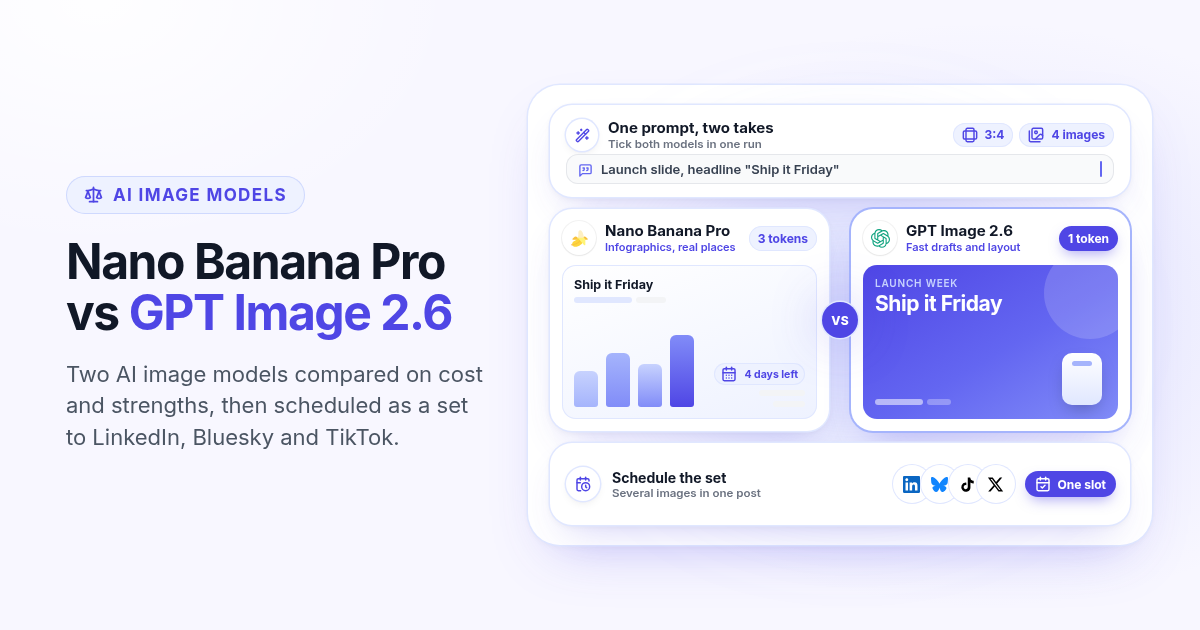
Nano Banana Pro vs GPT Image 2.6: which AI image model to use for pins, LinkedIn posts, and TikTok photo posts
GPT Image 2.6 from OpenAI launched on 4 November and is now tested everywhere against Nano Banana Pro from Google. How the two compare on what they are built for, token cost per image and editing, which one fits which post, and how to test both on one prompt and schedule the winner.
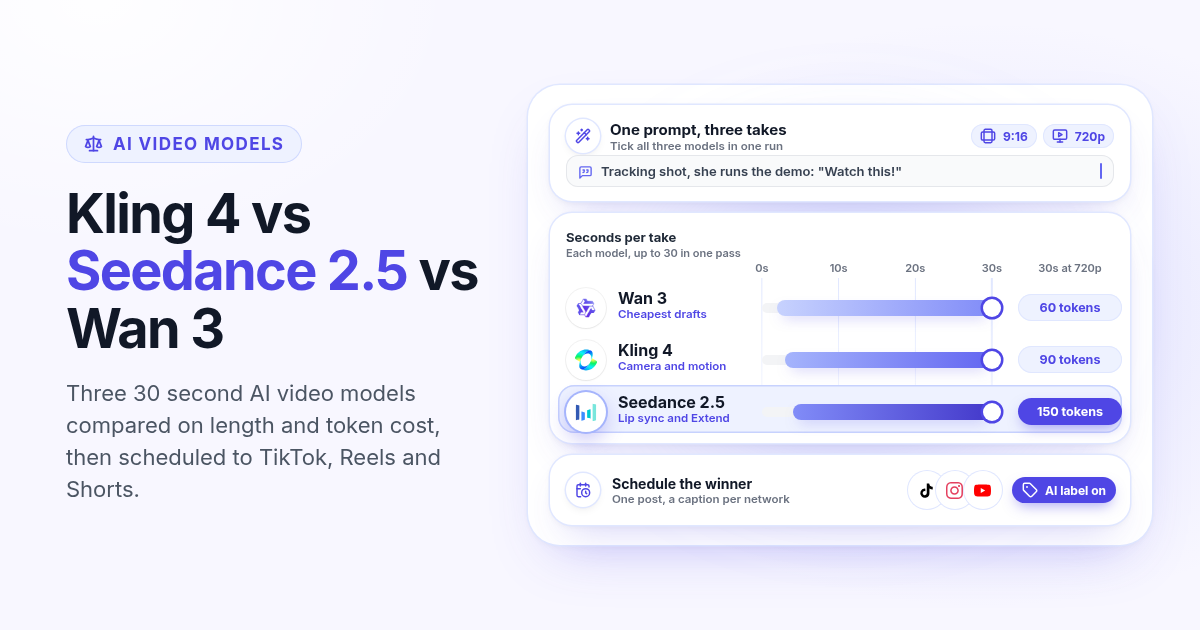
Kling 4 vs Seedance 2.5 vs Wan 3: which 30 second AI video model to use for TikTok, Reels, and Shorts
Kling 4, Seedance 2.5 and Wan 3 all make up to 30 seconds of video in one take. How they compare on length, resolution and token cost per second, which one fits which job, and how to test all three on one prompt and schedule the winner.
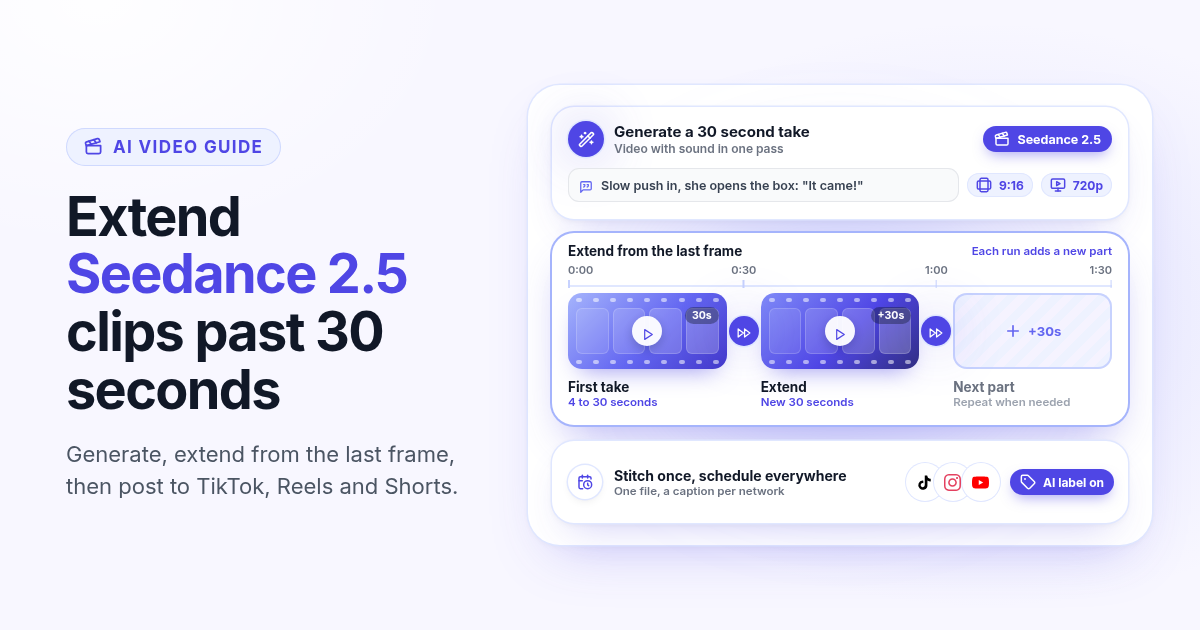
Seedance 2.5 AI video: how to extend clips past 30 seconds and post them to TikTok, Reels, and Shorts
Seedance 2.5 makes up to 30 seconds of video with sound in one take, and Extend continues it from the last frame. How to generate and extend a clip in Postlaty, what each second costs in tokens, and how to schedule it to TikTok, Reels and Shorts.
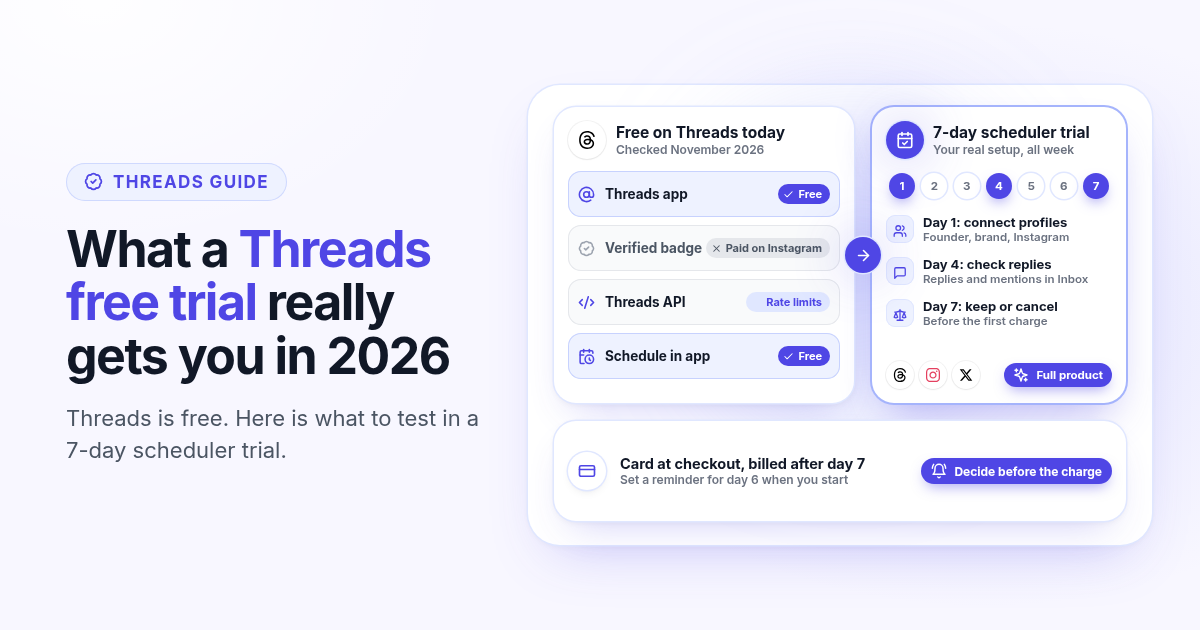
Threads free trial in 2026: what is free on Threads, and how to test a scheduler in 7 days
Threads has no paid plan, so there is no Threads free trial to start. Here is what a free Threads account already does, what the badge and the Threads API cost, and how to use a 7-day scheduler trial so you know by day 7 if a tool is worth paying for.
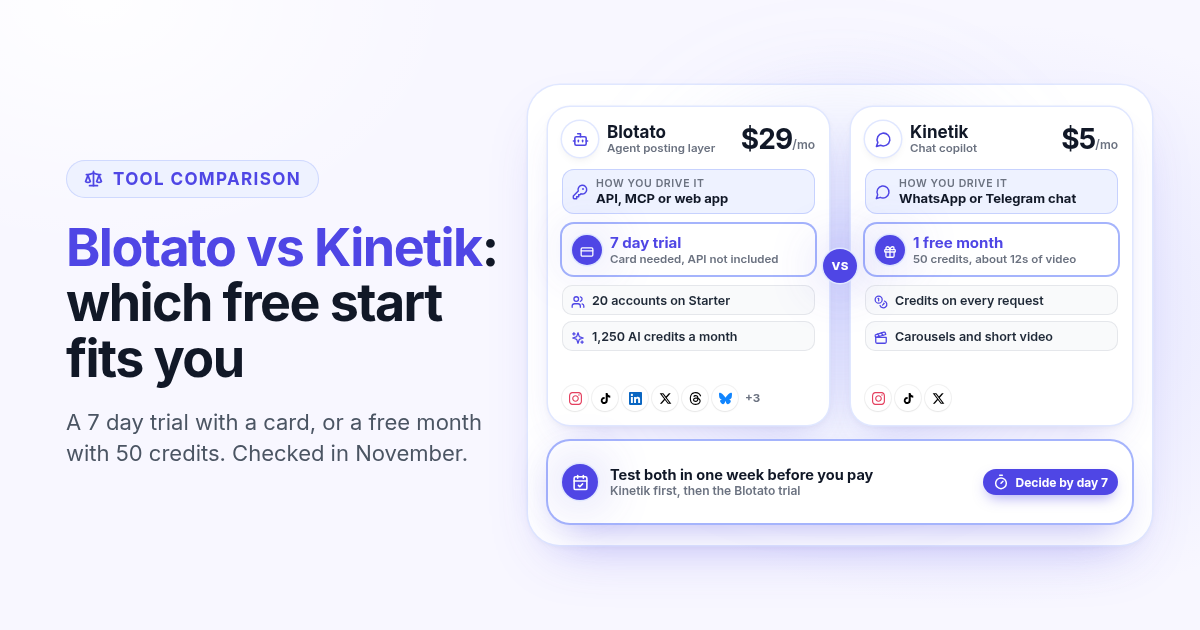
Blotato vs Kinetik in 2026: free trial, credits, and which AI social tool to test first
Blotato gives a 7-day trial with a card but no API, Kinetik gives a free month with 50 credits. Prices, credits, networks and how you drive each tool, checked November 2026, plus a one week test plan before you pay.
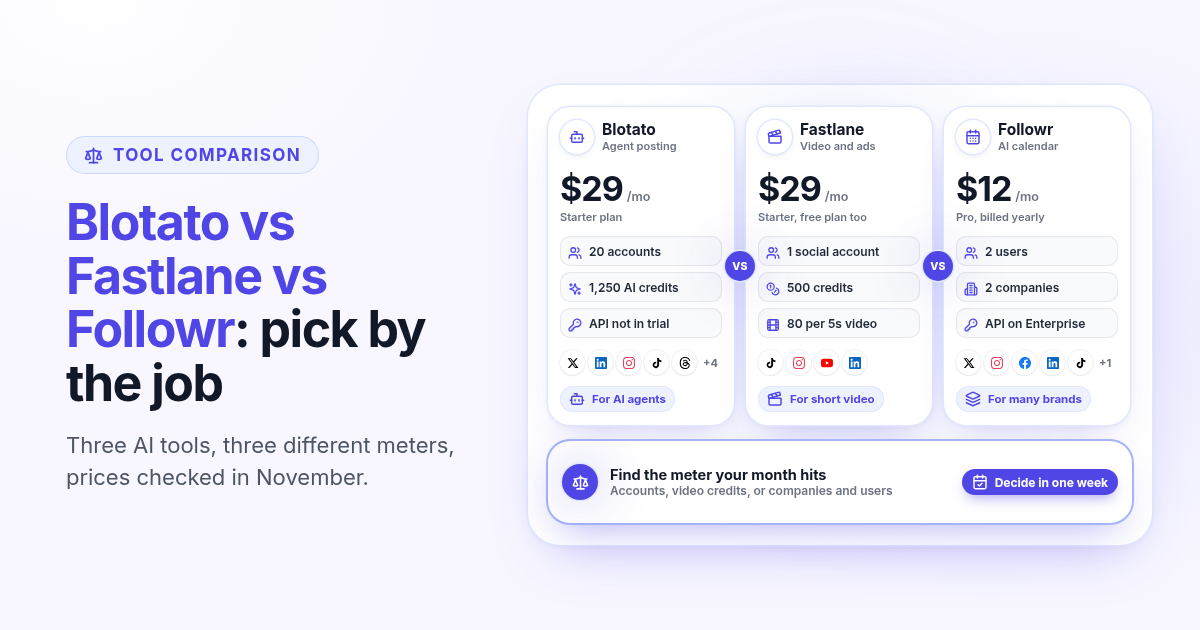
Blotato vs Fastlane vs Followr in 2026: which AI social media tool fits your job
Blotato, Fastlane and Followr all start cheap but meter different things: accounts and AI credits, video credits, or companies and users. Prices, networks and trials side by side, checked November 2026, and how to pick the right one in a week.
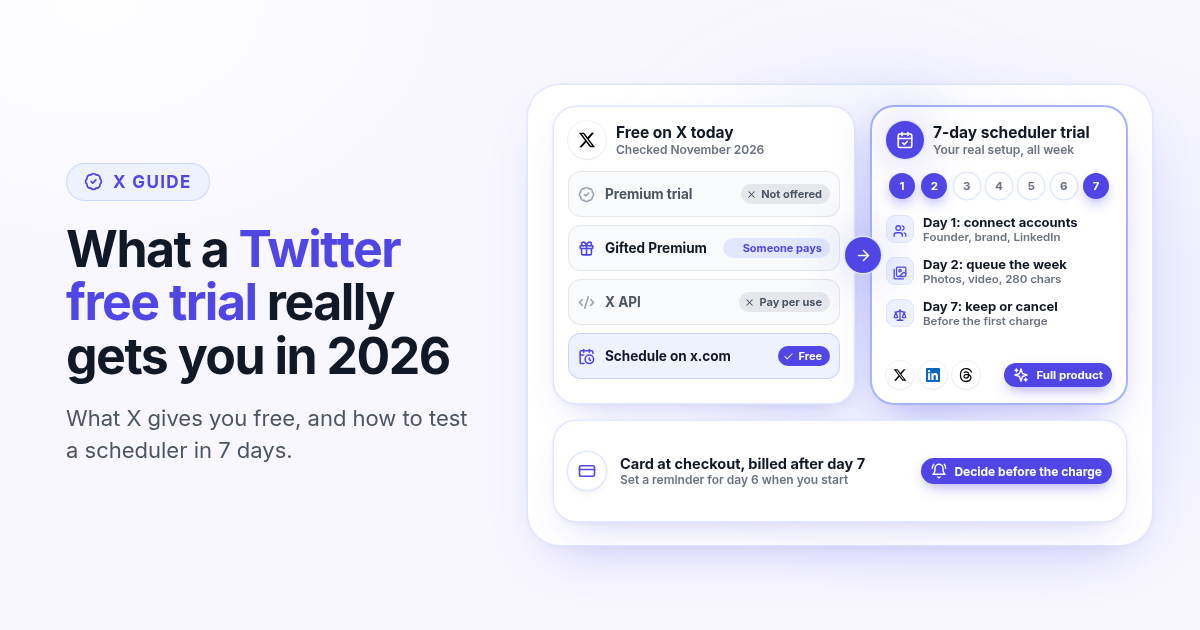
Twitter free trial in 2026: what X gives you for free, and how to test a scheduler in 7 days
X lists no free trial for Premium or The X Subscription, and the X API has no free plan for new developers. Here is what a free X account already does, what the API costs, and how to use a 7-day scheduler trial so you know by day 7 if it is worth paying for.
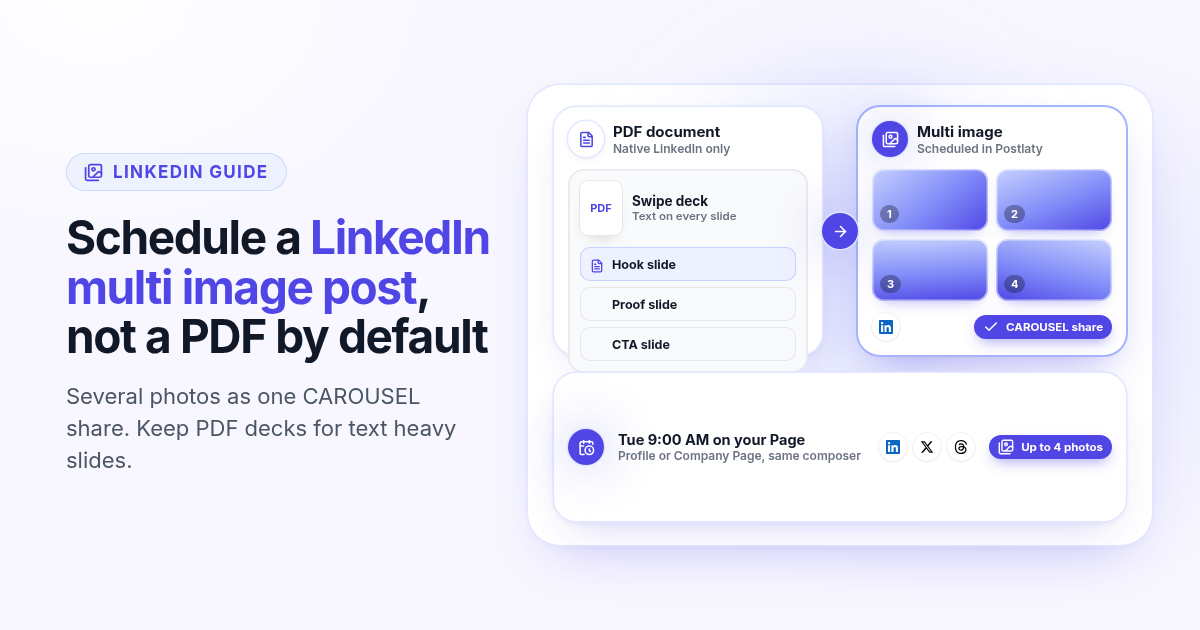
How to schedule a LinkedIn multi image post (and when a PDF carousel is better)
LinkedIn carousels usually mean a PDF. A multi image post is different: several photos as one share, including on a Company Page that cannot schedule multi photo posts natively. Here is how to queue the photo set in Postlaty, and when to stay with a document carousel.
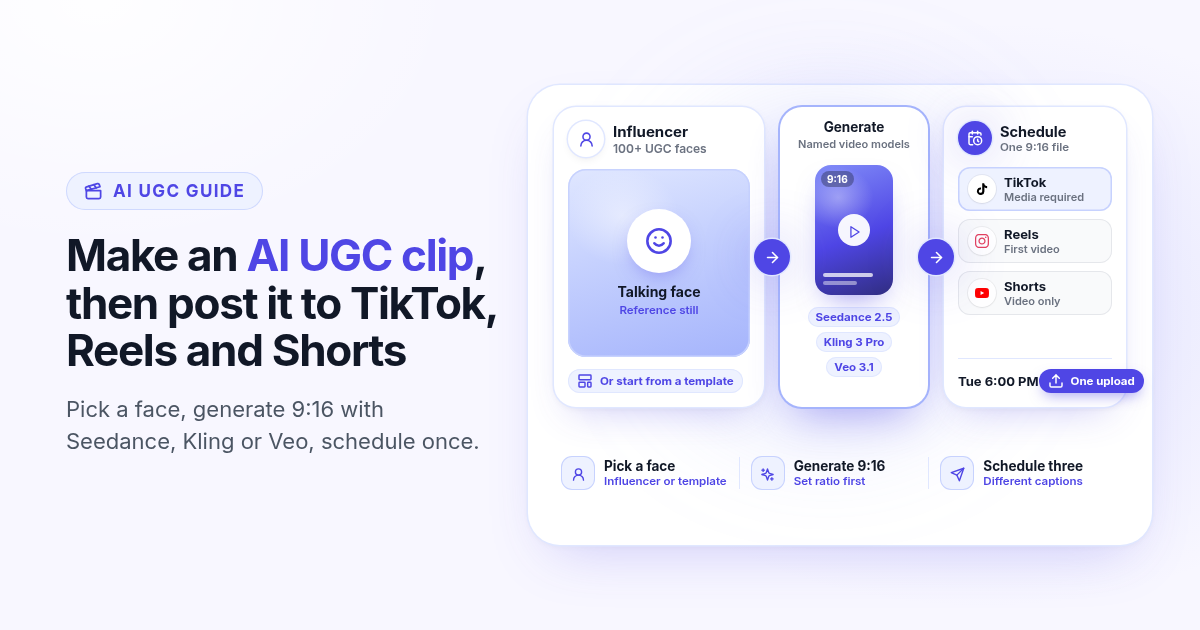
How to make an AI UGC clip and post it to TikTok, Reels, and Shorts
Pick a UGC influencer or template, generate a 9:16 talking clip with Seedance, Kling, Veo, or Grok Imagine, then schedule the same file to TikTok, Instagram Reels, and YouTube Shorts from one Postlaty post.
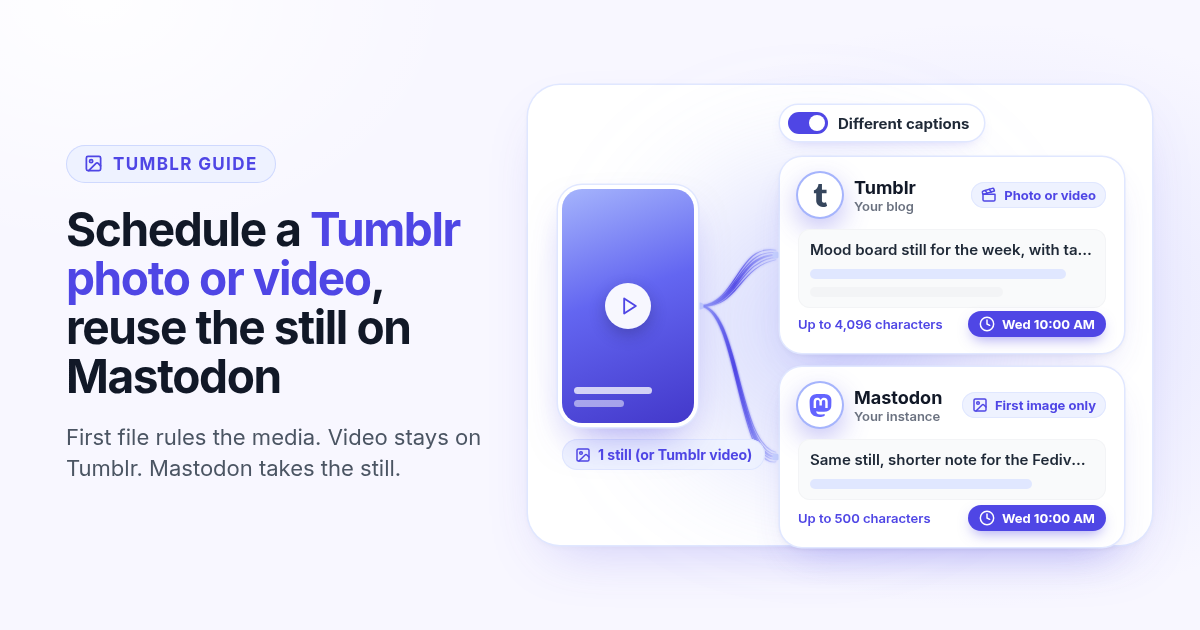
How to schedule a Tumblr photo or video (and reuse it on Mastodon)
Tumblr takes text plus the first image or video. Mastodon in Postlaty takes the first image and skips video. Connect both, attach one file, write two captions, and schedule the pair so the video stays on Tumblr only.
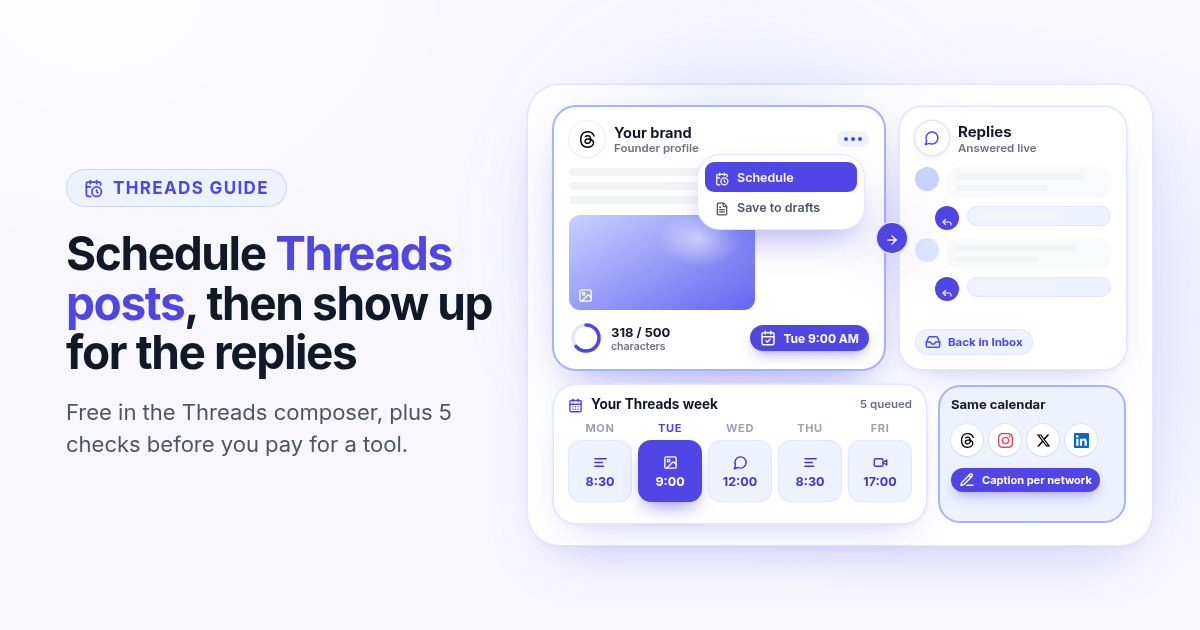
Threads scheduler in 2026: how to schedule Threads posts for free, and when a tool is worth it
Threads has a free scheduler in the composer three dot menu. How to use it step by step, where it stops (one profile, no week view, Threads only), five checks to run on any Threads scheduling tool, and a weekly routine built around replies.
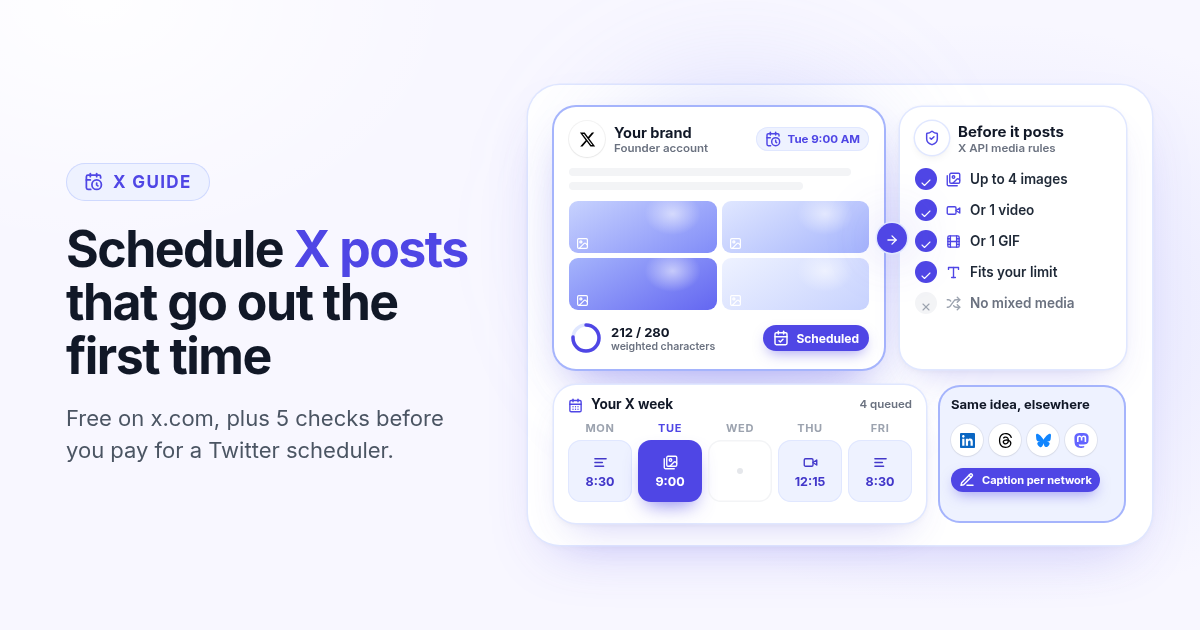
Twitter scheduler in 2026: how to schedule X posts for free, and 5 checks before you pay
X still has a free scheduler: the calendar icon in the x.com composer. How to use it step by step, where it stops (one account, no week view, no long posts on the web), and five checks to run on any paid Twitter scheduler during the trial.
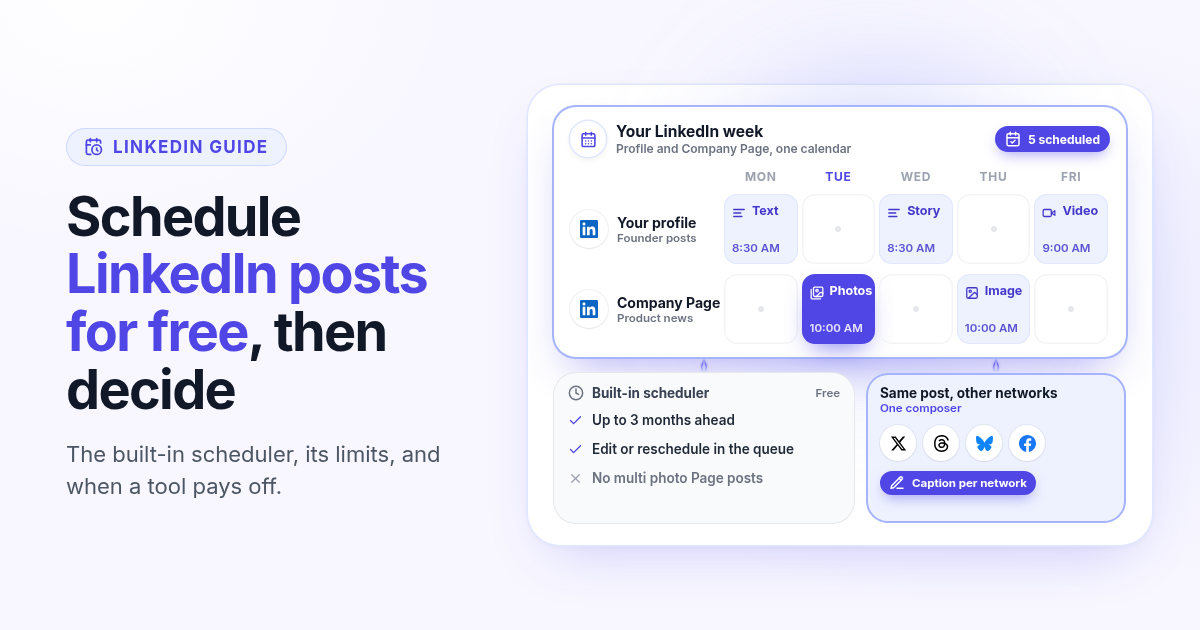
How to schedule LinkedIn posts for free in 2026 (and when a paid tool is worth it)
LinkedIn's own scheduler is free: profile posts from 10 minutes to 3 months ahead, Company Page posts from 1 hour. How to use it step by step, what it cannot schedule, and five signs a paid LinkedIn scheduler is worth it.
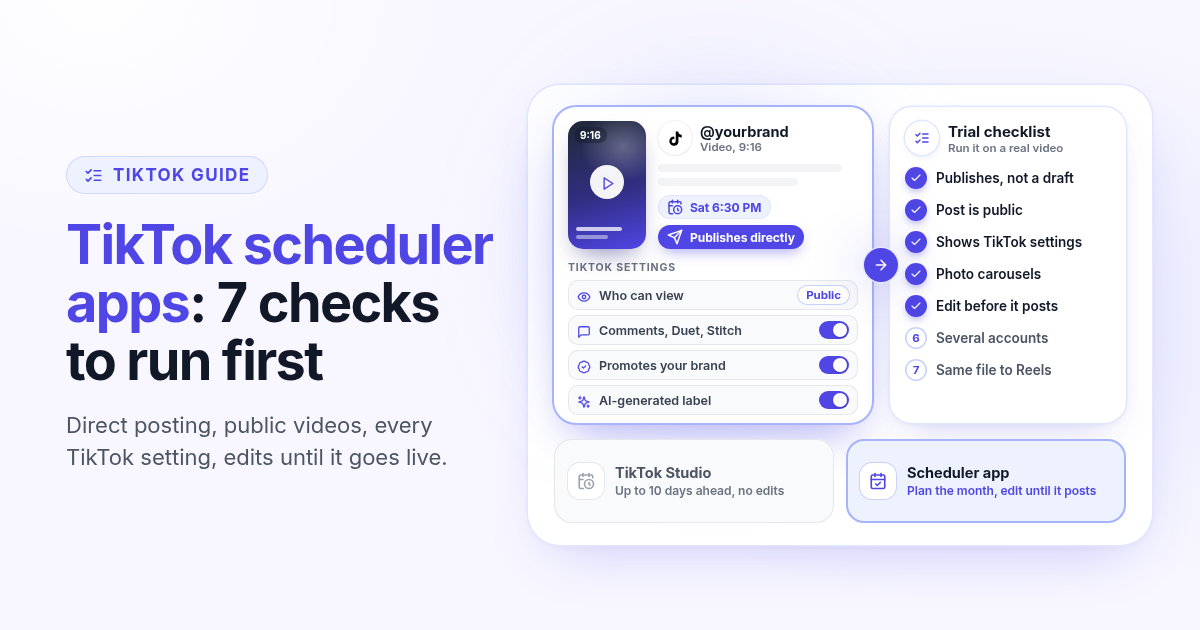
TikTok scheduler apps in 2026: 7 checks before you trust one with your videos
What TikTok Studio already schedules for free, and seven checks to run on any TikTok scheduler app during the trial: direct posting, public visibility, TikTok settings, photo posts, editing, multiple accounts and cross posting.
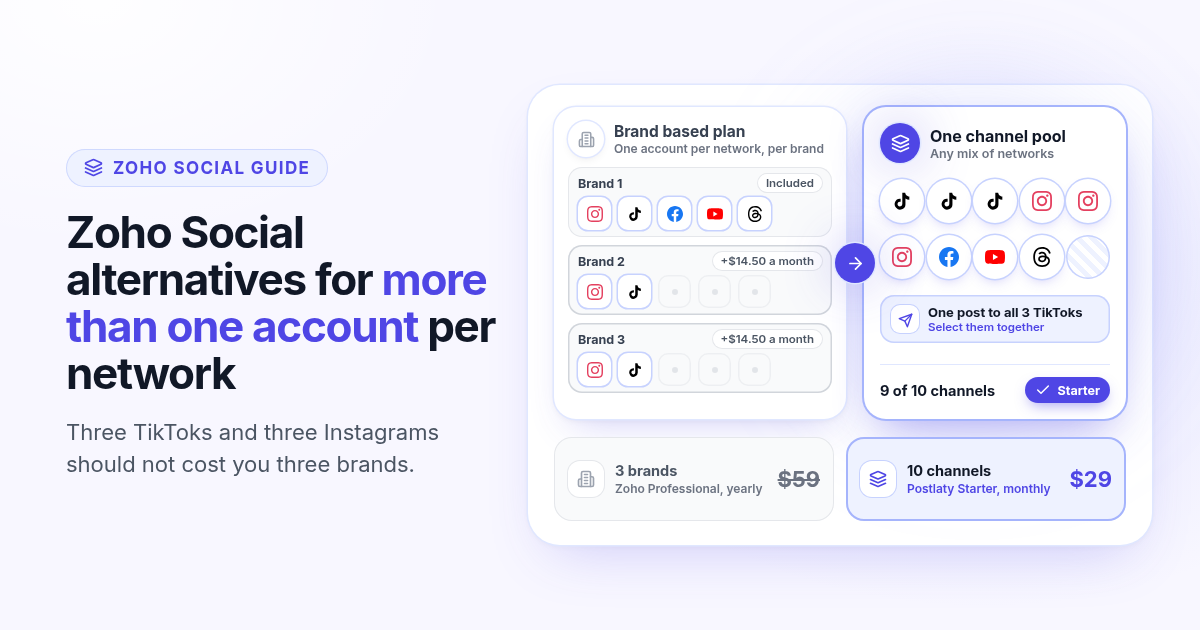
Zoho Social alternatives in 2026: when you run more than one account per network
Zoho Social prices by brand, and a brand holds one account per network. How Zoho Social pricing works in 2026, what three TikToks and three Instagrams really cost, and what to look for in an alternative priced by channels.
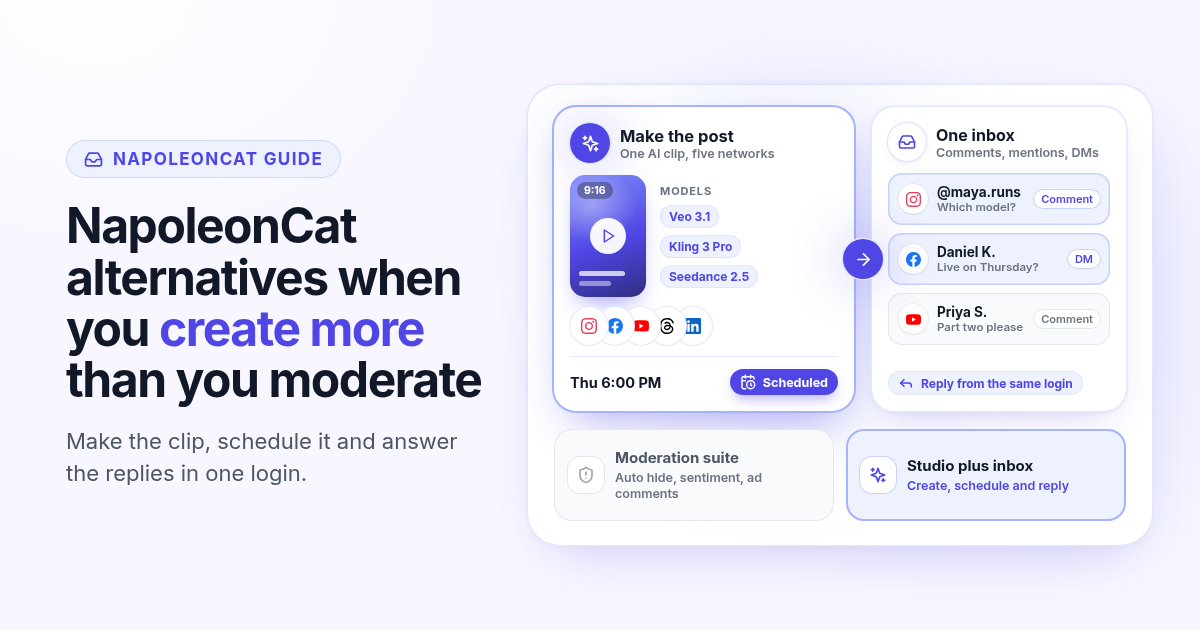
NapoleonCat alternatives in 2026: when you create more than you moderate
NapoleonCat is a strong moderation and inbox suite priced by users and profiles. If you spend more time making posts than moderating comments, here is what its 2026 pricing covers and what to look for in an alternative.
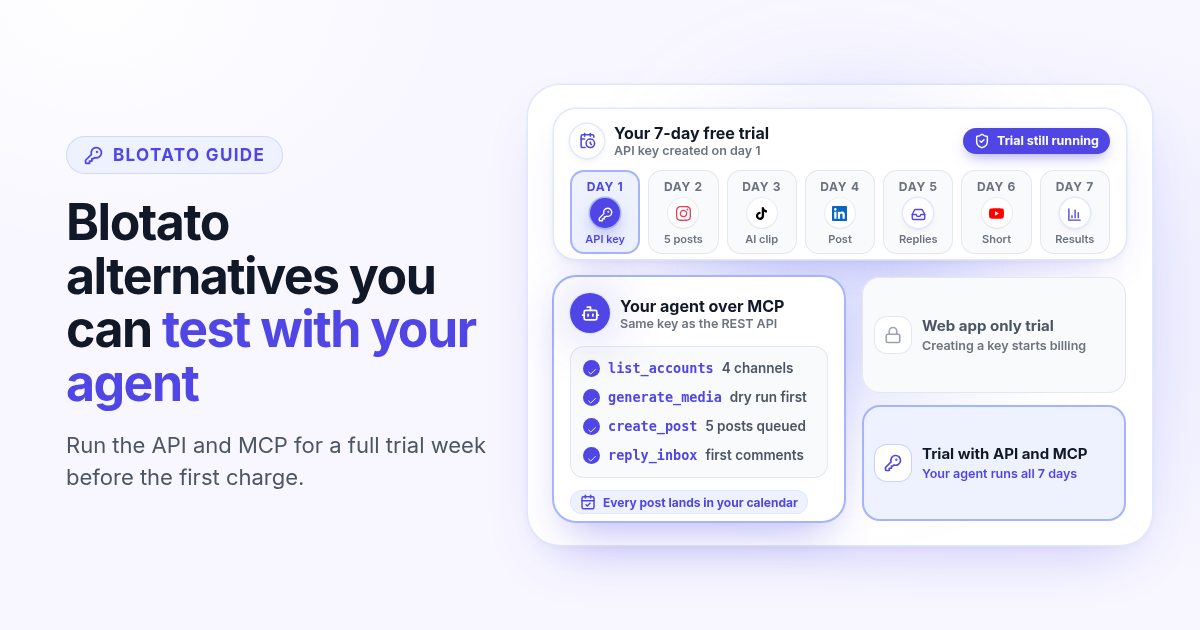
Blotato alternatives in 2026: when you want to test the API before you pay
Blotato starts at $29 a month for 20 accounts, but its free trial leaves out the API and MCP. How Blotato pricing works in 2026, why creating an API key ends the trial, and what to test in an alternative when an agent posts for you.
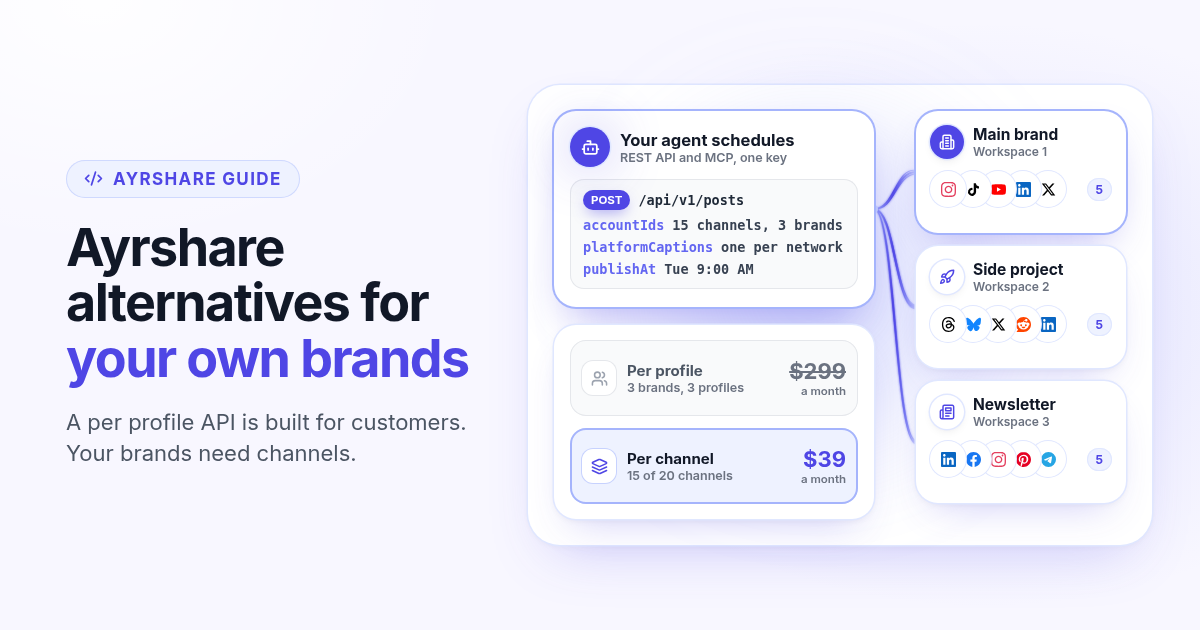
Ayrshare alternatives in 2026: when you post for your own brands, not customers
Ayrshare is a social media API billed per profile, from $149 a month for one. How Ayrshare pricing works in 2026, why profiles and channels lead to very different bills when the brands are yours, and what to test in an alternative with API and MCP on every plan.
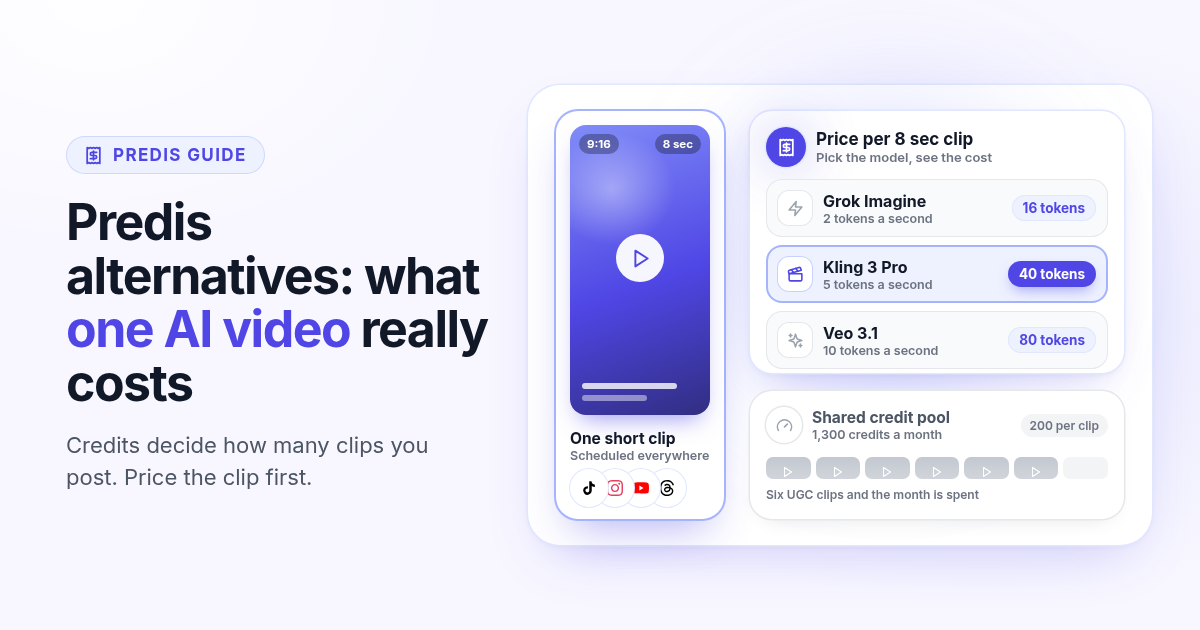
Predis alternatives in 2026: what one AI video really costs you
Predis.ai starts at $19 a month billed yearly, but credits decide how many AI videos you get. How Predis pricing works in 2026, what one clip costs on each plan, and how to price a real week of video in an alternative before you switch.
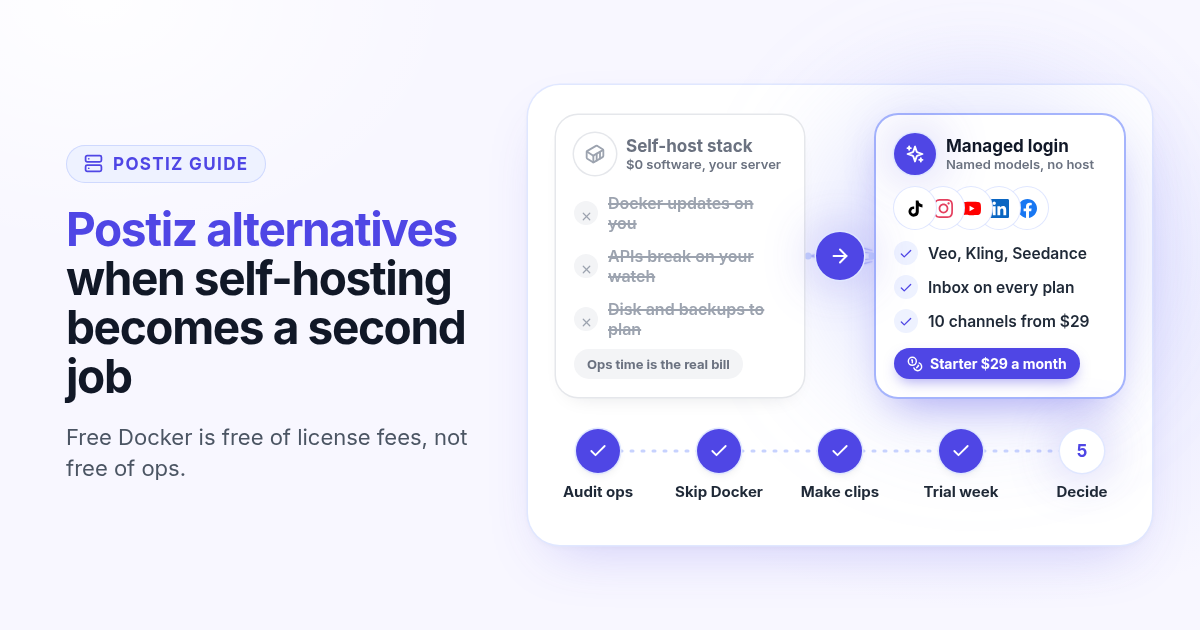
Postiz alternatives in 2026: when self-hosting becomes a second job
Postiz is a strong open-source scheduler with a free Docker install and hosted plans from $29. How Postiz pricing works in 2026, when self-hosting costs more than the bill, and what to test in a managed alternative with named AI video and inbox on the first plan.
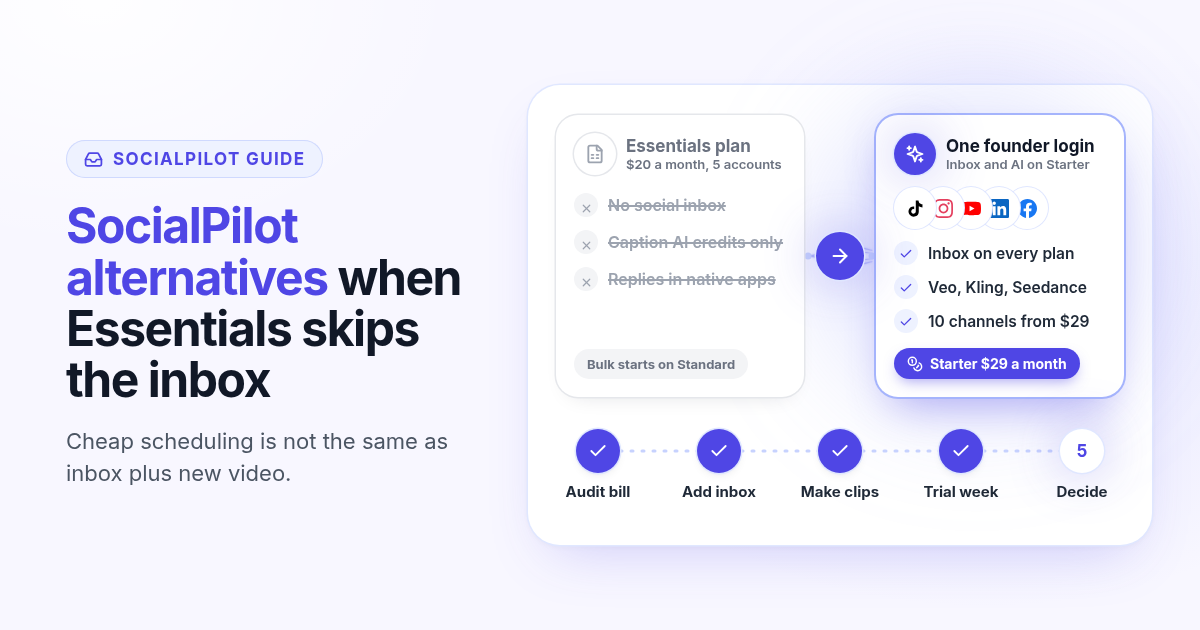
SocialPilot alternatives in 2026: when the cheap plan skips the inbox
SocialPilot Essentials is $20 a month for 5 accounts, but the inbox starts on Standard at $40. How SocialPilot pricing works in 2026, when bulk scheduling is enough, and what to test in an alternative that includes inbox and AI video on the first plan.
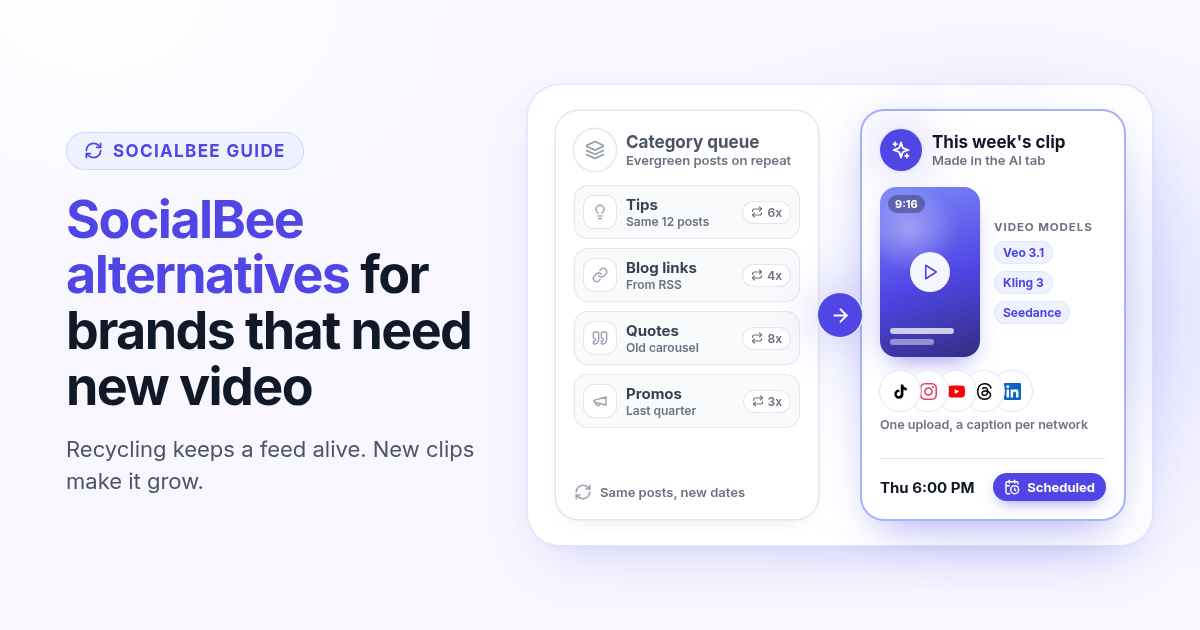
SocialBee alternatives in 2026: when recycled posts stop growing your accounts
SocialBee recycles evergreen posts by category, which keeps a feed active but rarely grows it on TikTok, Reels and Shorts. How SocialBee pricing works in 2026, how to audit your queue, and what to test in an alternative that makes new video.
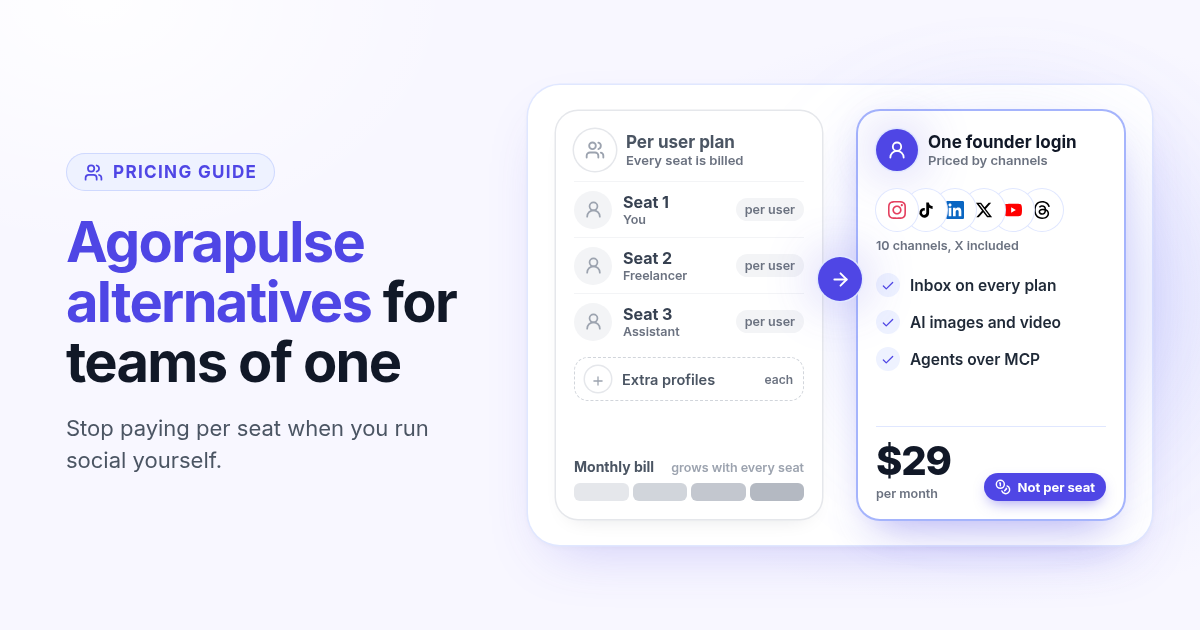
Agorapulse alternatives in 2026: when you pay per seat but post alone
Agorapulse prices every plan per user, which suits social teams more than founders. See how its pricing works in 2026, check which features you really use, and know what to test in any Agorapulse alternative before you switch.
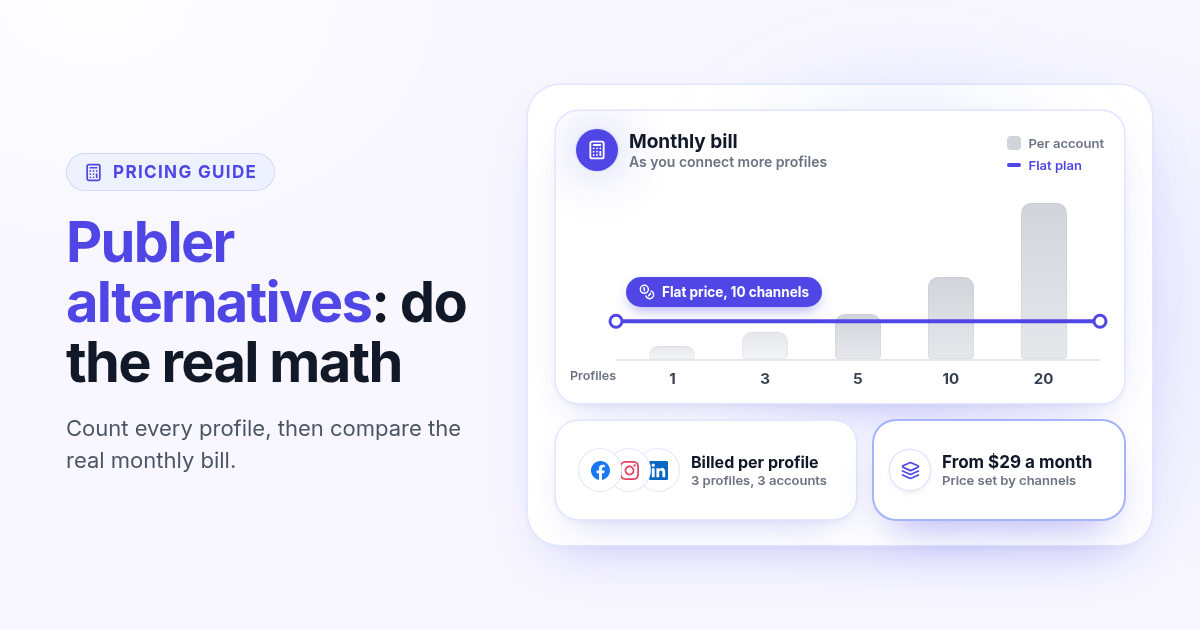
Publer alternatives in 2026: when per account pricing stops paying off
Publer bills per social account, so the price climbs with every Page and profile. Count what you really pay, spot the five signs you have outgrown it, and know what to test in any Publer alternative before you switch.
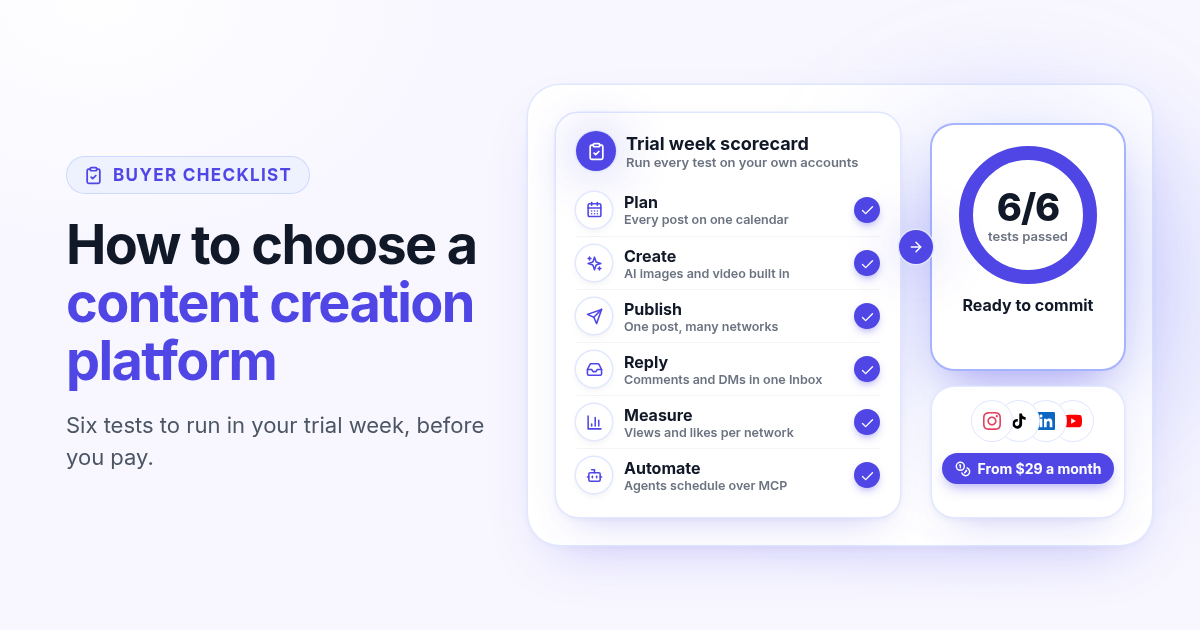
How to choose a content creation platform: 6 tests to run before you pay
A founder checklist for picking a content creation platform: add up the stack you pay for, then use a 7-day trial to test planning, AI images and video, publishing to every network, one Inbox for replies, per network numbers and AI agents.
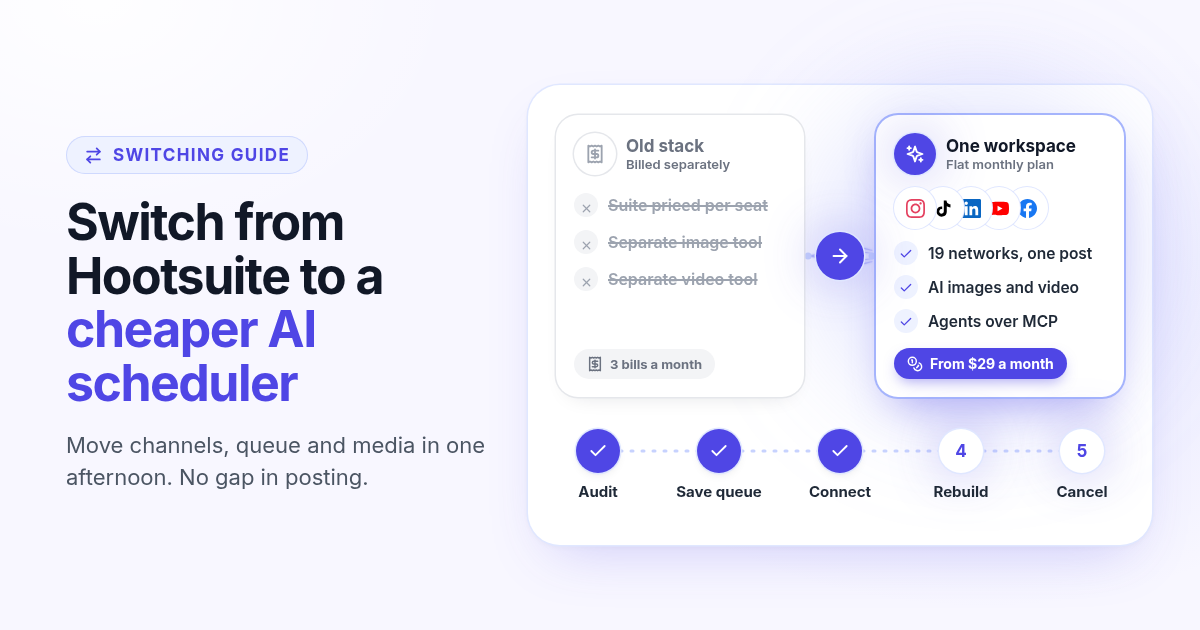
How to switch from Hootsuite to a cheaper AI scheduler in one afternoon
A step by step plan to leave Hootsuite without a gap in posting: audit what you use, save your queue and media, connect your channels, rebuild two weeks of posts, add AI images, video and agents, then cancel before renewal.
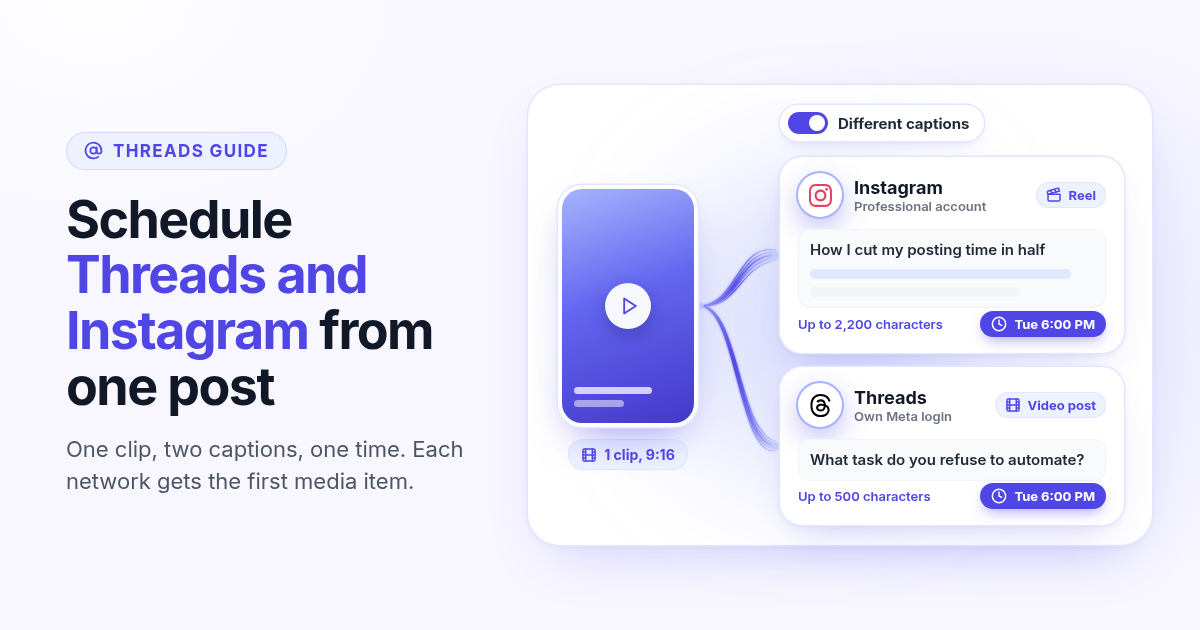
How to schedule Threads and Instagram together from one post
Schedule a Reel or photo to Instagram and Threads at the same time from one post. Connect both Meta accounts, attach one file, write a long Instagram caption and a short Threads caption, and pick one time.
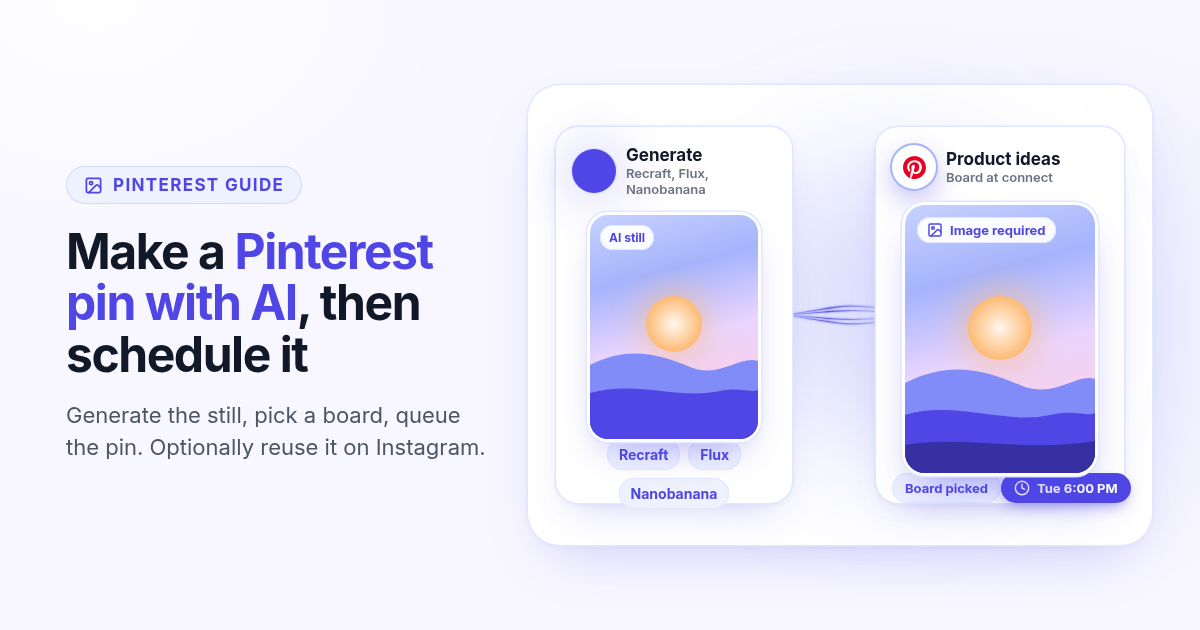
How to make a Pinterest pin with AI and schedule it to a board
Generate a Pinterest pin image with Recraft, Flux, or Nanobanana, pick a Business board at connect, and schedule the pin from Create. Image required. Optionally reuse the still on Instagram.
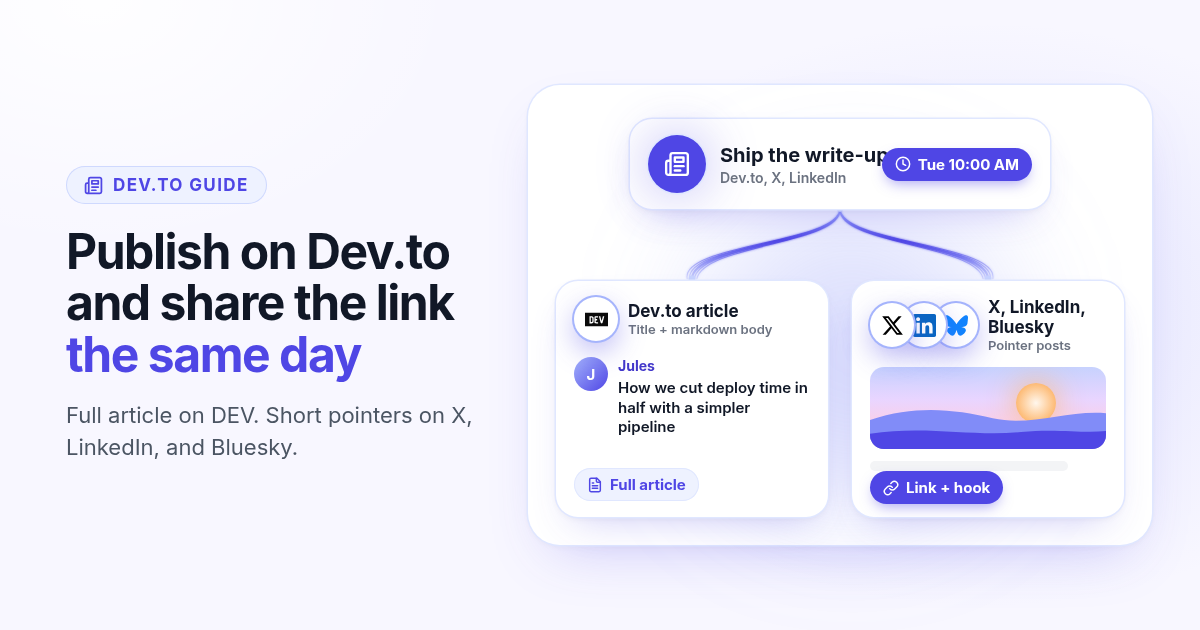
How to schedule a Dev.to article and the posts that point to it
Schedule a Dev.to article and the short X, LinkedIn, or Bluesky posts that point to it from one queue. Connect with an API key, write the title and body, then ship pointers instead of pasting the markdown.
How to schedule a Discord announcement and the public post together
Schedule a Discord announcement and the matching Instagram and X post from one queue. Add the bot to your server, pick the channel, send text to Discord and the visual to the public networks.
How to cross-post to Bluesky and Mastodon (and where video fails)
Cross-post Bluesky and Mastodon from one composer. Connect with an app password and a server token, share one still, and know why a Bluesky video will not publish as Mastodon video.
How to schedule Telegram channel posts as yourself (not as a bot)
Native Telegram schedule works for one message. Most tools post as a BotFather bot. Here is how to connect with your phone, pick a chat, and schedule posts as yourself with Postlaty.
How to schedule Pixelfed posts (a photo is required)
Pixelfed is photo-first and has no real content calendar. Here is how to connect any server with an access token, attach a photo, and schedule posts ahead with Postlaty.
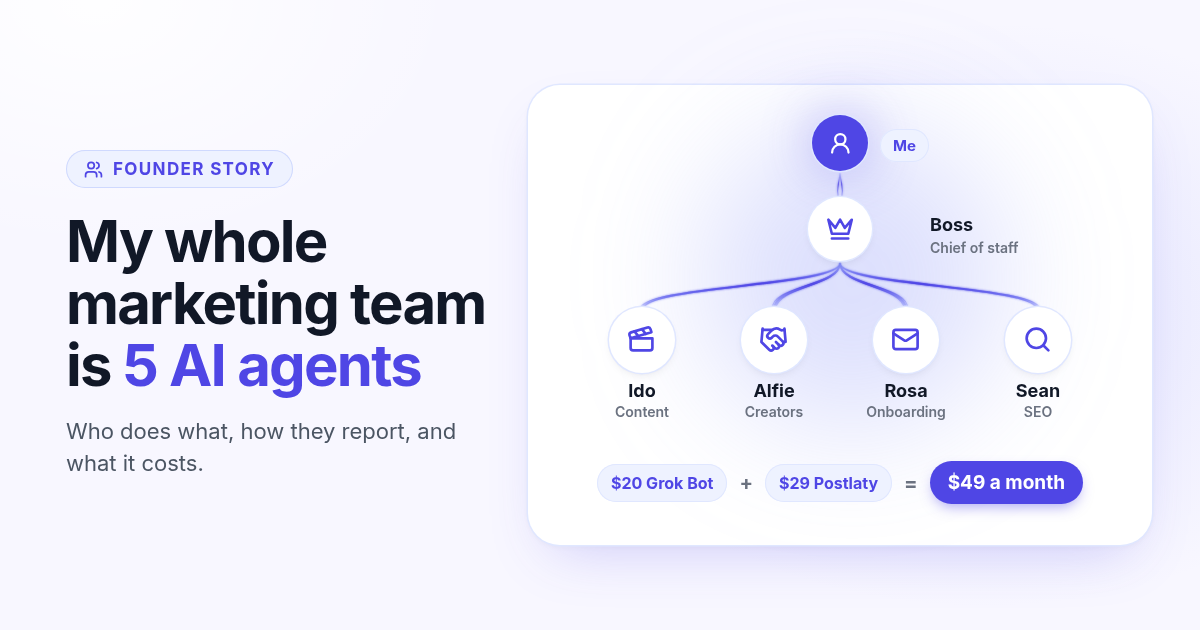
How I run my whole marketing team with AI agents for $49 a month
I am a solo founder. My marketing team is five AI agents that post, reach out, email, and write, then report to me daily. Here is who does what and what it costs.
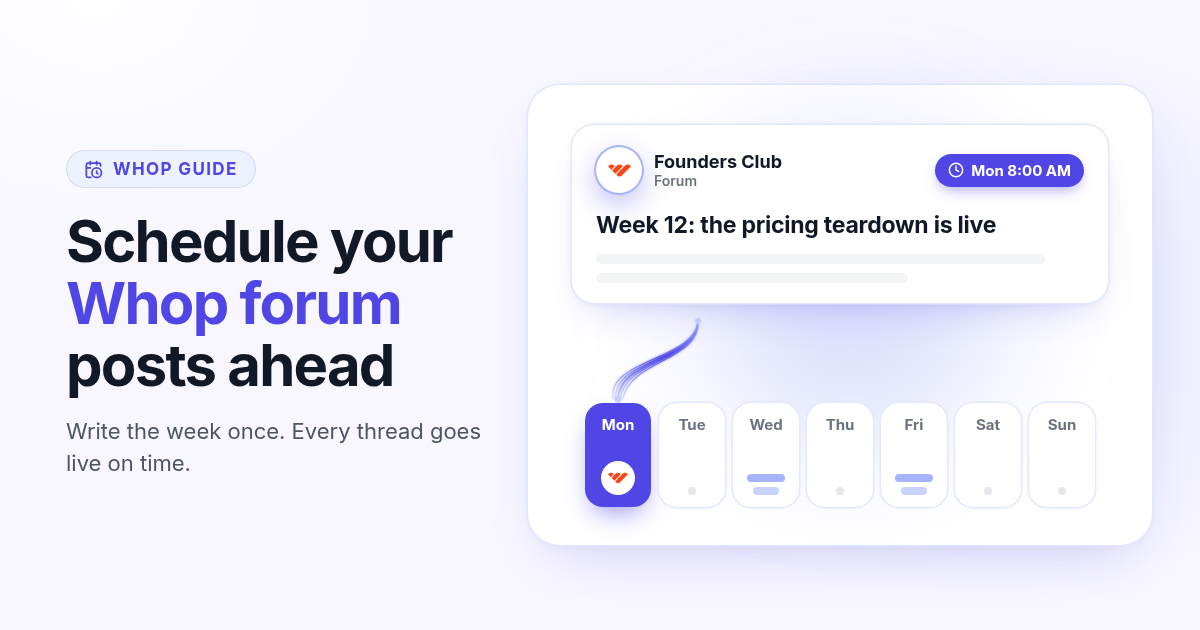
How to schedule Whop posts to your community forum
Whop forums publish when you press Post. Here is how to schedule Whop posts ahead with a company API key, what to write, and how replies reach your inbox.
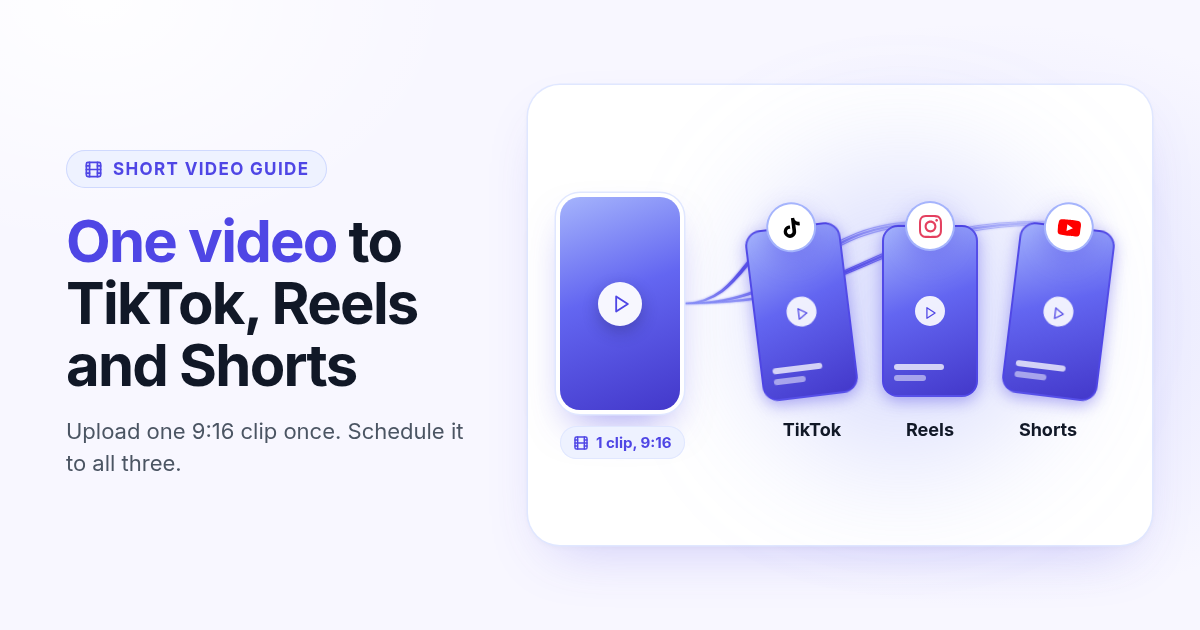
How to post the same short video to TikTok, Instagram Reels, and YouTube Shorts
One 9:16 file can feed TikTok, Reels, and Shorts. This guide covers aspect ratio, captions, covers, and a publish path that does not recrop three times.